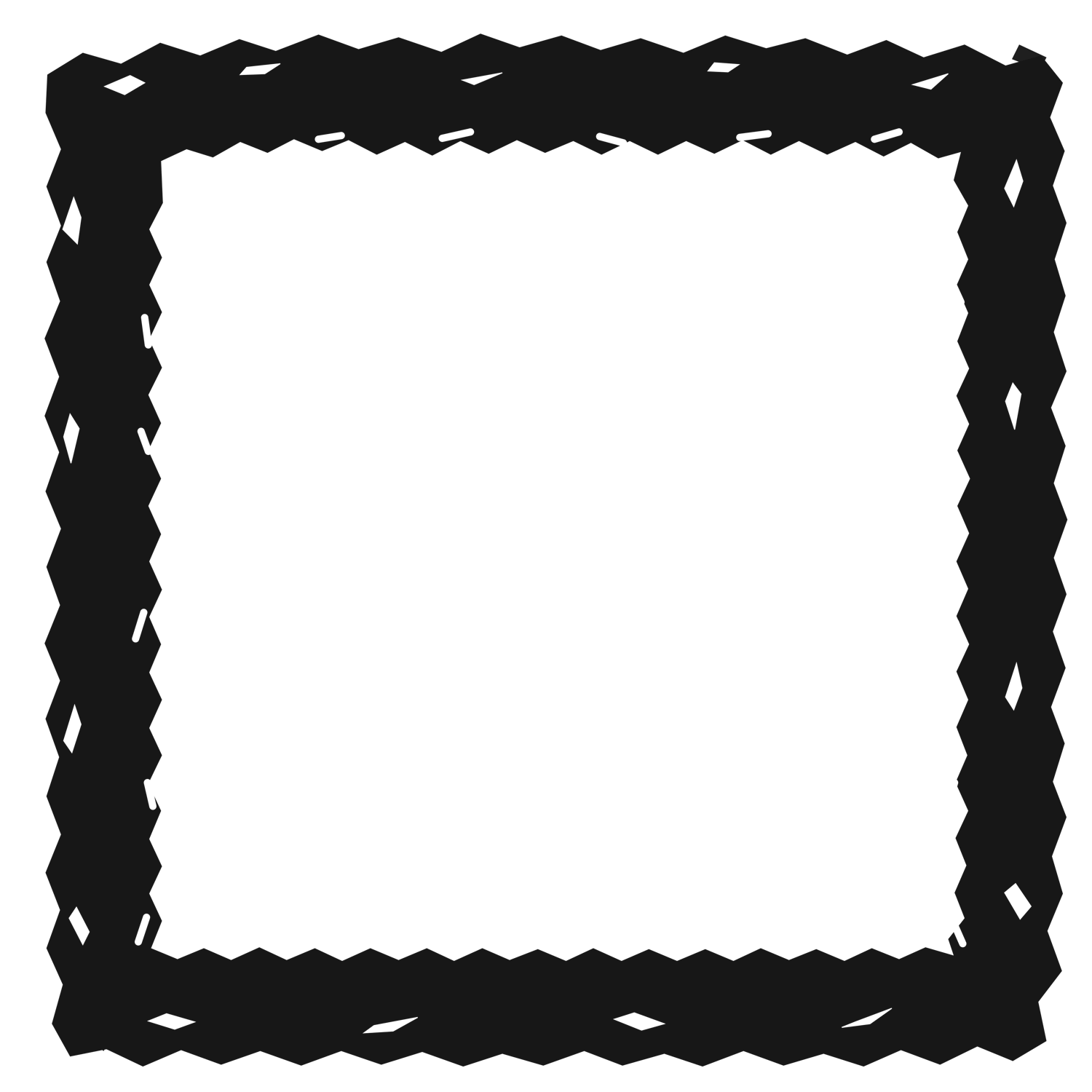
Grunge Border DTF
Tutorial: Add a Picture to Your Editable DTF Border
The border file is a template. Add your picture to the open center, then export the combined design as a transparent PNG for your DTF printer.
1. Open the editable border
Download the editable SVG border and open it in Inkscape. Keep the SVG as your editable working file.
2. Add your picture
In Inkscape, choose File → Import and select your picture. Choose Embed if prompted, so the picture stays with the SVG when you move or share the file.
Resize the picture proportionally so it fits inside the border’s open center, leaving a little space around its edges. Center it in the opening.
3. Put the picture behind the border
Select the picture and choose Object → Lower to Bottom. The border should now appear in front of the picture. Check that the picture stays inside the opening and doesn’t cover the distressed frame.
4. Save your editable version
Choose File → Save to keep the combined design as an SVG. You can reopen it later to change the picture, resize it, or recolor the border.
5. Export the finished design
Choose File → Export PNG Image or press Shift + Ctrl + E. Select Page so the whole 12 × 12 inch design exports. For a 12 × 12 inch print at 300 DPI, set the output to 3600 × 3600 pixels. Keep the background transparent.
You can also start from the transparent PNG border, but use the SVG when you want to edit the border or combine it with a picture.
6. Order and apply the transfer
Upload the finished PNG to your DTF supplier and choose the print size you want. Check the supplier’s requirements for file type and mirroring; don’t mirror the design unless they instruct you to. Use the temperature, press time, pressure, and peel method that come with your specific transfer. Those settings can vary by product and press.
For example, STAHLS’ lists different settings for its UltraColor MAX product depending on the fabric, and notes that its settings are for Hotronix presses.