
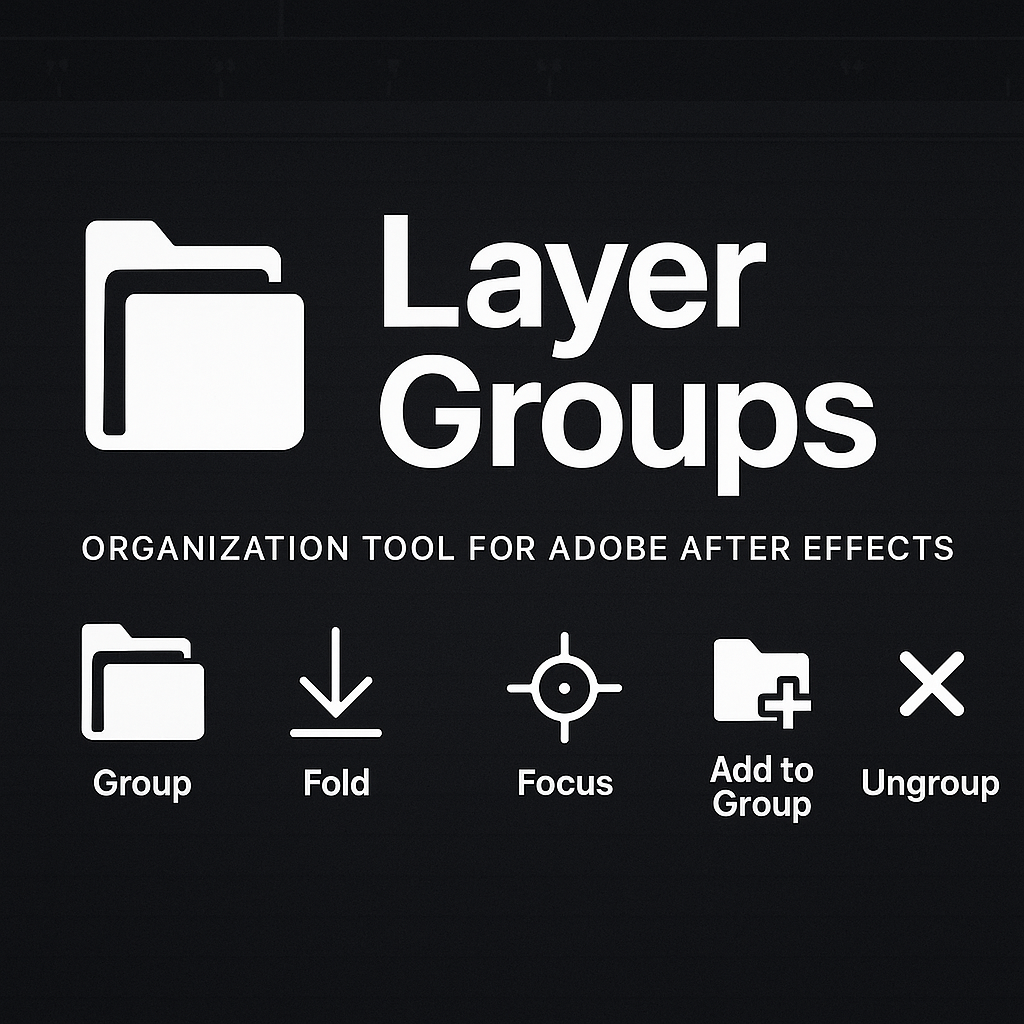
TIDY LAYERS - Layer Groups for After Effects
Layer Groups is a powerful organization tool for Adobe After Effects that brings Photoshop-style layer folder functionality to your compositions.
This script creates a pseudo-folder system using controller layers, comments, and shy layer behavior, allowing you to group, collapse, and manage layers efficiently without affecting rendering or composition structure.
✨ Key Features
- 📂 Group – Create organized layer groups with custom names
- 📉 Fold – Collapse/expand groups to declutter your timeline
- 🎯 Focus – Solo a single group to work without distractions
- ➕ Add to Group – Easily add layers to existing groups
- ❌ Ungroup – Remove layers from groups or delete entire groups
Groups are managed using controller layers (marked with the [GRP] prefix) and membership tags stored in layer comments.
All visibility management uses After Effects’ native shy layer system, ensuring full compatibility with your existing workflow.
🧩 Installation
✅ Method 1: Dockable Panel (Recommended)
- 💾 Save the script as LayerGroups.jsx
- 📁 Copy it to your After Effects ScriptUI Panels folder:
- 🪟 Windows:
- C:\Program Files\Adobe\Adobe After Effects [version]\Support Files\Scripts\ScriptUI Panels\
- 🍏 Mac:
- /Applications/Adobe After Effects [version]/Scripts/ScriptUI Panels/
- 🔁 Restart After Effects
- 🪟 Open the panel via Window > LayerGroups.jsx
- 📌 Dock the panel anywhere in your workspace
🧷 Method 2: Standalone Script
- 💾 Save the script as LayerGroups.jsx anywhere on your computer
- 🧭 In After Effects, go to File > Scripts > Run Script File...
- 📂 Select the LayerGroups.jsx file
- 🪟 A floating panel window will appear (not dockable, but works immediately)
🛠️ Usage
- 📂 Create a Group
- Select one or more layers, click “Group”, and enter a name.
- 📉 Fold / Unfold
- Select a group controller and click “Fold” to collapse or expand.
- 🎯 Focus
- Select a group controller and click “Focus” to show only that group.
- ➕ Add to Group
- Select a group controller + other layers, then click “Add to Group”.
- ❌ Ungroup
- Select group members or controller and click “Ungroup” to remove from the group.
Group controllers are identified by the [GRP] prefix in their name and remain always visible in your timeline.
„Digital product – no refunds after download”