
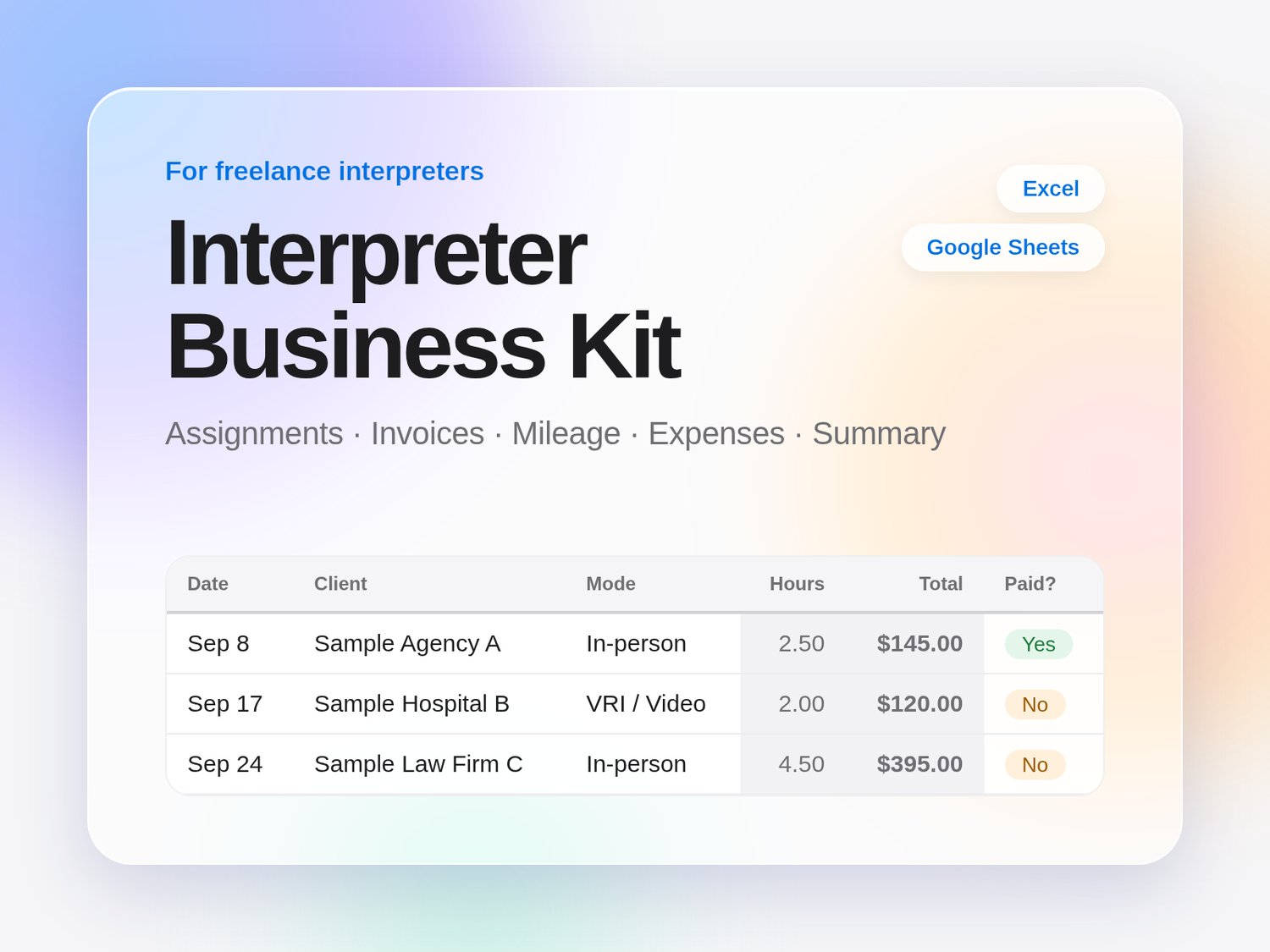
Interpreter Business Kit | Assignment Log, Invoice, Mileage & Expense Tracker | Excel + Google Sheets
Keep your freelance interpreting back office in one place.
The Interpreter Business Kit is a spreadsheet workbook designed around how interpreters actually work: assignments from several agencies and clients, different rates and minimum blocks, in-person, phone and video jobs, mileage, and invoices that need chasing.
Enter each assignment once. The kit works out hours, fees, mileage you bill, and totals, then builds a printable invoice and a year-at-a-glance summary.
WHAT YOU CAN DO
- Log every assignment with date, client or agency, language pair, type (medical, legal, community and more), and mode (in-person, phone, video).
- Bill the way your clients do: hourly, minimum block, or flat fee, with defaults per client and per-assignment overrides.
- Generate a printable invoice by typing an invoice number. Lines, totals, due date and your own payment, late-fee and cancellation wording fill in for you.
- Keep a full mileage log (odometer or typed miles) with one editable per-mile rate that you choose.
- Track expenses by category (categories are editable).
- See monthly and quarterly totals, unpaid-invoice aging, and a "totals to share with your tax preparer" page.
- Built-in data checks flag missing dates or clients.
HOW IT WORKS
We tested the kit in Google Sheets (File > Import > Upload) and LibreOffice. It is a standard .xlsx file that should open in Excel. Replace the yellow sample data with your own details and start logging. There are no macros, add-ons, or logins, and your data stays in your own file.
WHAT'S INCLUDED
1. Interpreter-Business-Kit-FULL.xlsx (8 tabs: Start Here, Settings, Clients, Assignments, Invoice, Mileage, Expenses, Summary; sample data included)
2. Interpreter-Business-Kit-HOWTO.pdf (one-page guide)
WHO IT'S FOR
Freelance and self-employed interpreters (spoken or signed languages) who bill agencies and direct clients. Not designed for per-word translation billing, payroll, or multi-person teams.
IMPORTING INTO GOOGLE SHEETS
Open Google Drive or Sheets > File > Import > Upload > choose the downloaded .xlsx > pick Replace spreadsheet or Insert new sheet(s). Then check the dropdowns and the Summary chart. In Excel, open the file as usual.
FAQ
Do I need Excel? No. We tested it in Google Sheets and LibreOffice. It is a standard .xlsx that should also open in Excel.
Will it tell me what's deductible or what mileage rate to use? No. It gives no tax, legal or financial advice. You enter the rate you choose and share the totals with your tax preparer.
Is my data uploaded anywhere? No. It's a file you keep. Keep client-identifying details out (use job reference numbers) and check your agency contracts.
Can I change the layout? Yes, but keep the grey formula cells and the column order on Assignments so invoices and totals keep working.
How many rows? Assignments, Mileage and Expenses are formula-ready for 1,000 rows each, and Clients for 200. Start a new copy each year if you prefer.
Can I share it? The license is for one person's own records. Please send colleagues to the free lite sheet.
What if it doesn't work for me? If the file is defective or won't open, email team.localshift@gmail.com and we'll fix it or refund you. Otherwise digital sales are final once downloaded.
LICENSE
Single-user license. You may use this file to manage your own freelance records and make copies for your own backup. You may not resell, share, redistribute, or give away the file or any part of it. Purchase does not transfer rights to the design or formulas.
DISCLAIMER
This workbook is an organizing tool. It is not tax, legal, or financial advice and makes no promise about income or results. Figures are only as accurate as the information you enter. Ask a qualified professional about taxes, contracts, and legal questions.