


Drawing Cleanup Studio
Drawing Cleanup Studio for AutoCAD
Open an older floor plan and you may find unused door blocks, leftover layers, and styles from past revisions. Drawing Cleanup Studio helps you clear those unused definitions while keeping the layer assignments your drawing still needs.
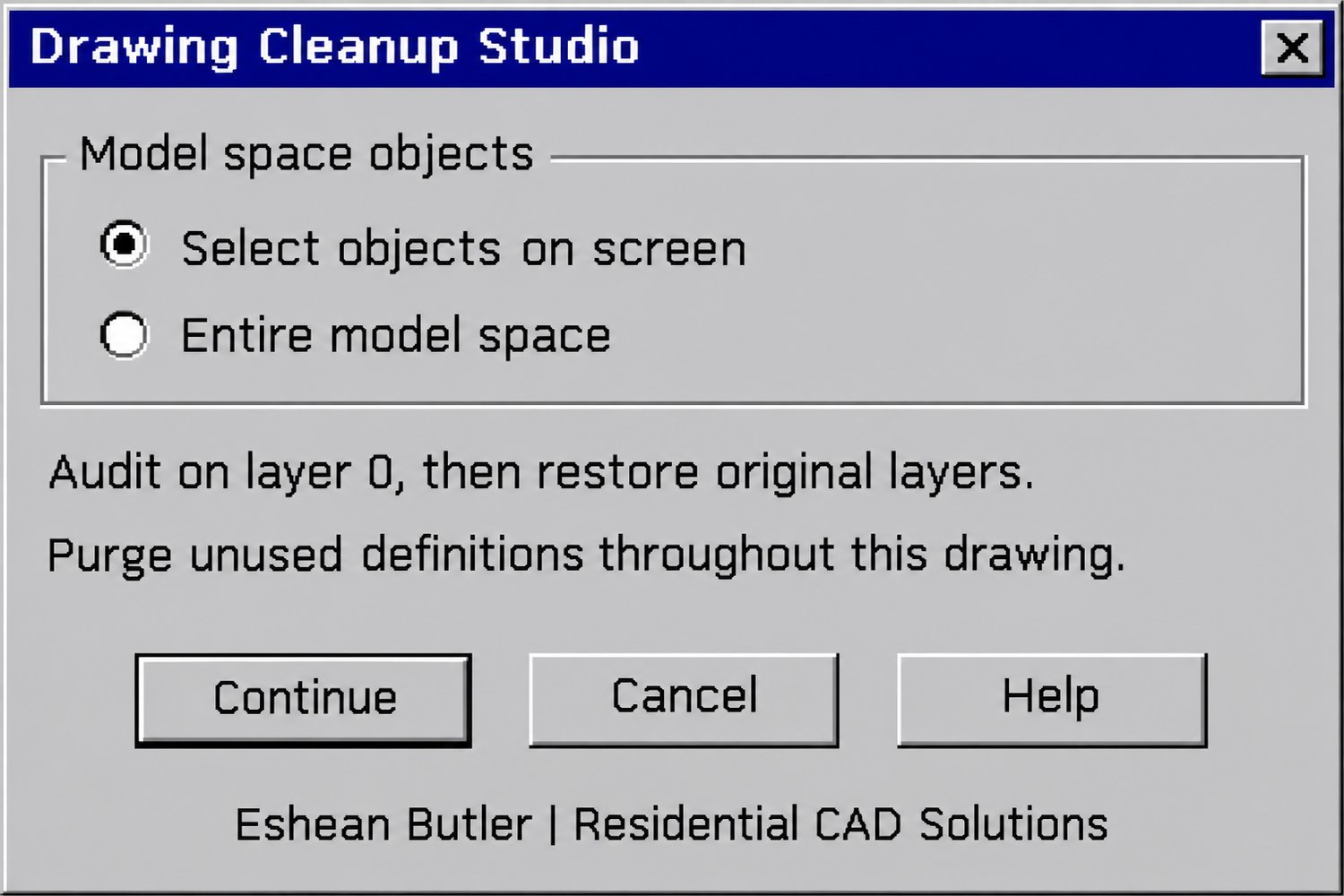
Choose a group of objects or select the entire model space. The studio records each eligible object’s original layer, temporarily moves it to layer 0, and runs AutoCAD’s drawing audit. It then returns each object to its original layer and verifies the assignment. If a wall started on A-WALL, it belongs back on A-WALL before the purge begins. If the studio can’t verify a restoration, it pauses the cleanup and identifies the object for review.
Once the layer check passes, the studio purges unused definitions throughout the DWG. A command-line summary shows how many objects were restored or skipped, plus the block and layer counts before and after cleanup.
Your download includes the AutoLISP routine and classic DCL dialog with built-in Help. Launch it from the Model tab with DCS or DRAWINGCLEANUP.
Eshean Butler | Residential CAD Solutions