


MAC Macro Launcher
On Sale
$19.00
$19.00
MAC Macro Launcher
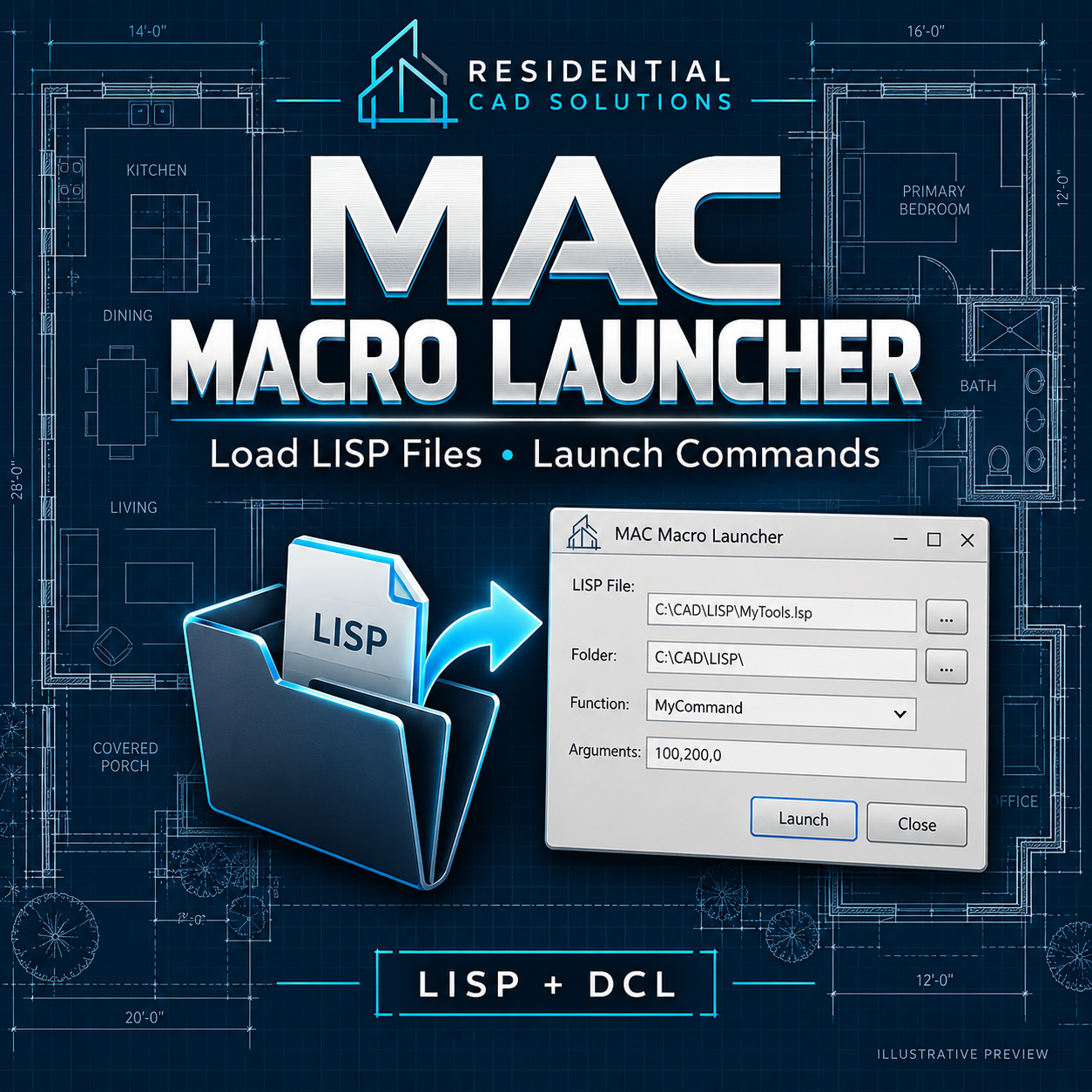
Launch your AutoLISP routines from one convenient dialog.
MAC Macro Launcher gives you a simple way to find a LISP file, enter a function or command name, and choose how you want to run it. Built around the workflow of the original MAC routine, it helps you access your tools without typing a full load expression at the command line.
Features
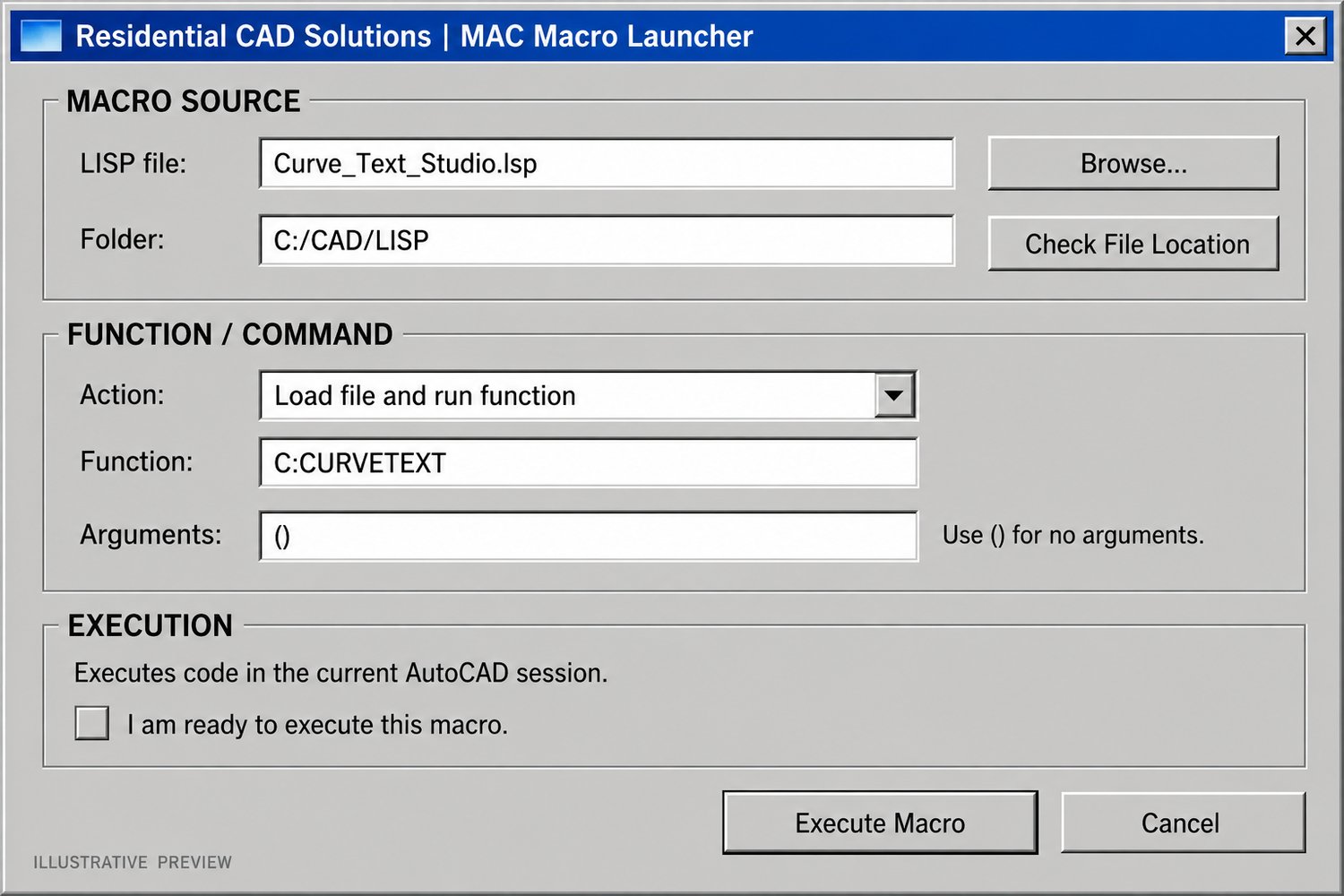
- Browse for an existing LISP file.
- Check whether the selected file can be found.
- Load a file without running a function.
- Load a file and run a specified function.
- Run an already-loaded LISP function.
- Enter optional arguments for functions that need them.
- Remember successful entries during the current AutoCAD session.
Example: Select your Curve Text Studio LISP file, enter C:CURVETEXT, and use () for no arguments.
What’s included
- MAC Macro Launcher LISP file
- DCL dialog file
- Original MAC routine, preserved unchanged
- Installation and usage instructions
- Payhip cover and DCL preview images
Command: MACDCL
Price: $19.00
MAC Macro Launcher runs trusted LISP routines in your current AutoCAD session. It does not test or repair the routines it launches. Live AutoCAD testing and version compatibility remain pending.