
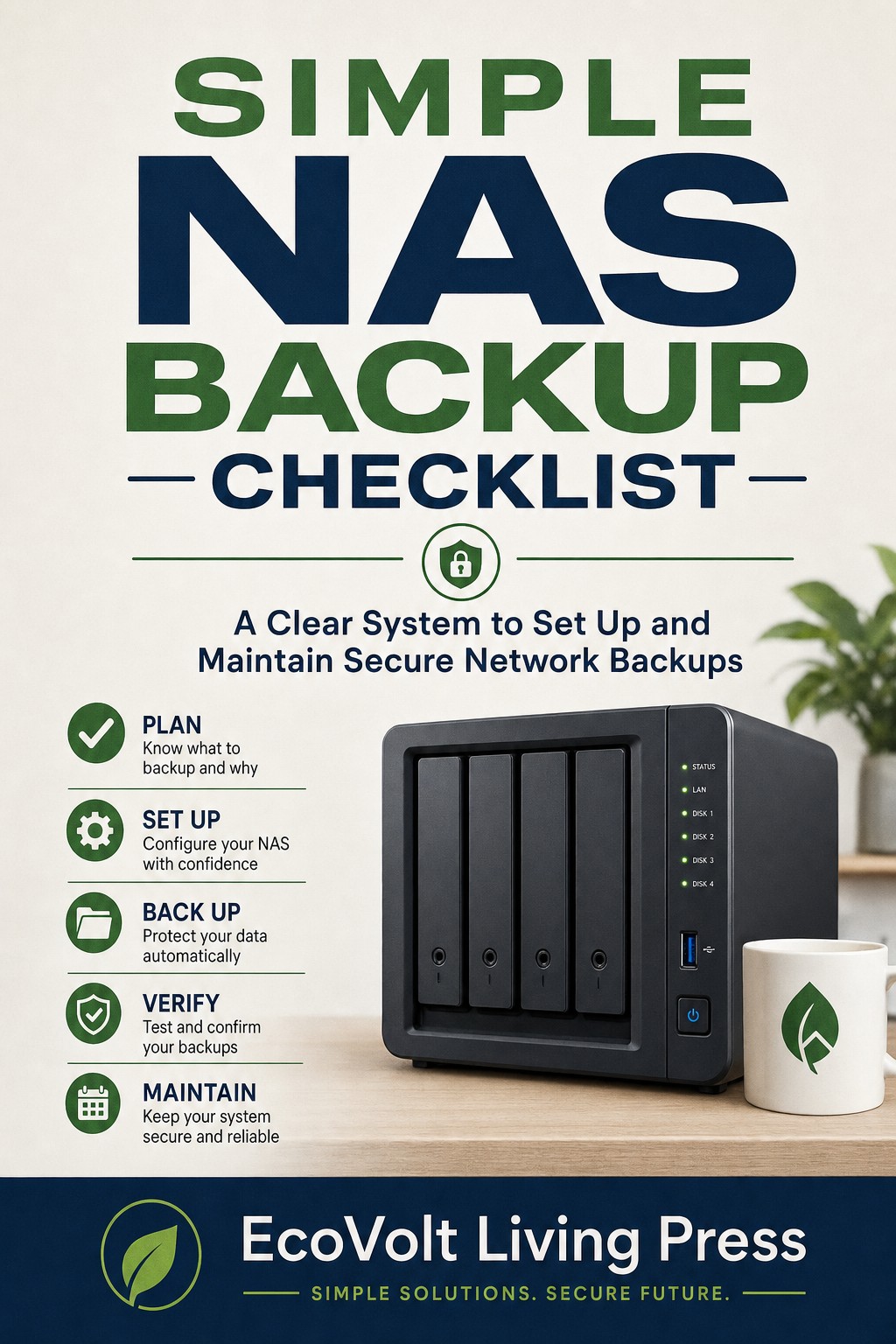
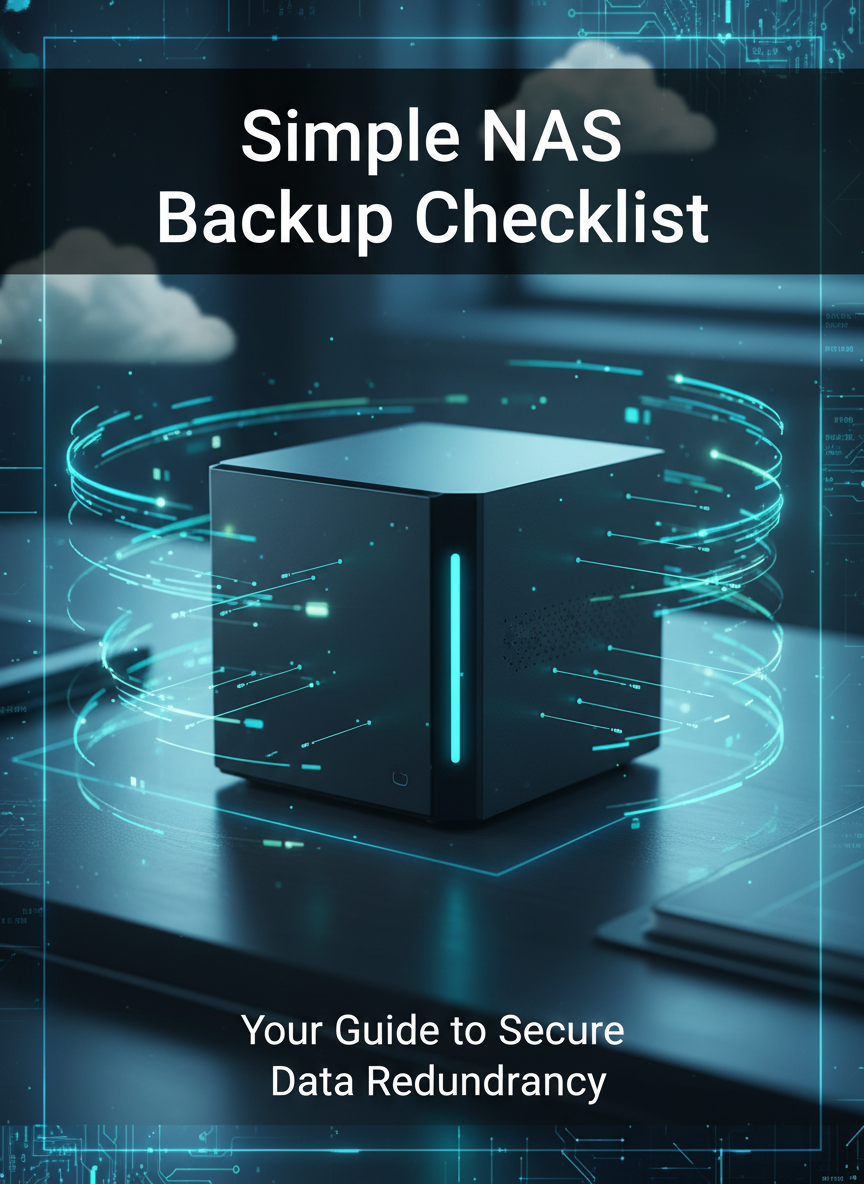
Simple NAS Backup Checklist — A Step‑by‑Step Guide for Reliable Data Protection at Home or in Small Business
Your data is irreplaceable — make sure it stays that way.
Simple NAS Backup Checklist shows you how to build reliable, automated backups for home or small business without technical overload.
Learn how to install a Network‑Attached Storage drive (NAS), create redundant copies of your files, and schedule backups on autopilot — all with step‑by‑step checklists you can follow any time.
Inside you’ll find:
• Why Backups Matter (clear real‑world explanation)
• NAS vs Cloud Storage — Ownership, Speed, and Privacy compared
• Hardware Checklist for NAS beginners (Router, Drives, UPS protection)
• Setup process from unboxing to first backup in about 15 minutes
• Automation schedules for Windows, macOS, and Mobile devices
• Monthly testing + drive health check template
• EcoVolt Pro Tips for sustainability and data resilience