


Deck & Porch Layout Pro
Deck & Porch Layout Pro
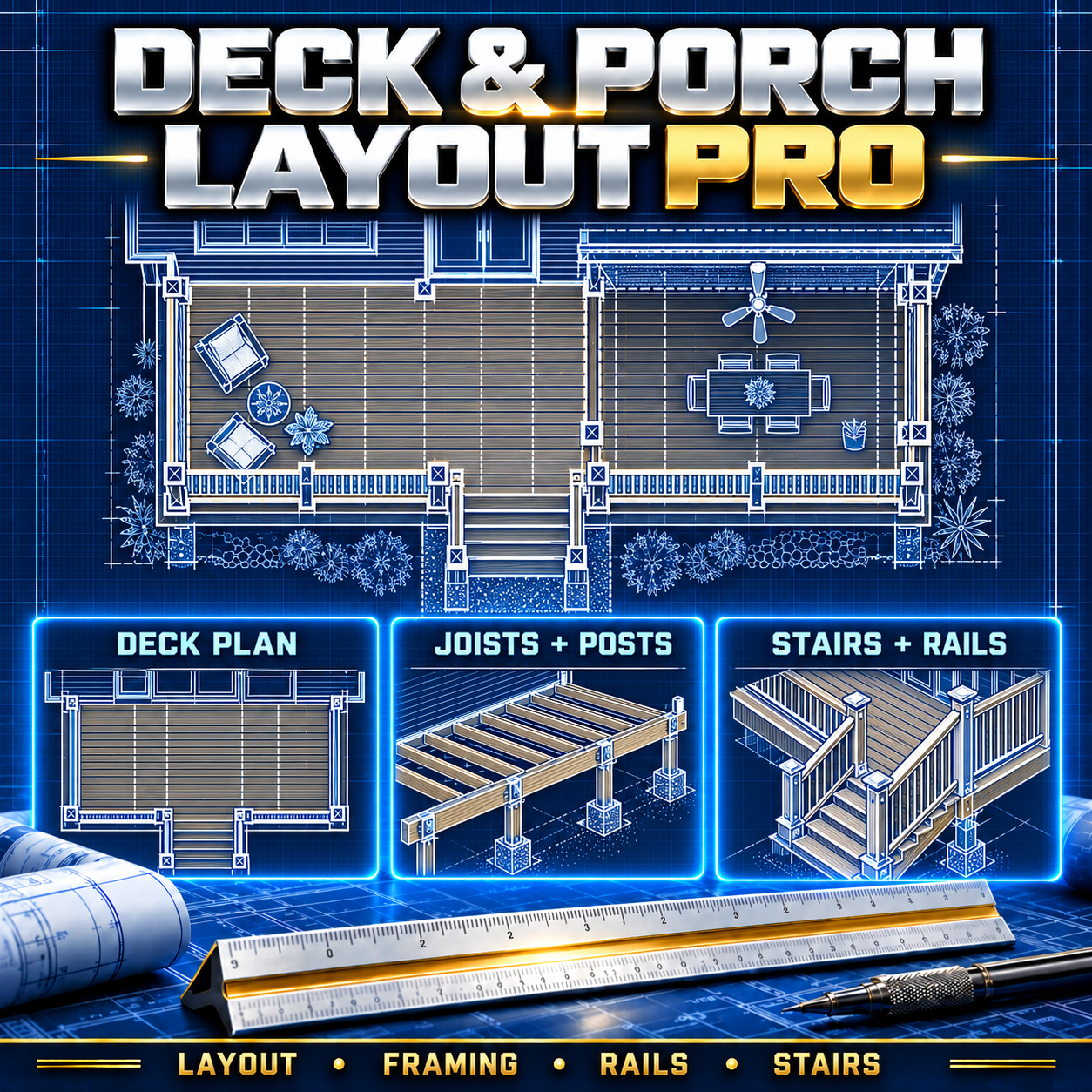
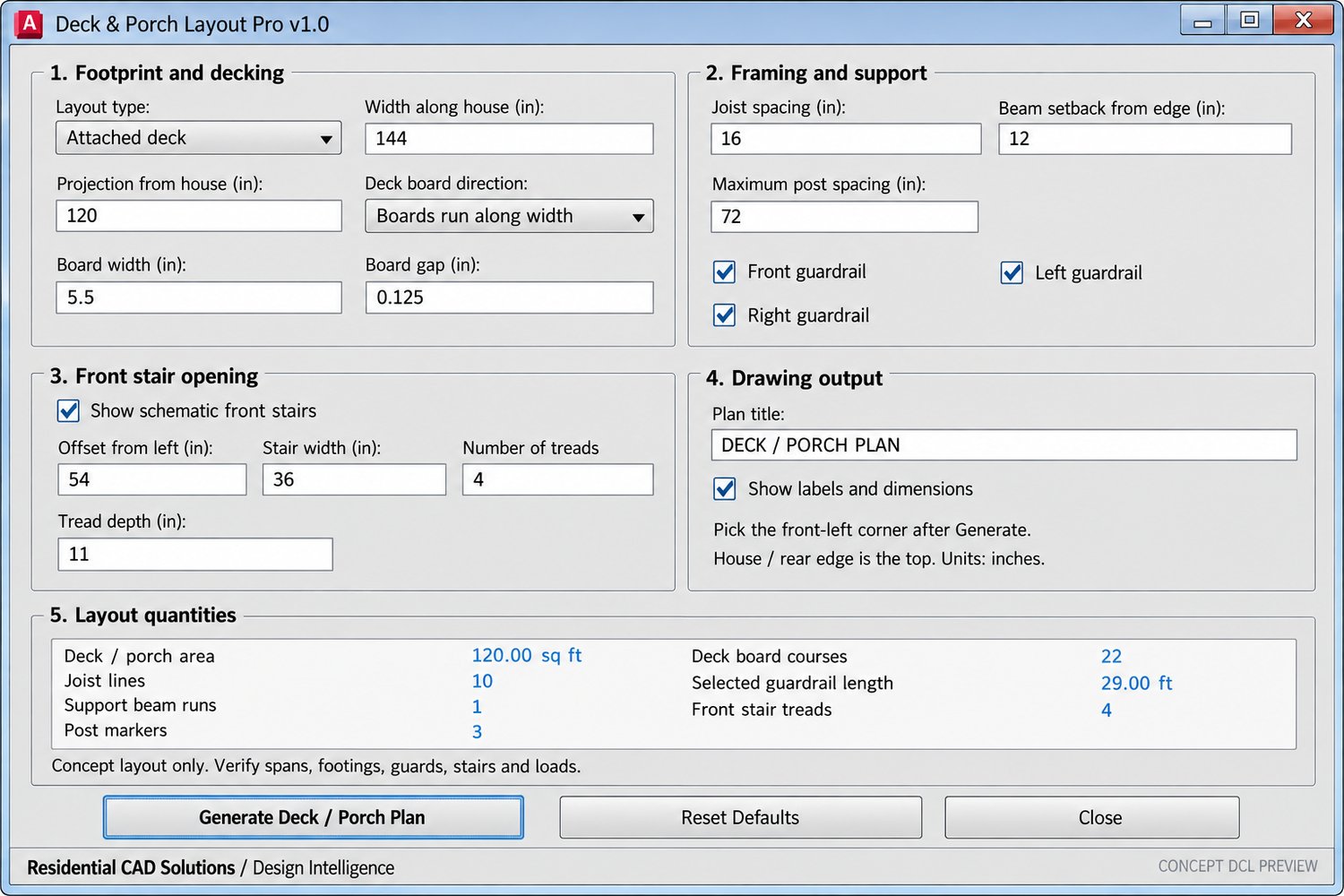
Create a 2D deck or porch concept plan in AutoCAD with a guided DCL dialog. Choose an attached deck, covered porch, or freestanding deck; enter the footprint and spacing; then pick a point to place the plan.
The routine draws deck board lines, joist lines, support beams, post markers, and optional guardrails and front stairs on separate CAD layers. A covered porch layout also adds a schematic roof projection. The dialog updates approximate quantities for area, board courses, joist lines, beams, posts, guardrail length, and stair treads as you change the settings.
Download includes: AutoLISP (.lsp), DCL dialog (.dcl), and installation instructions. Designed for inch-based drawings in AutoCAD 2002.
This is a concept drafting and quantity aid. It does not size structural members or verify foundations, loads, stair geometry, or code compliance. Review the plan before using it for construction documents.