
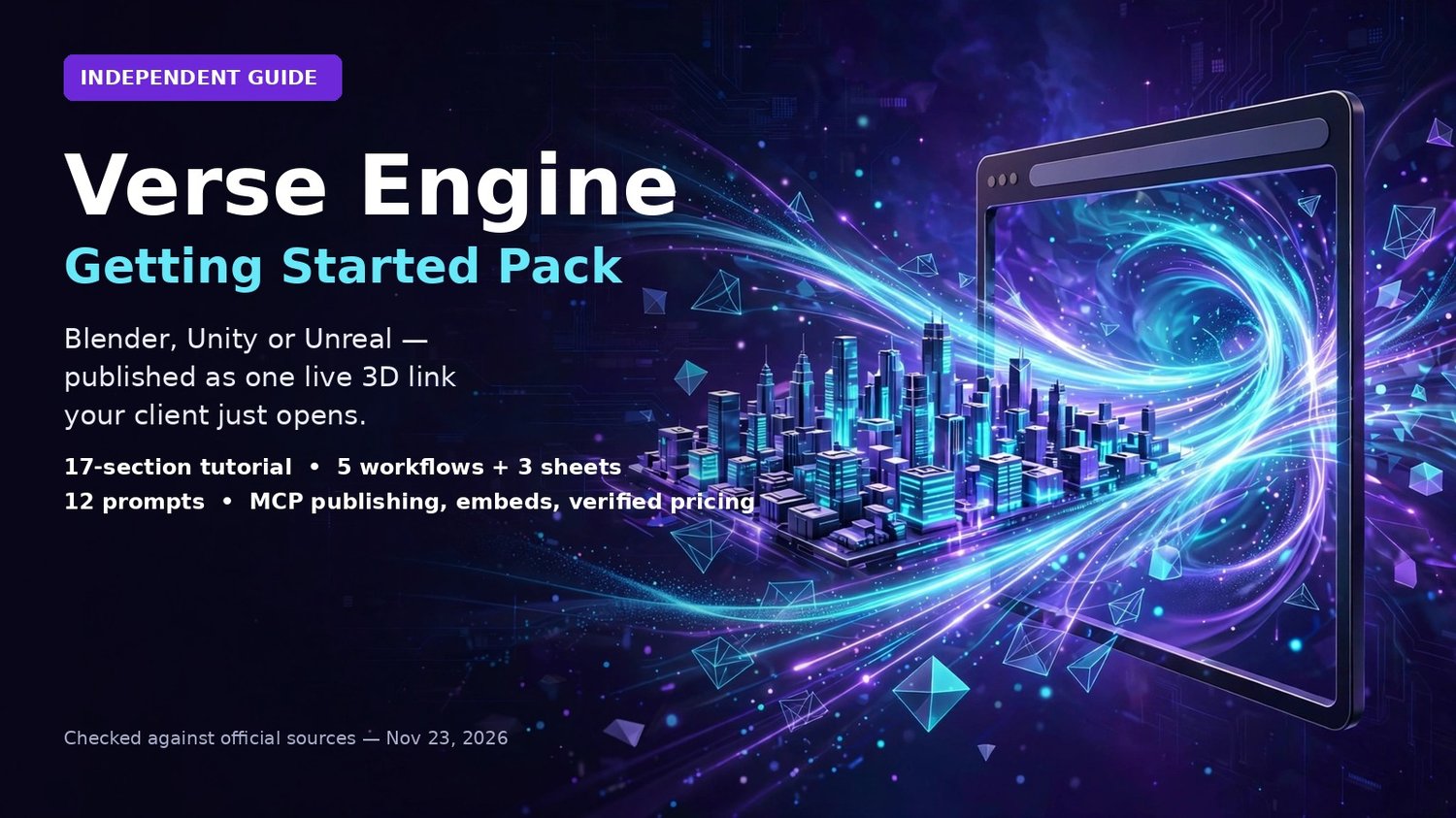
Verse Engine Tutorial — How to Use Verse Engine by Ctruh: Publish 3D as a Link (Guide, Workflows & MCP Prompts)
Sharing 3D is still stuck in the file era. You export, you zip, you send — and your client can't open it, doesn't have the software, or views a decimated "web version" that looks nothing like your work. Verse Engine by Ctruh, launched in November 2026, takes a different route: your scene becomes one link that opens interactively in any browser, streamed to the viewer's device, no app and no download.
It's also brand new, which means the information around it is a minefield: most "Verse pricing" articles describe a completely different product (an AI-employees SaaS that shares the name), aggregator pages mix the two freely, and the maker's launch demo — a 10.3-billion-triangle city in a browser — tells you everything about their content and nothing about yours.
This pack fixes that. It's an independent, plain-English starter pack that takes you from zero to a working 3D publishing routine — with every fact checked against Ctruh's official site, documentation, and MCP reference, and every vendor number labelled as a vendor claim.
What you'll be able to do:
- Tell Verse Engine apart from the other "Verse" (and from Ctruh's own VersaAI) in under a minute — before you budget against the wrong product's prices
- Understand the mechanism well enough to predict behaviour: geometry streaming to the viewer's device (WebGPU/WebGL2), why the first picture matters, and why bandwidth — not viewers — is your meter
- Budget honestly from the full verified tier table: Free ($0, 1 GB uploads), Starter $29, Pro $99, Scale $499, Enterprise from $2,000 — with upload caps, bandwidth, Homes, seats, annual billing, and the 14-day Pro trial
- Publish three ways: upload any of 20+ formats in the app; one-click Publish from Blender, Unity, or Unreal; and Verse Home, which turns a floor plan into a furnished, walkable space
- Distribute like a professional: public vs private links, the <verse-viewer> embed and Shopify/Webflow/WordPress embeds, in-browser editing, and analytics-driven follow-up
- Connect the official MCP server to Claude, ChatGPT, Cursor, VS Code, or Claude Code (exact connector steps and the one-line command are in the pack) and have your assistant publish files and URLs for you — link, embed code, and private link returned
- Know the honest limits cold: the assistant publishes existing 3D only (there is no world-generation tool — the maker's own README says so), weak devices render weakly, and launch demos prove mechanism, not your mileage
- Run a real evaluation: a test-scene method and a case file built on the maker's public Lyon city demo that shows you how to inspect a vendor showcase instead of believing it
What's inside:
- The Tutorial (17 sections) — concepts, the name trap, streaming mechanics, the four doors in, verified pricing, account setup, all three publish paths, links/embeds/editing, the full MCP walkthrough for five clients, the API in honest outline, five workflows, the Lyon case file, limits & safety, and checklists with a day-30 review.
- Templates & Prompts — 5 publishing workflow templates (client review link, floor-plan walkthrough, product-page embed, assistant-published pipeline, portfolio of links), 3 working sheets (Pre-Publish Worksheet, Link Send Sheet, Decision & Version Log), and 12 copy-paste prompts: 6 for an MCP-connected assistant (standing publish rule, publish a file, collect a file from a client's phone, publish from a URL, embed pack, weekly round-up) and 6 for planning and writing (tier decision, opening-view director, client send message, cold-open test, demo-vs-reality checker, day-30 review).
- How-to-Use guide — the reading order, so the pack takes an evening to start and one real scene to prove.
Who this is for: Architects, interior designers, and real-estate teams whose clients can't (and won't) install 3D software; product and automotive brands who want an explorable model on the product page instead of another turntable video; game and XR studios sending worlds as links instead of builds; 3D artists and freelancers tired of "can you just send screenshots?"; developers and AI-assisted teams who want publishing to be one tool call via MCP.
Who should NOT buy this: Anyone who needs a 3D creation tool — Verse publishes existing 3D; this pack teaches publishing, not modelling. Anyone looking for the other "Verse" (AI employees) — different product entirely. Anyone expecting guaranteed client wins, sales, or performance figures. The launch demo numbers in this pack are the maker's, on the maker's content, and are labelled that way throughout.
The honest details: Verse itself is free to start — you're paying for the structure, the verification work, the templates, and the prompts, not the tool. This pack is a verified desk guide checked against Ctruh's official site, documentation, and MCP reference on November 23, 2026; it does not claim hands-on results from a live Verse account, and it teaches you to run your own Free-plan test before spending anything on tiers. This is an independent guide — not official documentation, and not affiliated with or endorsed by Ctruh Technologies.
Refund policy: All sales are final for this digital product. If your file is corrupted or won't open, contact us and we'll replace it with a working copy free of charge.