
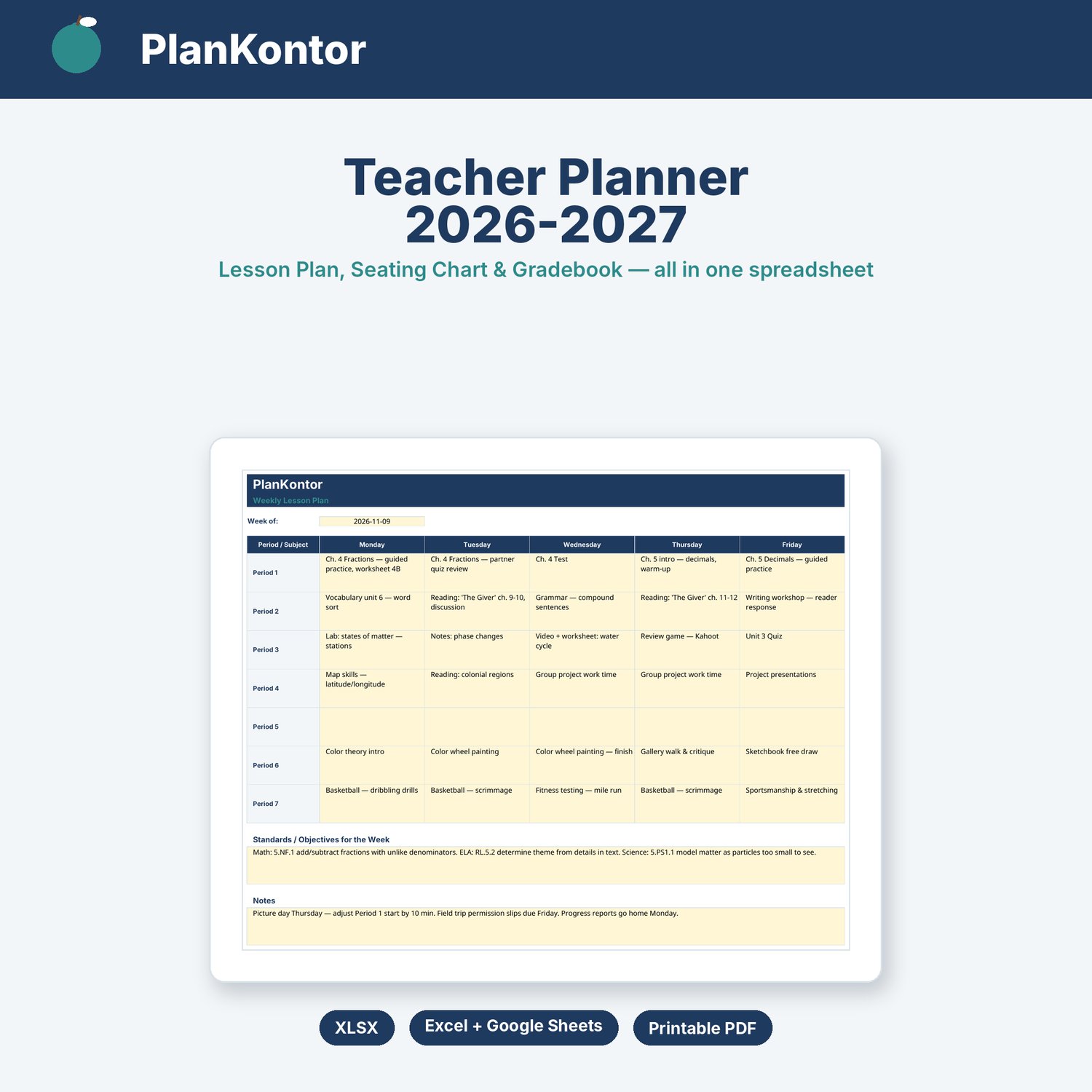
Teacher Planner 2026-2027 Spreadsheet | Lesson Plan, Seating Chart & Gradebook | Excel Google Sheets
Plan your lessons, seat your class, and grade your students — all in one spreadsheet.
This Teacher Planner is built for classroom teachers who want their week, their room and their roster in one place instead of three different notebooks. Type your week's lessons into the grid, drop student names into the seating chart, and enter assignment scores — the gradebook averages and letter grades update on their own.
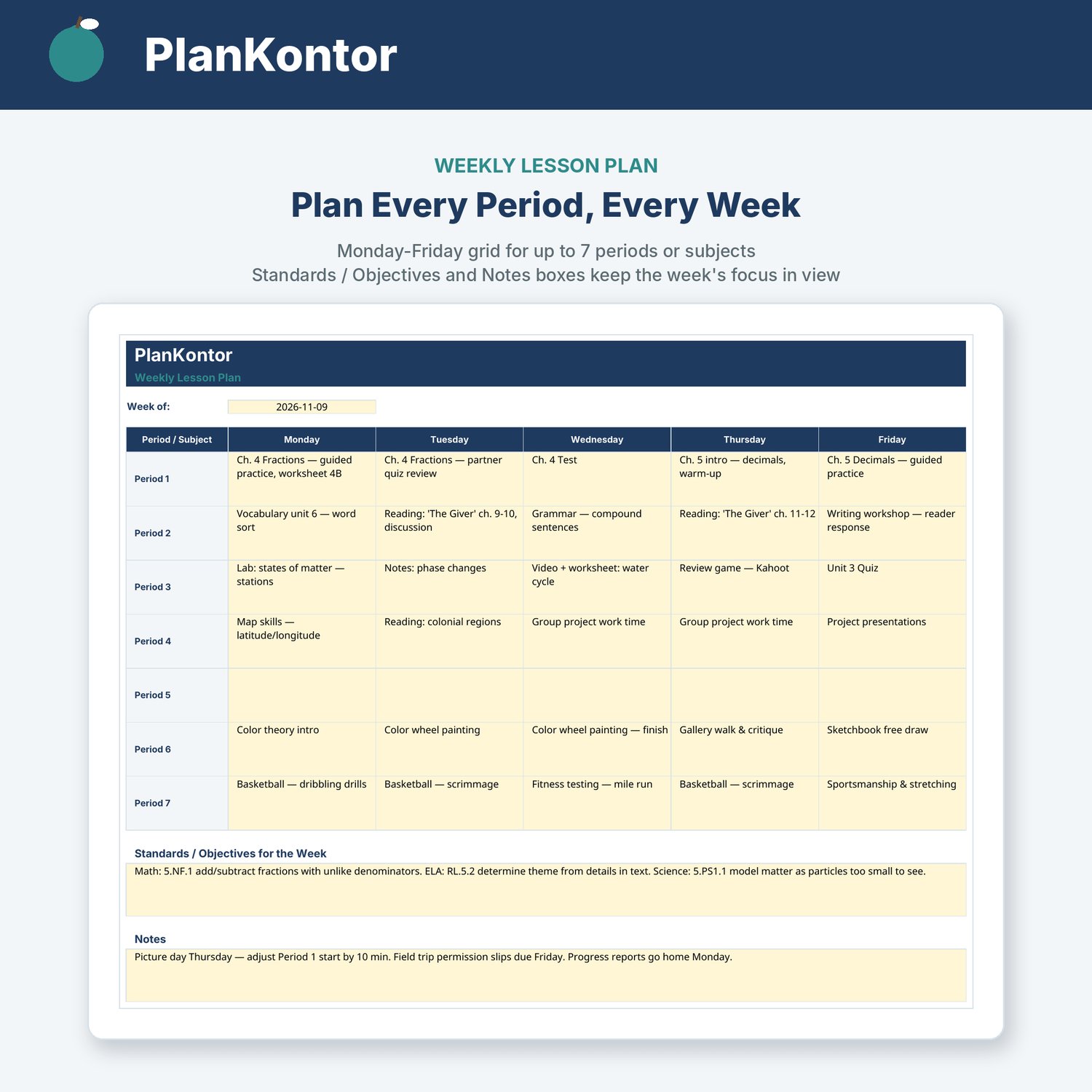
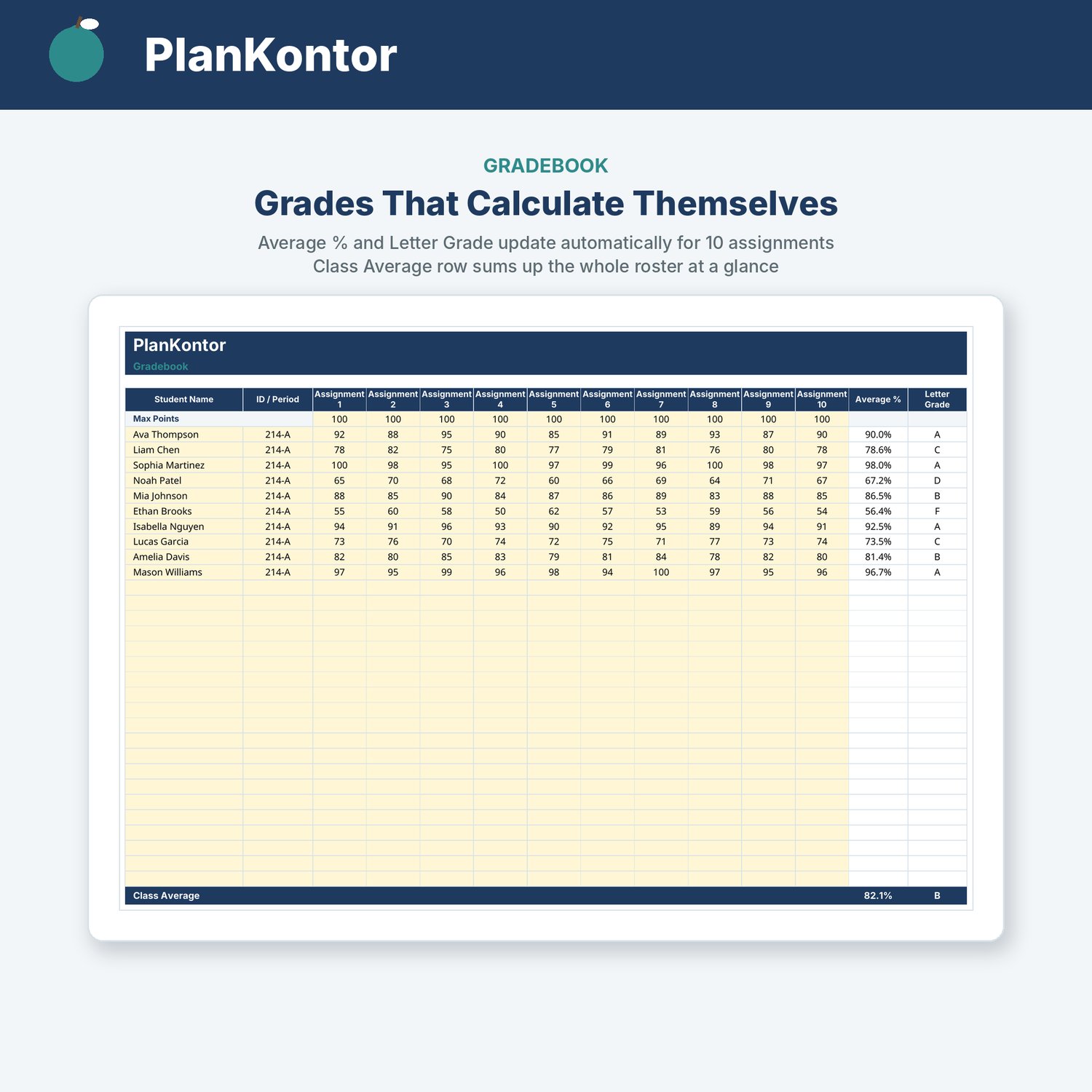
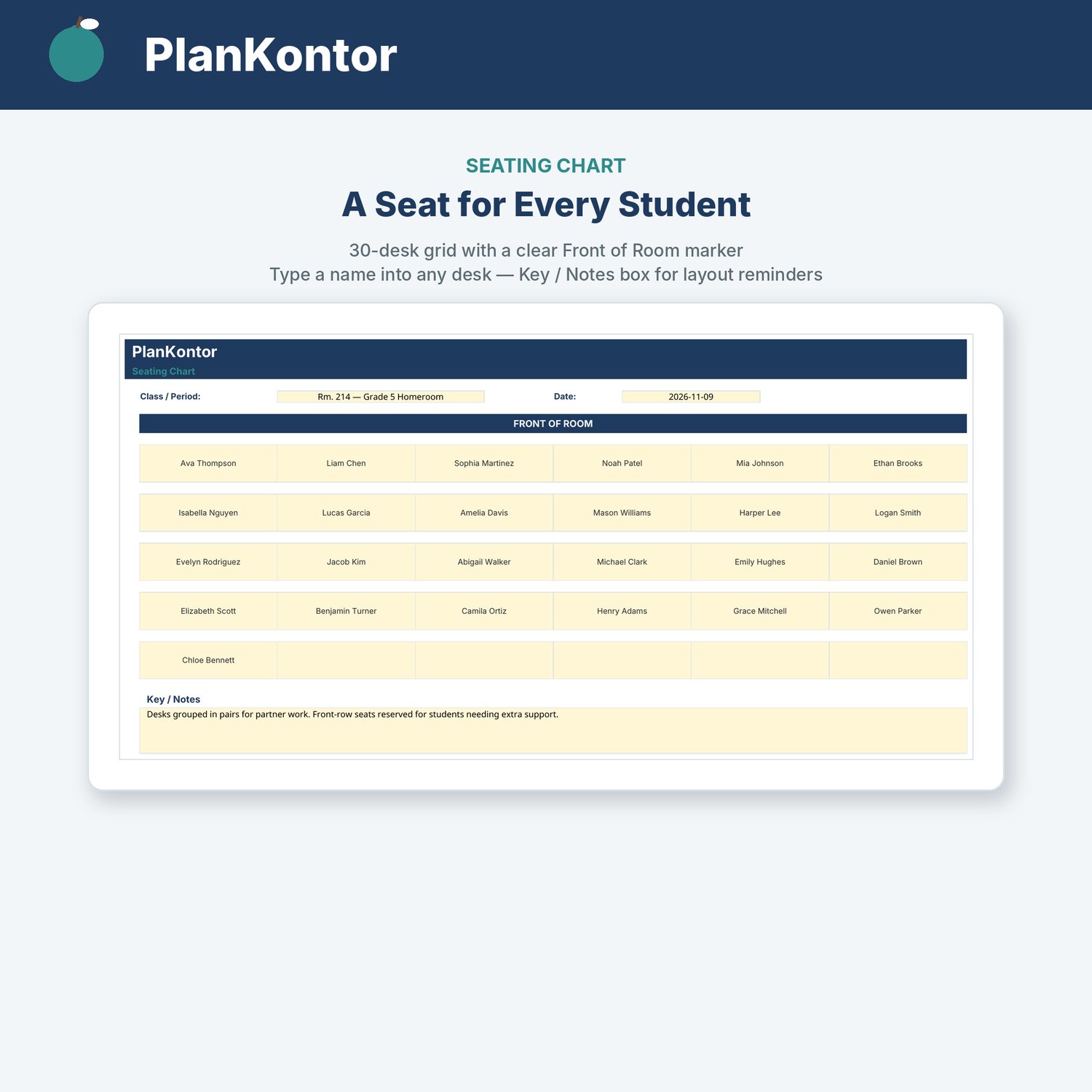
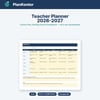
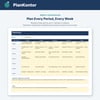
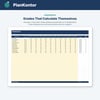
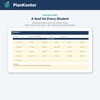
What's inside:- Weekly Lesson Plan tab — Monday-Friday grid for up to 7 periods or subjects, plus boxes for Standards/Objectives and weekly Notes.- Seating Chart tab — 30-desk grid with a clear Front of Room marker; type a name into any desk and reuse the layout all year.- Gradebook tab — roster rows for up to 20 students, 10 assignment columns with Max Points, and automatic Average % + Letter Grade per student plus a Class Average row.- Built-in Instructions tab — no separate guide to lose.
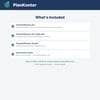
Included in this instant download:- TeacherPlanner.xlsx — the full editable workbook (Instructions, Weekly Lesson Plan, Seating Chart, Gradebook)- TeacherPlanner-US-Letter.pdf — blank printable lesson plan & gradebook for US Letter paper- TeacherPlanner-A4.pdf — same, for A4 paper
Works in Microsoft Excel, Google Sheets and LibreOffice Calc. Only the yellow cells are meant for typing — everything else is protected so the formulas can't break by accident. Generic enough for any grade level or subject — just type over the example names and lessons.
This is a digital product: nothing is shipped, download link arrives with your purchase. Because this is a digital file, returns and exchanges are not accepted. If anything is wrong with your file, contact us through this store and we'll fix it quickly.
Made with the help of AI tools (layout, formulas and templates); all designs are original, not copied from another creator.