
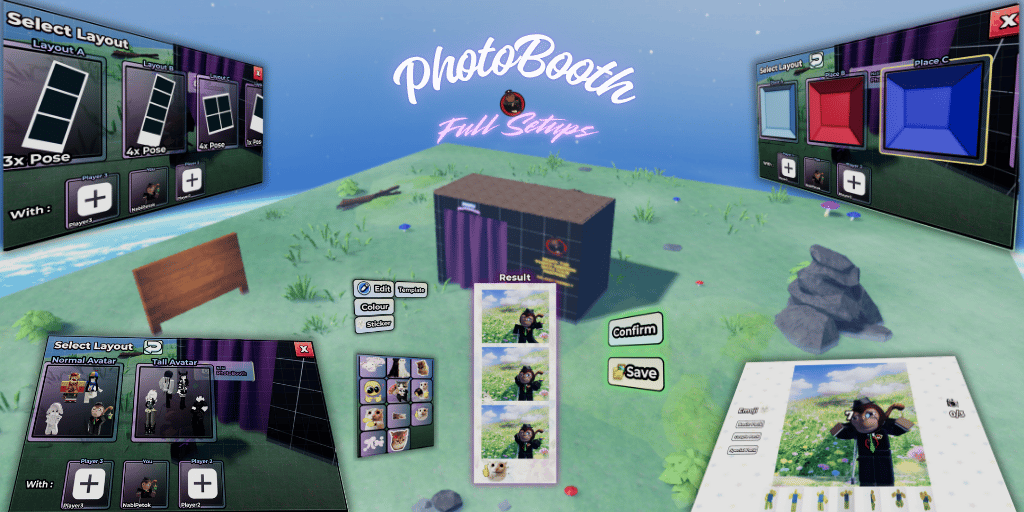
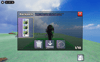
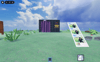

PhotoBooth / PhotoBox Full Setups
PhotoBooth Nabi Studio — Roblox Game Setups/System
Open Source | Modular | Publish-Ready
Overview
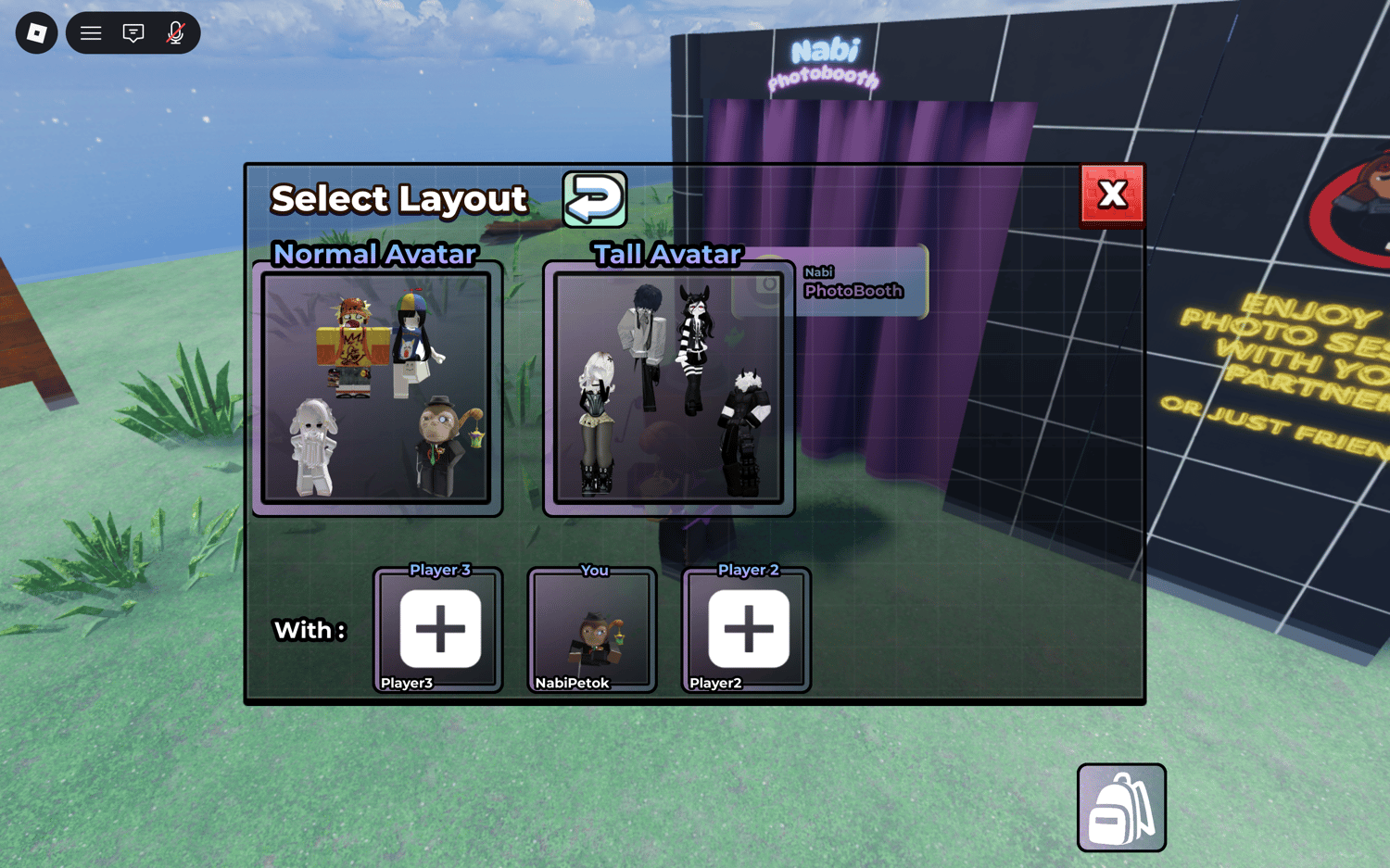
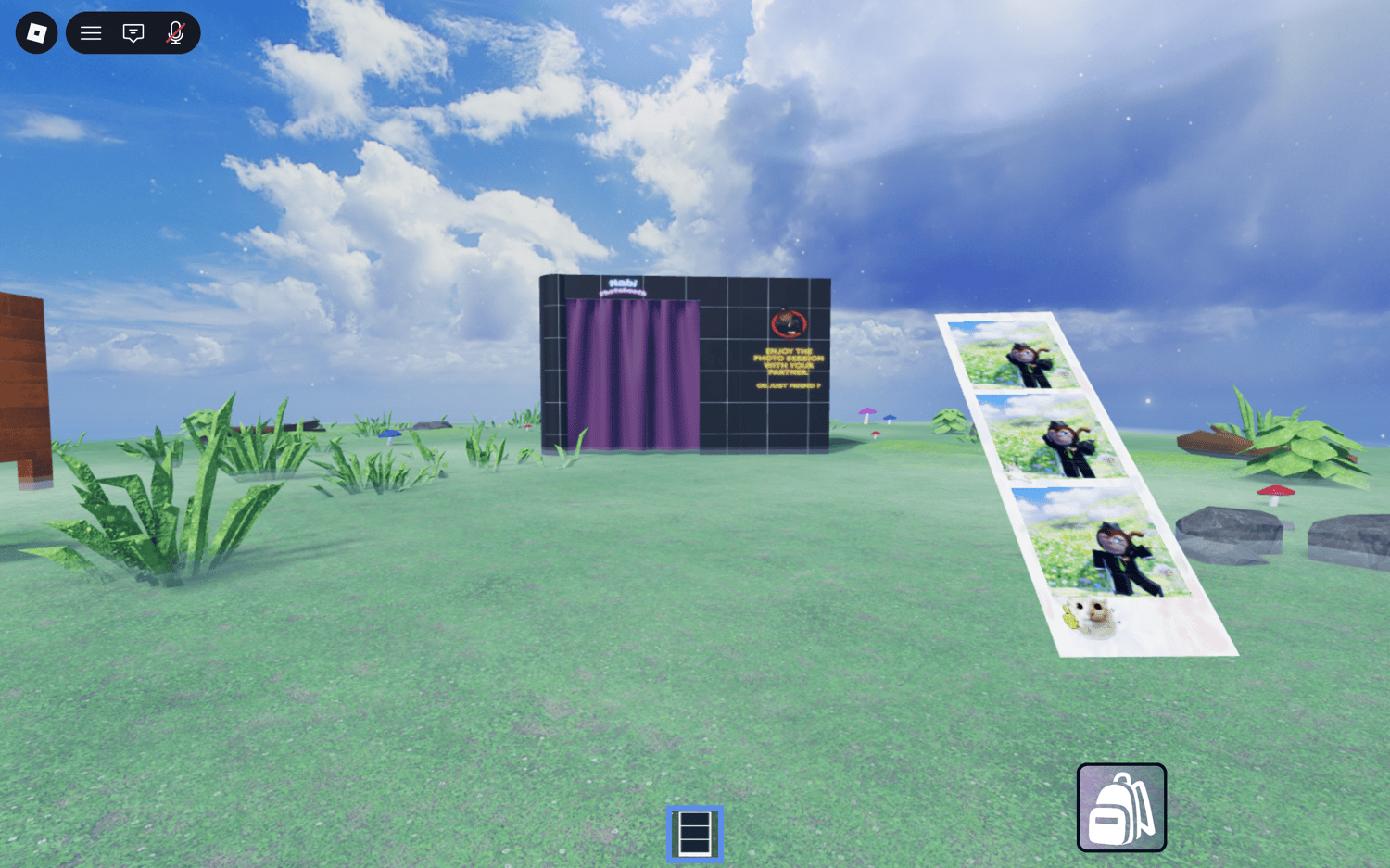
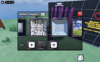
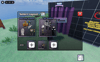
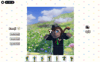
PhotoBooth Studio is a complete Roblox game system where players can walk up to a photobooth, choose a photo layout, invite friends, take photos together across a variety of unique locations, then edit and save the results. Built with a clean modular architecture across 9 ReplicatedStorage modules, it's ready to publish and monetize out of the box.
Features
PhotoBooth Core
- Interactive ProximityPrompt on every booth
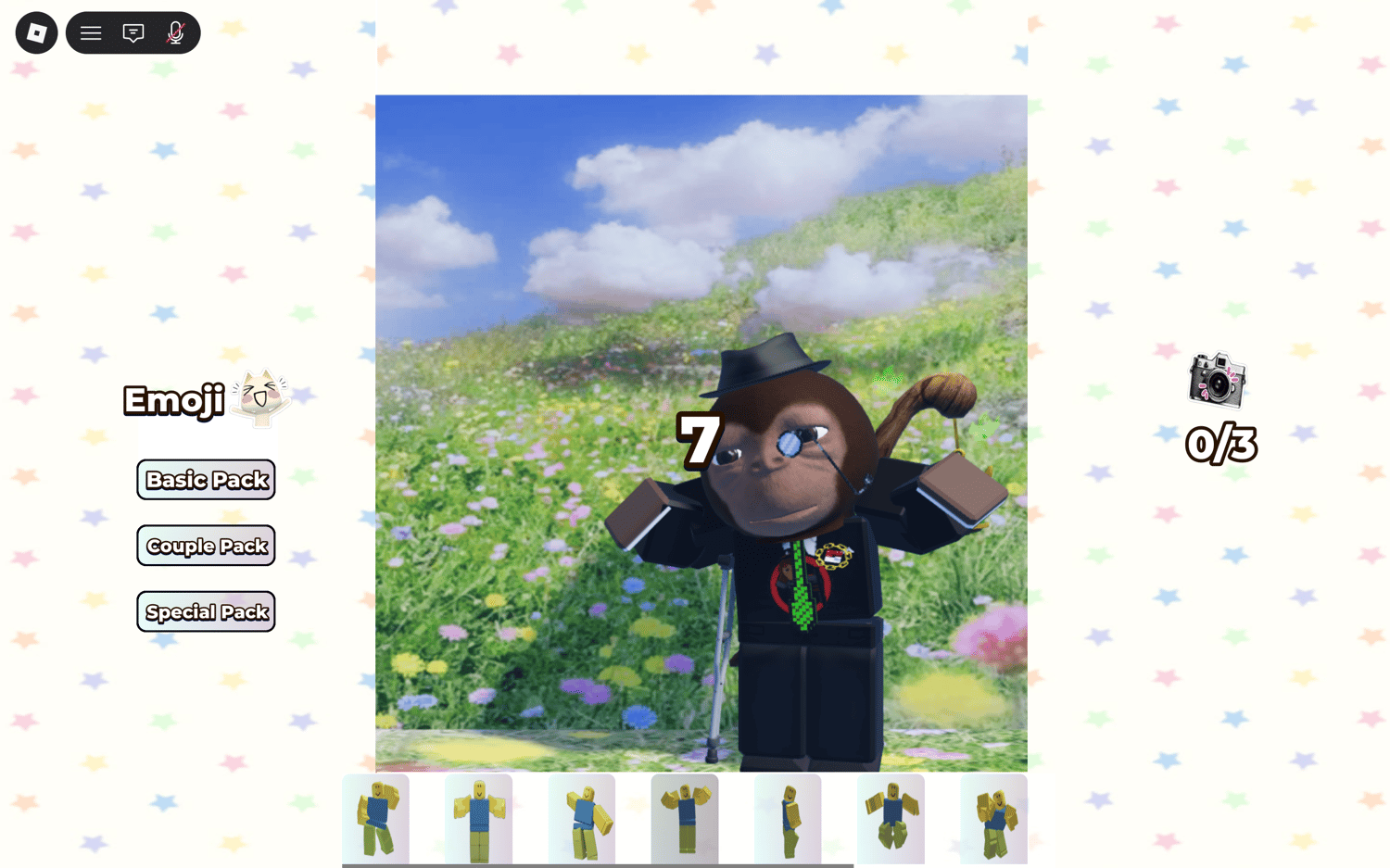
- Scriptable camera auto-locks when a session starts — 35° FOV replicating a real photobooth feel
- Two camera types per location: Normal and Tall (portrait mode)
- 10-second animated countdown before each shot
- Automatic photo capture via Roblox CaptureService
Photo Layouts
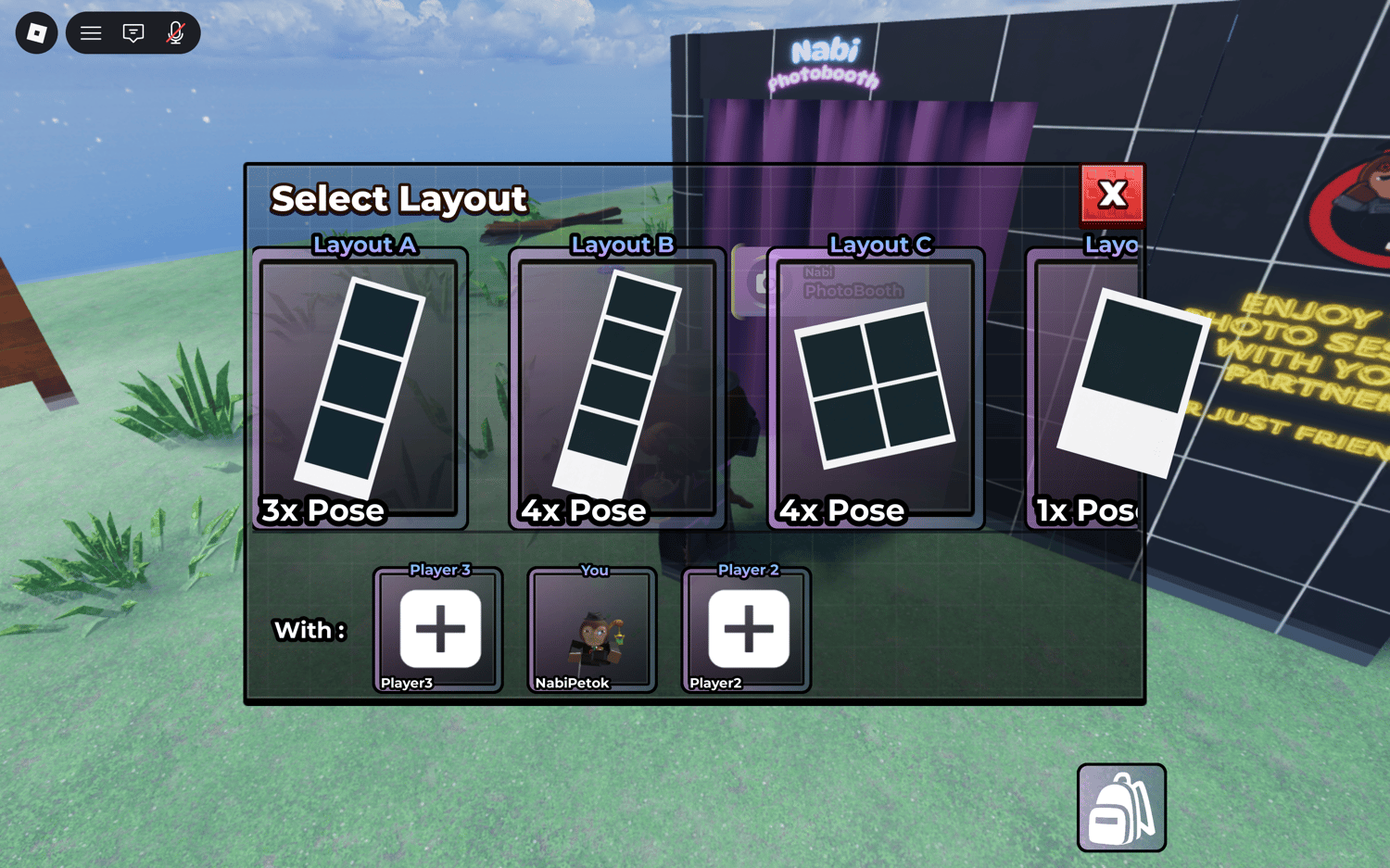
- Layout A — 1 solo photo
- Layout B — 2 side-by-side photos
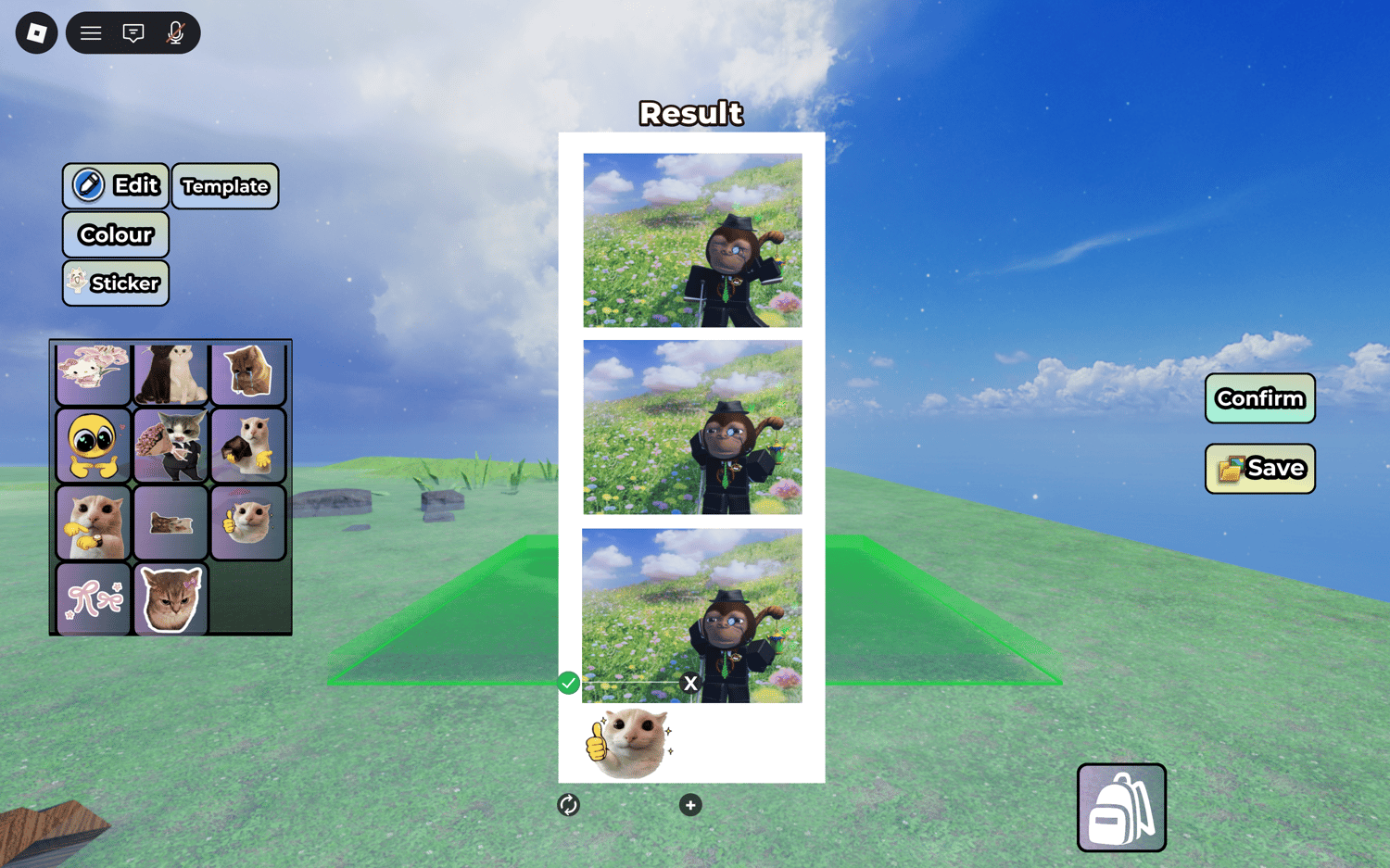
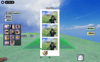
- Layout C — 3-photo vertical strip
- Layout D — 4-photo 2×2 grid
Group & Invite System
- Leader can invite up to 3 other players (max 4 per session)
- Accept / decline invite flow
- Leader can kick members before the session starts
- Real-time member list UI showing avatar, username, and role (Leader / Member / You)
- Full group state sync via RemoteEvents
Photo Editing
- Background color picker per photo board
- Template frame overlay support via asset ID
- Sticker system — place, rotate, and resize stickers freely on the layout
- Three filter categories: Basic, Couple, and Special
- All edits preview live before saving
Backpack & Save System
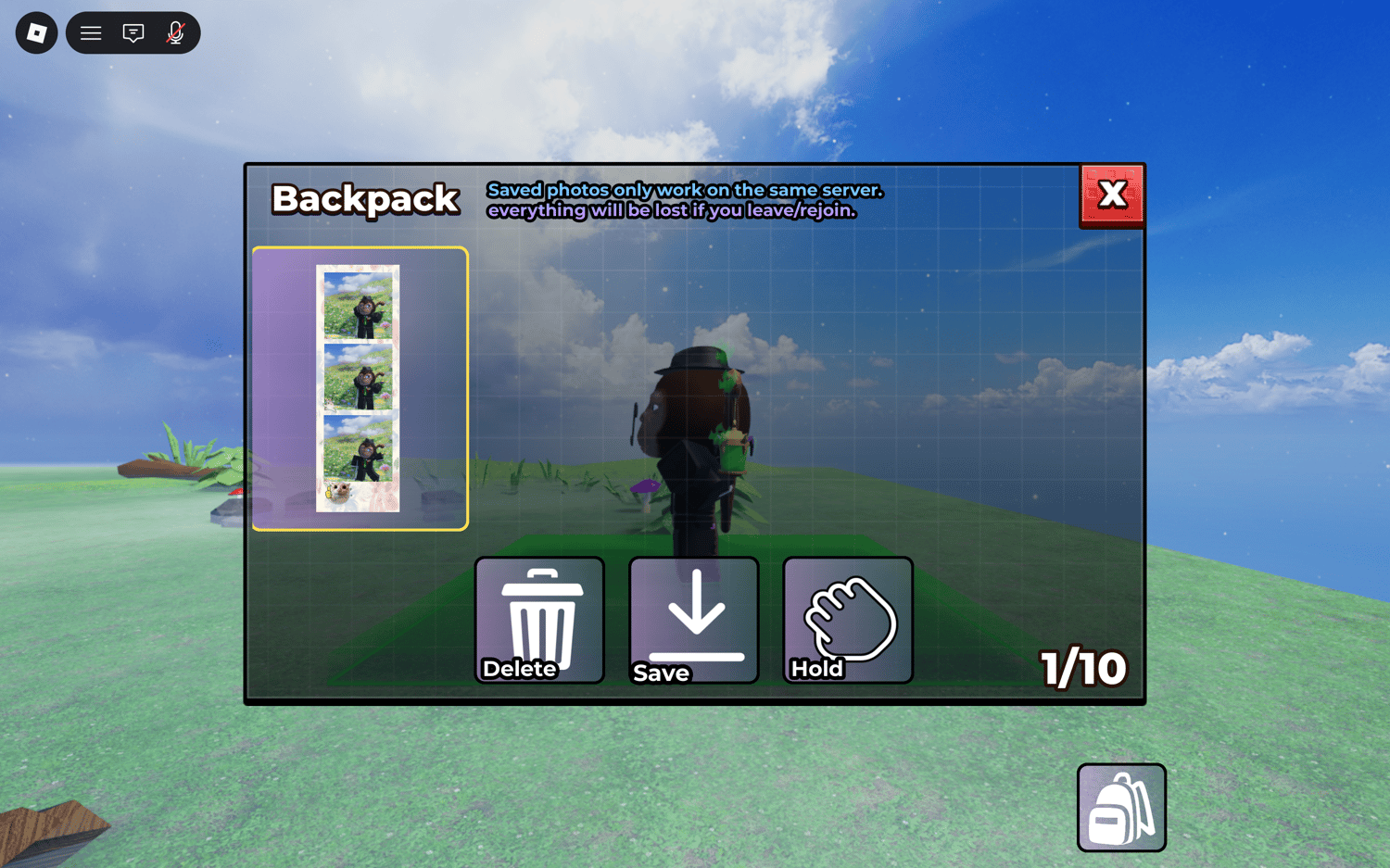
- Personal photo backpack stores all saved photos
- View, delete, save to device, or hold a photo directly from the backpack UI
- Server-synced photo history — photos persist across sessions
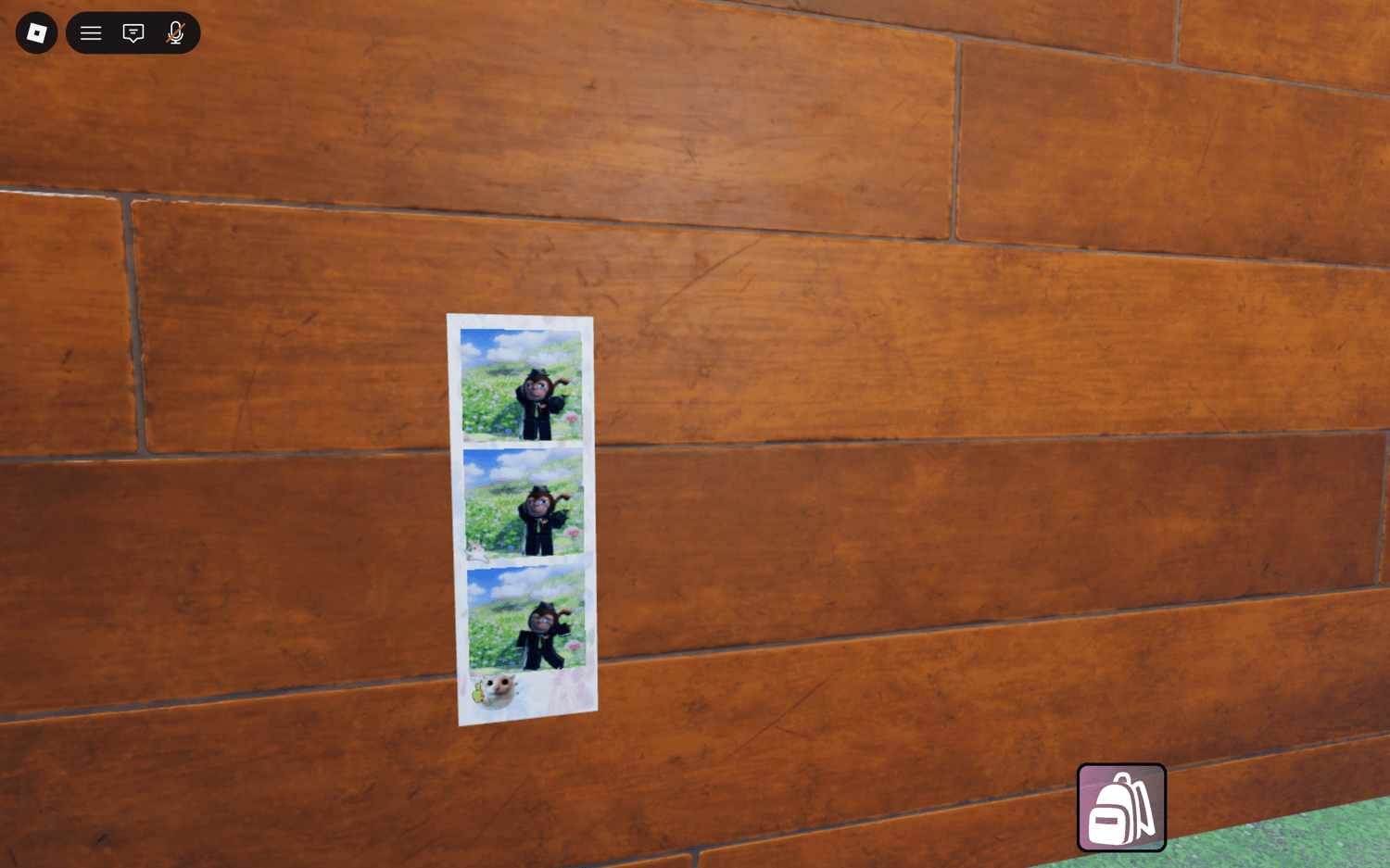
- Photos equippable as in-world tool to display on physical board props
Board Placement
- Place your finished photo board on designated surfaces anywhere in the map
- Server-validated placement — no client-side exploiting
- Anti-spam cooldown system (configurable, default 30 seconds)
- Tool auto-destroyed after placement for clean inventory management
- All placed boards organized under a single Board folder in Workspace
UI & Animations
- Smooth slide-in / slide-out transitions on all panels
- Button press animation with scale bounce and sound feedback
- Notification queue system — messages display one at a time, no overlap
- Cinematic loading screen with two corner triangles animating inward
- All animations powered by a centralized AnimationModule using TweenService
Security
- All critical logic runs server-side only
- Client sends layout name and photo data — server validates everything before acting
- Gamepass ownership checked server-side via MarketplaceService
- Tools tagged with _IsPhotoTool for safe, targeted inventory management
Locations
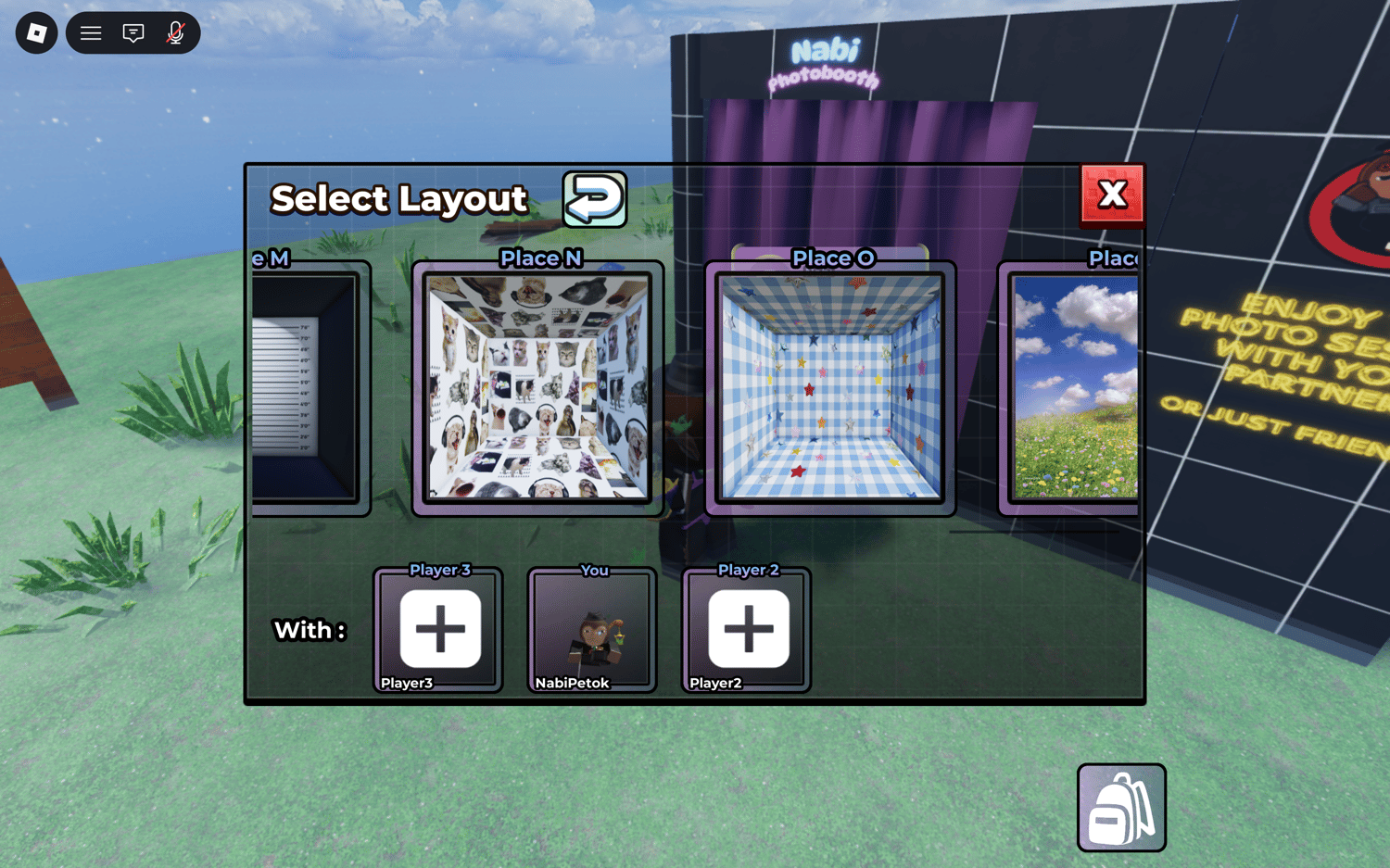
There are 16 unique photo locations (PlaceA through PlaceP). 7 locations are free for all players. The remaining 9 are locked behind the VIP Gamepass.
Each location has its own themed map with a dedicated camera position and optional Tall camera for portrait-style shots.