



Australian Wedding Budget Planner Spreadsheet | AUD Vendor Tracker, Payments Due, Guest List RSVP
Keep the money side of your wedding in one place: set estimates by category, record supplier quotes, log every deposit and final payment with a due date, and manage your guest list and RSVPs — all in AUD.
WHAT'S INSIDE
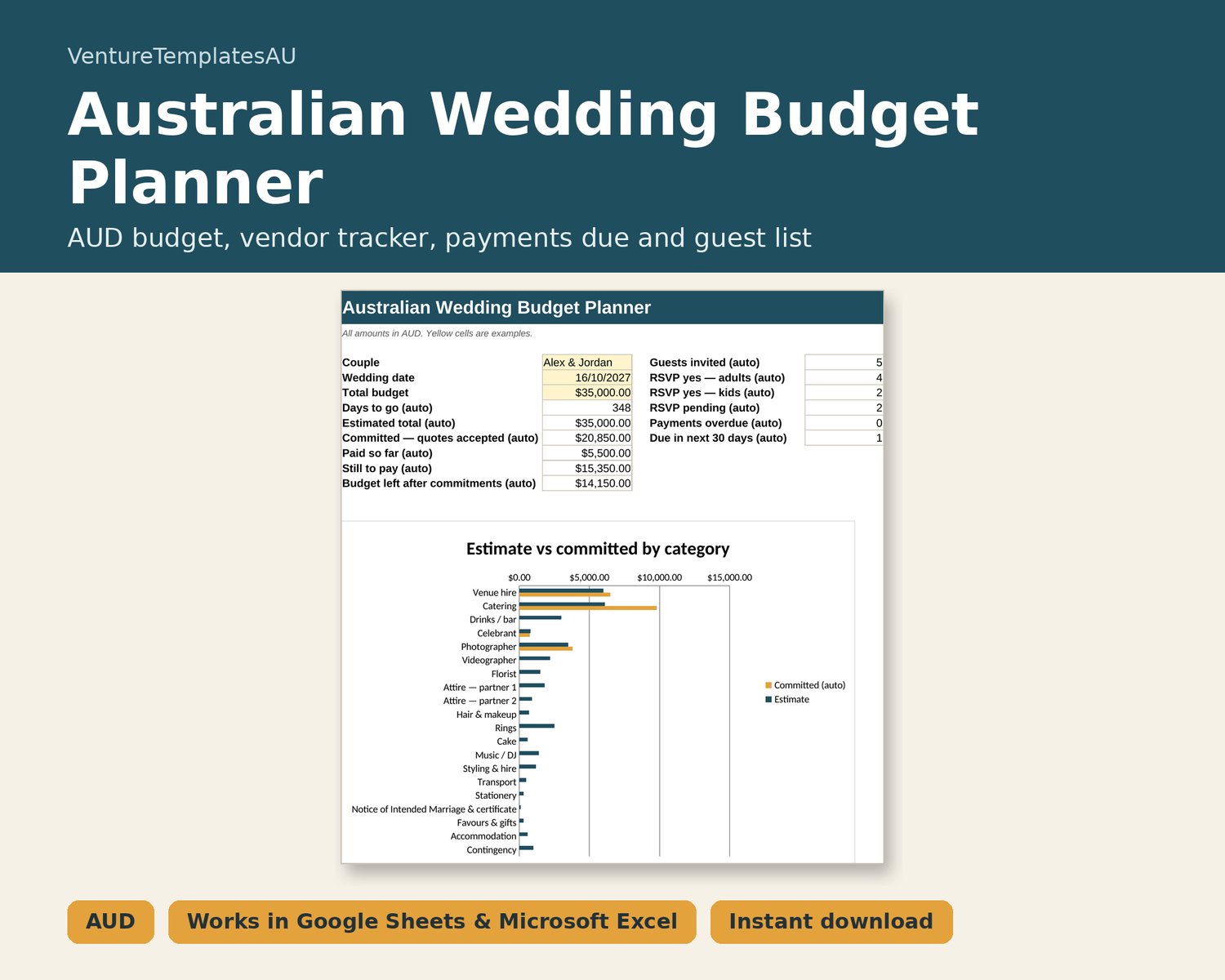
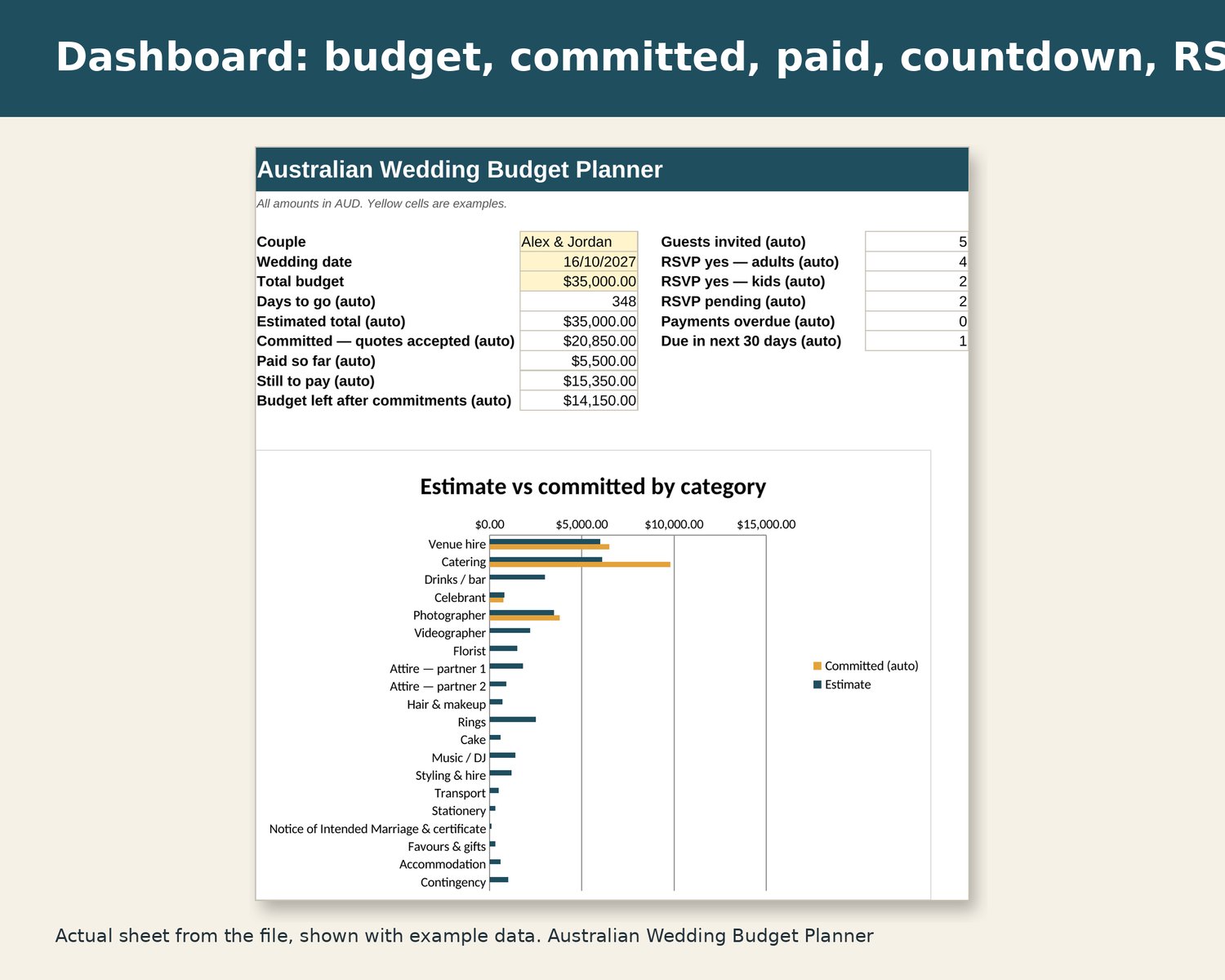
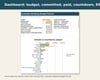
- Dashboard: total budget, estimated, committed (booked quotes), paid, still to pay, budget left, days to go, guests invited, RSVP adults/kids, pending, overdue payments and payments due in the next 30 days; estimate vs committed chart.
- Budget: 20 editable categories (incl. celebrant, Notice of Intended Marriage & certificate, contingency) — estimate vs committed vs paid, with overruns in red.
- Vendors: contact, phone/email, quote, deposit, status (Enquired/Quoted/Booked/Declined), paid to date, balance.
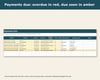
- Payments Due: amount, due date, method, paid Y/N, auto status — Overdue (red), Due soon (amber), Paid.
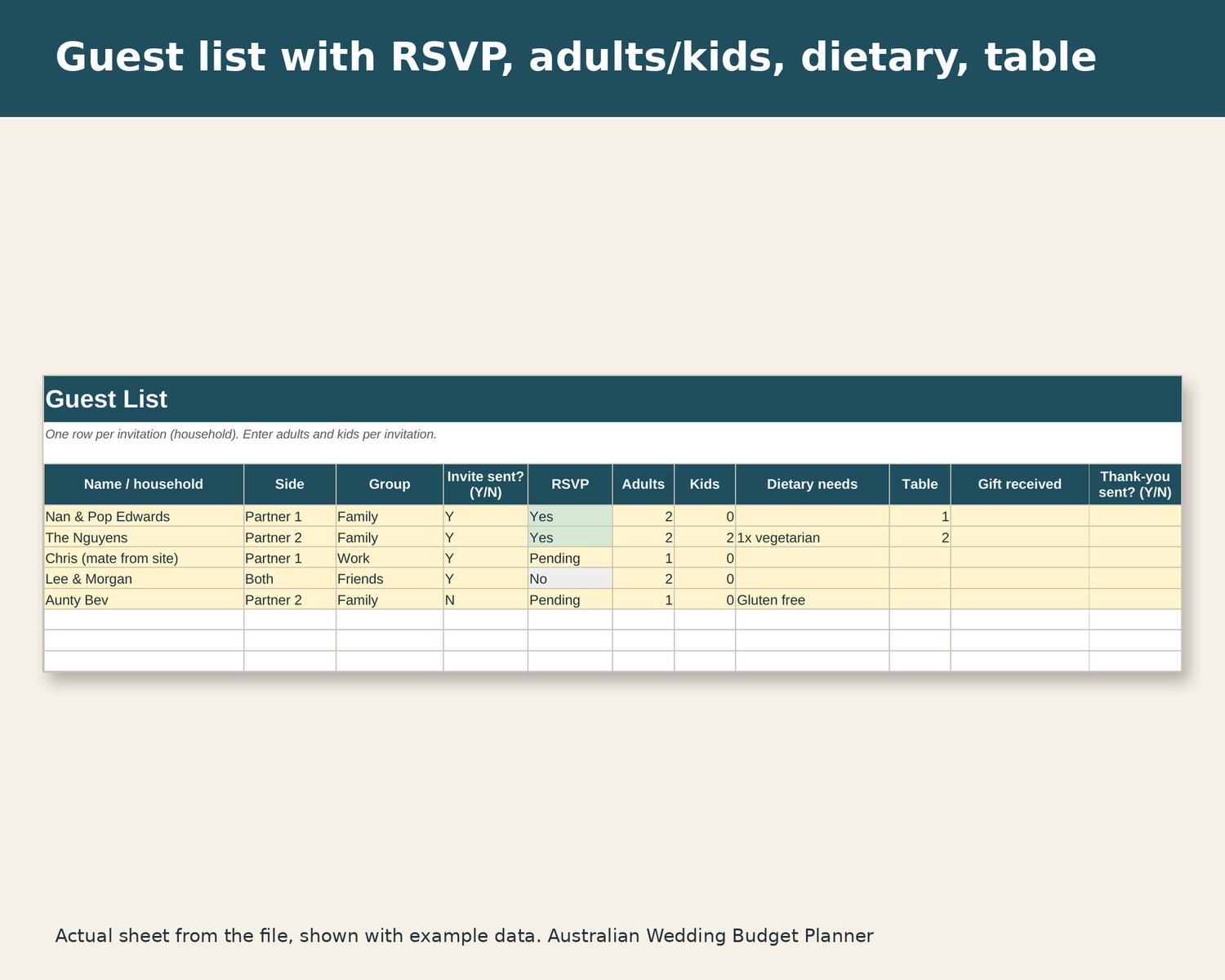
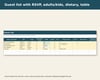
- Guest List: 300 rows — side, group, invite sent, RSVP, adults, kids, dietary, table, gift, thank-you sent.
WHAT YOU GET
- 1 × .xlsx spreadsheet file (instant digital download — nothing is posted)
- Instructions tab inside the file
- Example data in yellow cells so you can see how it works; select and delete to clear
COMPATIBILITY
Works in Microsoft Excel 2016 or later and Microsoft 365 (Windows/Mac), and Google Sheets (upload to Drive and open with Sheets; set File > Settings > Locale to Australia for dd/mm/yyyy dates). Also opens in LibreOffice Calc. No macros, add-ins or sign-ups. Best on a computer or tablet. Amounts in AUD. Compatibility is based on formula checks and LibreOffice testing; chart colours and some conditional formatting can look slightly different in Google Sheets.
HOW TO USE
1. Download the `.xlsx` from your Payhip library / purchase email after checkout.
2. Open it in Excel, or upload it to Google Drive and open with Google Sheets.
3. Open the Instructions tab first. Yellow cells are example data — select and delete them, then add your own.
PLEASE NOTE
Digital download: you get the file straight after purchase, so we can't accept returns once it's been delivered. If the file won't open or a formula is broken, message us and we'll help or replace it. This doesn't reduce your rights under Australian Consumer Law. For personal use — please don't resell or share the file.
Colours on screen may vary slightly. Listing images show the actual file with example data.
DISCLAIMER
Example amounts and supplier names are made up placeholders, not a guide to wedding costs.
General information and a personal organising tool only — not financial, tax or legal advice. Check figures against your own payslips, statements and a qualified adviser where it matters.