
How to consolidate conflicting client feedback on one creative version
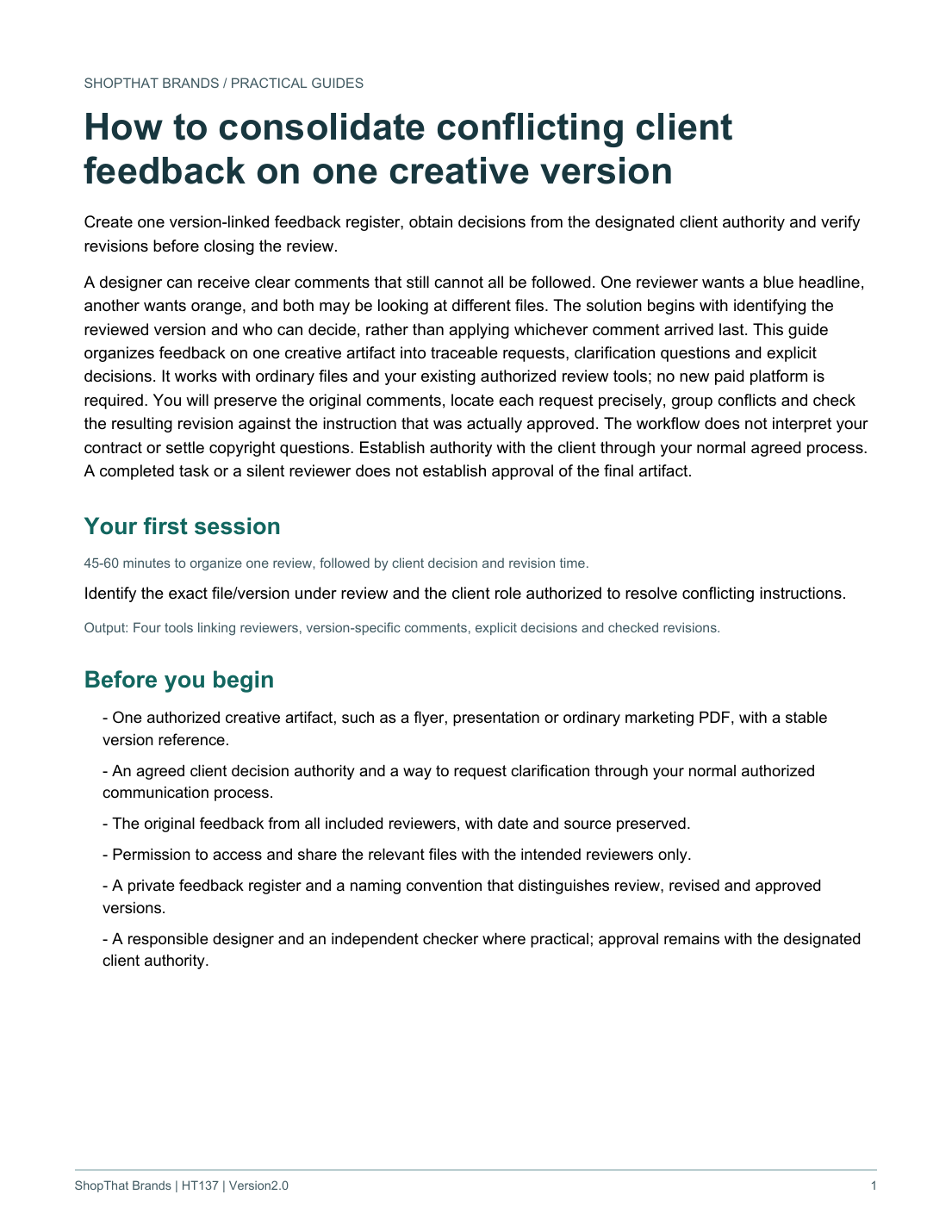
Several client reviewers can give clear instructions that cannot all be followed. This practical guide helps designers and small agencies consolidate feedback on one creative version, identify the designated decision authority and verify the resulting revision.
Eight explained steps cover reviewer roles, version preservation, comment capture, clarification, conflict grouping, explicit decisions, linked revisions and review closure. Keep original feedback separate from your interpretation, locate each request precisely and check the delivered export for both the requested change and neighboring layout problems. Reviewer silence and completed tasks remain distinct from client acceptance.
Four reusable tools provide a reviewer/version map, comment ledger, conflict decision with revision record, and revision check with closure acknowledgment. A complete fictional four-page PDF example follows ten comments into nine revision instructions, including a blue-versus-orange conflict and a layout regression found during checking. Troubleshooting covers mixed versions, vague preferences, disputed authority, ambiguous acknowledgments and changes that break nearby content.
Includes PDF, offline HTML and TXT formats for use with your own authorized project tools. No paid review platform is required. This is a coordination and verification workflow; it does not interpret contracts, clear copyright, authorize publication or decide who has approval authority. Confirm those roles through your existing client process.
Included files: PDF guide, offline HTML guide, 4 distinct editable tools in HTML and TXT. Extract the ZIP before use. No paid software is required to read this guide or edit its supplied tools. Third-party services discussed may have their own costs. No XLSX, Canva, Notion or video files are included.
Text and template wording were generated with AI and reviewed for clarity and consistency.
License: Personal or internal business use only. You may edit the templates for that use; do not redistribute or resell the supplied files or templates.
HTML tools do not autosave. Use Save filled copy before closing to download and keep your completed entries.