
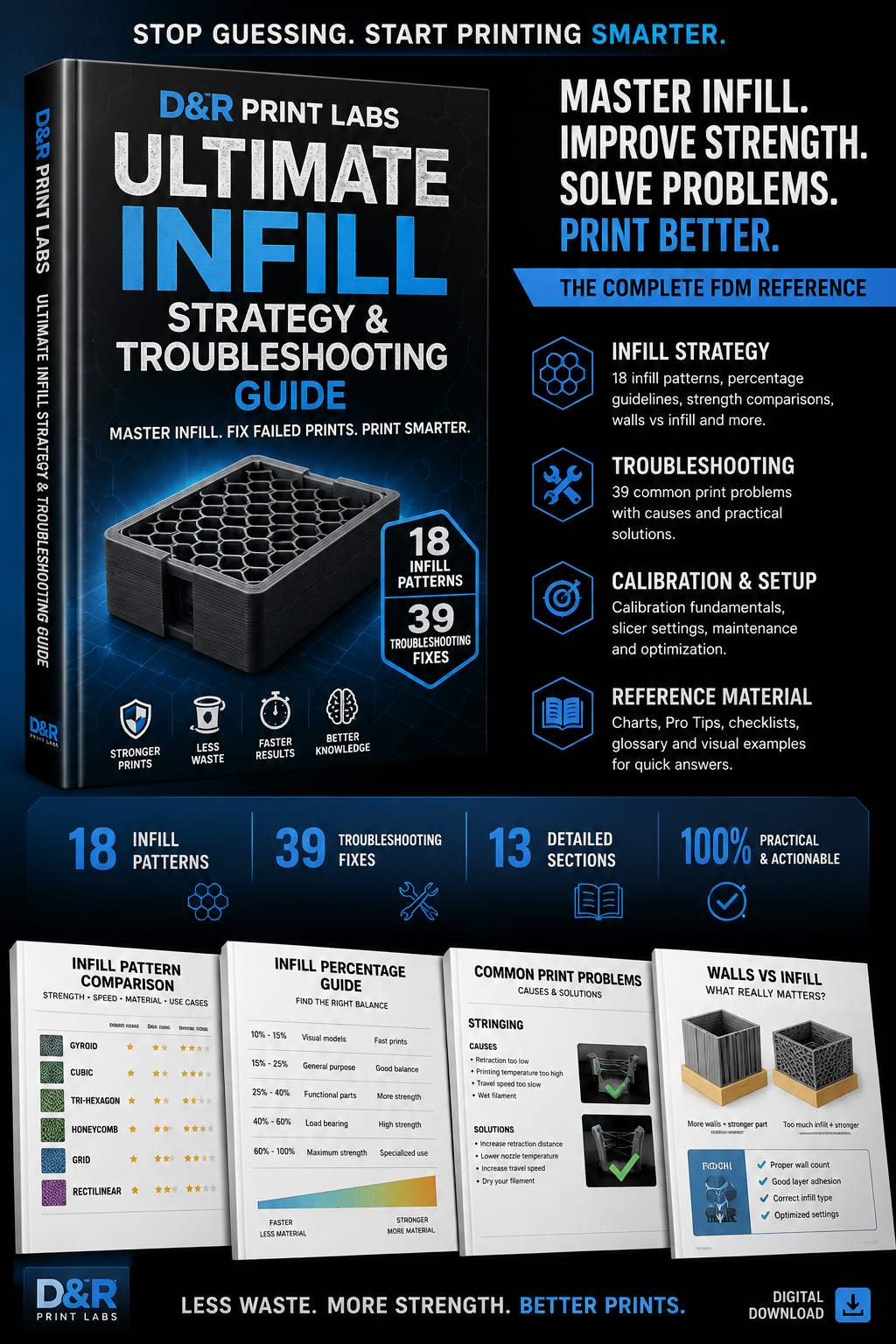
D&R Print Labs – Ultimate Infill Strategy & Troubleshooting Guide
The Ultimate Infill & Troubleshooting Guide
18 Infill Patterns • 39 Troubleshooting Fixes • Complete FDM Reference
Master infill, strength, print efficiency and troubleshooting with the ultimate FDM reference guide for choosing the right settings and fixing common print problems.
Stop guessing your infill settings. Start understanding them.
The D&R Print Labs – Ultimate Infill & Troubleshooting Guide is a comprehensive FDM reference designed to help you make smarter decisions about infill, walls, print orientation, strength, print time and material usage — while giving you a practical troubleshooting reference when things go wrong.
This isn't simply an explanation of what infill percentage means.
It shows you how infill interacts with the rest of the print and why increasing infill isn't always the answer to a weak or failed part.
Inside the Guide
Infill Strategy
Every major infill pattern explained
18 infill patterns
Infill percentage guidance
Strength comparisons
Walls vs. infill
Top and bottom layers
Print orientation
Strength vs. weight
Print time vs. material usage
Choosing the right infill for different applications
Calibration & Printer Setup
Modern slicer features
Calibration fundamentals
Printer maintenance
Practical optimisation techniques
Troubleshooting
Common FDM printing failures
Root-cause diagnosis
Practical fixes
Material-specific troubleshooting
Settings-related problems
Adhesion and first-layer issues
Extrusion problems
Stringing and surface defects
Strength and structural problems
Reference Material
Quick-reference charts
Visual examples
D&R Pro Tips
Glossary
Printable checklists
Workshop reference material
The current PDF describes itself as 13 sections, 18 infill patterns and 39 troubleshooting fixes and is specifically designed to work both as a learning guide and a quick-reference troubleshooting manual. �
DR_Print_Labs_Infill_Troubleshooting_Guide-3.pdf
Who is it for?
Beginners — understand what infill actually does instead of blindly copying percentages.
Intermediate makers — optimise strength, print time and filament consumption.
Advanced users — use the troubleshooting and reference sections as a workshop manual.
3D printing businesses — make more efficient material, time and strength decisions when producing functional parts.
The key lesson
More infill does not automatically mean a stronger print.
The guide explains why wall count, infill pattern, orientation and layer adhesion can matter more than simply increasing density. �
DR_Print_Labs_Infill_Troubleshooting_Guide-3.pdf
What you receive
1 × Complete Digital PDF Guide
A practical FDM reference that you can keep at your printer and return to whenever you need to diagnose a problem or optimise a print.