
Invoice Intake, Filing & Due-Date Reminders - n8n Automation Workflow Template
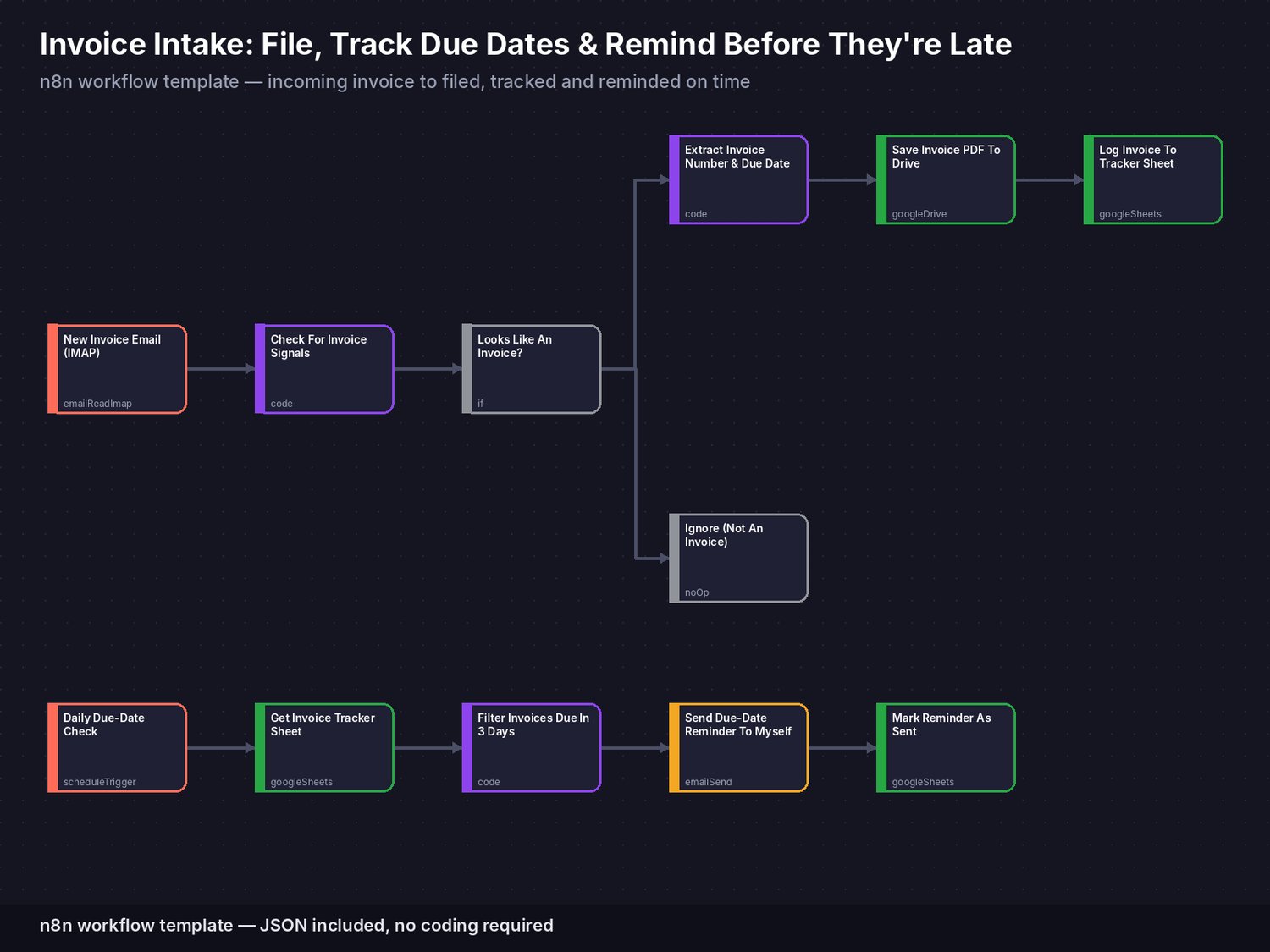
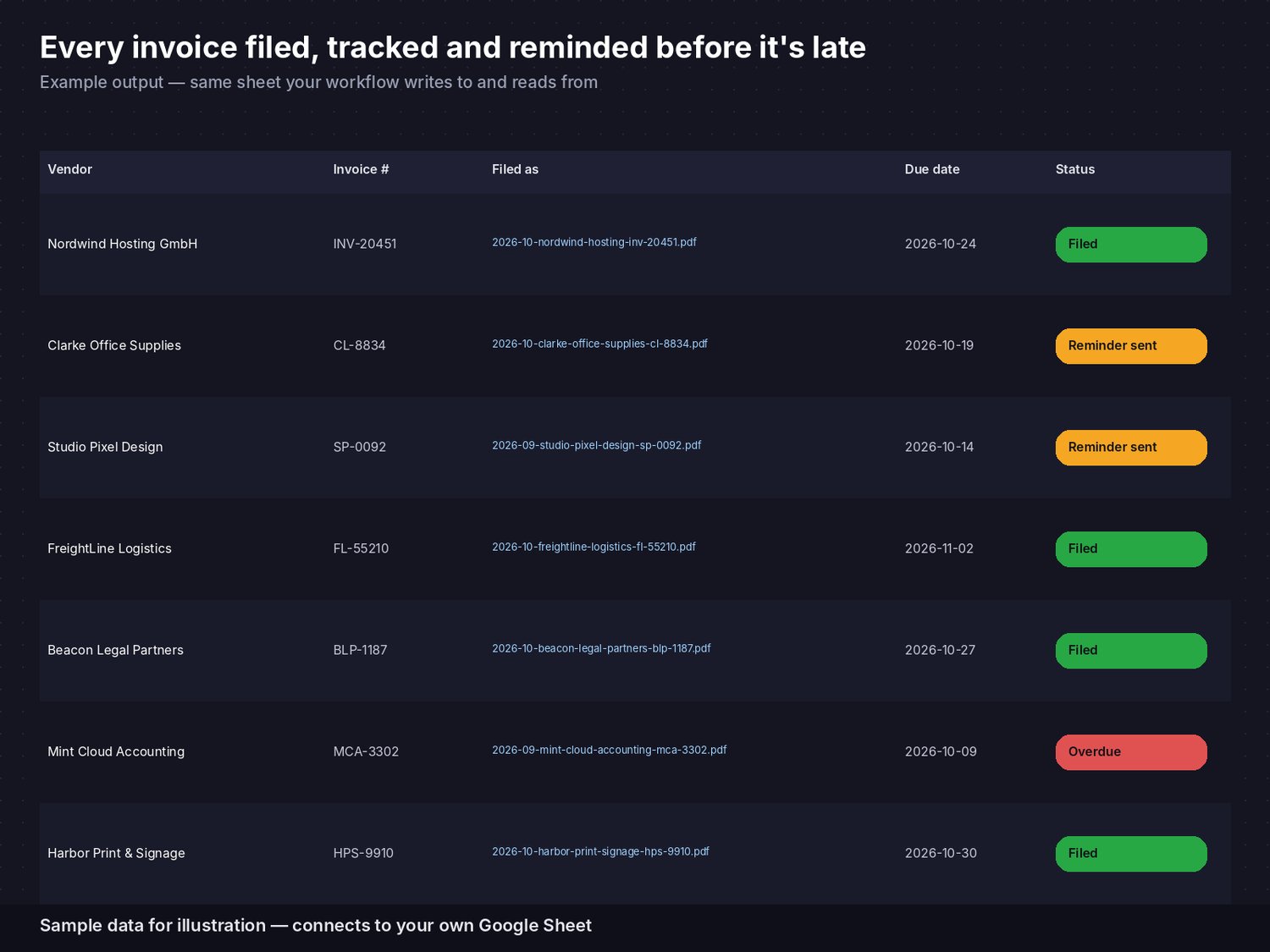
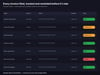
Stop digging through your inbox to find out what you still owe and when. This n8n workflow template watches an email inbox for incoming invoices, checks each one for invoice-style wording and a PDF attachment, reads the vendor, invoice number and due date straight out of the email, saves the PDF to your Google Drive under a clear, consistent filename, logs it to your own tracking sheet - and reminds you three days before each invoice falls due.
What's included:- workflow.json - a complete, importable n8n workflow (12 connected nodes in two linked parts). Import it with one click, no coding required.- A step-by-step PDF setup guide covering import, connecting your own inbox, filling in your own credentials, and adjusting the filing and reminder rules.
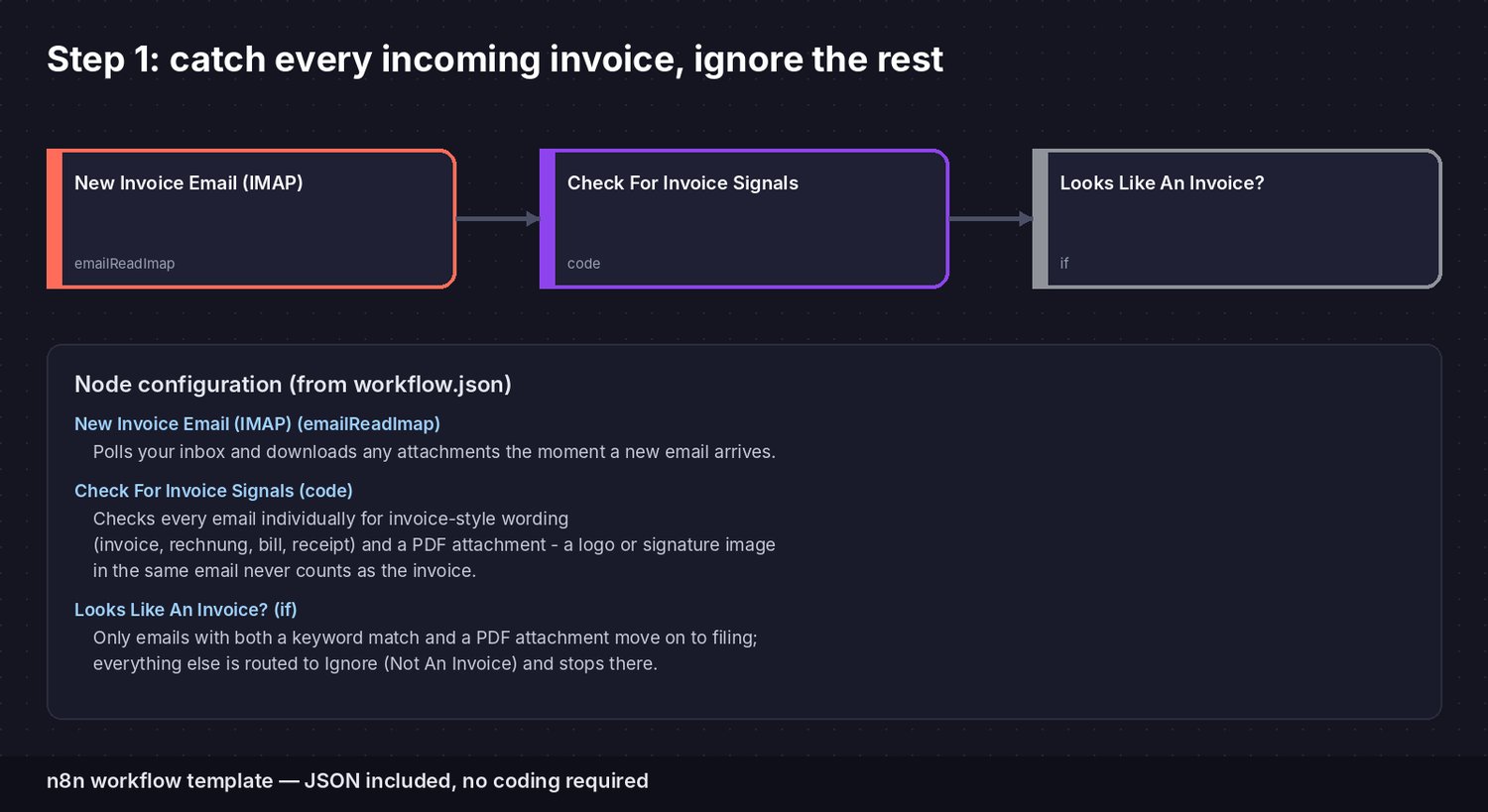
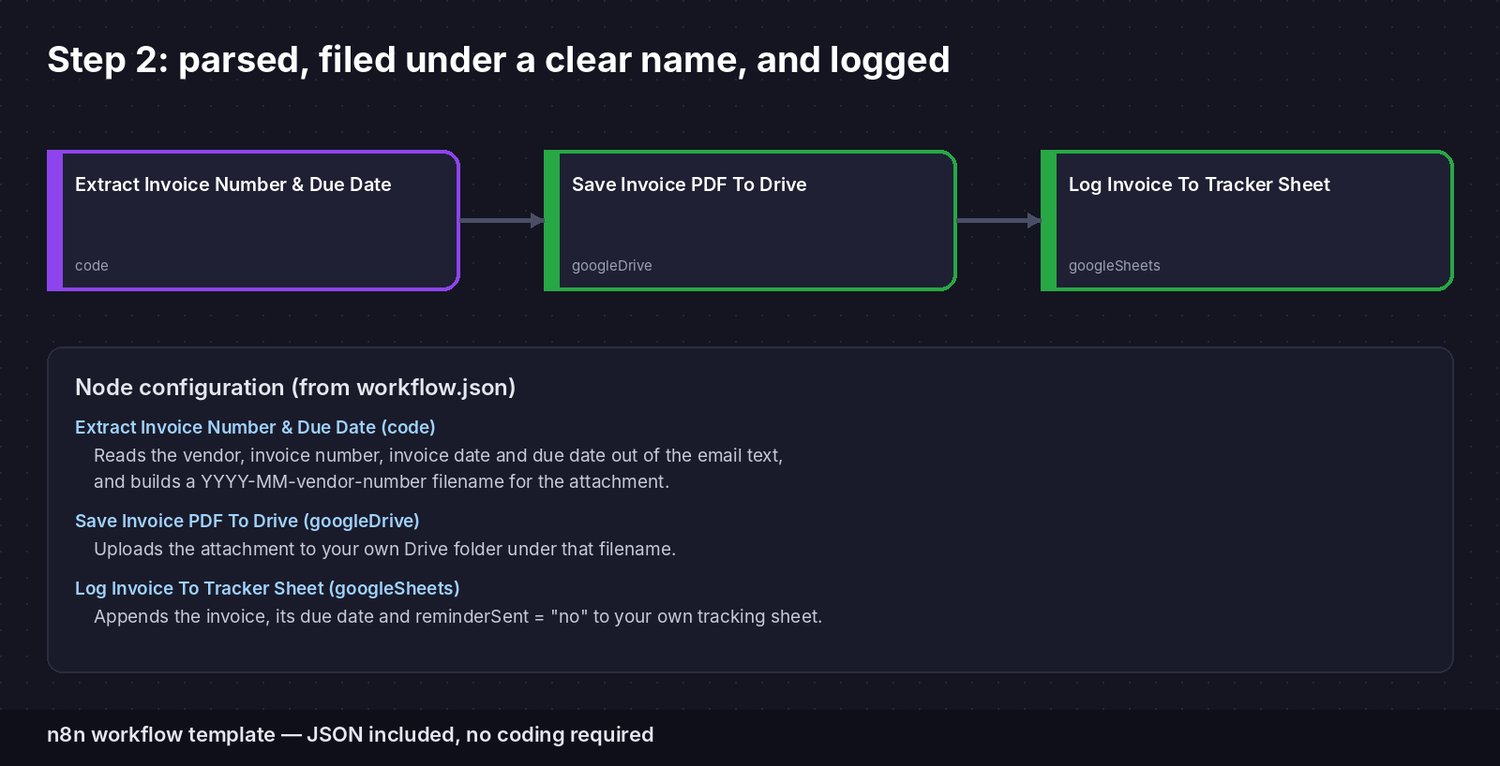
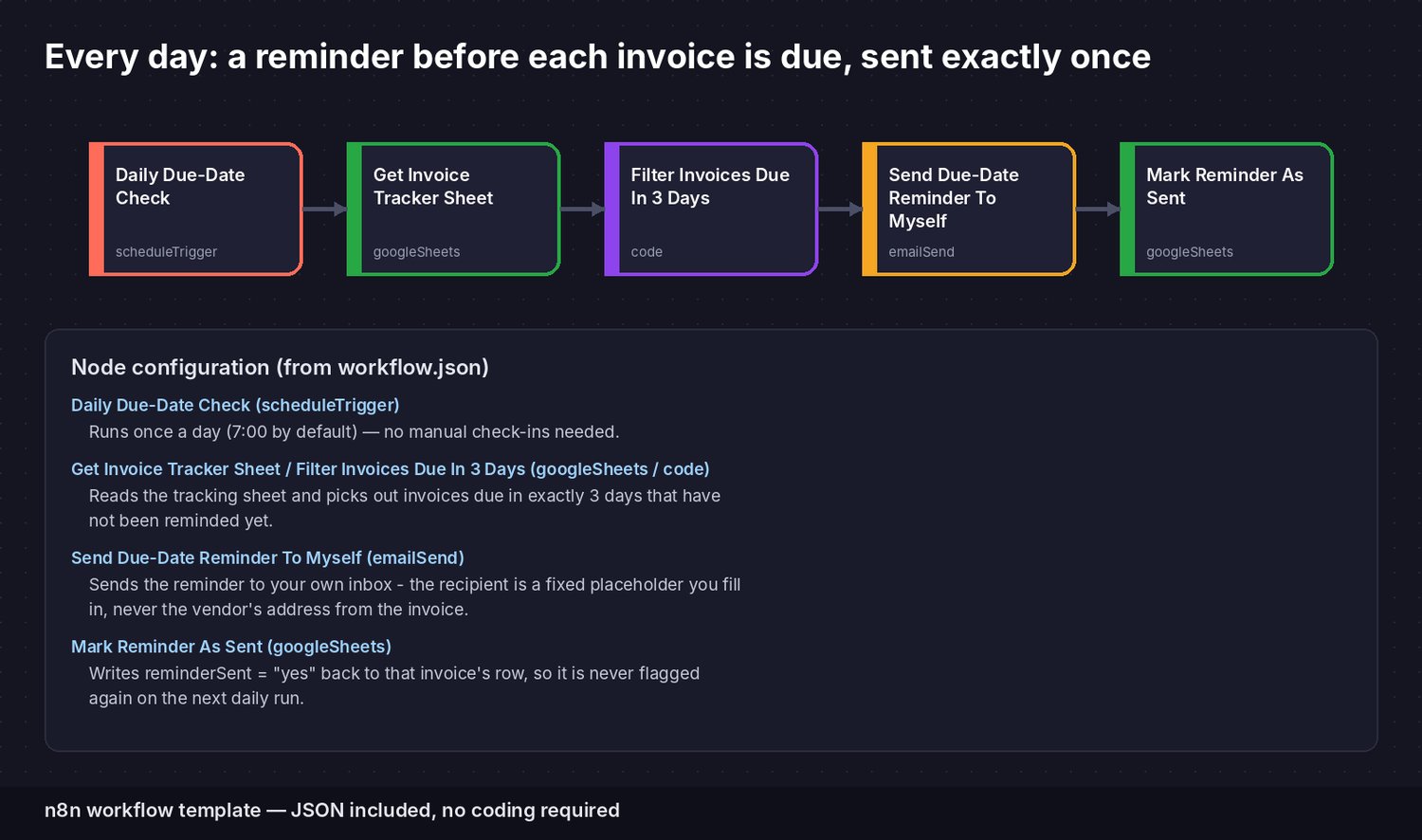
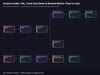
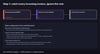
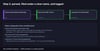
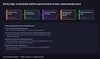
How it works:1. An email trigger watches your inbox and downloads attachments as new messages arrive - several new emails in one check are all handled.2. Every email is checked for invoice-style wording and a PDF attachment (logos or signature images are skipped); anything that doesn't look like an invoice is simply ignored.3. Matching invoices are parsed for the vendor name, invoice number, invoice date and due date (or a payment term like "14 days"), the PDF is filed under a year-month-vendor-number name, and the invoice is logged to your tracking sheet.4. Once a day, the workflow checks that sheet on its own and sends a reminder to your own inbox - never to the vendor - for anything due in three days, then marks it as reminded so you're never emailed about the same invoice twice.5. Every rule - the keywords, the filing name, the payment-term fallback, the reminder timing - is edited directly in the included nodes, no separate tool required.
Tested in n8n 2.39: all code steps run against sample emails (several invoices at once, logo before the PDF, non-invoice email, German and English invoice wording) and sample tracker rows. The IMAP inbox, Google Drive, Google Sheets and email steps run once you connect your own accounts. Payment status is not tracked automatically - add a "paid" column to the sheet if you want to record it.
Requirements: a free or paid n8n account (cloud or self-hosted), an email inbox reachable over IMAP, a Google account for the tracking sheet and a Drive folder for filed invoices, and an email account for sending your own reminders. No credentials or API keys of ours are included - every placeholder is clearly marked in the file and explained in the setup guide.
Made with the help of AI tools; all designs are original, not copied from another creator.
Because this is a digital file, returns and exchanges are not accepted. If anything is wrong with your file, message us and we'll fix it quickly.