

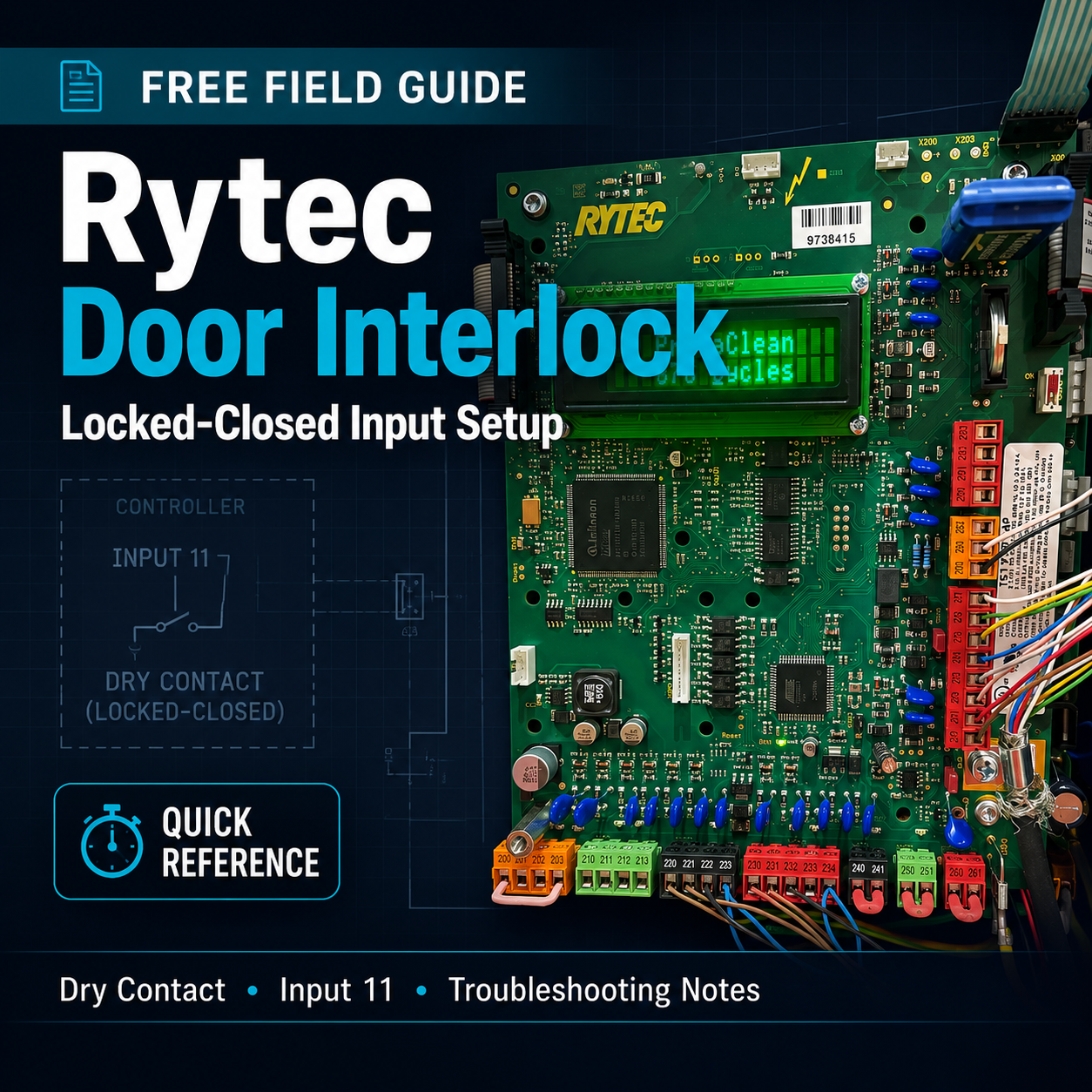
Rytec Interlock / Locked-Closed Input Field Guide
A quick field-reference guide for setting up a Rytec door controller to use a dry-contact interlock input that keeps the door locked closed while another door is active.
This free guide was built from real troubleshooting notes and is meant to help low-voltage techs, access control installers, and service technicians understand the basic process of using a Rytec programmable input for a locked-closed / interlock-style function.
Inside the guide:
- Basic Rytec interlock concept
- Status output vs. programmable input explanation
- Terminals used for the dry contact input
- Stop circuit reminder
- How to enter programming / service level
- Input 11 parameter notes
- Working locked-closed input settings
- Jog mode reminder
- Testing checklist
- Copy/paste field notes for future service calls
This is not an official Rytec manual or factory document. It is a field-notes style reference intended to help technicians remember the process, avoid common mistakes, and troubleshoot faster on site.
Best for: low-voltage techs, access control installers, service technicians, overhead/high-speed door troubleshooting, and anyone working around door interlock wiring.