
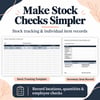

Stock Inventory Control | Excel Template with Reorder Alerts
Keep your stock records organized and see which items need replenishing.
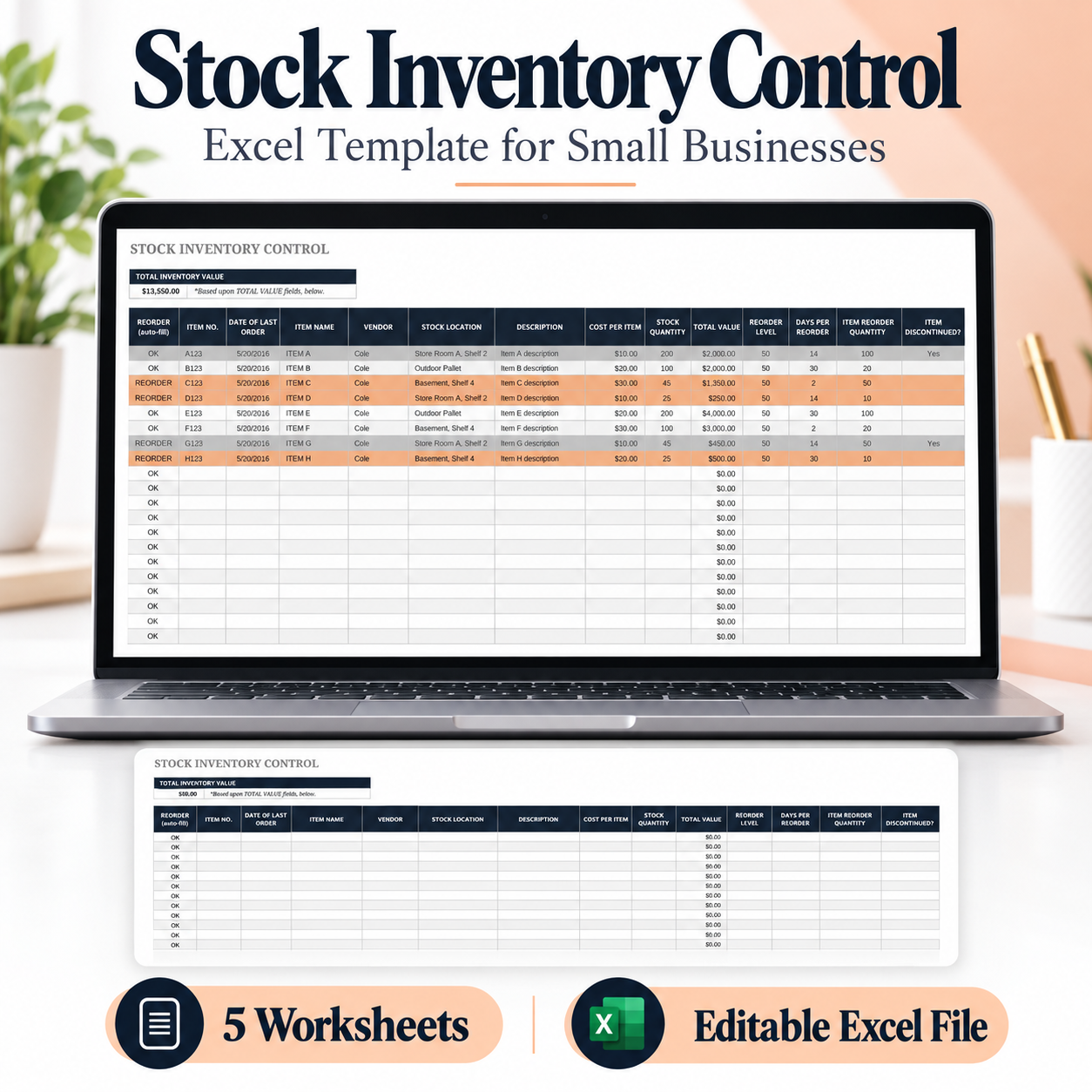
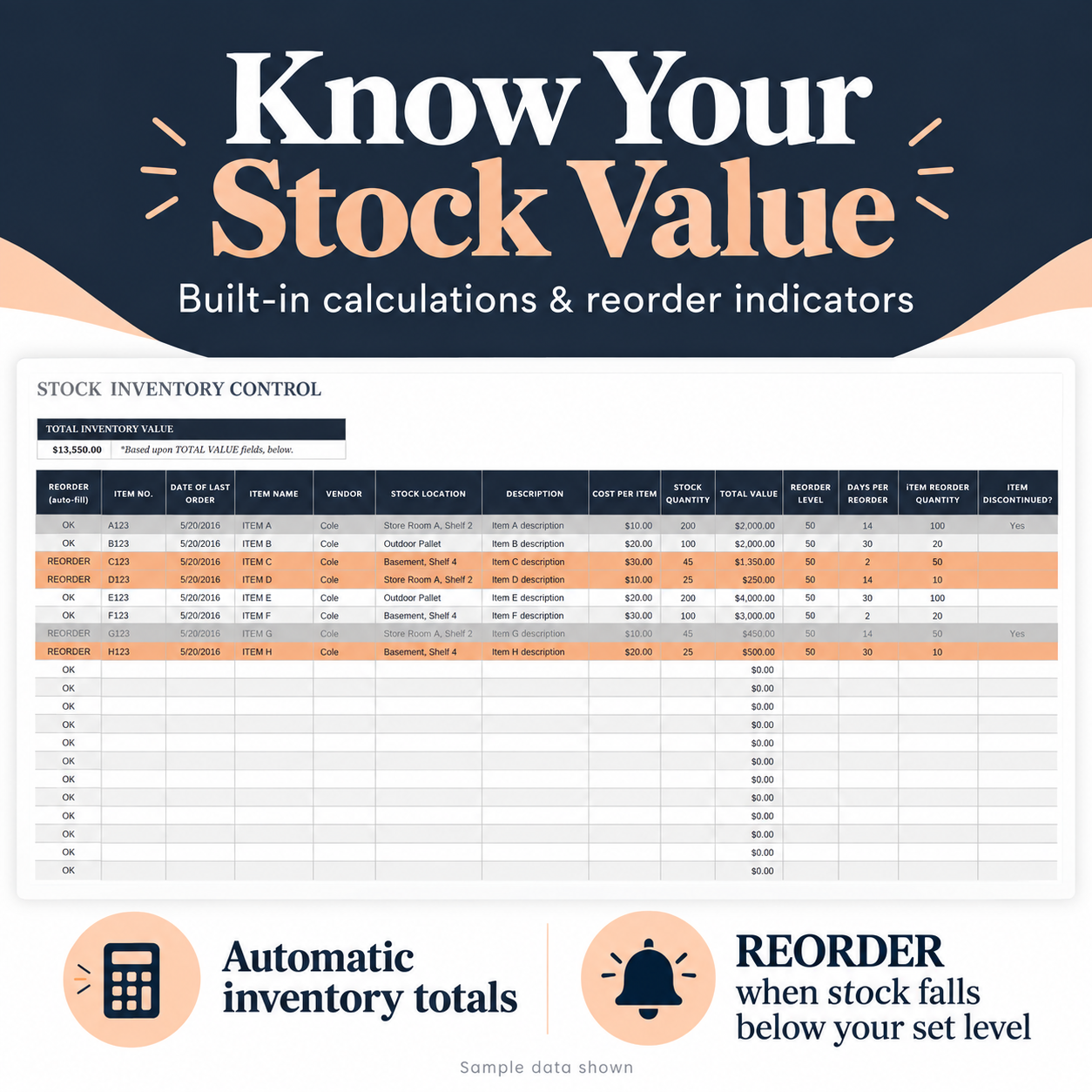
This Excel template helps you track stock quantities, calculate inventory value, and keep product and vendor details together. Enter your item information and update quantities as your stock changes—the built-in formulas calculate each item’s total value and your overall inventory value.
What’s included
One Excel workbook with five worksheets:
- Stock Inventory Control: A sample-filled sheet showing how to organize your inventory.
- Blank Stock Inventory Control: A ready-to-fill version for your own products.
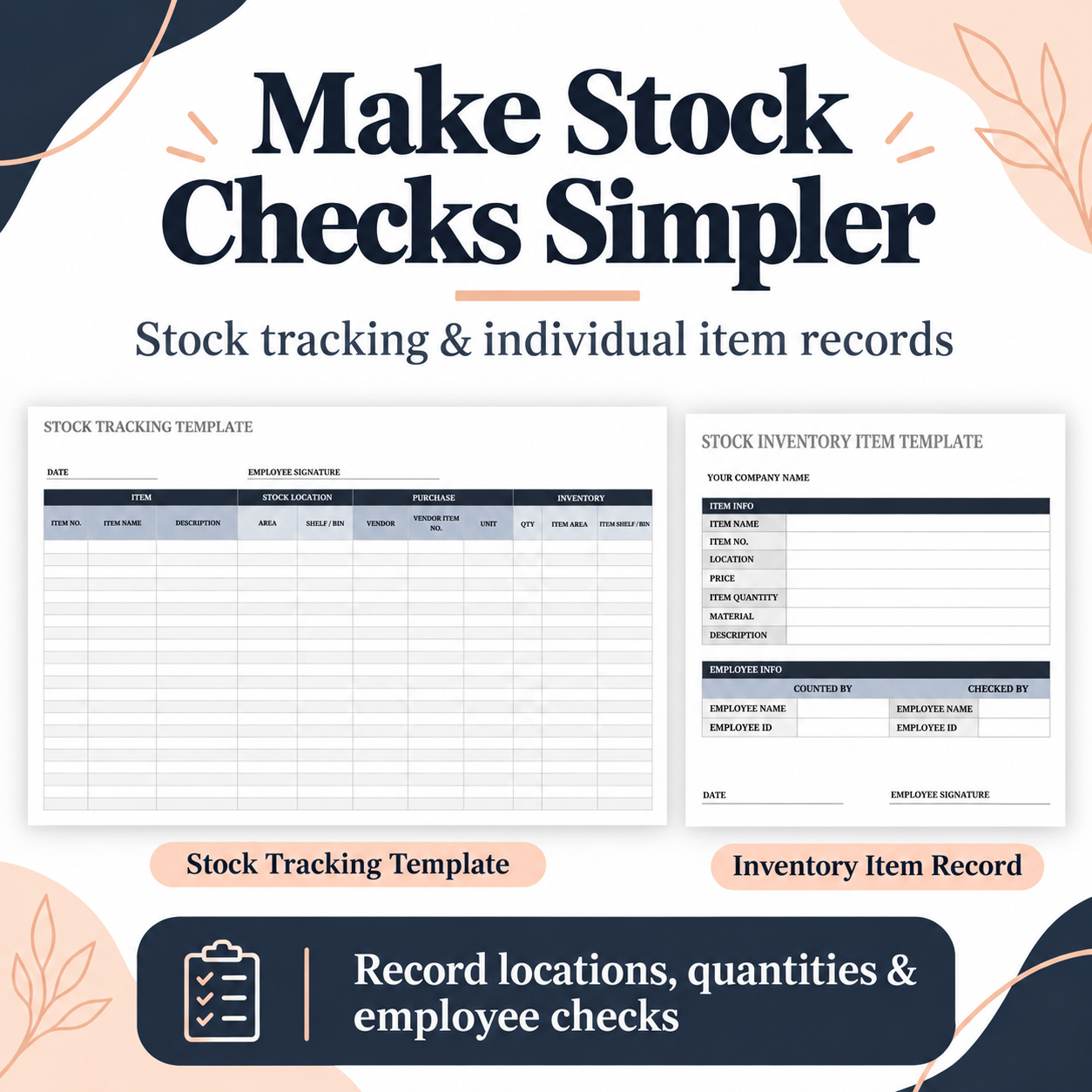
- Stock Tracking Template: Record item details, storage locations, vendor information, units, and quantities.
- Stock Inventory Item Template: An individual item record with fields for counting, checking, dates, and employee signatures.
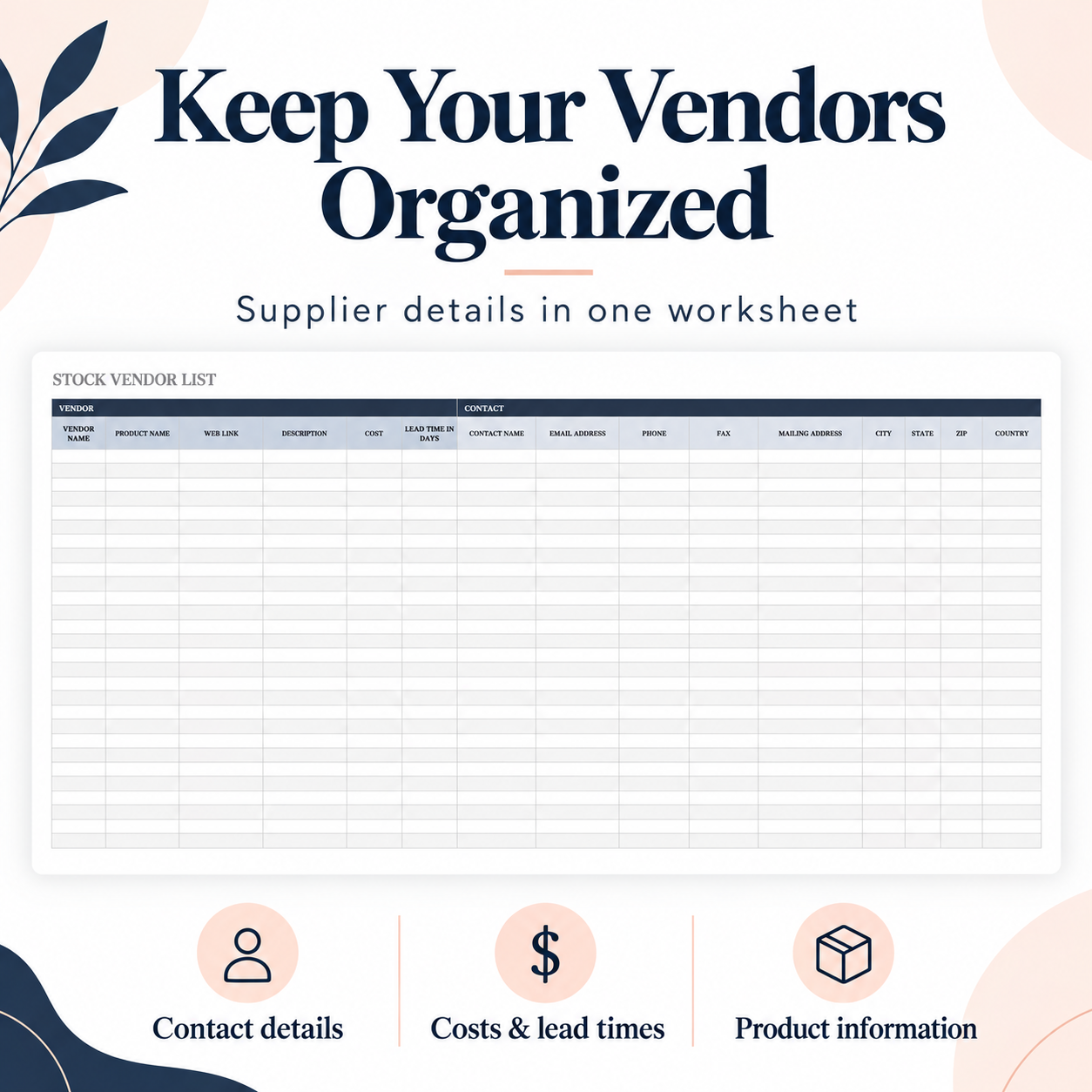
- Stock Vendor List: Organize supplier details, product costs, lead times, and contact information.
Key features
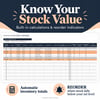
- Automatic calculation of each item’s inventory value based on unit cost and stock quantity.
- Automatic total inventory value.
- “REORDER” status when stock falls below your chosen reorder level.
- Fields for item numbers, names, descriptions, vendors, and storage locations.
- Space to record last order dates, reorder quantities, and discontinued items.
- Separate forms for stock checks and supplier records.
Who is it for?
Small shop owners, online sellers, home-based product businesses, and teams looking for a straightforward way to organize inventory in Excel.
How to use
- Open the workbook in Microsoft Excel.
- Use the sample sheet as a guide and enter your products in the blank inventory sheet.
- Add unit costs, current quantities, and reorder levels.
- Update quantities regularly to keep inventory values and reorder statuses current.
Product details
- File format: .xlsx
- Includes: 1 workbook with 5 worksheets
- Template language: English
- Requires Microsoft Excel
- Instant digital download
Stock quantities are updated manually. Reorder indicators appear within the worksheet; they do not send notifications or place orders.
Keep your inventory information together and make your next stock check easier.