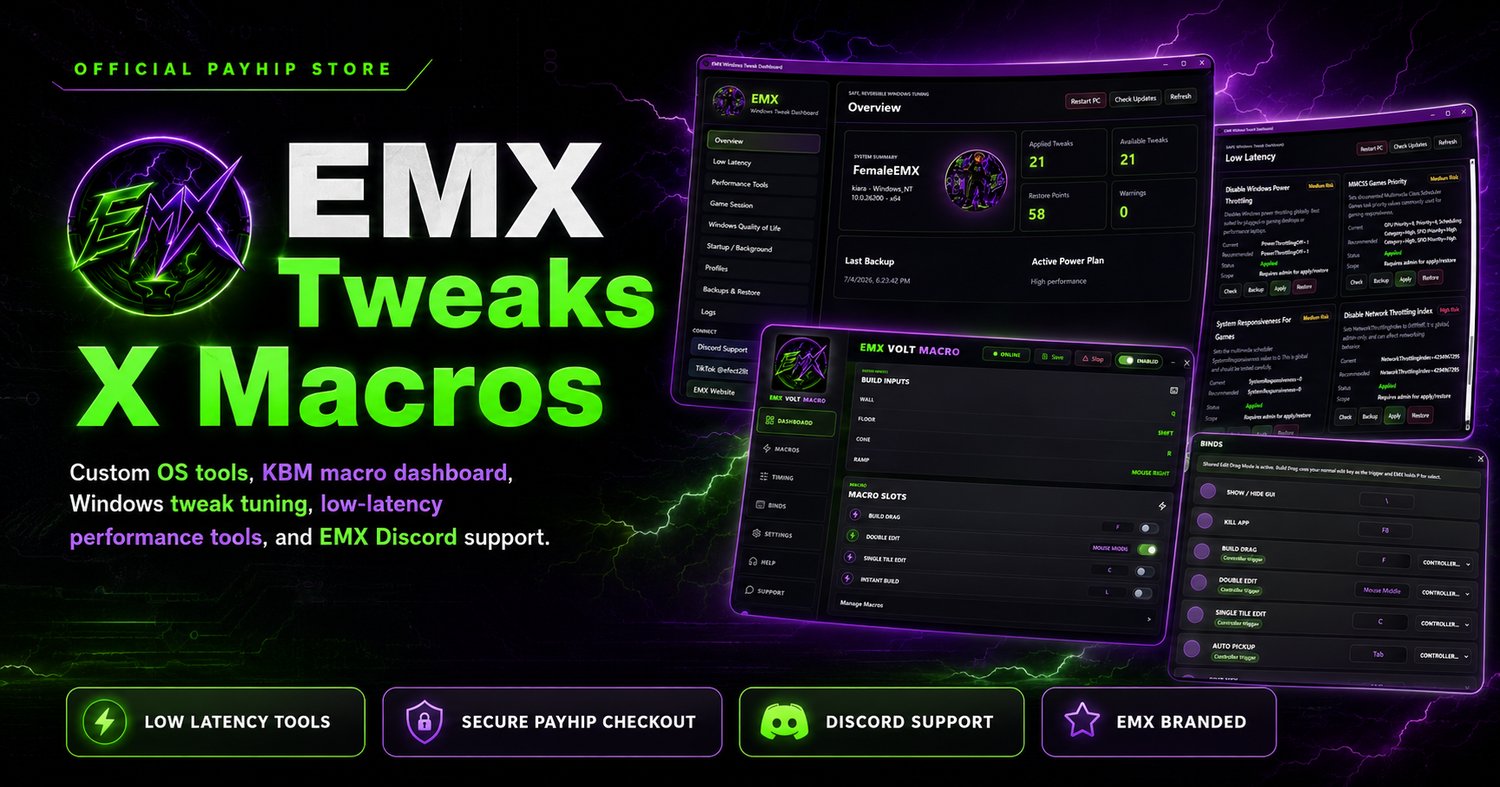

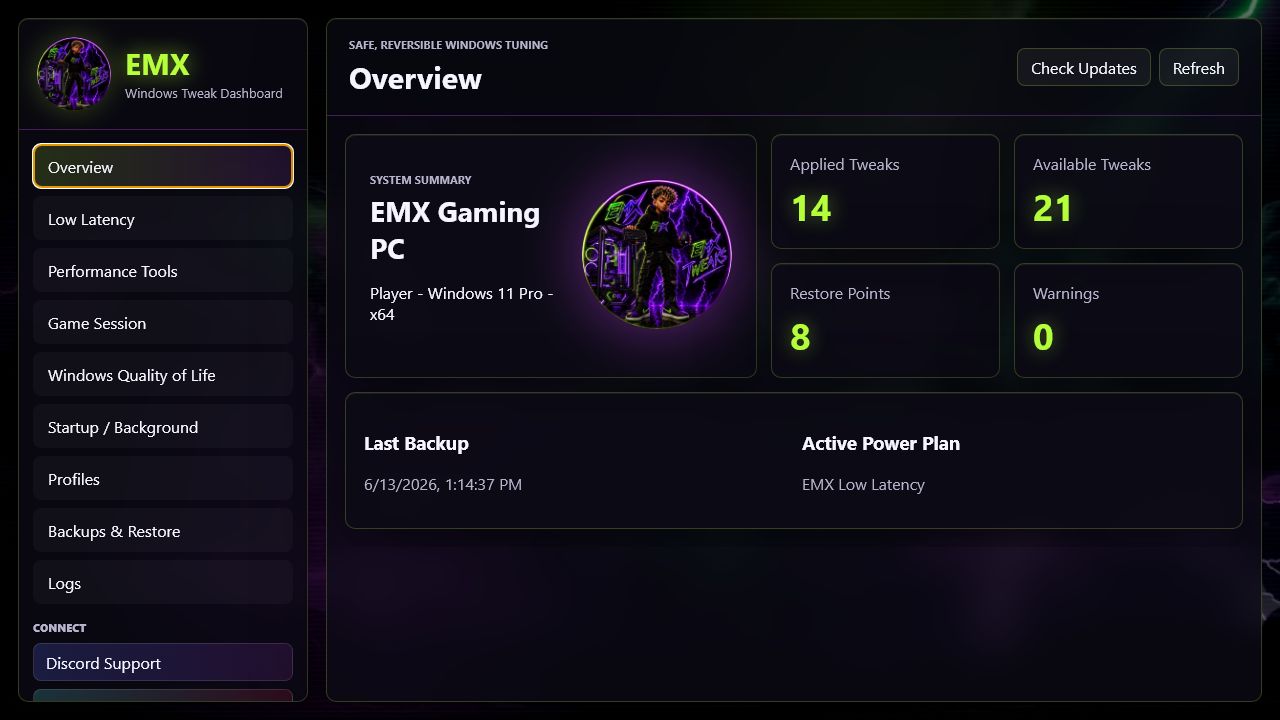
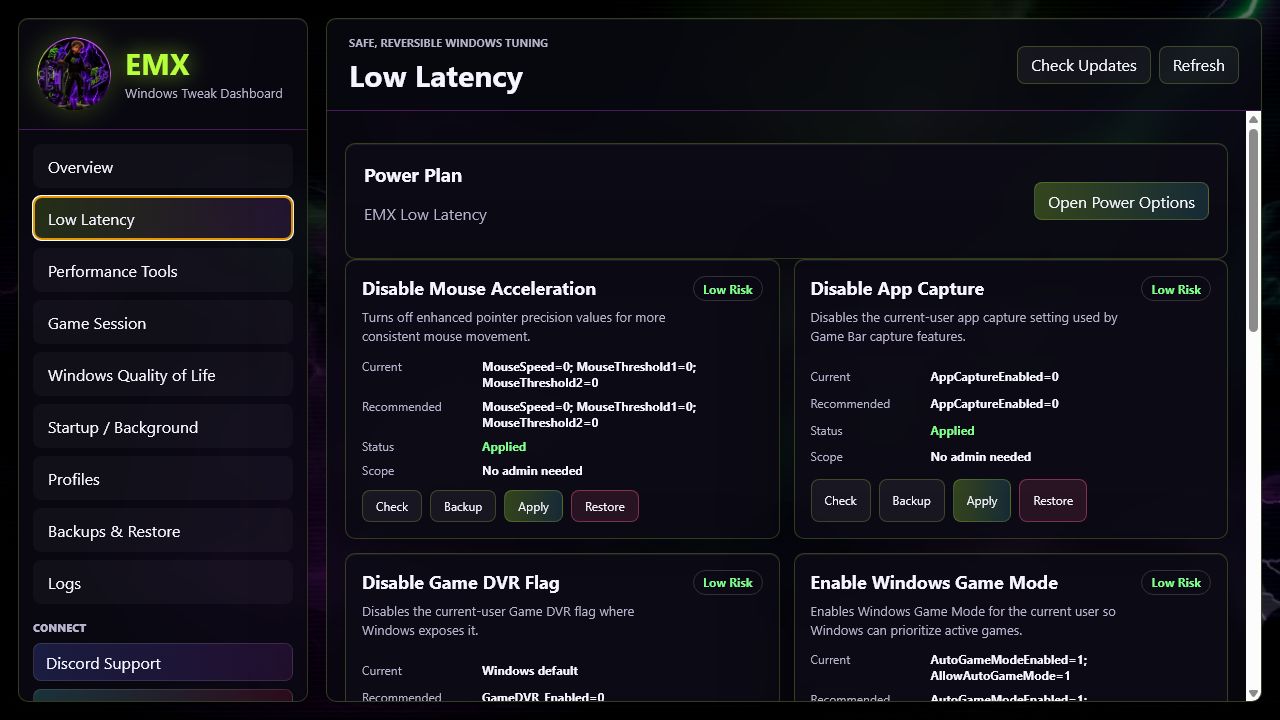
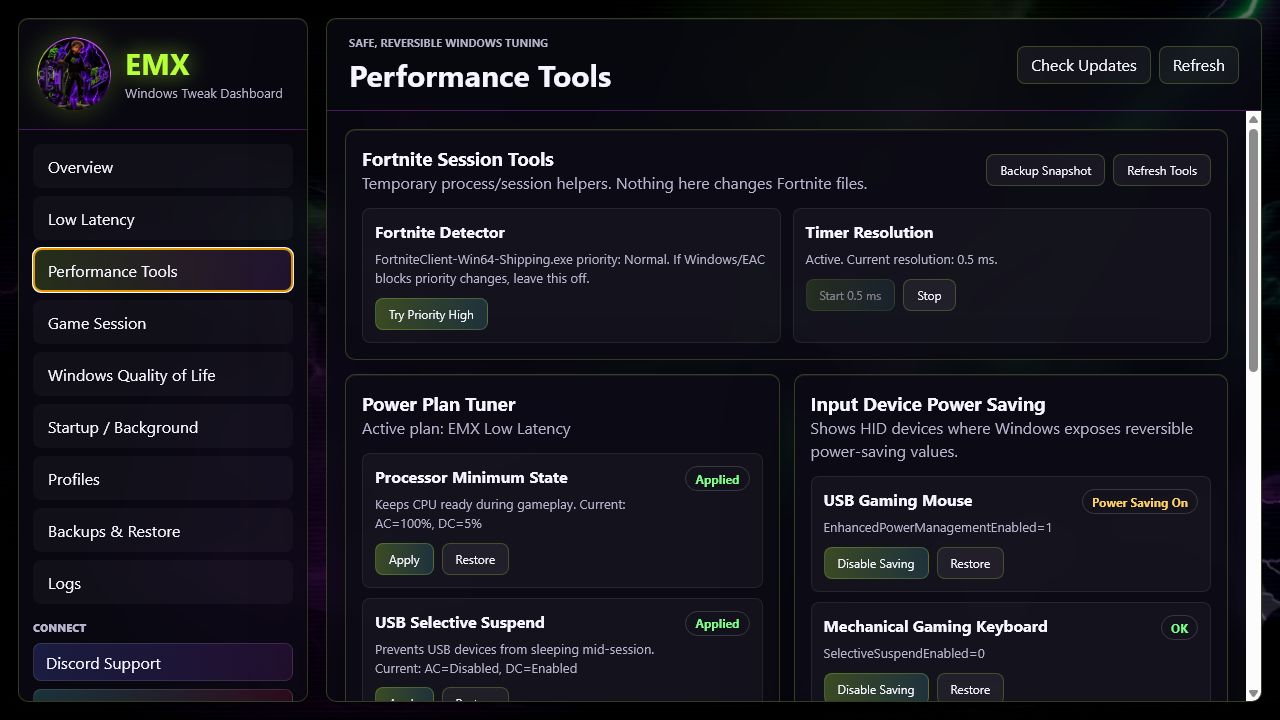
EMX Windows Tweak Dashboard📈
⚡ EMX Windows Tweak Dashboard v0.3.0
🎮 Short Description
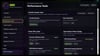
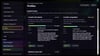
EMX Windows Tweak Dashboard is a safe, reversible Windows optimization toolkit built for smoother gaming, cleaner startup, and easier PC tuning without needing advanced tech knowledge.
🚀 Product Description
Get your Windows PC ready for competitive gaming with EMX Windows Tweak Dashboard. EMX gives you a clean, easy-to-use dashboard for:
• ⚡ Applying low-latency Windows settings
• 🔋 Tuning gaming-focused power behavior
• 🧹 Checking startup and background apps
• 🎯 Preparing your PC for a game session
• ↩️ Restoring changes whenever needed
EMX is designed around safety first:
• ✅ Tweaks are reversible
• 💾 Backups are created before changes
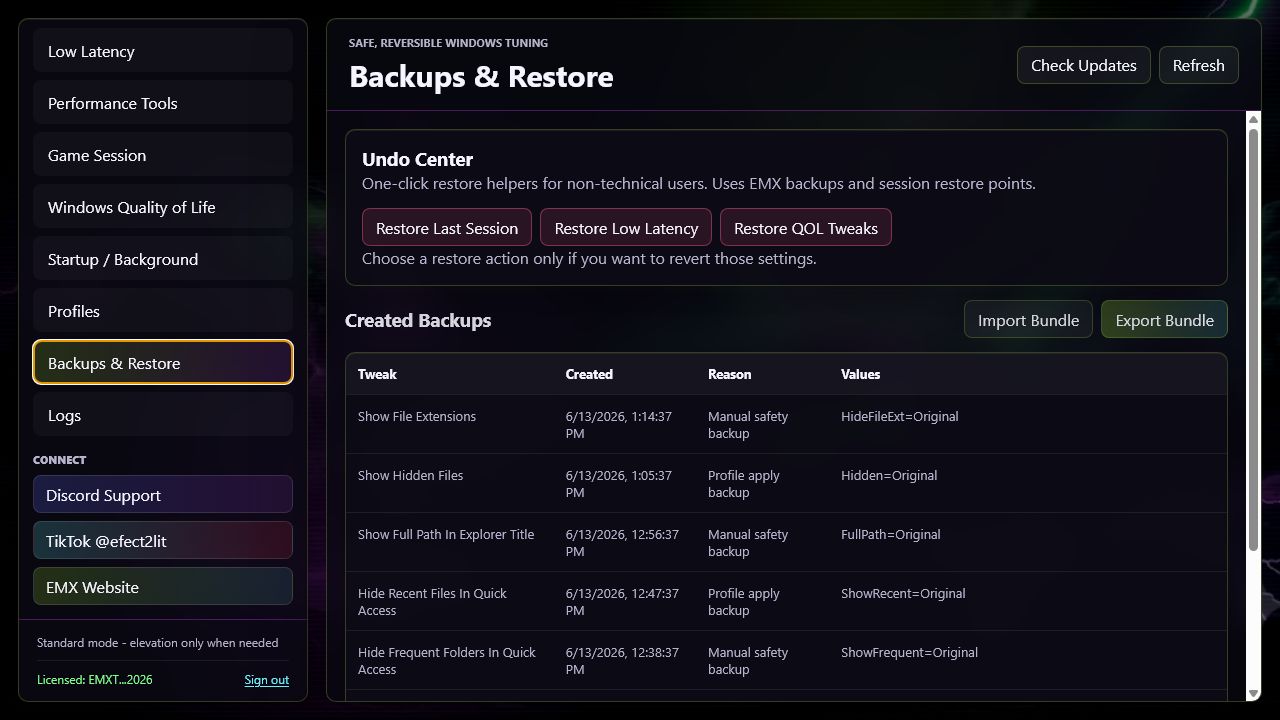
• ↩️ Undo Center helps roll settings back
• 🧭 Guided profiles make setup simple
• 🛡️ No game file edits or anti-cheat bypassing
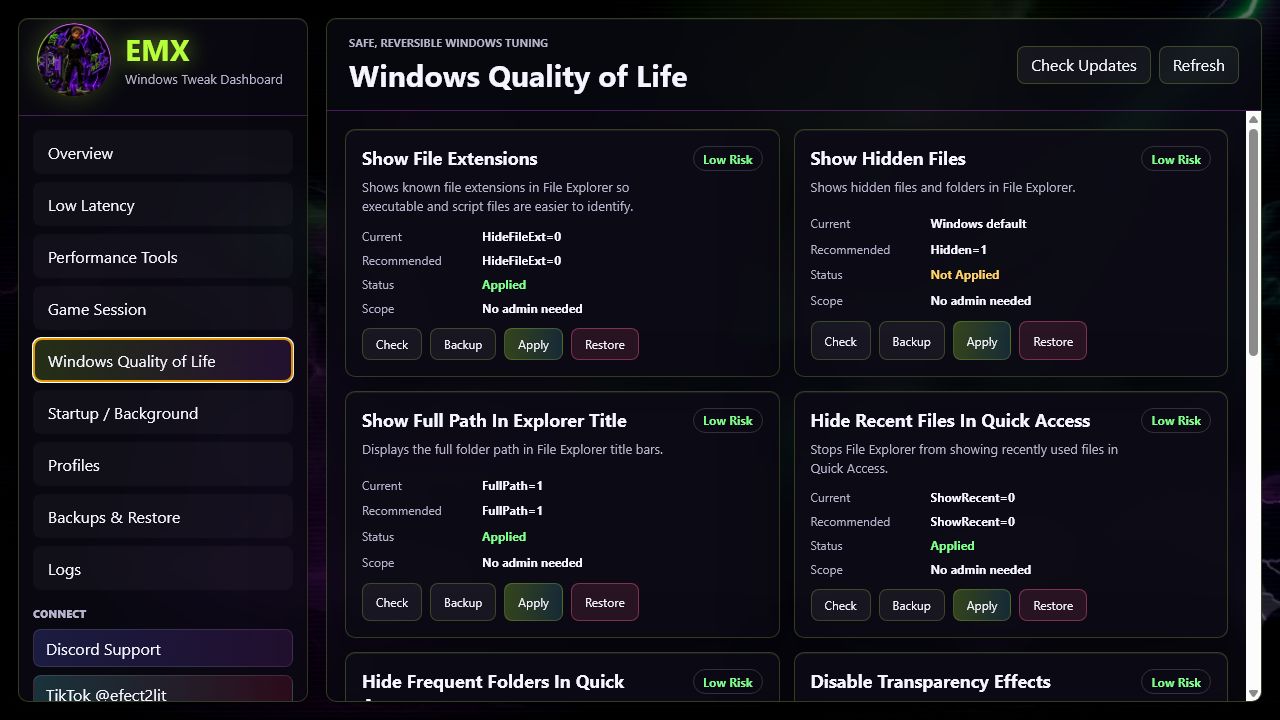
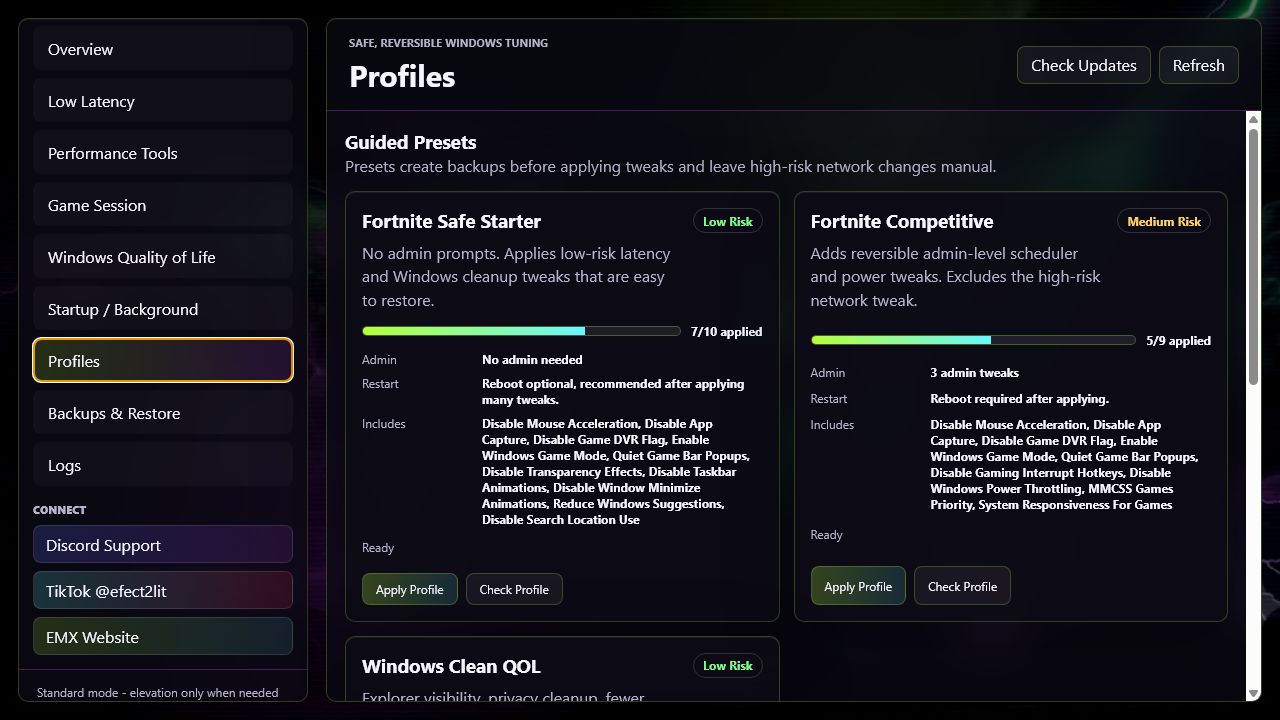
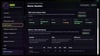
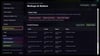
Use guided profiles like Fortnite Safe Starter, Fortnite Competitive, and Windows Clean QOL, or review each tweak manually before applying it.
EMX does not promise fake ping drops or impossible FPS boosts. It focuses on local Windows tuning, smoother system behavior, fewer background distractions, and better visibility into what changed.
✨ Key Features
• ⚡ Low-latency Windows tweak toggles
• 🔋 Power Plan Tuner for gaming-focused power settings
• ⏱️ Timer Resolution helper
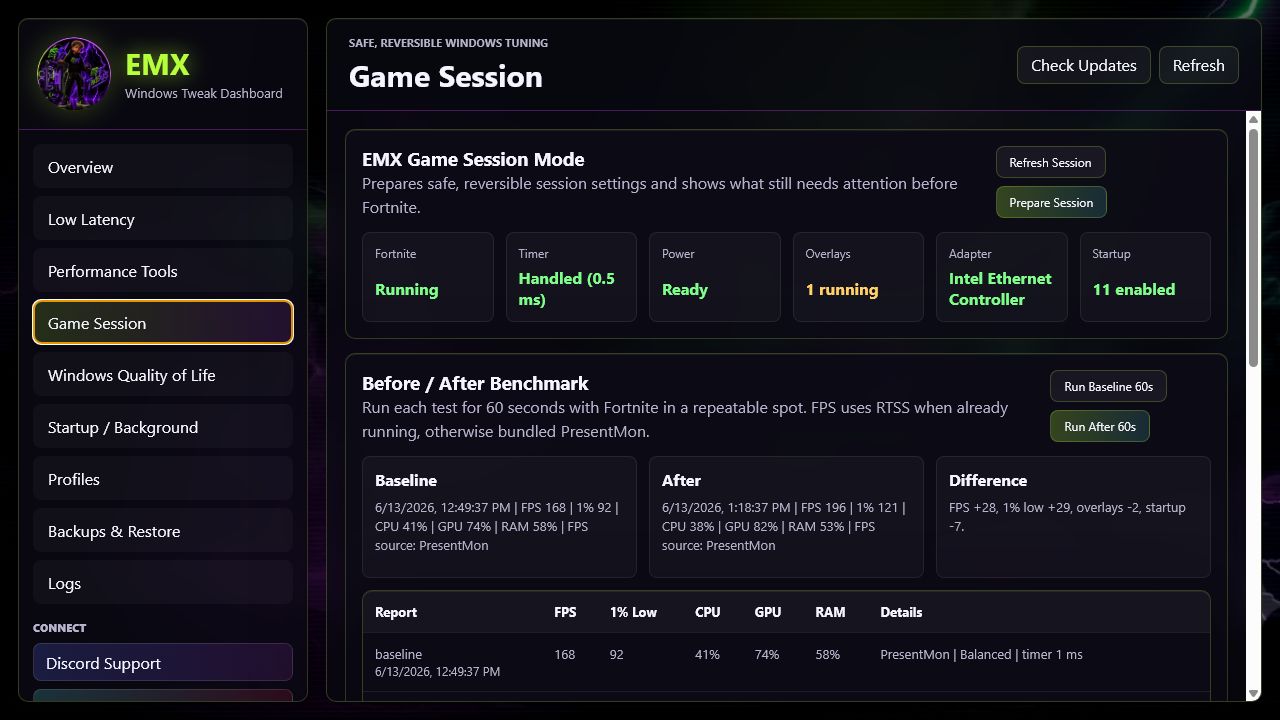
• 🎮 Game Session Mode for one-click pre-game preparation
• 📊 Before / After FPS benchmark reporting
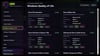
• 🌐 Network Adapter Safe Tuner with ping and bufferbloat checks
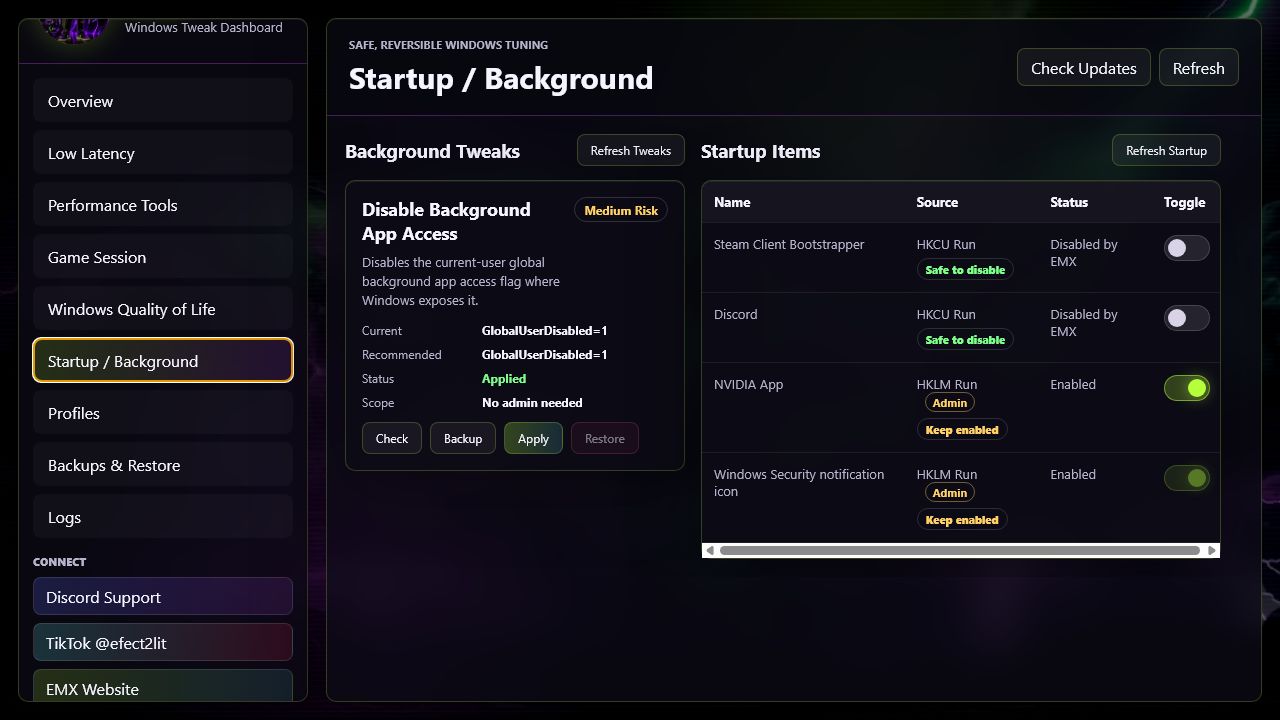
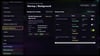
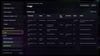
• 🧹 Startup and background app manager
• 📦 Guided profiles for Fortnite and Windows cleanup
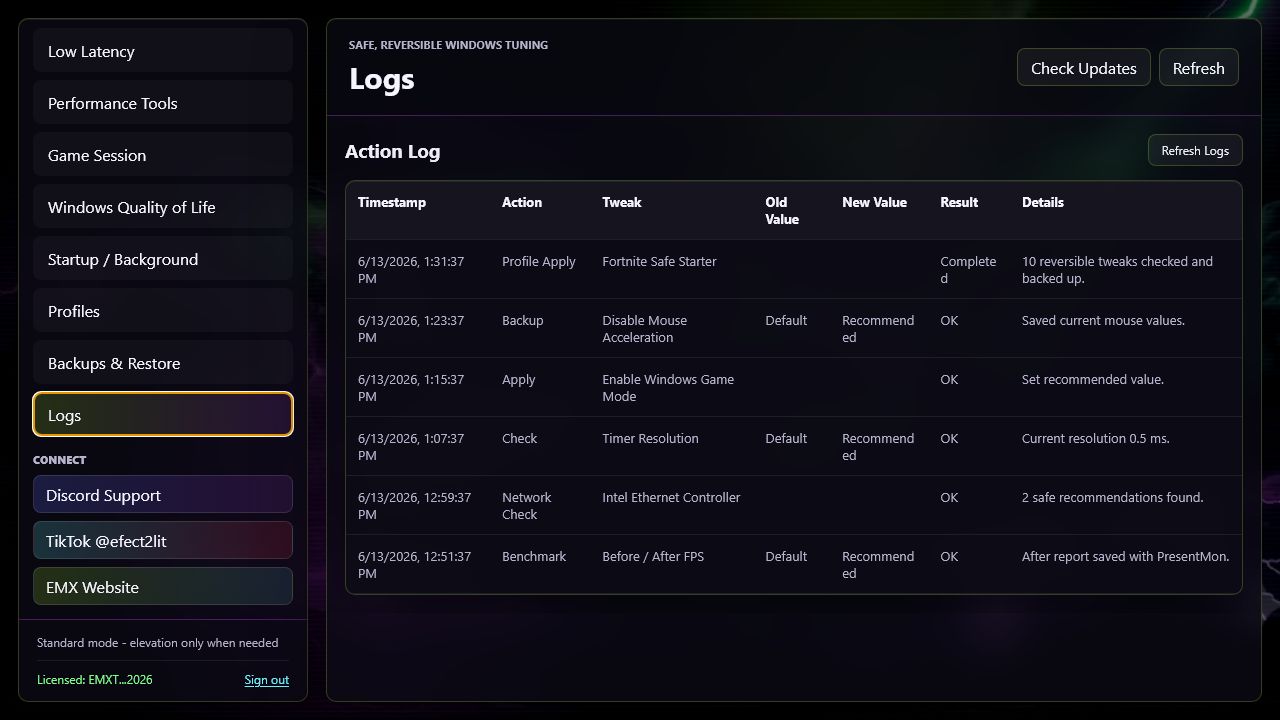
• 💾 Backups, restore tools, and action logs
• 🔑 License activation for one PC
📥 Included In The Download
• 🖥️ EMX Windows Tweak Dashboard installer
• 📘 Start Here setup guide
• 🎯 Fortnite settings cheat sheet
• 🖼️ EMX wallpapers
• 📄 License and terms document
• 🔗 Quick links for Discord, TikTok, and the EMX website
⚠️ Important Notes
• 📌 Performance results vary by hardware, drivers, network, and game settings.
• 🎮 EMX can help reduce local Windows-side lag and improve smoothness.
• 🌐 EMX cannot change your physical distance to game servers.
• 📊 EMX does not guarantee specific FPS, ping, or performance results.
• 🛡️ EMX does not modify game files or bypass anti-cheat.
EMX is an independent product and is not affiliated with, endorsed by, or sponsored by Epic Games, Fortnite, Microsoft, NVIDIA, AMD, or Intel. All trademarks belong to their respective owners.
🔑 Install And Activate
1. 📥 Download and unzip the package.
2. 🖱️ Run EMX-Windows-Tweak-Dashboard-Setup-0.3.0.exe.
3. 🖥️ Open EMX from your desktop.
4. 🔑 Enter your EMX license key.
5. 🎮 Start with the Profiles tab and apply the Fortnite Safe Starter preset.
💬 Need Help?
Join the EMX Discord from the included support link for setup help, license support, and updates.