







Winsmate Tweaks
One click turns on the Windows settings that hold your games back: more FPS, less input delay, steadier ping. 85 tweaks, each explained in plain English, and every change can be undone. Works with every PC game.
What's in it
- 85 tweaks for FPS, input delay, ping, CPU and Windows bloat, with Gaming, Streaming and Balanced presets that skip anything that doesn't suit your PC
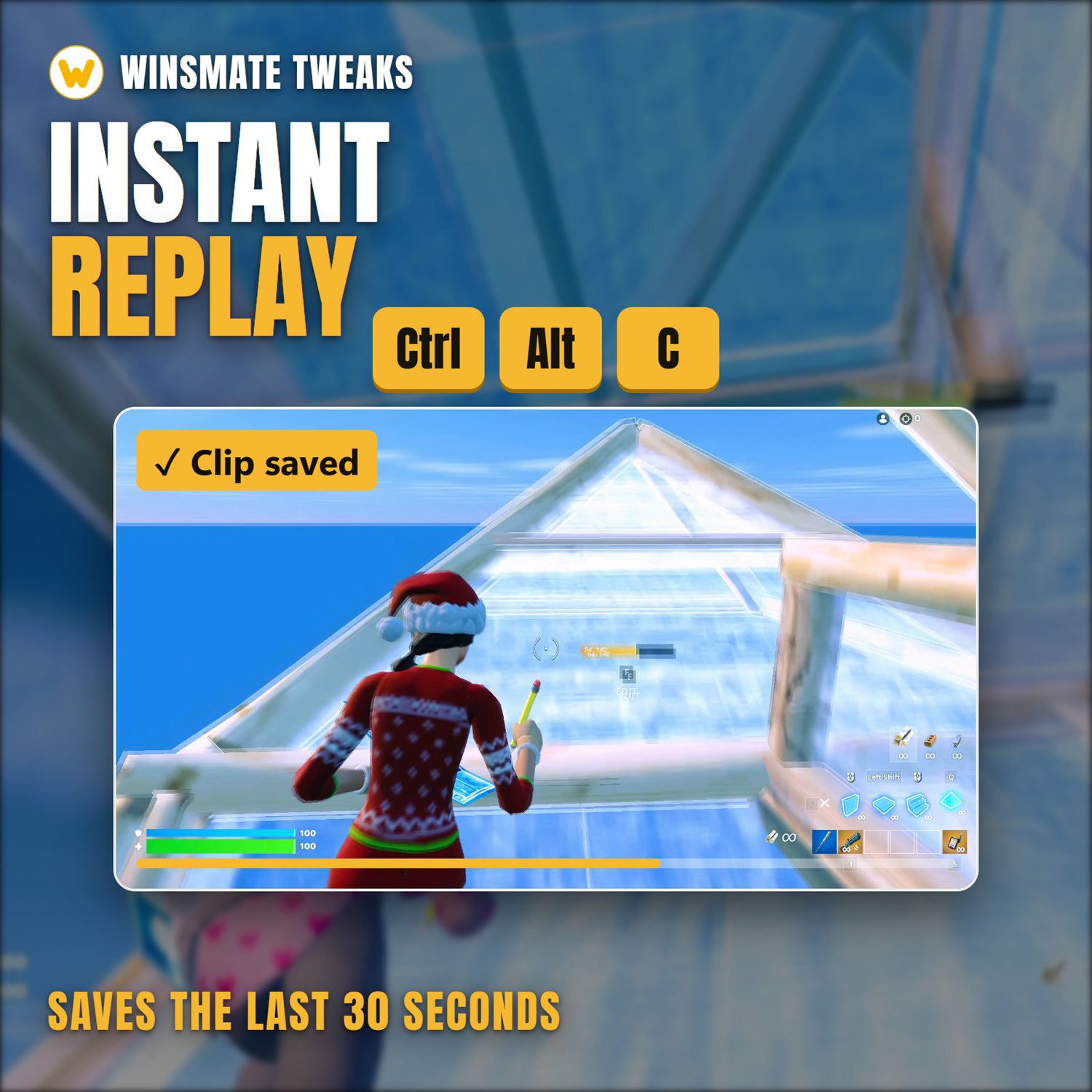
- Instant Replay (Clips): press Ctrl + Alt + C to save the last 30 seconds, or record whole matches. Records on your graphics card so it barely touches FPS. Trim clips and post them to the Community
- PC Check: finds what tweaks can't fix (RAM running slow, monitor stuck at 60 Hz, a game on a slow drive, apps eating your CPU) with a plain fix for each
- FPS Test: play for 30 seconds and see your average FPS, 1% lows and stutters. Test before and after to see your real difference
- Fortnite Settings: competitive settings in one click (Performance mode, no V-Sync, no motion blur, your frame rate limit). Your old settings are saved first
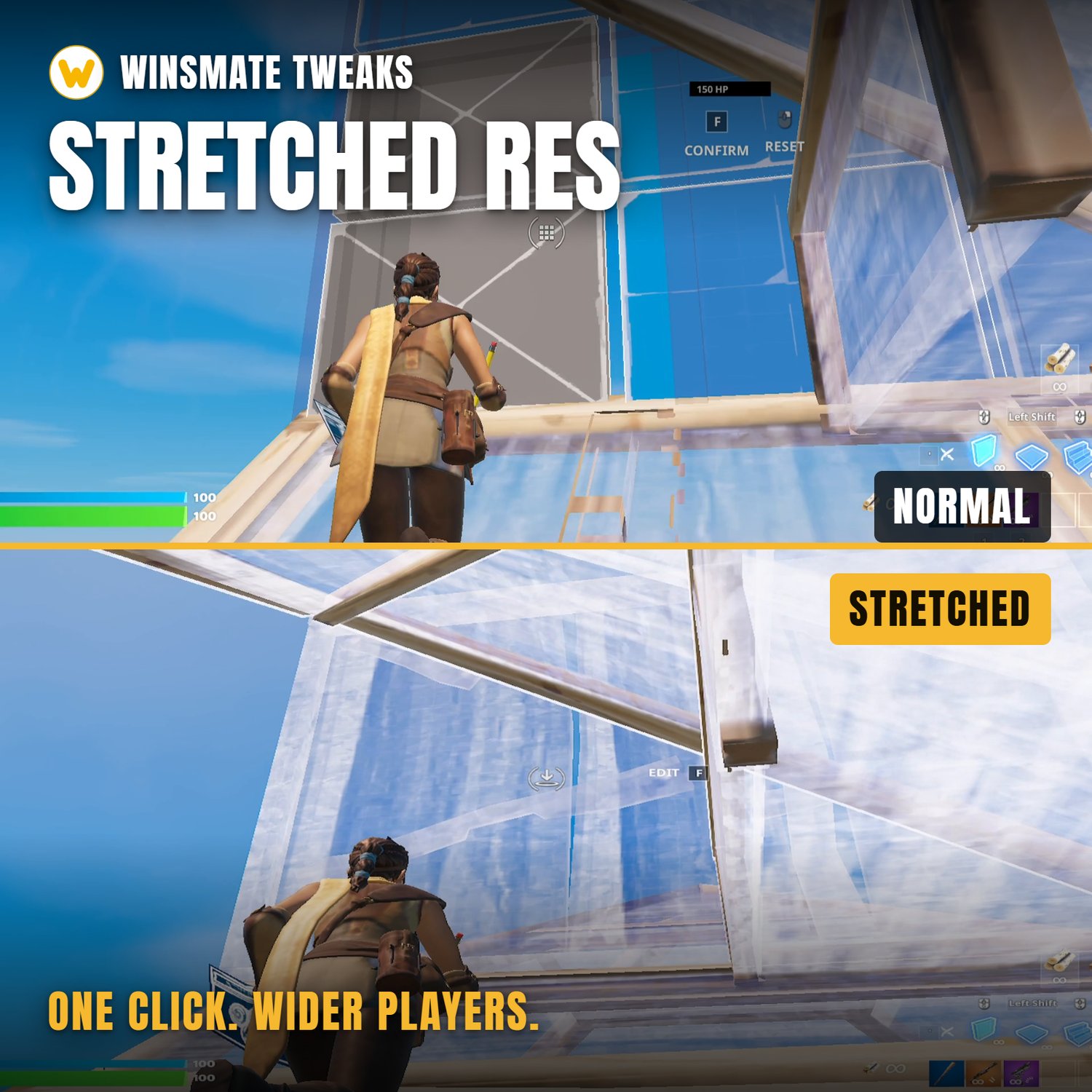
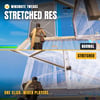
- Stretched resolution in one click, refresh rate kept, with an auto switch-back
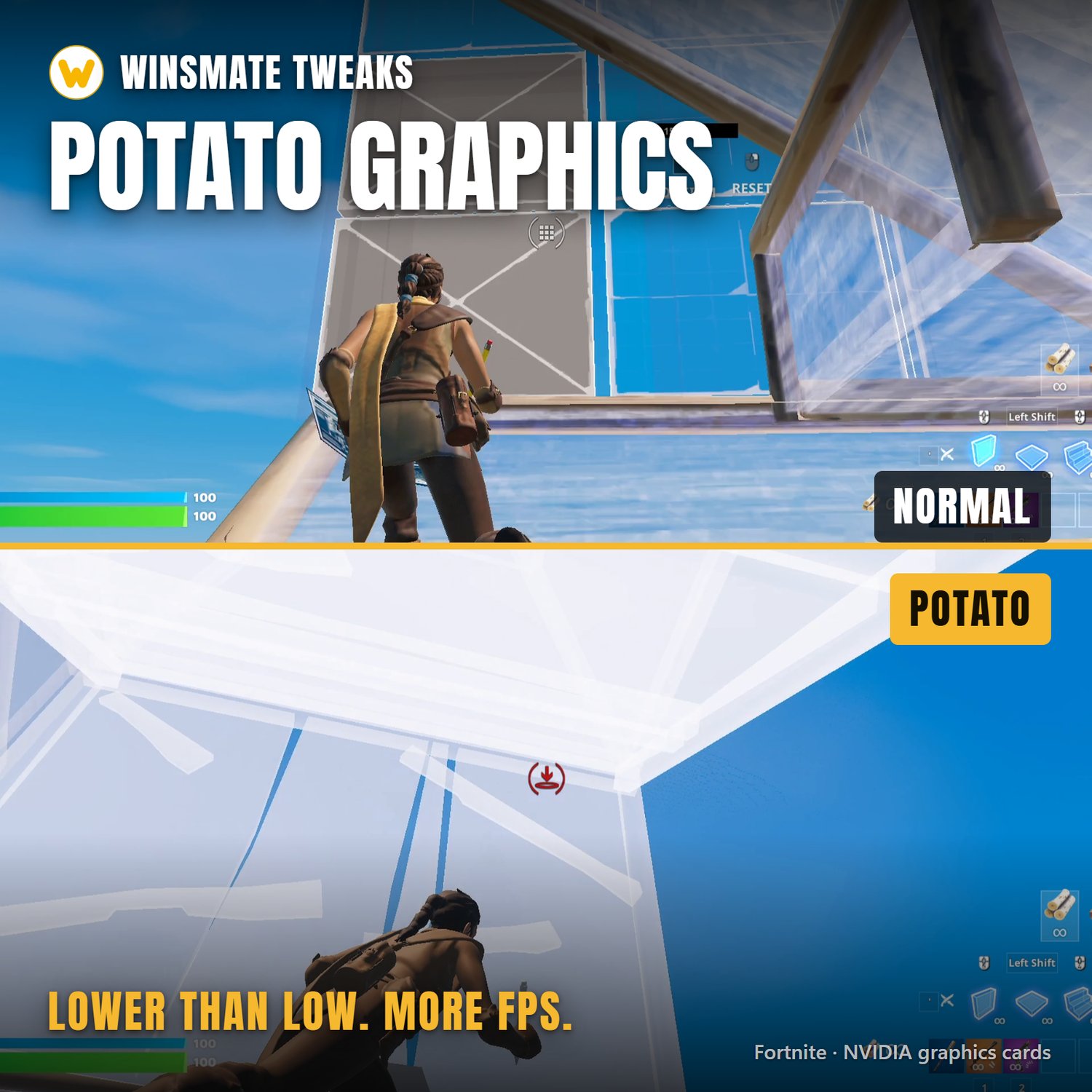
- Potato Graphics: Fortnite looks simpler than its lowest setting, for more FPS (NVIDIA cards)
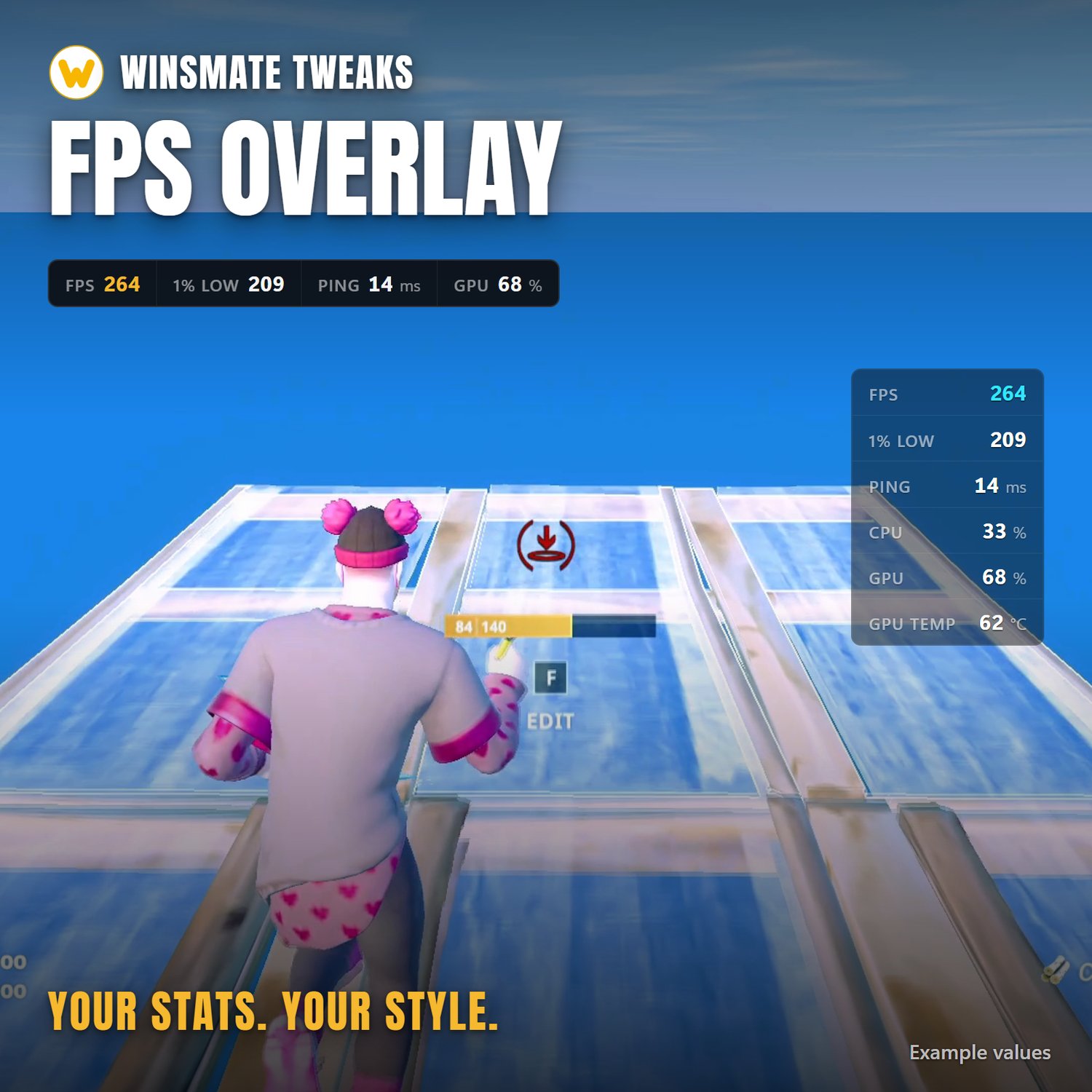
- FPS overlay: FPS, 1% lows, frame time graph, ping, CPU and GPU load, temperatures and more. Any colours, size, row or column, any corner, any monitor
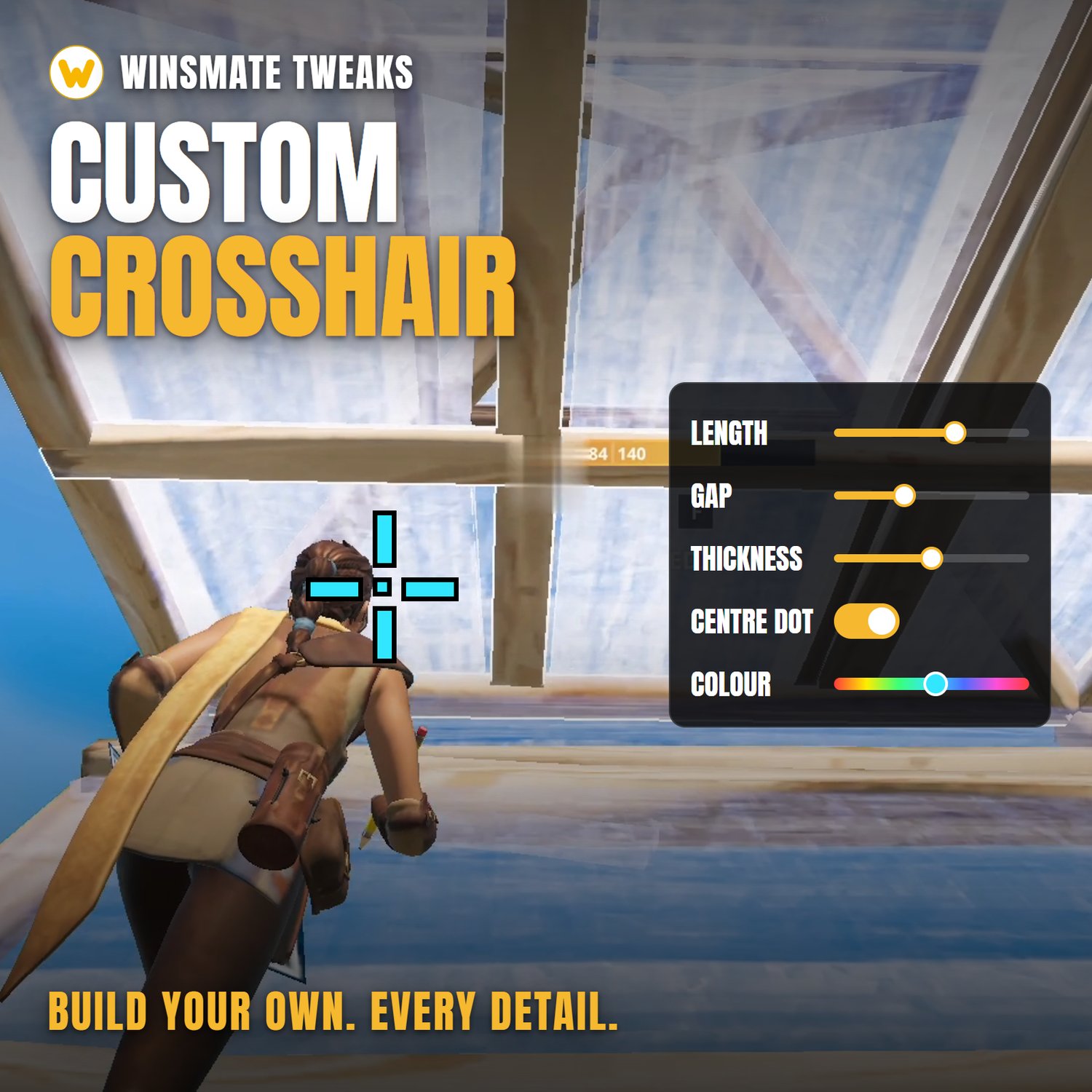
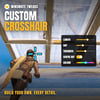
- Custom crosshair: build your own (length, gap, thickness, dot, any colour) or pick a preset. Dead centre, even with stretched res
- Every game: finds your games from Steam, Epic, Riot, Battle.net, EA app, Ubisoft Connect, Xbox, GOG and Roblox. Raises Roblox's 60 FPS cap to 240. Overlay, crosshair and Instant Replay can start when you play
- Community: clips, crosshairs and overlays from other players, used in one click
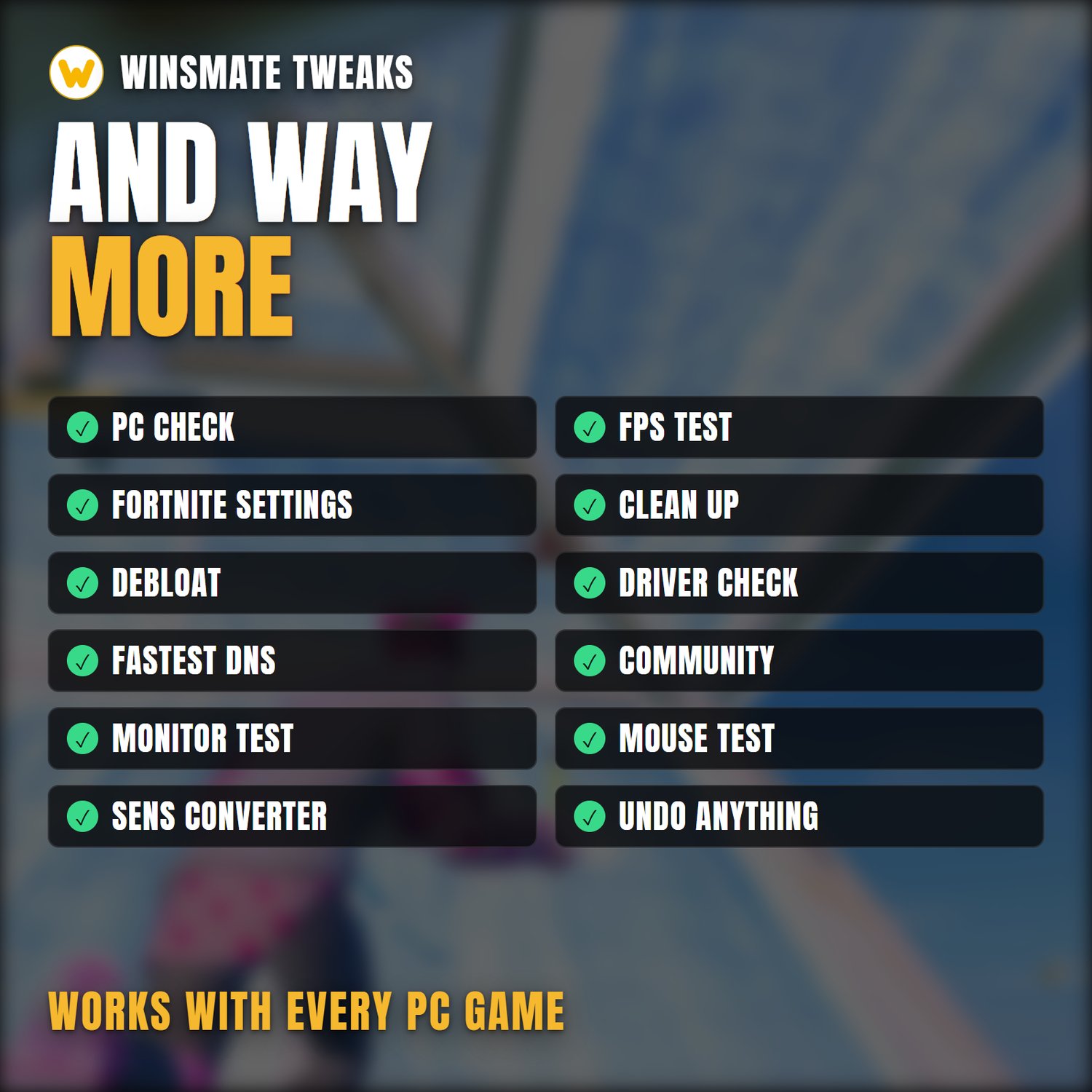
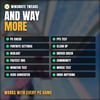
- Clean up, Debloat, Driver Check, Fastest DNS, plus Monitor Test, Mouse and Keyboard Test and a Sensitivity Converter
- Updates itself: pay once, every future update is free
Safe to use
- Before each tweak runs, Winsmate saves the value it replaces. Undo puts back exactly what was there. Presets make a Windows restore point first.
- It never injects anything into a game or touches game memory, so there's nothing for anti-cheat to find.
After you buy
The download and your Pro key appear straight away and are emailed to you. Bought on your phone? Open that email on your PC. Unzip it, run the installer and click Yes on the admin prompt. If Windows SmartScreen warns you (the app isn’t code-signed yet), click More info, then Run anyway. Then press Get Pro at the top of Winsmate, sign in with Google, pick a nickname and paste your key. Pro is saved to your account, so it works on any PC you sign in on. The zip also has a short read-me with these steps.
Requirements: Windows 10 or 11. An NVIDIA graphics card for Potato Graphics and the NVIDIA tweaks.
Questions? Message @winsmate_ on TikTok.