
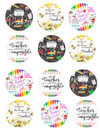
5. Designer Beauty Cream Sticker Bundle 💎
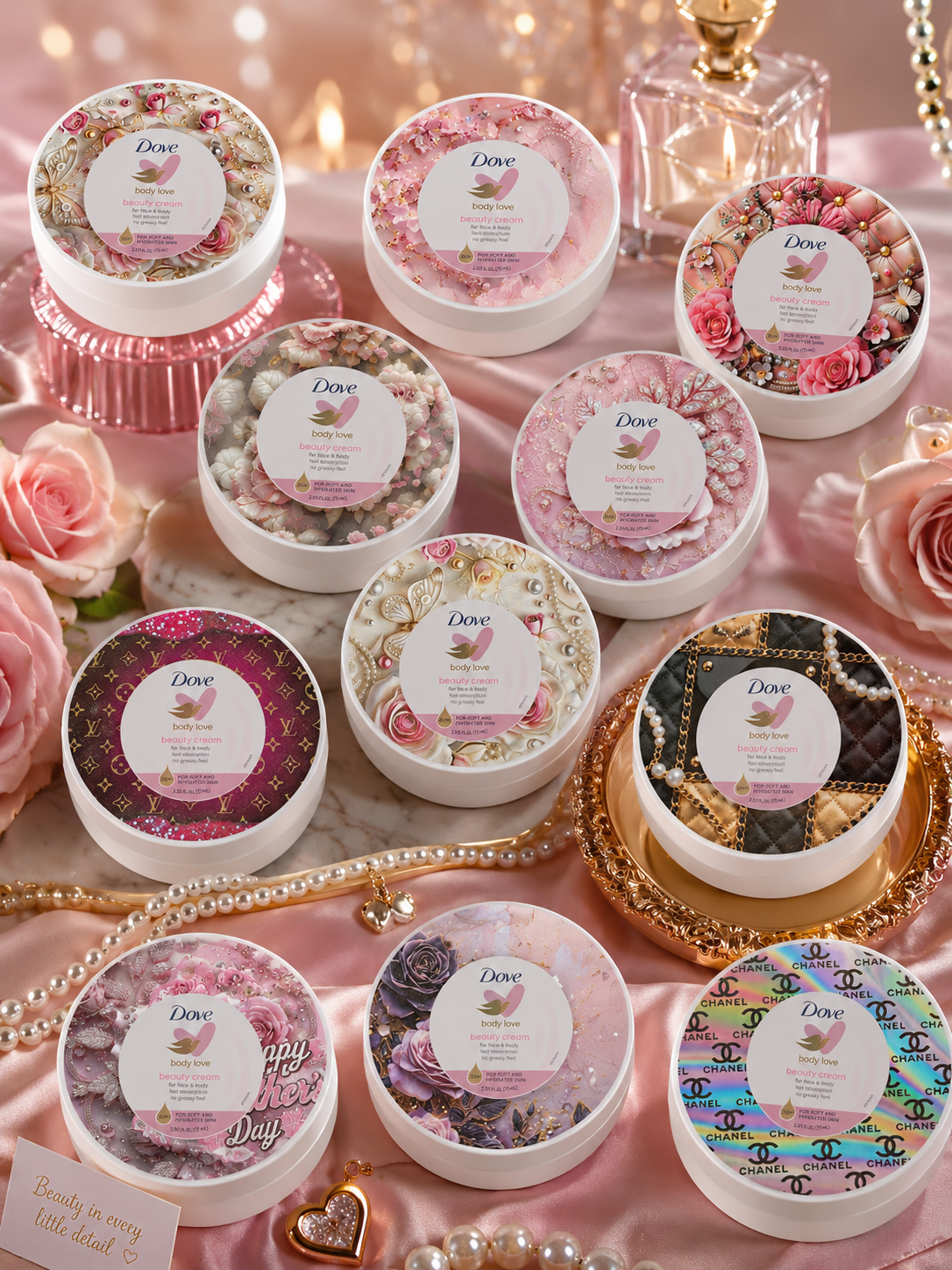
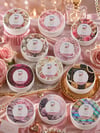
✨ Create luxury beauty cream jars in minutes with this glam editable label bundle! Perfect for crafters, custom designers, skincare branding, gift sets, vendor events, and small business owners who want that expensive boutique look 💎
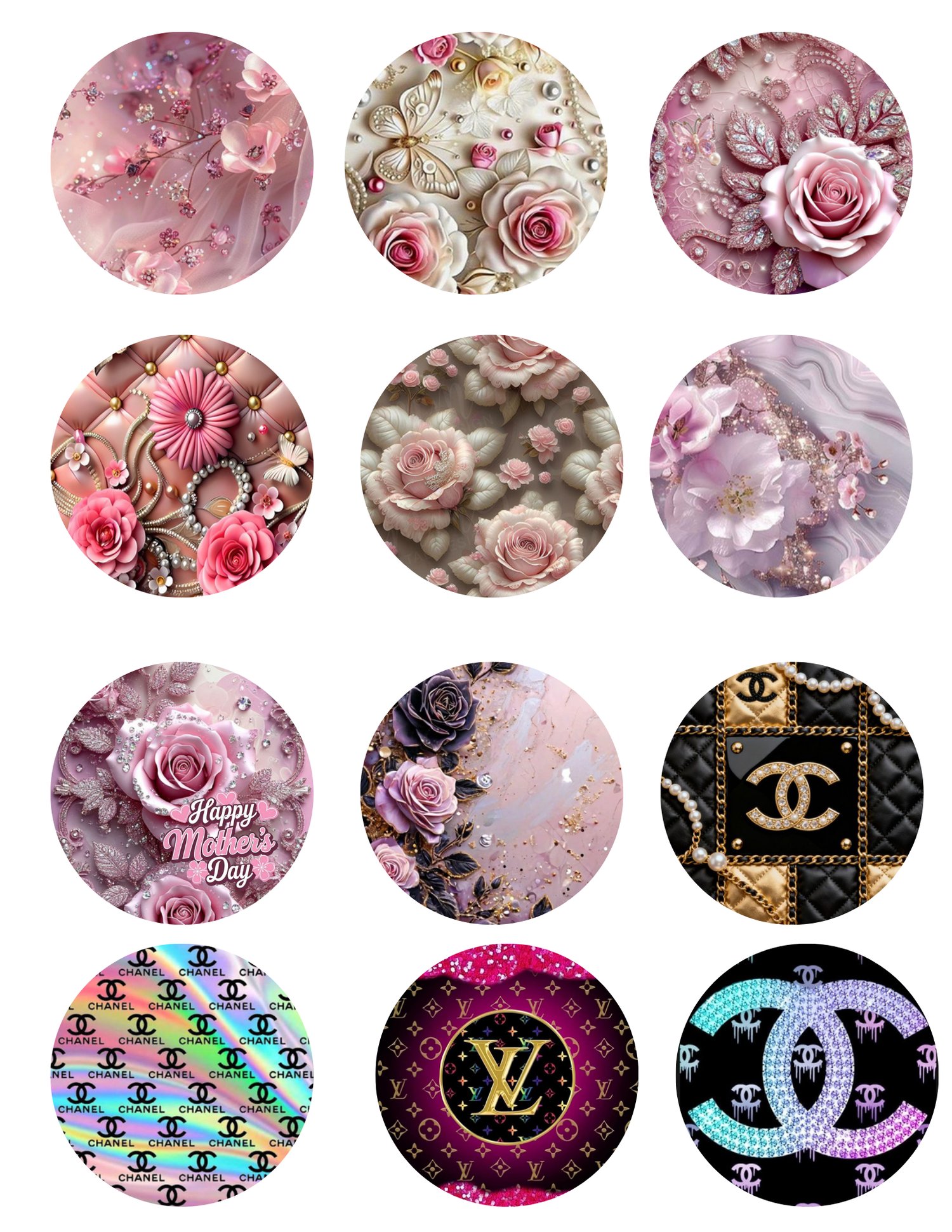
This bundle includes multiple luxury styles featuring:
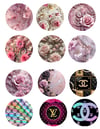
✔️ Floral glam designs
✔️ Pink luxury aesthetics
✔️ Designer-inspired styles
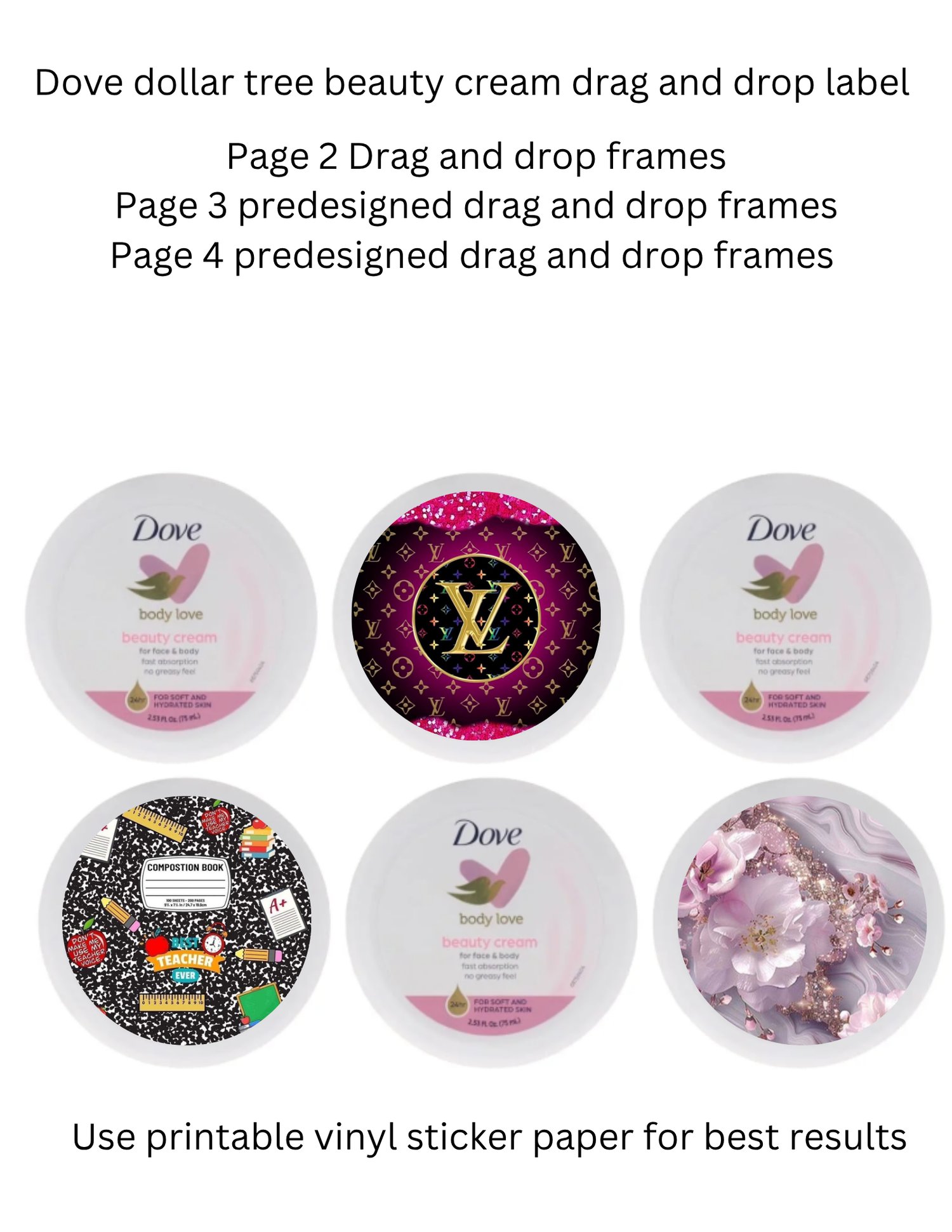
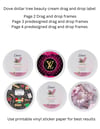
✔️ Editable drag & drop frames
✔️ High-quality printable PNG files
✔️ Ready-to-use cream jar labels
Perfect for:
💖 Beauty businesses
💖 Custom gift makers
💖 Spa/self-care brands
💖 Mother’s Day gifts
💖 Vendor table displays
💖 DIY crafting projects
✨ WHAT’S INCLUDED:
• Multiple editable beauty cream label designs
• Drag & drop editable frames
• Predesigned luxury styles
• High-resolution PNG files
• Instant digital download
⚡ IMPORTANT:
This is a DIGITAL DOWNLOAD only. No physical product will be shipped.
🖨️ Recommended:
Use printable vinyl sticker paper for best luxury results.
💕 Compatible with:
Canva • Cricut • Silhouette • Photoshop • Procreate
💎 HOW TO ASSEMBLE YOUR DESIGNER BEAUTY CREAM JARS
Thank you for purchasing the Designer Beauty Cream Sticker Bundle from Rhoyaltee Designz 💖
These luxury-inspired cream jar labels are perfect for:
• Beauty businesses
• Body butter brands
• Mother’s Day gifts
• Spa/self-care products
• Vendor events
• Custom gift sets
• Small business branding
━━━━━━━━━━━━━━━
🛍️ SUPPLIES NEEDED
Materials:
• Glossy sticker paper
• Printer (inkjet or laser)
• Scissors or Cricut machine
• Beauty cream jars/containers
• Canva or editing app
• Clear laminate sheets (optional for extra shine/water resistance)
💡 Recommended:
Use waterproof glossy sticker paper for the best luxury look.
━━━━━━━━━━━━━━━
✨ STEP 1 — DOWNLOAD YOUR FILES
After purchase:
- Download all PNG files to your phone, tablet, or computer.
- Open the files in Canva, Cricut Design Space, Photoshop, or your preferred editing app.
━━━━━━━━━━━━━━━
🎨 STEP 2 — CUSTOMIZE YOUR LABELS
You can:
• Add your business name
• Add product names
• Change colors
• Add logos
• Add ingredients or scent names
• Resize labels to fit your jars
💡 Tip: Canva works best for easy drag-and-drop editing.
━━━━━━━━━━━━━━━
🖨️ STEP 3 — PRINT YOUR STICKERS
For best results:
• Print on glossy sticker paper
• Use high-quality print settings
• Select “Best” or “Photo Quality” in printer settings
• Allow ink to dry completely before cutting
💎 Optional:
Apply clear laminate over the stickers for a luxury waterproof finish.
━━━━━━━━━━━━━━━
✂️ STEP 4 — CUT OUT YOUR STICKERS
You can:
• Hand cut with scissors
OR
• Use a Cricut machine with “Print Then Cut”
💡 Cricut users:
Upload PNG into Cricut Design Space and select “Print Then Cut” for clean professional cuts.
━━━━━━━━━━━━━━━
🧴 STEP 5 — APPLY STICKERS TO JARS
- Clean the cream jar surface completely.
- Slowly peel the sticker backing off.
- Line the label up evenly on the jar lid or container.
- Smooth down firmly to remove bubbles or wrinkles.
💡 Tip:
Apply slowly from one side to the other for the cleanest luxury finish.
━━━━━━━━━━━━━━━
📸 STEP 6 — FINAL TOUCHES
✨ Add rhinestones, pearls, or glitter for extra glam
✨ Use luxury trays and satin backgrounds for product photos
✨ Create TikTok/Facebook reels showing the label application process
✨ Pair with gift baskets for higher-priced sales
━━━━━━━━━━━━━━━
⚠️ IMPORTANT
• This is a DIGITAL PRODUCT only.
• No physical item will be shipped.
• Colors may vary depending on printer settings.
• Files are for personal/small business use only unless otherwise stated.
━━━━━━━━━━━━━━━
💕 THANK YOU FOR SUPPORTING RHOYALTEE DESIGNZ
We can’t wait to see your luxury creations ✨