
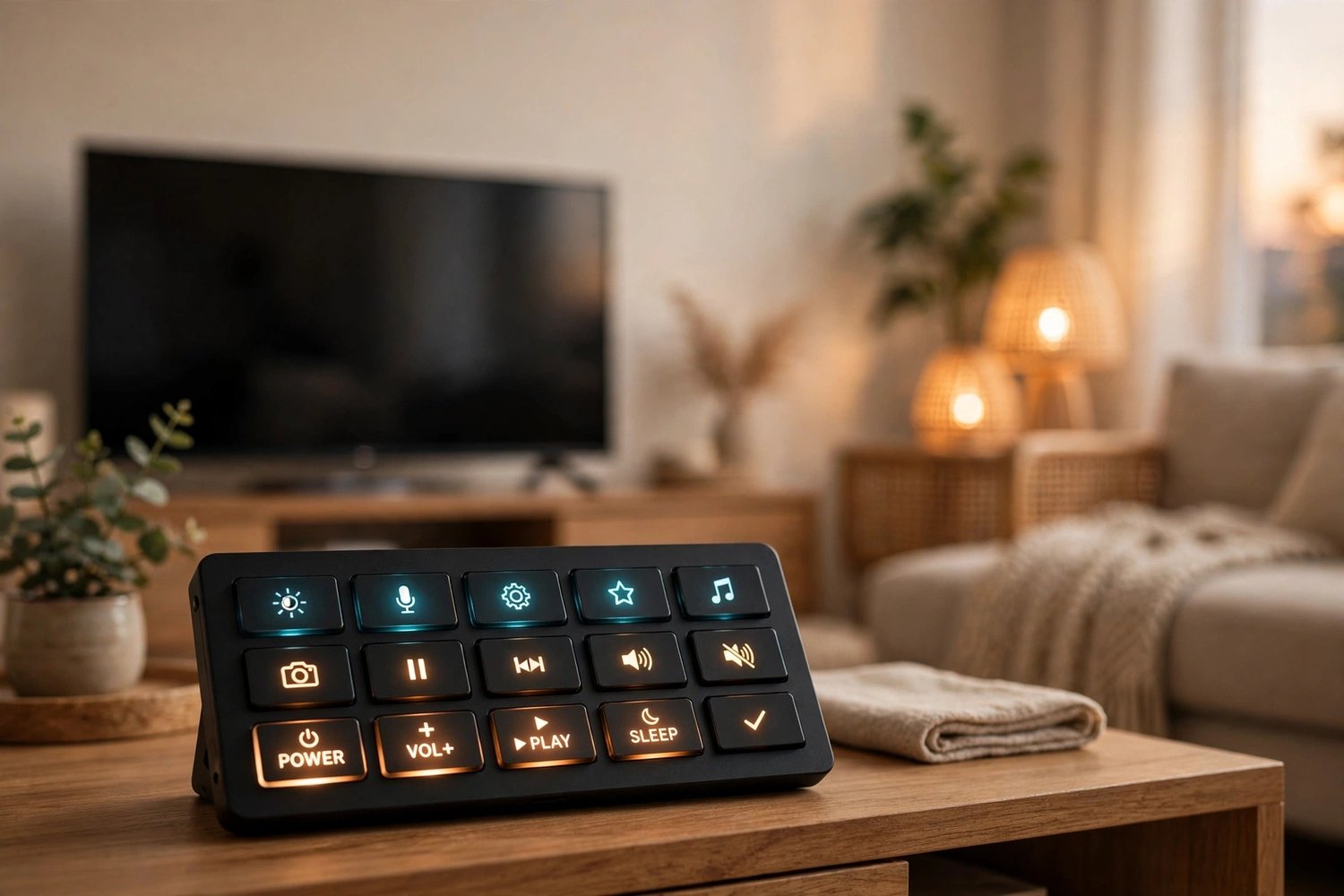
TV Control Deck Pack for Home Assistant + Bitfocus Companion (Stream Deck Remote Build Kit)
Your stream deck was supposed to make the TV simple. Then the vendor app wanted an account, the buttons wanted a subscription, and the remote went back in the couch cushions.
This pack turns a budget stream deck into a full TV remote that runs on YOUR Home Assistant: power, volume, channels, D-pad, playback, a favorite-channel macro button, and a one-tap sleep routine. Three pages, 18 working buttons, no cloud, no subscription, nothing leaves your house.
It is the exact system running in my living room, tested button by button on real hardware, including a physical tap test on every key.
WHAT'S INCLUDED
- Full setup guide (Markdown): blaster code learning, the HA half, the Companion half, plus a Raspberry Pi recipe so the deck works with your computer off, and every gotcha I hit so you don't have to
- 19 Home Assistant webhook automations (YAML, paste and reload)
- All matching TV script templates, including a worked macro example and a sleep timer pattern
- Complete 3-page button map: every position, label, and action
YOU NEED
- A Companion-supported stream deck (built and tested on the VSDinside / Mirabox Stream Dock M18; Elgato and other Companion surfaces work)
- Bitfocus Companion (free) on PC, Mac, or Raspberry Pi
- Home Assistant, installed and running
- An HA-connected IR blaster (like a Broadlink RM4 Mini/Pro) in the TV room
- Your TV remote, for a one-time 20-minute code-learning step
PLEASE KNOW BEFORE BUYING
- IR codes are specific to your TV, so the pack teaches you to learn yours; no shipped code file could work for every TV.
- No digit pad by design; channels change with CH+ / CH-. (You can add digits yourself with the same pattern; the guide shows how.)
- This is a digital build kit with instructions and templates, not a physical product and not a pre-made config file for your exact setup.
- Setup takes about 60 to 90 minutes if your blaster is already in Home Assistant.
FAQ
Q: Does it work with Elgato Stream Deck?
A: Yes. Any deck Bitfocus Companion supports can run this design; the button map is laid out for 15 keys (5x3) and adapts to other grids.
Q: Do I need a Raspberry Pi?
A: No. Companion runs on Windows or Mac too. The Pi is an option in the guide if you want the deck to work with your computer off or in another room.
Q: Will it control my soundbar or receiver?
A: Yes, by adding scripts the same way as the TV ones. The TV page has spare buttons waiting for exactly that.
Q: What if my TV is a smart TV with an HA integration already?
A: Even better: point the scripts at your media_player or remote entity instead of IR codes and skip the learning step. The webhook and button layers work exactly the same.