
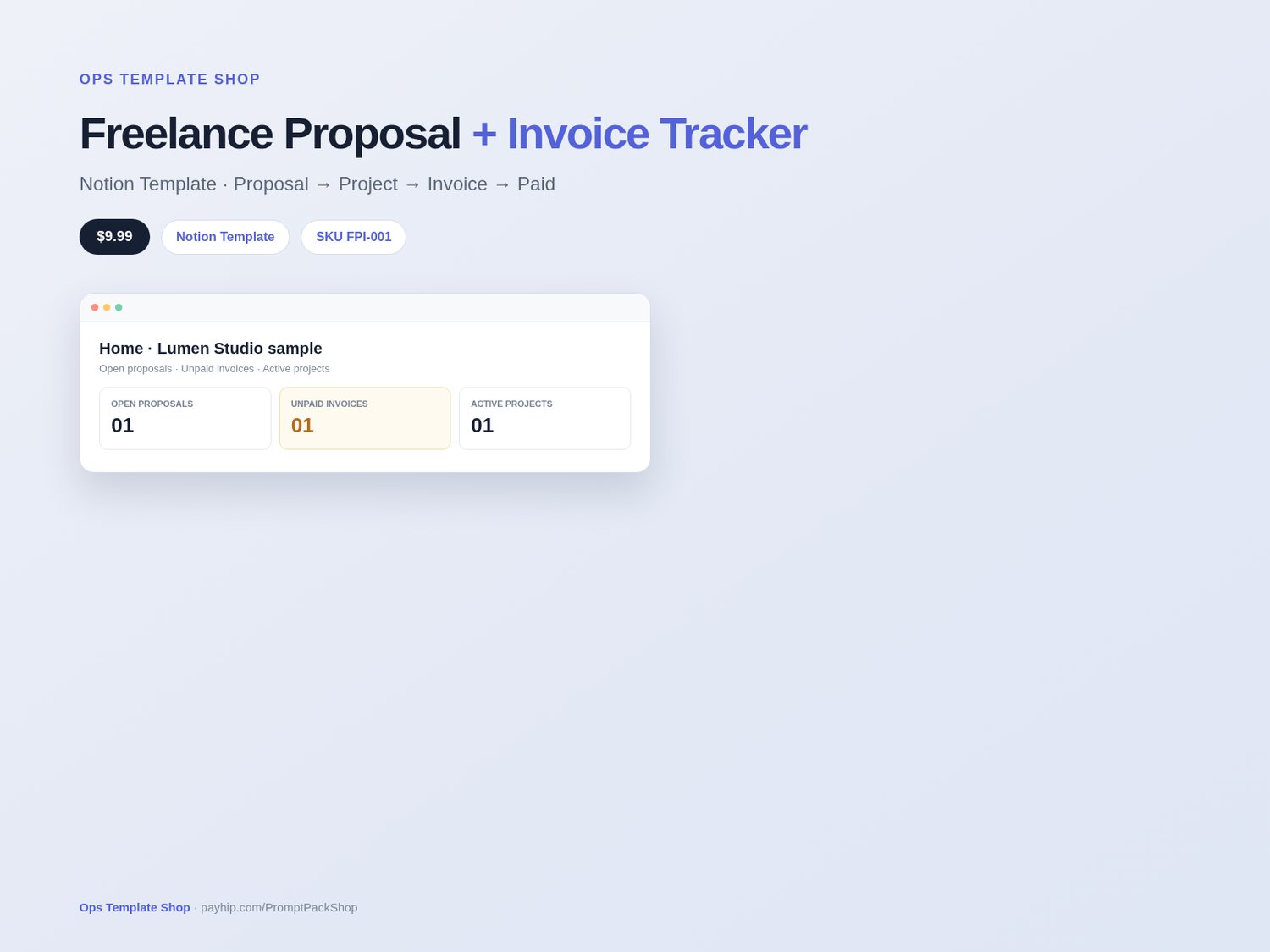
Freelance Proposal & Invoice Tracker — Notion Client Pipeline for Freelancers
5-minute setup: a Notion template for solo freelancers and small studios to track proposals, accepted work, projects, and invoices in one workspace. It does not send invoices, collect payments, or promise billings or clients.
What’s inside
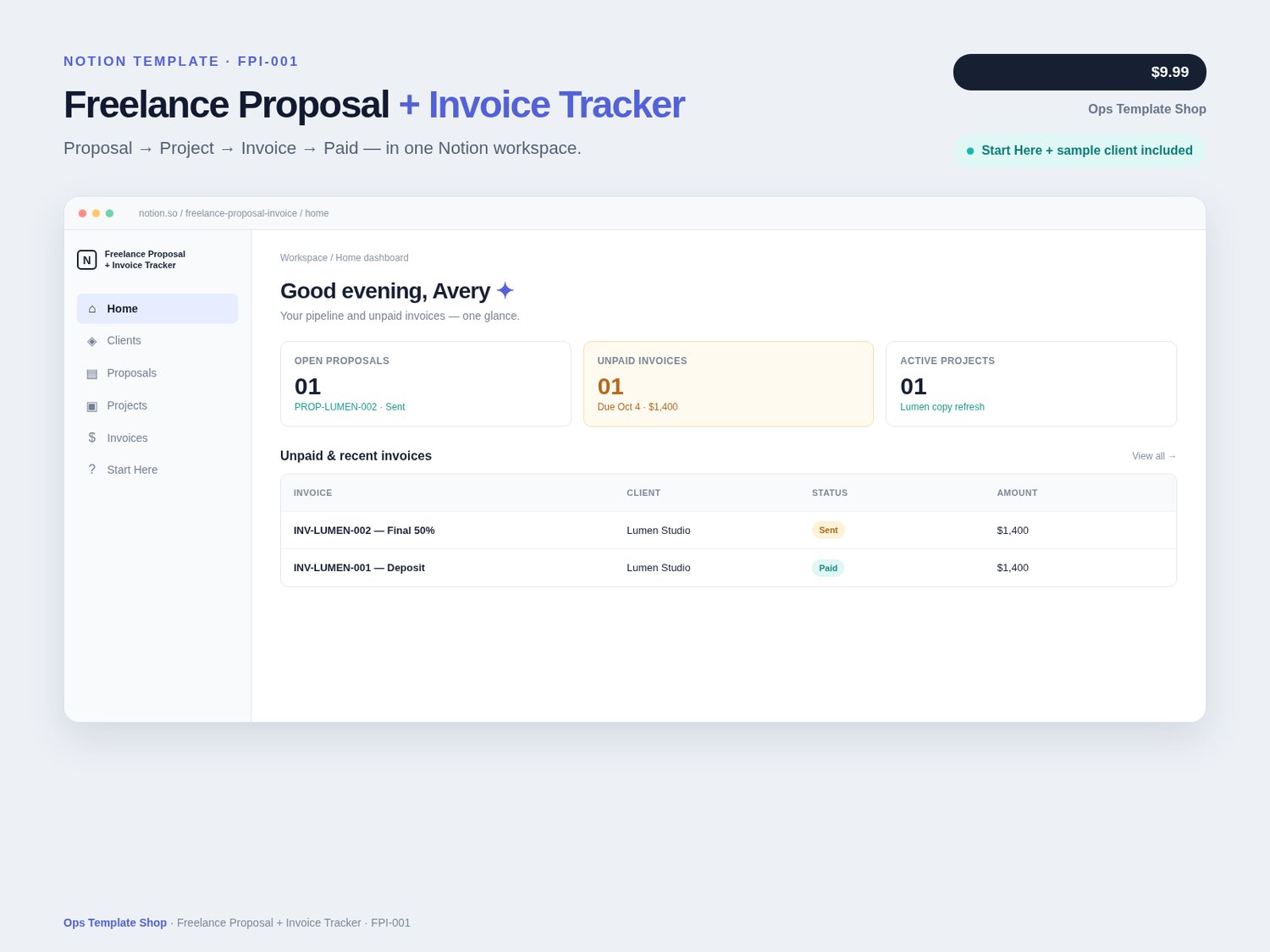
- Home dashboard — open proposals, unpaid invoices, active projects, active clients
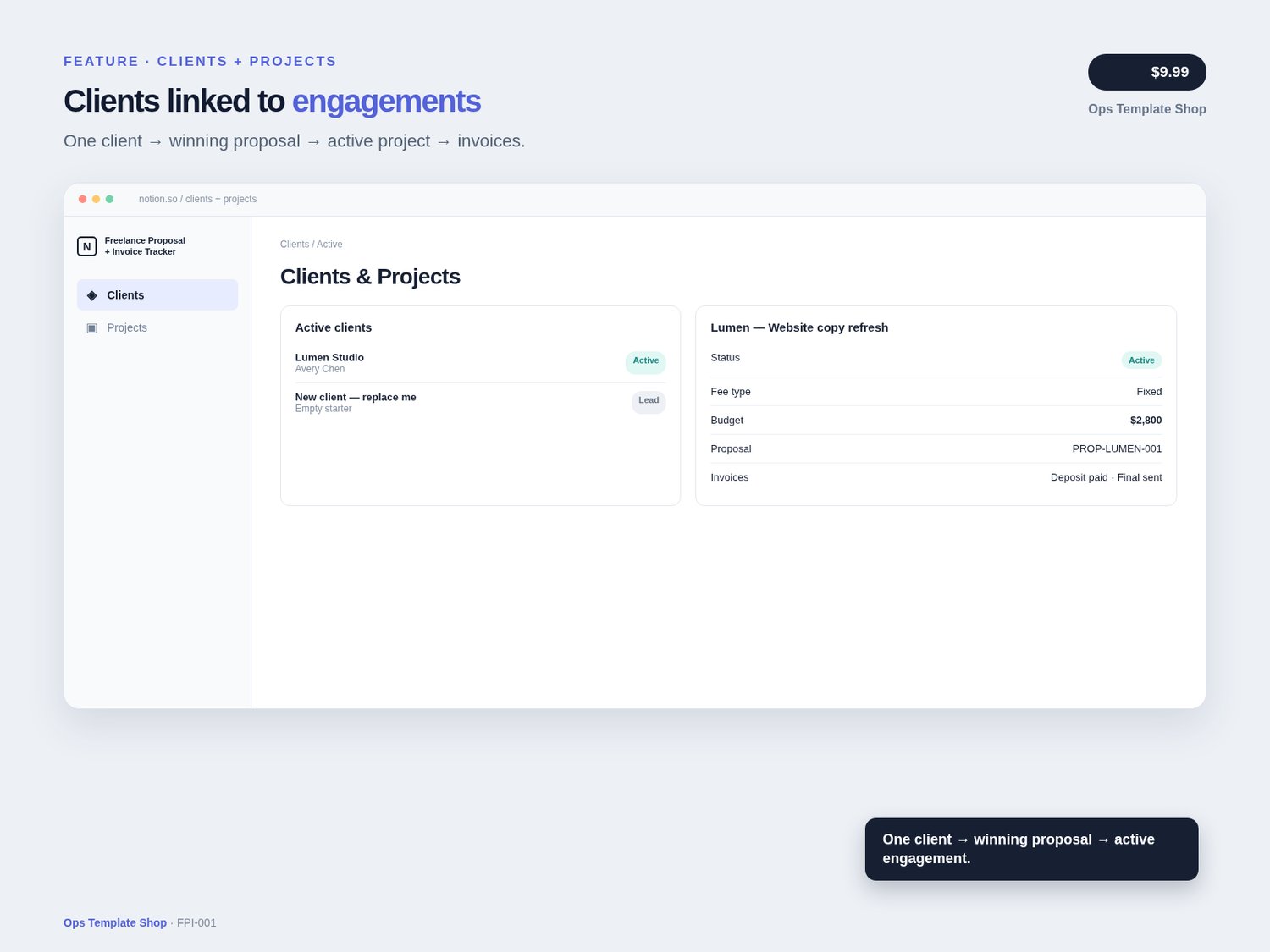
- - Clients database — leads → active → archived
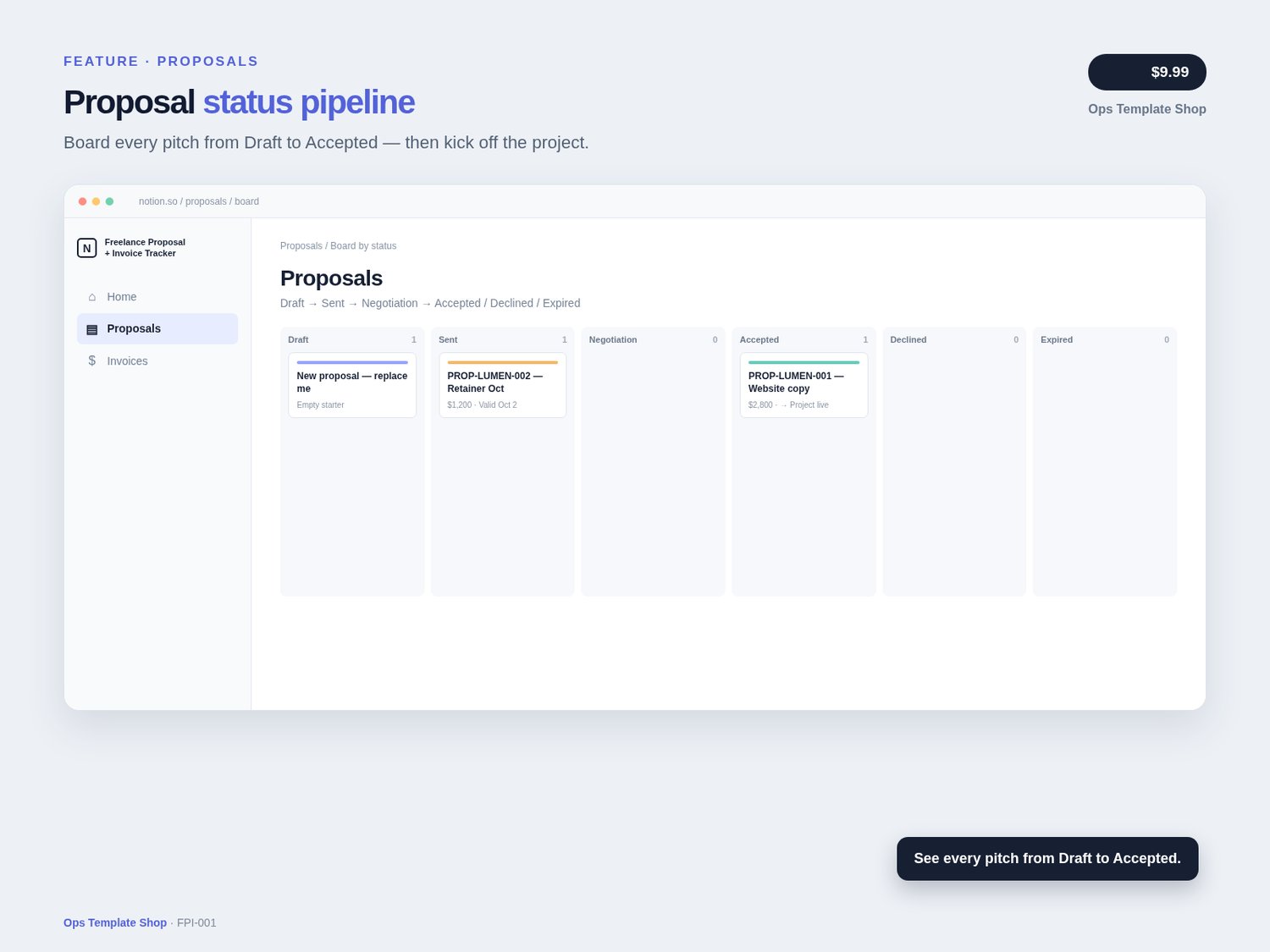
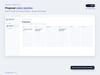
- - Proposals pipeline — Draft → Sent → Negotiation → Accepted / Declined / Expired + board view
- - Proposal Doc (TEMPLATE) page ready to duplicate for each pitch
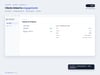
- - Projects / Engagements — link winning work to the client and invoices
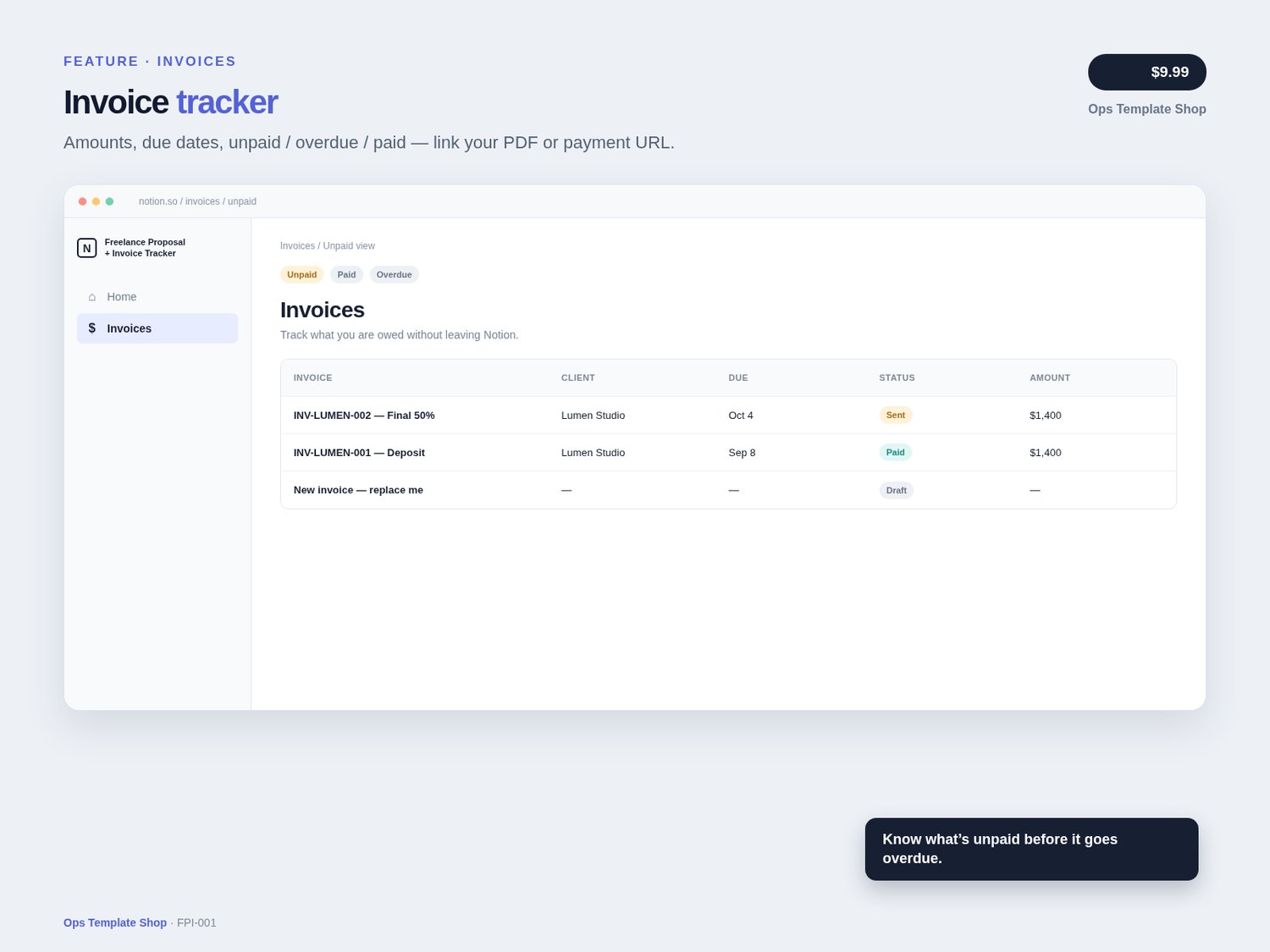
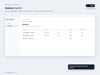
- - Invoices tracker — amounts, due dates, unpaid / overdue / paid (links to your PDF or payment URL)
- - Sample data: “Lumen Studio” with an accepted proposal, active project, paid deposit + unpaid final invoice
- - Empty starter rows ready to replace
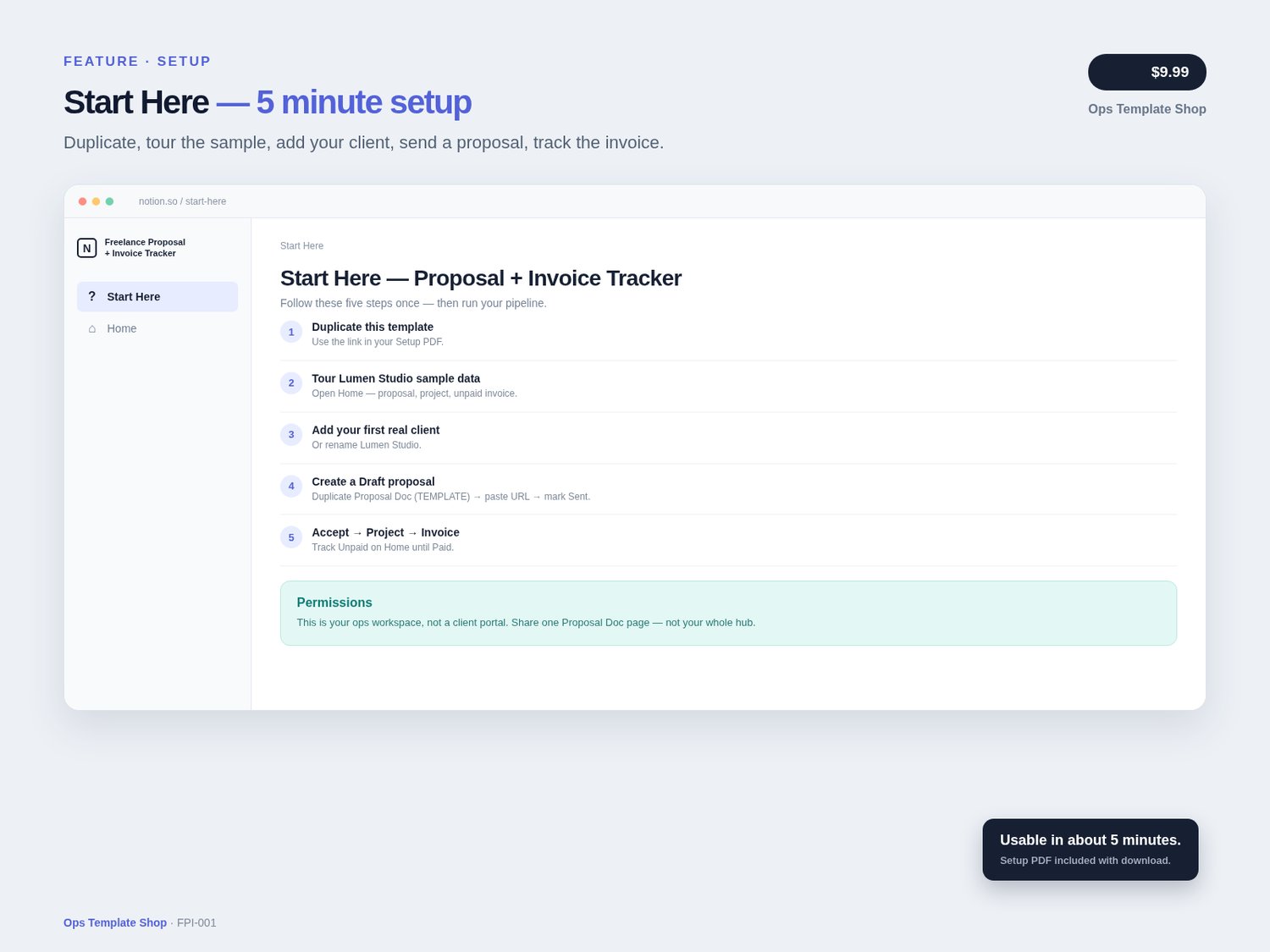
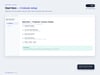
- - Start Here page with a 5-minute setup path
- - Setup Guide PDF in your download with the Notion duplicate link
Best for
Freelance Proposal + Invoice Tracker is a Notion template from Ops Template Shop for solo freelancers and small studios who need proposals, accepted work, projects, and invoices in one calm workspace — without another billing SaaS.
Writers, designers, consultants, and coaches who invoice clients; solo freelancers tired of scattered Docs + Sheets; small studios that want one shared money/ops hub in Notion.
Not for
Teams that need Stripe auto-pay, QuickBooks sync, e-sign APIs, or tax engines — those stay out of scope so setup stays fast.
How to use new proposals & invoices
Add a new row in the Proposals or Invoices database (or duplicate an empty starter row). For proposals, also duplicate the Proposal Doc (TEMPLATE) page and paste its URL into the proposal. This version does not include one-click Notion buttons.
How delivery works
- Buy on Payhip (payhip.com/PromptPackShop)
- 2. Download the Setup Guide PDF
- 3. Open the Notion duplicate link in the guide → click Duplicate → follow Start Here (~5 minutes)
- 4. Track proposals → projects → invoices on your Home dashboard
FAQ
Do I need a paid Notion plan?
Free works for most solos. Team seats help if multiple people edit.
Does this take payments?
No. Track status and paste your Stripe/PayPal/PDF invoice link into the Invoice Link field.
How do I start a new proposal or invoice?
Add a row in Proposals or Invoices (or duplicate an empty starter). For proposals, also duplicate the Proposal Doc (TEMPLATE) page and paste its URL. This version has no one-click Notion buttons.
How do refunds work?
Because this is a digital download, all sales are final; if you have trouble accessing or duplicating the template, contact me through the store and I'll help or make it right.
Notes
- Instant download digital product — Notion template (no physical item)
- - Notion account required (free plan works for most solos)
- - Original Ops Template Shop product — for your business use after purchase; do not resell the template itself
- - Support: message the seller via the Payhip storefront at https://payhip.com/PromptPackShop (contact / message on your order or product page). Typical reply 1–2 business days (America/Denver).