


Excel Finance Automation System - Step‑by‑Step Guide
Excel Finance Automation System - Step‑by‑Step Guide
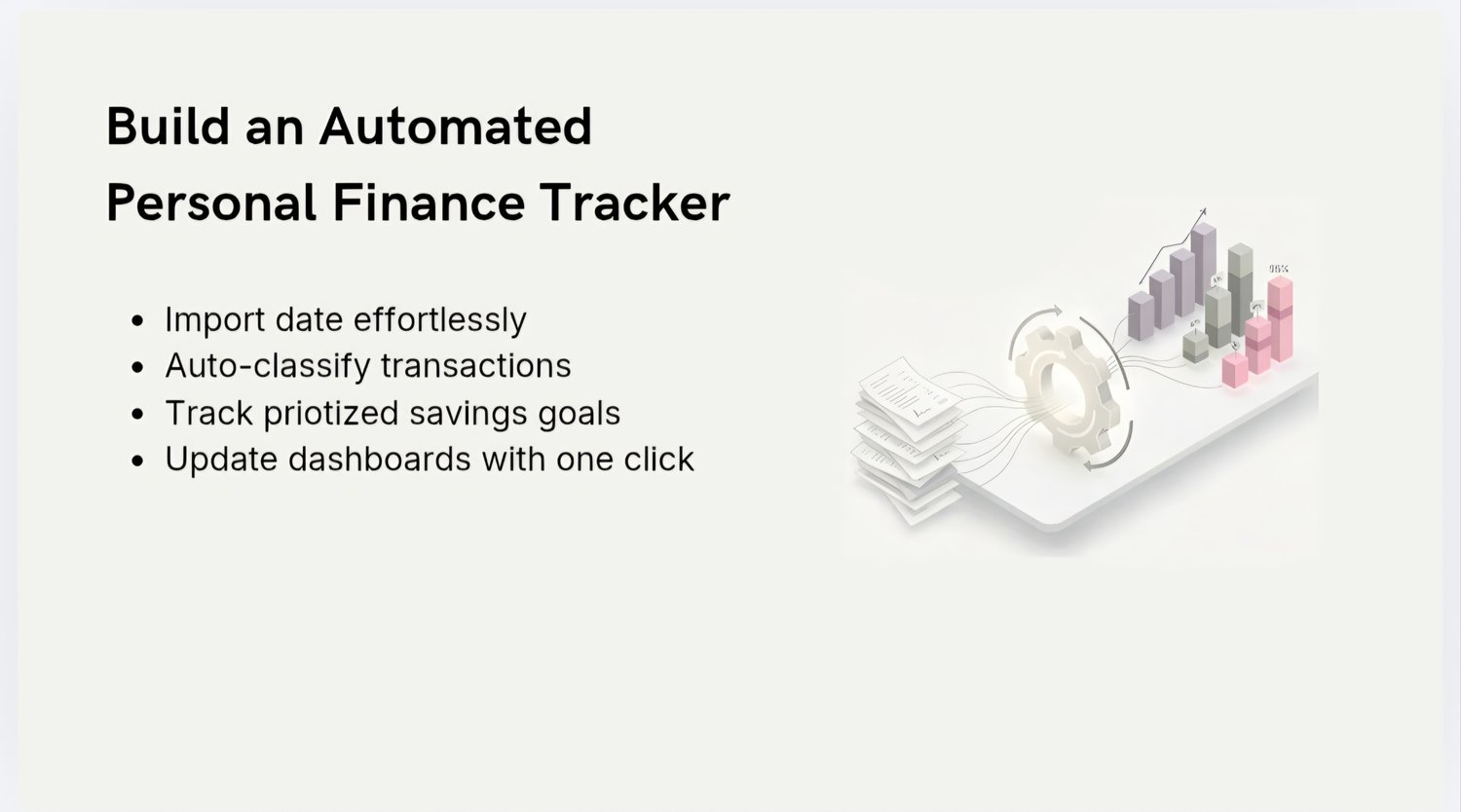
A minimalist, structured system that turns Excel into an automated personal finance tracker.
A clear, visual, step‑by‑step guide that explains the logic, formulas, and structure behind building your own financial automation - without apps, subscriptions, or complexity.
A structured step‑by‑step guide that shows how to build an automated Finance Tracker in Excel: data import, smart classification, formulas, dashboards, and savings logic.
This is not a template - it’s a system with logic, structure, and visual examples.
What’s Inside
- 14‑page structured guide
- Step‑by‑step process for building the tracker
- Smart transaction classification logic
- Explanation of key formulas (SEARCH, XLOOKUP, TEXTJOIN)
- Category Mapping Table structure
- PivotTable setup for analysis
- Visual dashboards for income, expenses, and savings
- Clean, minimalist design examples
What You Will Learn
- How to import bank data without manual entry
- How to automatically classify transactions using keywords
- How to build your own category dictionary
- How to use formulas to automate logic
- How to build PivotTables for analysis
- How to design clean financial dashboards
- How to set up a savings engine
- How to gain financial clarity in minutes
Who This Is For
- Anyone who wants control over personal finances
- Freelancers and self‑employed professionals
- Family budget management
- People tired of apps and subscriptions
- Beginners and intermediate Excel users
- Anyone who loves systems, structure, and automation
Why It’s Useful
- Saves time: automation replaces manual entry
- Provides clarity: see real spending patterns
- Works with any bank and any currency
- Fully private: all data stays on your device
- Simple logic you can expand later
- Accessible even for Excel beginners
Format
- 14‑page PDF guide
- Mini‑course in presentation format
- Instant download