


MTEXT Center Tool
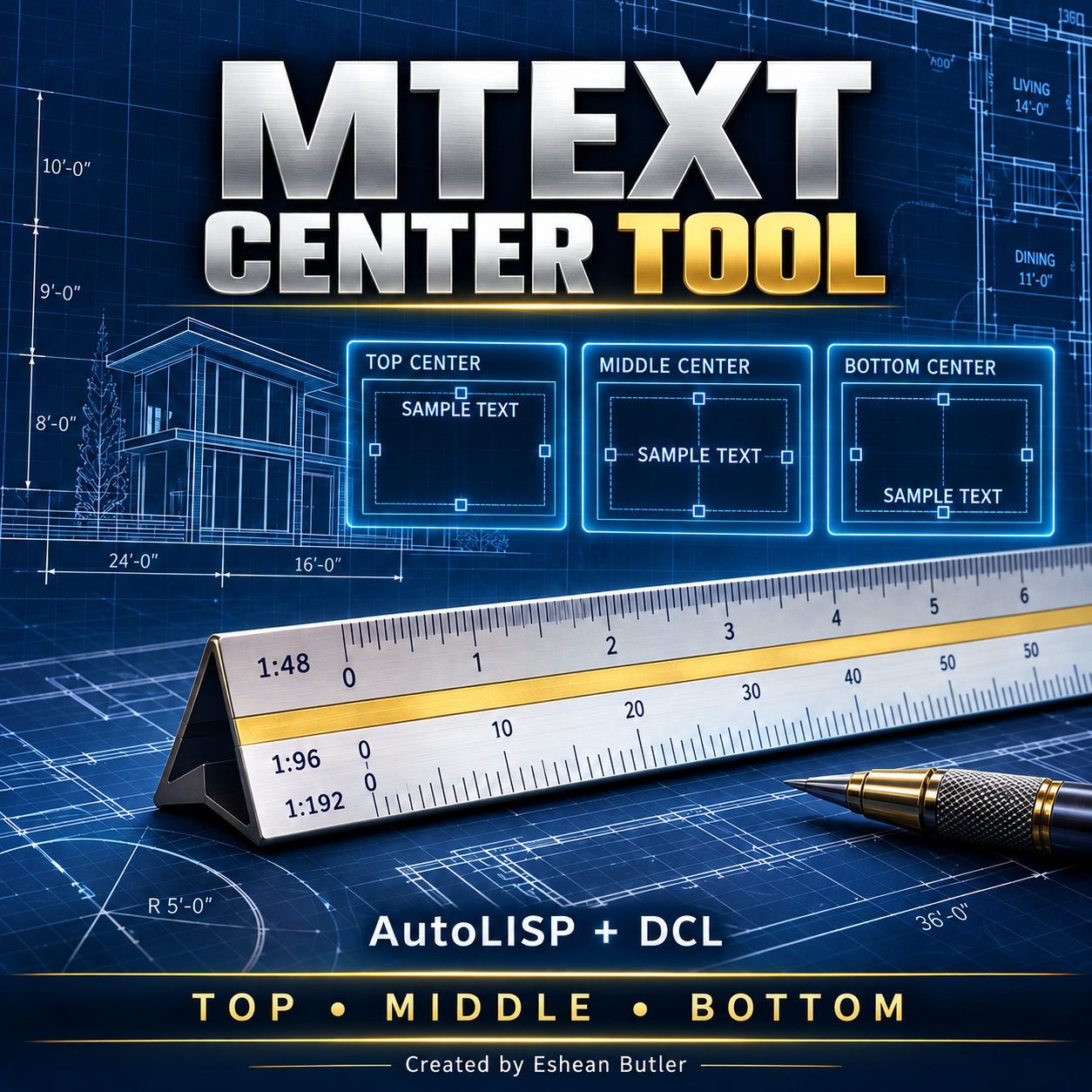
MTEXT Center Tool — AutoLISP + DCL
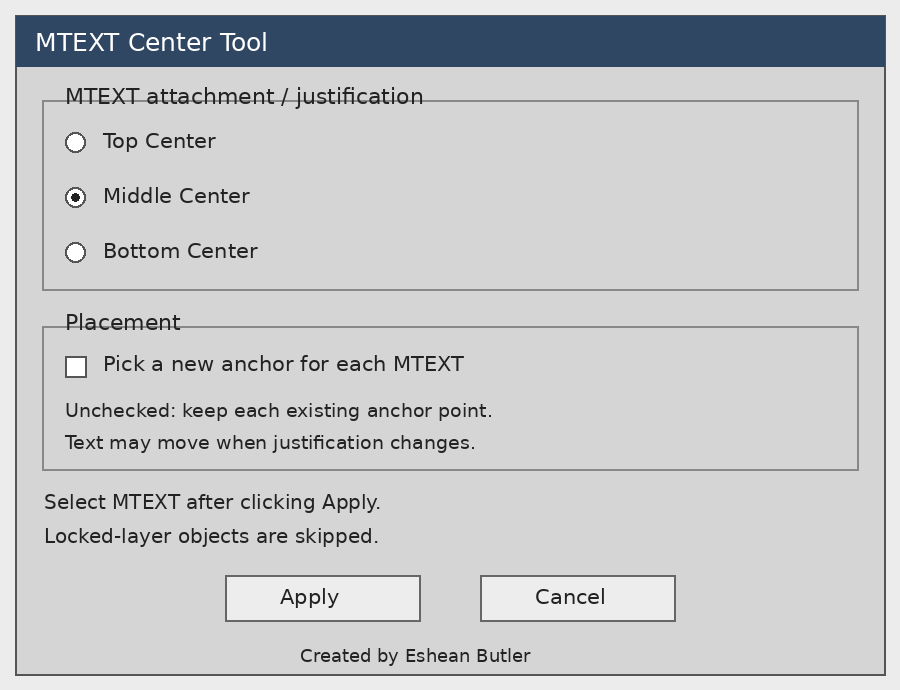
Adjust MTEXT justification quickly with a simple dialog. Choose Top Center, Middle Center, or Bottom Center, then apply the setting to multiple MTEXT objects in one operation.
Ideal for organizing architectural notes, drawing labels, and multiline annotations.
Features
- Three centered justification options.
- Batch editing of selected MTEXT objects.
- Optional new anchor point for each object.
- Quick commands: MTCTOP, MTCMID, and MTCBOTTOM.
- Retains text content, height, width, rotation, style, and layer.
- Skips objects on locked layers.
Download includes
AutoLISP file, matching DCL dialog, installation instructions, DCL preview, and product cover image.
Getting started: Load the LISP using APPLOAD, then type MTCENTER.
Designed for Windows AutoCAD 2002 using classic AutoLISP and DCL. Not yet tested inside AutoCAD 2002.
Please note: Changing justification can move the visible text around its anchor. This tool adjusts the whole MTEXT attachment; it does not change internal paragraph alignment or automatically center text inside a rectangle.
Created by Eshean Butler — Residential CAD Solutions
Digital download. No physical product.