

Canva Crash Course For Beginners
✨ Ready to Finally Master Canva & Create Print-Ready Designs with Confidence? ✨
YOU WILL RECEIVE AS A PDF AND A CANVA TEMPLATE
If you’ve been guessing your way through Canva… struggling to send the correct files to wholesalers… alongside support small designers you can learn too
Introducing my Canva Crash Course — designed specifically for crafters who want to confidently design for:
✔️ UVDTF
✔️ DTF
✔️ Sublimation
✔️ Print-on-demand
✔️ Custom wholesale printing
✔️ And more
Whether you use Canva Free or Canva Pro, this course walks you through everything step-by-step.
While you purchase designs from other small businesses like myself I’m here to show you if there’s a design you have in your mind that you want to make unique to yourself how you are able to create it
⸻
💻 What You’ll Learn:
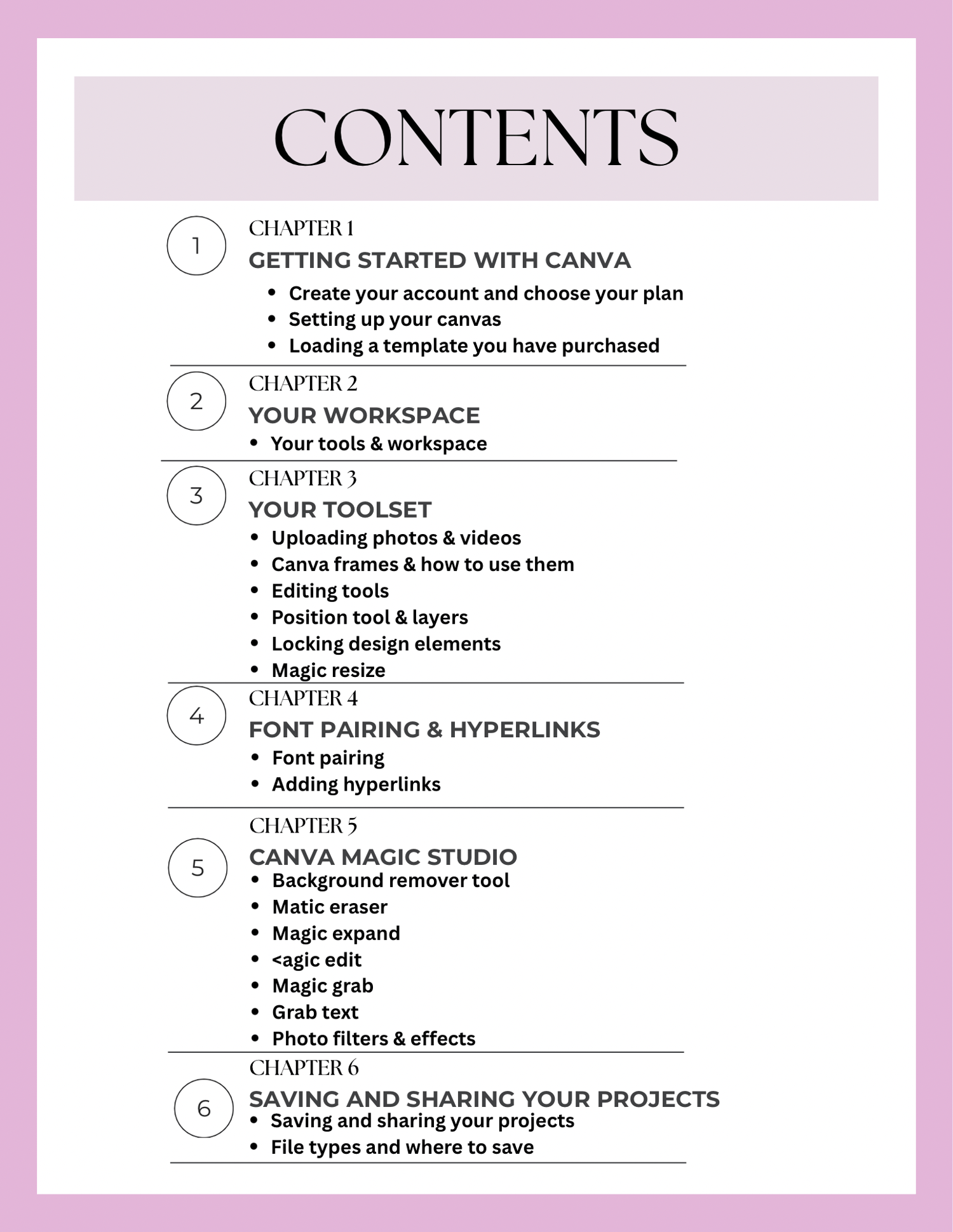
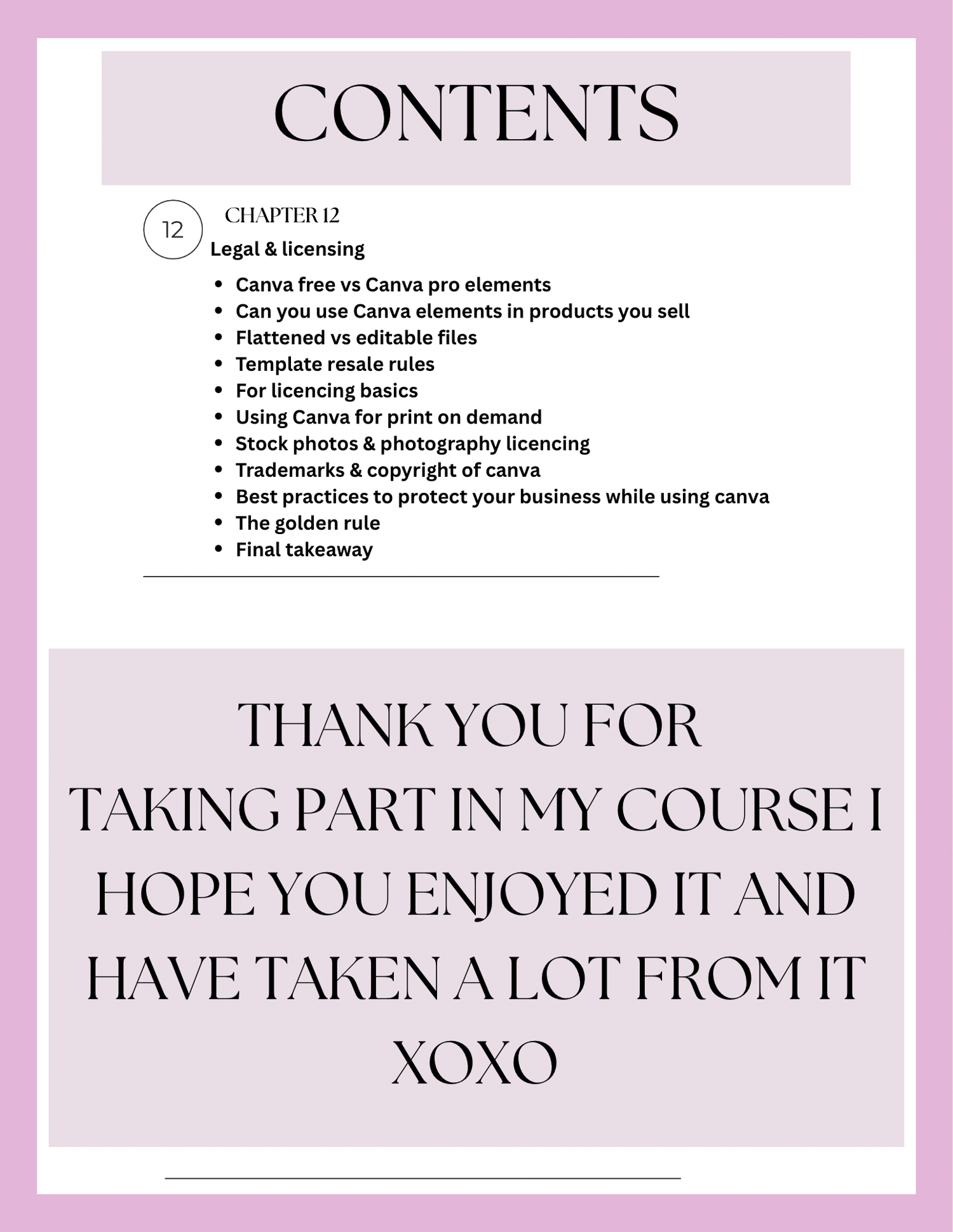
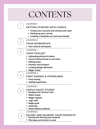
🔹 Setting up Canva correctly (Free vs Pro explained clearly)
🔹 Understanding your workspace & tools
🔹 Uploading purchased designs properly
🔹 Using frames, layers & positioning like a pro
🔹 Font pairing & adding hyperlinks
🔹 Magic Studio tools (background remover, magic expand, magic edit & more)
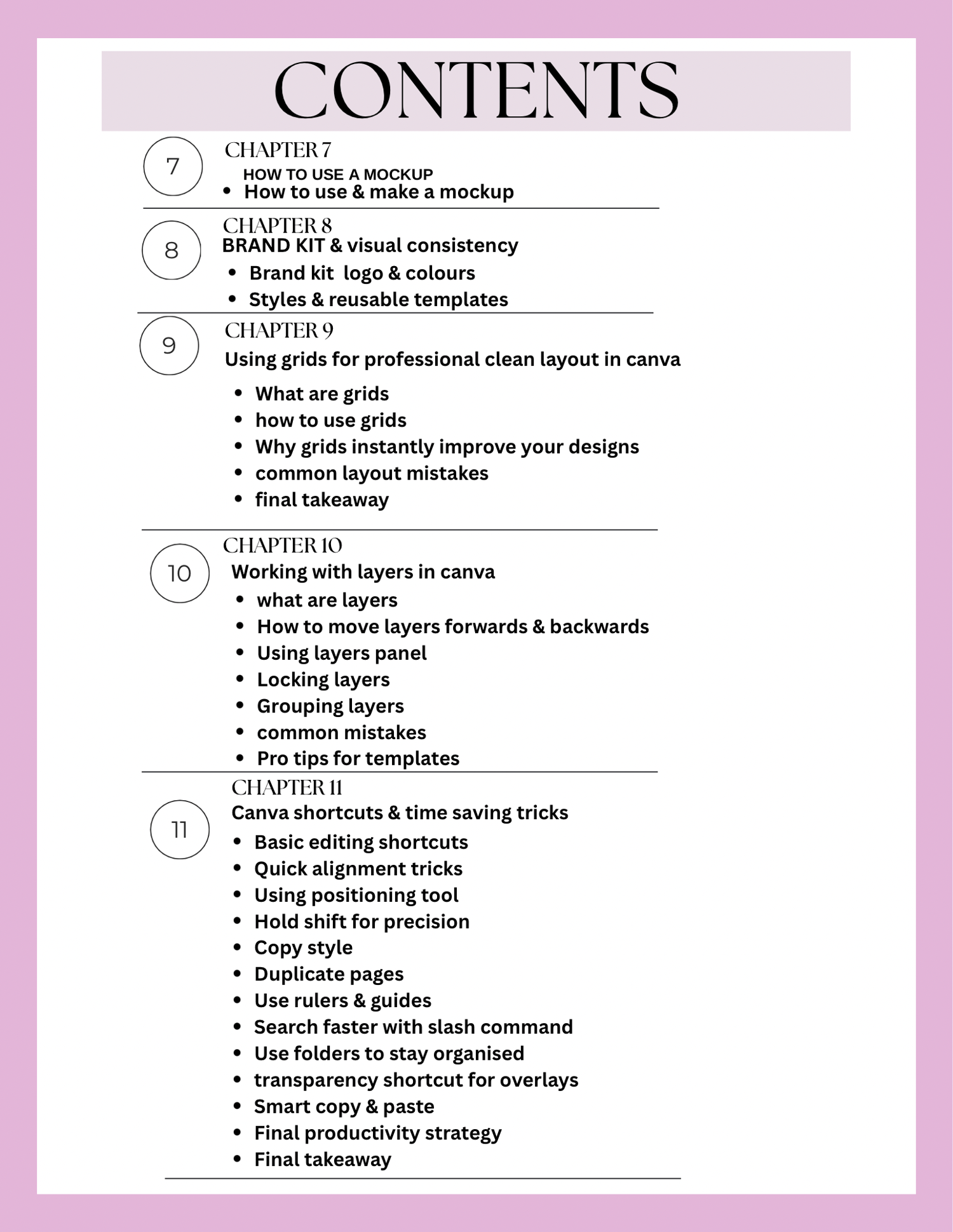
🔹 Working with grids for clean, professional layouts
🔹 Mockups that actually sell your designs
🔹 Brand kits & visual consistency
🔹 Canva shortcuts that save HOURS
🔹 Export settings for UVDTF, DTF & sublimation (so your printer doesn’t reject your files!)
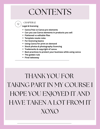
🔹 Legal basics & licensing when using Canva elements or purchased designs
No fluff. No confusion. Just practical skills you’ll actually use.
⸻
🎯 Perfect For:
✔️ Small business owners
✔️ Custom apparel sellers
✔️ Craft business beginners
✔️ Print-on-demand sellers
✔️ Anyone buying designs from designers and needing to edit or prep them properly
✔️ Anyone tired of “trial and error”
⸻
🚀 Why This Course Is Different:
This isn’t just “how to use Canva.”
It’s how to use Canva strategically for printing.
You’ll understand:
• The difference between flattened & editable files
• How to avoid common layout mistakes
• How to send wholesalers exactly what they need
• When Canva Free is enough — and when Pro is worth it
By the end, you’ll design faster, cleaner, and with way more confidence.