


Electrical Plan Designer Pro
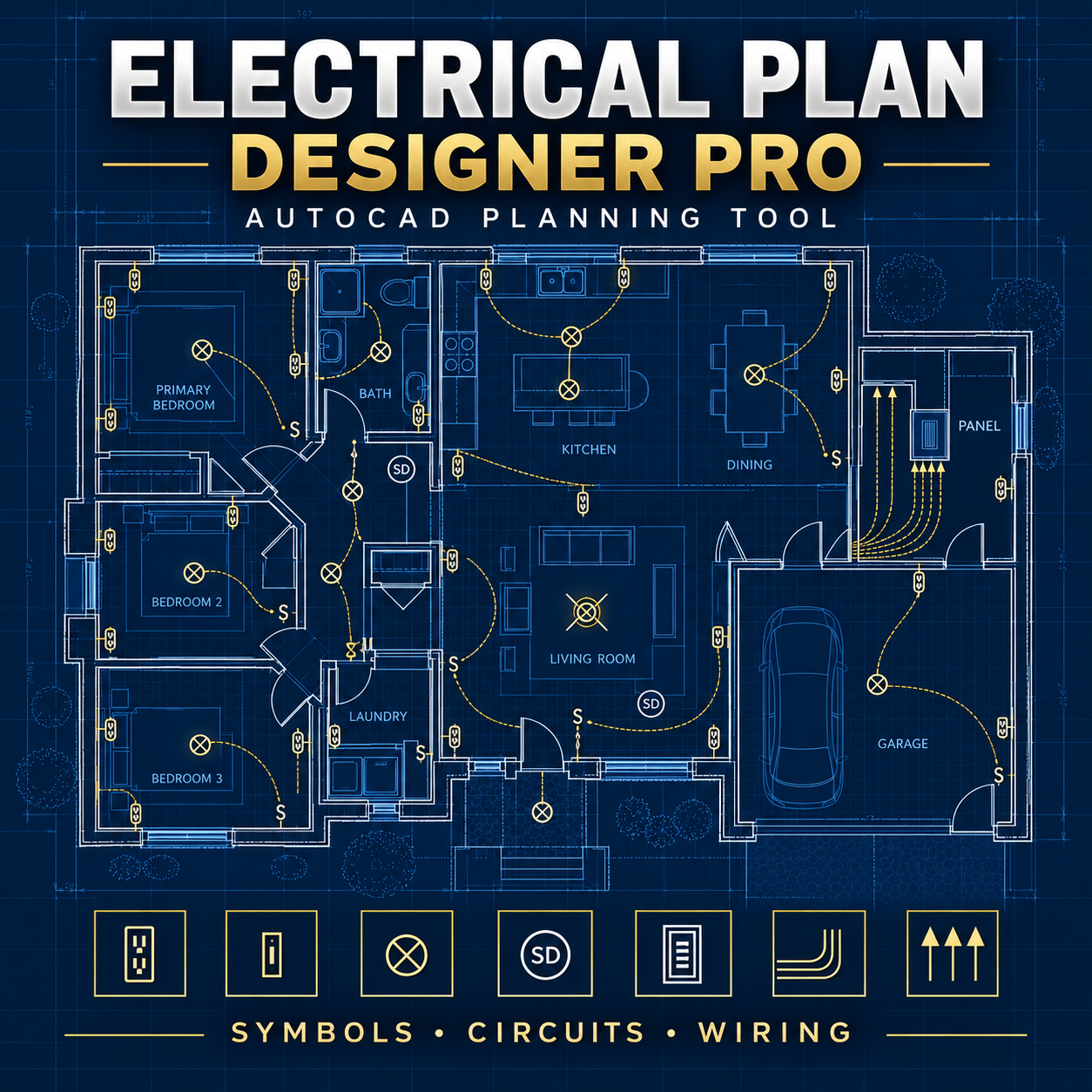
Electrical Plan Designer Pro is an AutoLISP and DCL-powered drafting tool designed to help AutoCAD users create organized residential electrical plans faster.
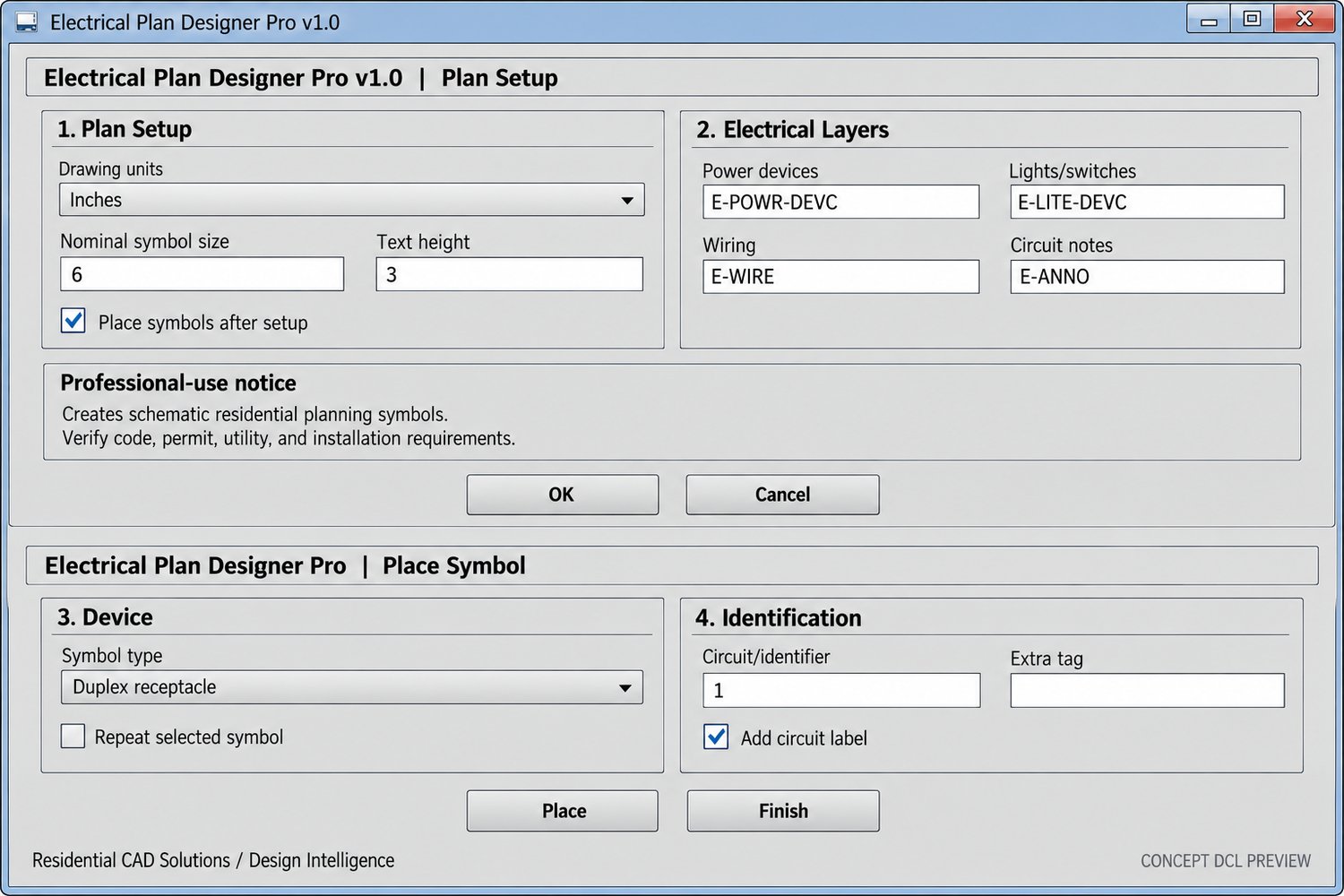
Place common electrical devices, assign circuit identifiers, draw schematic wiring paths, create labeled home-run arrows, and organize electrical information on dedicated layers through an easy-to-use dialog interface.
Key features include:
• 13 residential electrical symbol presets
• Duplex, GFCI, weatherproof, and 240V receptacles
• Single-pole, three-way, and four-way switches
• Ceiling and recessed lighting symbols
• Smoke and carbon-monoxide detectors
• Exhaust and ceiling-fan symbols
• Electrical panel placement
• Circuit identifiers and optional device tags
• Repeat placement for faster drafting
• Multi-segment schematic wiring paths
• Home-run arrows with customizable labels
• Dedicated power, lighting, wiring, and annotation layers
• Architectural-inch and millimeter support
• Designed from an AutoCAD 2002-compatible foundation
AutoCAD commands:
ELECPLAN – Configure the drawing and begin placing symbols
ELECSYM – Place electrical symbols
ELECWIRE – Draw schematic wiring paths
ELECHOME – Create labeled home-run arrows
ELECPANEL – Place an electrical panel symbol
ELECABOUT – View program information
The complete package includes the LISP program, polished DCL interface, installation instructions, command reference, commercial license, changelog, backup files, interface preview, and professional product cover.
Electrical Plan Designer Pro creates schematic planning graphics. It does not calculate electrical loads, panel capacity, voltage drop, conductor sizes, breaker sizes, fault current, service requirements, energy-code compliance, or installation adequacy. All work must be verified against applicable electrical codes, local amendments, utility requirements, manufacturer instructions, permit requirements, and qualified professional review.