
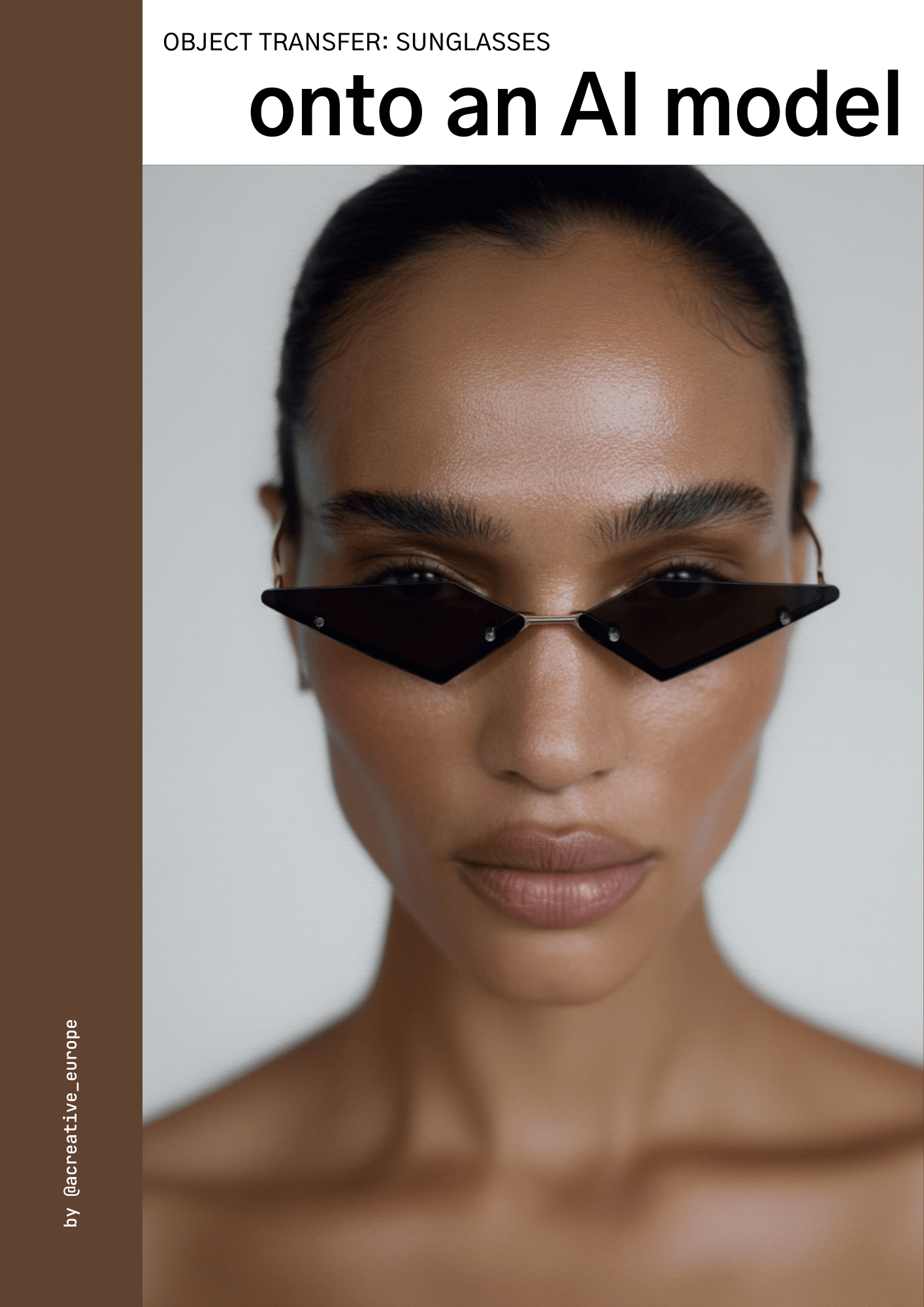
OBJECT TRANSFER (SUNGLASSES) ONTO AN AI MODEL (Midjourney)
Object Transfer (Sunglasses) onto an AI Model
This guide (26 pages) was created after I posted a reel showing how I transfer sunglasses onto a model in MidJourney. Many people asked me how I do it so precisely and realistically, so I wrote down the full method. Actually two: sunglasses transfer onto random model faces and the same face across all images.
It’s a continuation of my first guide, Start into Realistic AI Visuals. In that guide, I explain the full system for realism and also how to transfer products using other AI tools. This one focuses only on product transfer in MidJourney, step by step.
Inside you’ll learn:
✅ Two workflows: using random model faces or keeping the same face across all images
✅ How to prepare product photos and model references so they give the best results
✅ The prompts I used for the transfer
✅ The references I used, and most importantly, how I placed them in the prompt references
✅ The generation settings that keep the transfer accurate
✅ What to ask a brand before starting, to avoid rework
✅ How to connect with me for 1:1 help or get my Start into Realistic AI Visuals guide with a discount
⚠️ Notice for UK Customers: Unfortunately, due to VAT regulations, I’m unable to sell digital products to customers located in the United Kingdom or using UK-issued payment cards. If you are in the UK or using a UK card, please do not proceed with the purchase. Orders from UK customers may be refunded. Thank you for your understanding 💛