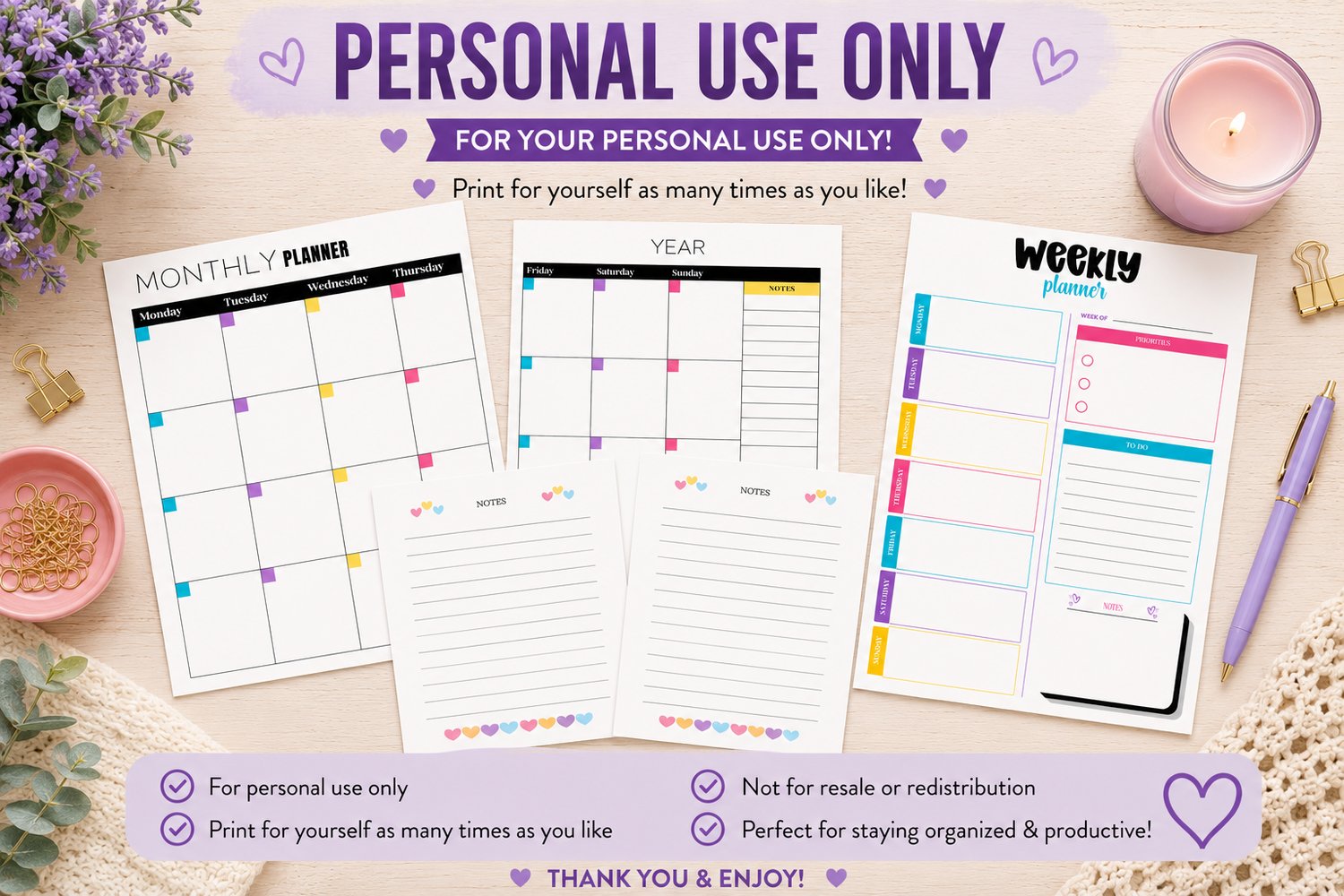
Personal Use Planner Pages
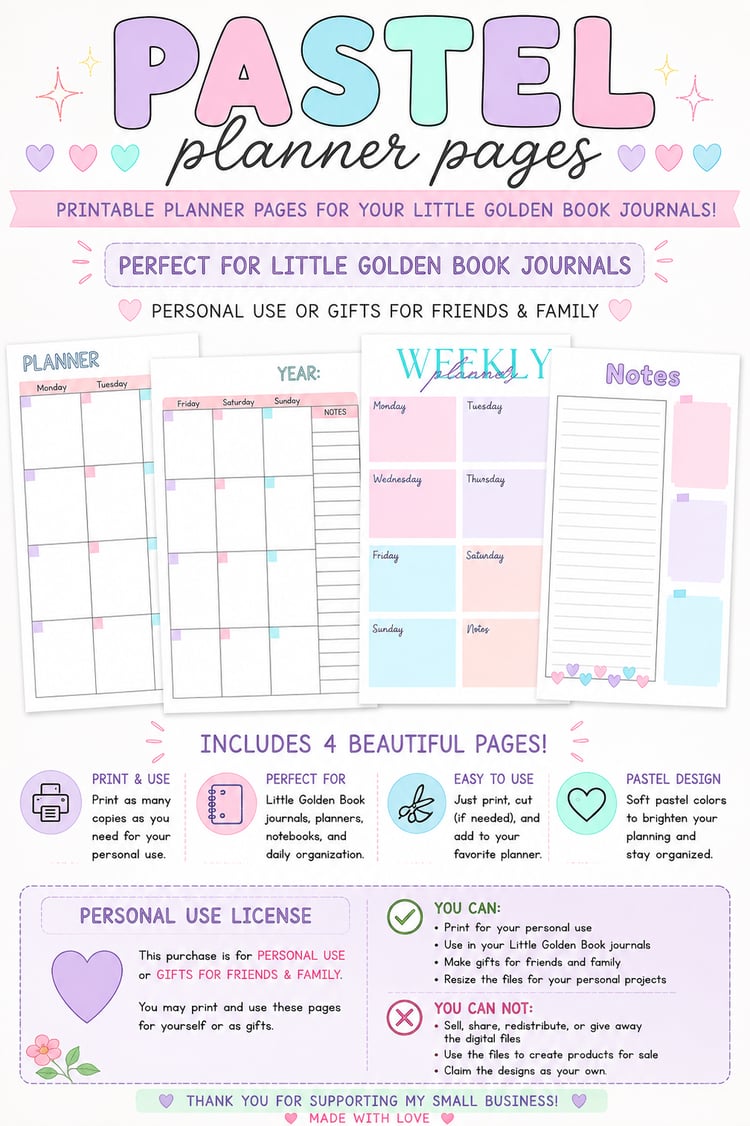
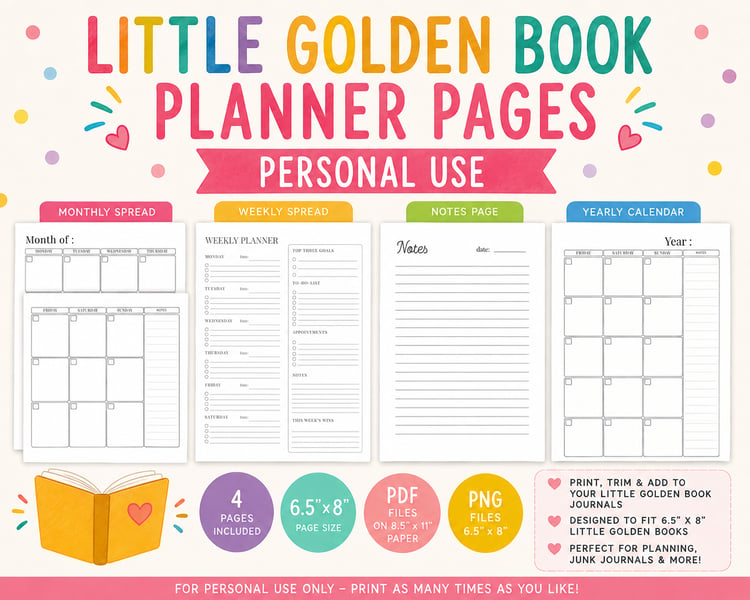
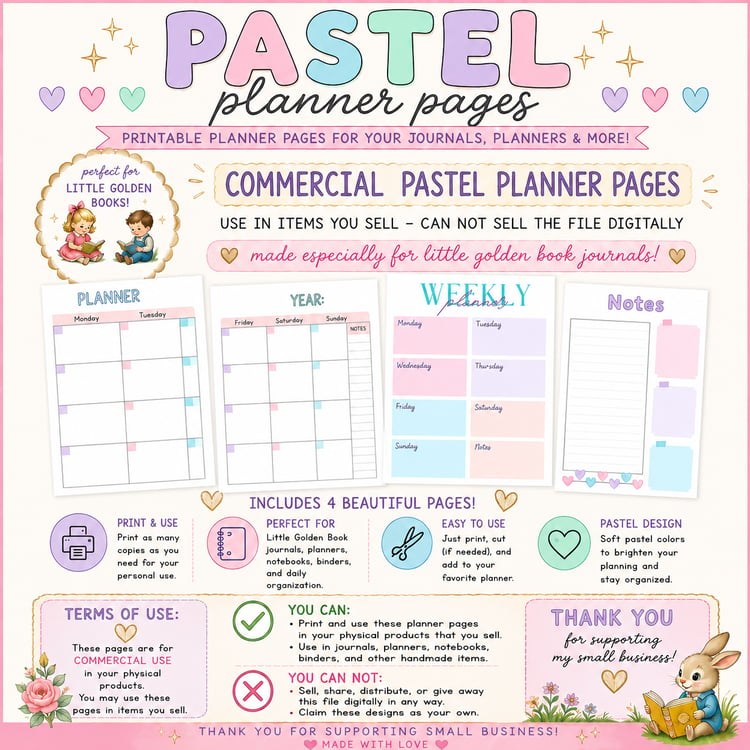
PERSONAL USE ONLY Little Golden Book Journal Printable Planner Pages including calendars, weekly pages, and notes
These can be used for personal use as gifts but not for sales.
Printing & File Instructions
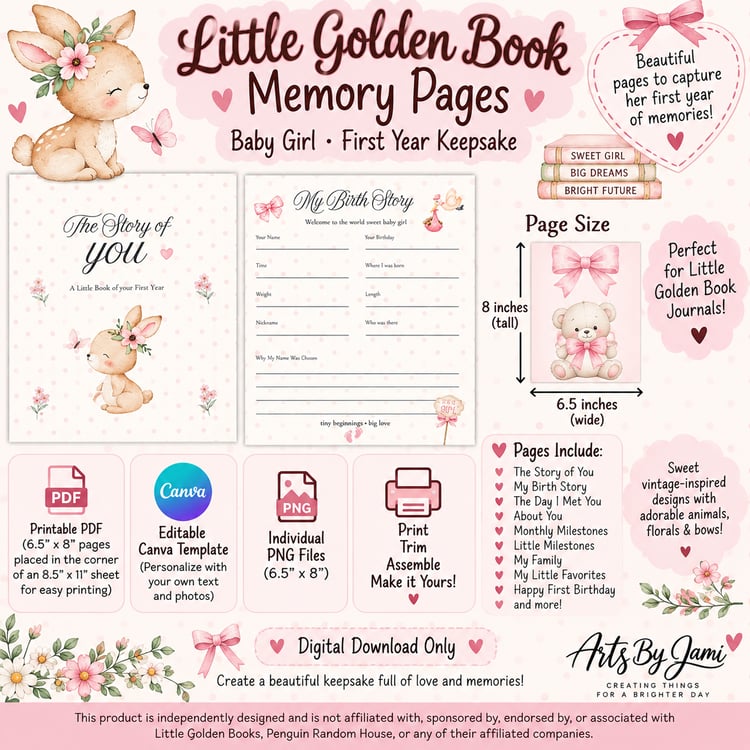
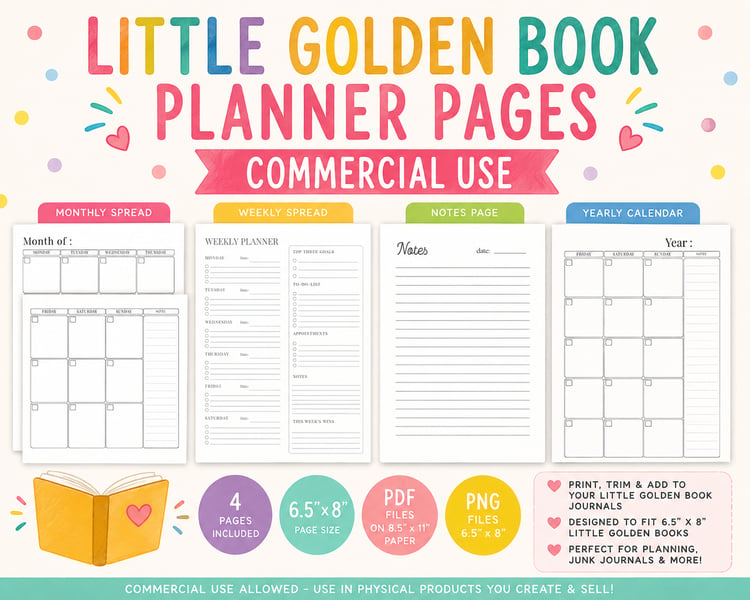
Thank you so much for purchasing my Little Golden Book Journal Printable Pages! 💕 These pages were designed specifically for Little Golden Book-style journals and are sized to fit a 6.5" × 8" page.
Please read through these instructions before printing so you can choose the file that works best for you.
WHAT'S INCLUDED
Your purchase includes PNG and PDF versions of the printable pages, giving you several different ways to print and use your pages.
1. 6.5" × 8" PNG Files
The PNG files are provided at their original 6.5" × 8" size.
These files are especially helpful if you want to use Canva to resize or position the pages for a different journal or paper size.
The PNGs are flattened images, meaning all of the elements are combined into one image.
You can:
- Upload the PNG into Canva
- Resize the entire page
- Position it on a different-sized Canva document
- Move or rotate the entire page
- Create a custom paper size for printing
- Print the resized page
You cannot individually edit the text, lines, boxes, colors, or graphics within the PNG.
Using the PNG in Canva
- Open Canva.
- Create a new design using the paper size you want to print on.
- Upload your 6.5" × 8" PNG.
- Add the PNG to your Canva design.
- Resize it to your desired dimensions.
- Position it where you would like it on your paper.
- Download your finished design as PDF Print.
- Print your new PDF.
Important: The PNG is provided at 6.5" × 8". If you resize it in Canva, make sure you maintain the correct proportions so the design does not become stretched or distorted.
2. 6.5" × 8" PDF FILES
These PDF files are already sized to 6.5" × 8".
Use these files if you have access to paper that is already 6.5" × 8" or if your printer allows you to select a custom 6.5" × 8" paper size.
When printing, select:
Actual Size / 100%
Do NOT select:
- Fit to Page
- Fit
- Scale to Fit
- Shrink to Printable Area
- Any automatic scaling option
These settings can change the finished size of your pages.
3. 8.5" × 11" PDF FILES
I've also included a convenient version of the PDFs that is already placed on a standard 8.5" × 11" sheet of paper.
The printable page itself remains 6.5" × 8" and is positioned on the 8.5" × 11" sheet for easy home printing.
This is the easiest option if you are printing with a standard home printer.
To print:
- Load standard 8.5" × 11" paper into your printer.
- Open the 8.5" × 11" PDF.
- Select Actual Size / 100%.
- Print.
- Trim the printed page down to 6.5" × 8".
- Add the page to your journal.
Do not select "Fit to Page", as this may change the size of your printable.
CALENDAR PAGES
The calendar pages are designed to be used as a two-page spread.
The calendar pages are provided as individual pages and are NOT designed to be printed double-sided calendars.
I have a separate notes page you can print on the back of the calendar included in the files, or you can design your own page.
The two calendar pages should be printed separately and then placed opposite one another in your journal to create the complete spread.
This allows you to place the pages into your journal exactly where you want them.
NOTES PAGES
Notes pages are included with your purchase and can be used throughout your journal.
I've included both sides of the Notes page, giving you the option to use the Notes pages as additional writing space throughout your journal.
You can print the Notes pages as:
- Additional individual pages
- Pages throughout your journal
- The back of your calendar pages
- Writing space between planner sections
Printing Notes Pages on the Back of Calendar Pages
If you would like to have a Notes page on the back of your calendar pages, you can manually print the Notes page onto the reverse side of your calendar page.
Because every printer feeds paper differently, I strongly recommend doing one test page first.
Print one calendar page, mark the top of the paper with a pencil, and then run it back through your printer to determine which direction your printer needs the paper inserted.
Once you know the correct direction, you can print the Notes pages onto the backs of your calendar pages.
Please note: The calendar pages themselves are not double-sided files. The Notes pages are provided separately so you can choose whether or not you want to print them on the backs.
IMPORTANT PRINT SETTINGS
For the best results and correct sizing, always check your printer settings before printing.
Recommended settings:
Scale: 100%
Size: Actual Size
Paper Size: Match the file you are printing
Avoid:
❌ Fit to Page
❌ Scale to Fit
❌ Shrink to Printable Area
❌ Automatic scaling
Your finished page should measure approximately:
6.5" wide × 8" tall
PRINTING A TEST PAGE
Before printing the entire set, I highly recommend printing one test page.
Measure your finished page after printing.
It should measure approximately:
6.5" × 8"
If it does not, check your printer settings and make sure the document is being printed at 100% / Actual Size.
WHICH FILE SHOULD I USE?
💕 Want the easiest home printing?
Use the 8.5" × 11" PDF.
Print on regular letter-size paper, then trim the page to 6.5" × 8".
💕 Want the design in the middle of the page?
Use the 6.5" × 8" PDF.
💕 Want to resize the pages?
Use the 6.5" × 8" PNG.
Upload the PNG to Canva and resize the entire page to fit your preferred journal or paper size.
A NOTE ABOUT RESIZING
The PNG files are provided specifically to give you flexibility when printing.
If your journal is a different size than 6.5" × 8", you can upload the PNG into Canva and resize the entire page to fit your journal.
Please remember that resizing a page smaller or larger may affect how the design looks when printed.
For the best quality, avoid enlarging the PNG significantly beyond its original size.
HAVE FUN CREATING! 💕
These pages were created to make adding planning and organization to your Little Golden Book Journal easy and fun!
Whether you're using the ready-to-print PDFs or customizing the size of your pages in Canva with the PNG files, I hope these printables become a fun part of your journaling and planning experience.
Thank you so much for supporting my small business and happy crafting! 💕
⚠️ PLEASE NOTE
This is a DIGITAL DOWNLOAD. No physical product will be shipped.
These planner pages are independently designed and are not affiliated with, sponsored by, or officially licensed by Little Golden Books or its trademark owners.
By purchasing this listing, you agree to the personall-use terms stated above.