

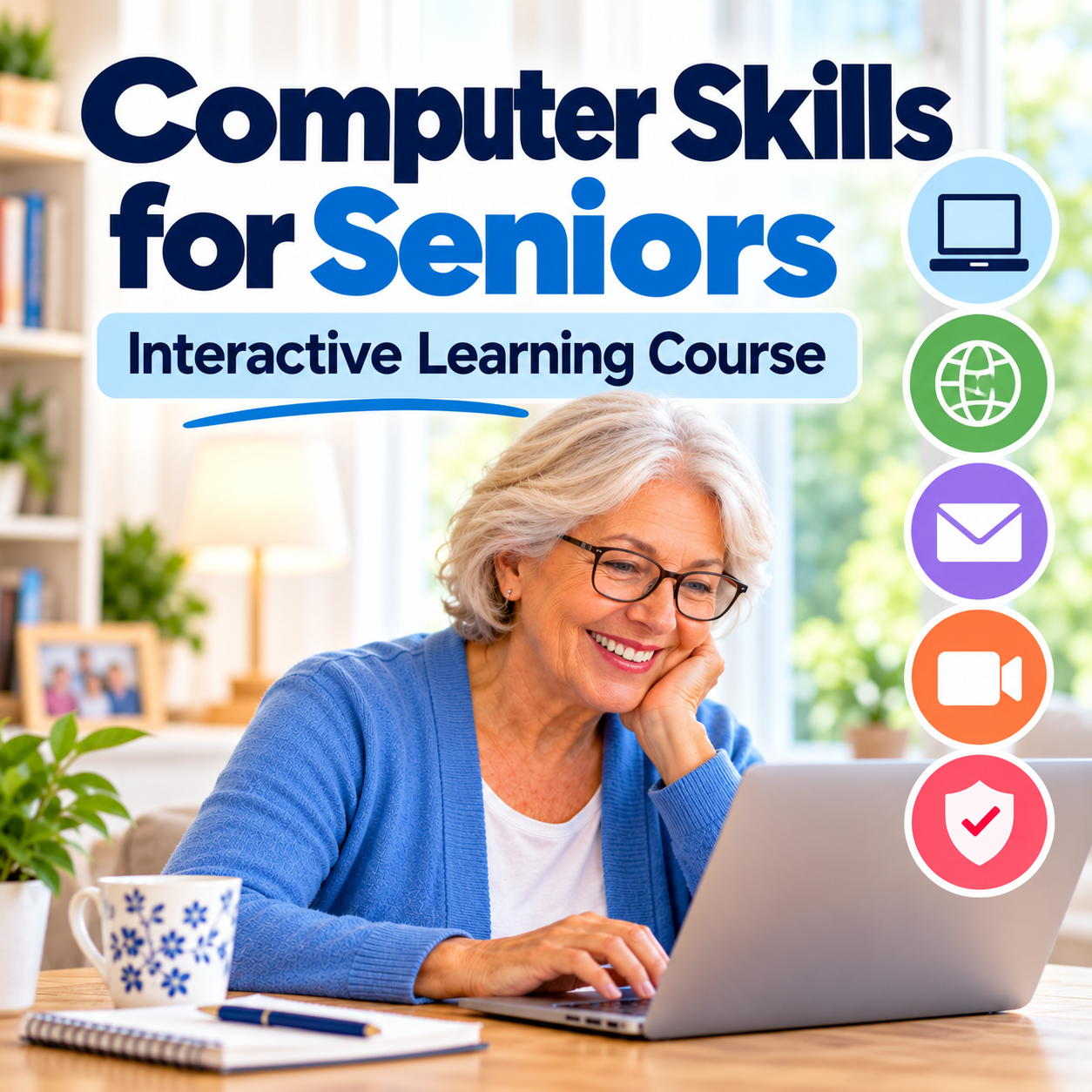
Computer Skills for Seniors | Interactive Learning Course
Computer Skills for Seniors | 73 Interactive Lessons
Learning to use a computer doesn't have to be confusing! This easy-to-follow, interactive learning course is designed for seniors and complete beginners who want to feel more comfortable and confident using a Windows 11 computer.
What You'll Learn:
• Understanding your computer and its basic parts
• Using Windows 11, the mouse and keyboard
• Organizing files, folders and photos
• Browsing the internet with confidence
• Setting up and using email
• Making video calls with family and friends
• Recognizing online scams and protecting your personal information
• Solving common computer problems
What's Included:
• 73 interactive lessons across 10 chapters
• Hands-on computer practice activities and simulations
• Interactive quizzes to check your understanding
• Easy-to-read instructions and accessibility features
• Progress tracking as you complete your lessons
• Completion certificate
• Learn at your own pace, from the comfort of home
No previous computer experience required!
Format: Online interactive learning course. No physical product will be shipped.
Please note: This is a self-paced interactive course, not a PDF ebook. Access instructions will be provided after purchase. No live classes are included.
Start building your computer confidence today!