

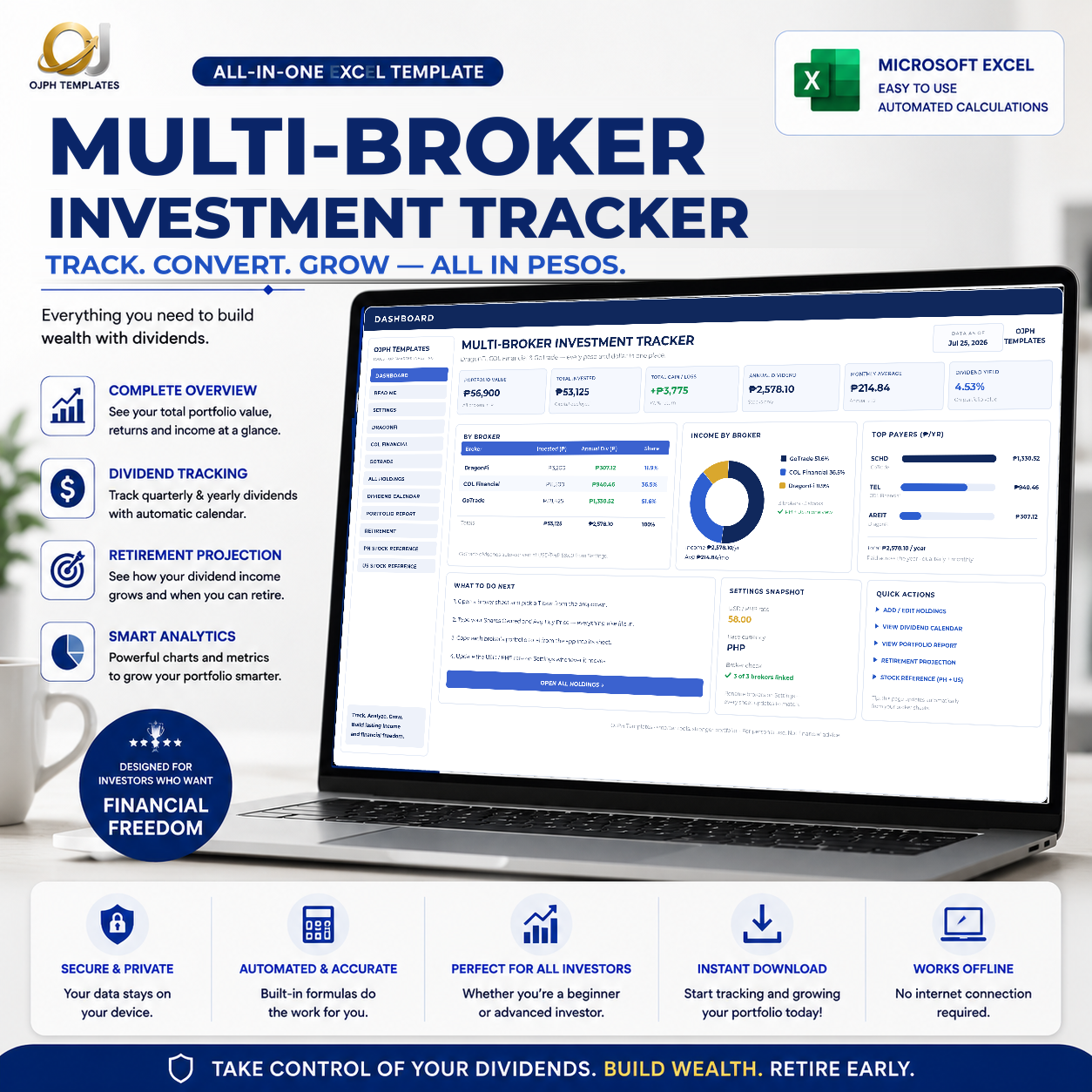
Multi-Broker Investment Tracker (Excel) Your Whole Portfolio, One Sheet
You bought the stocks. Now the harder question: "How am I actually doing?"
Your money is in three places. One app has your PSE names, another has the ones you bought years ago, a third has your US dividend payers. Each app shows you its own slice. None of them show you the whole thing and none of them tell you what your income looks like in December versus February. This workbook does.
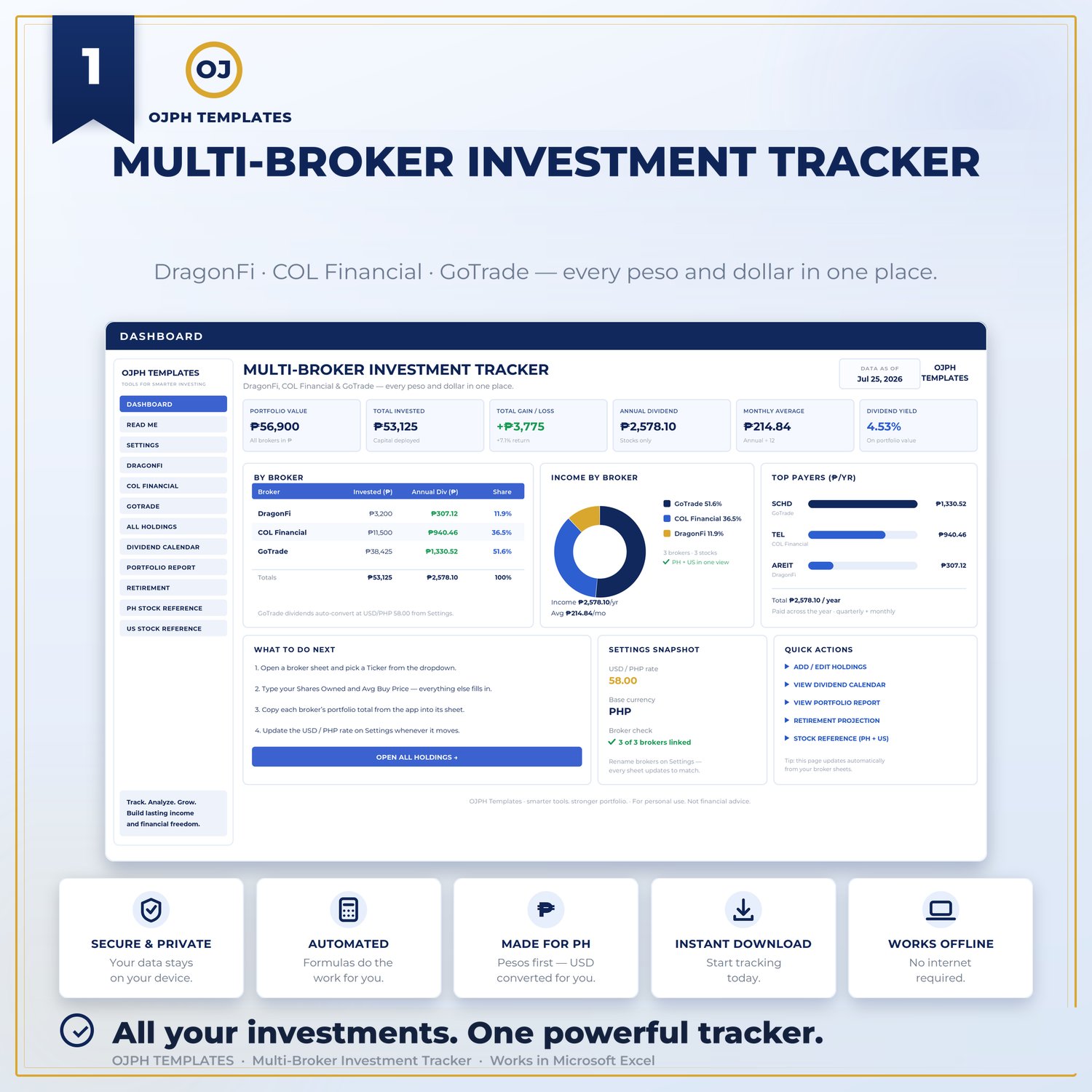
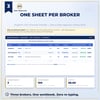
✅ Three brokers, one number. Three separate holdings sheets pre-set to DragonFi, COL Financial, and GoTrade, but rename them in Settings to whatever you actually use. Seedbox, First Metro, Interactive Brokers, Tiger, anything you like. Type the new name once and every formula follows. The Dashboard pulls all three together: total value, annual income, monthly income, top holdings, allocation by sector and by broker.
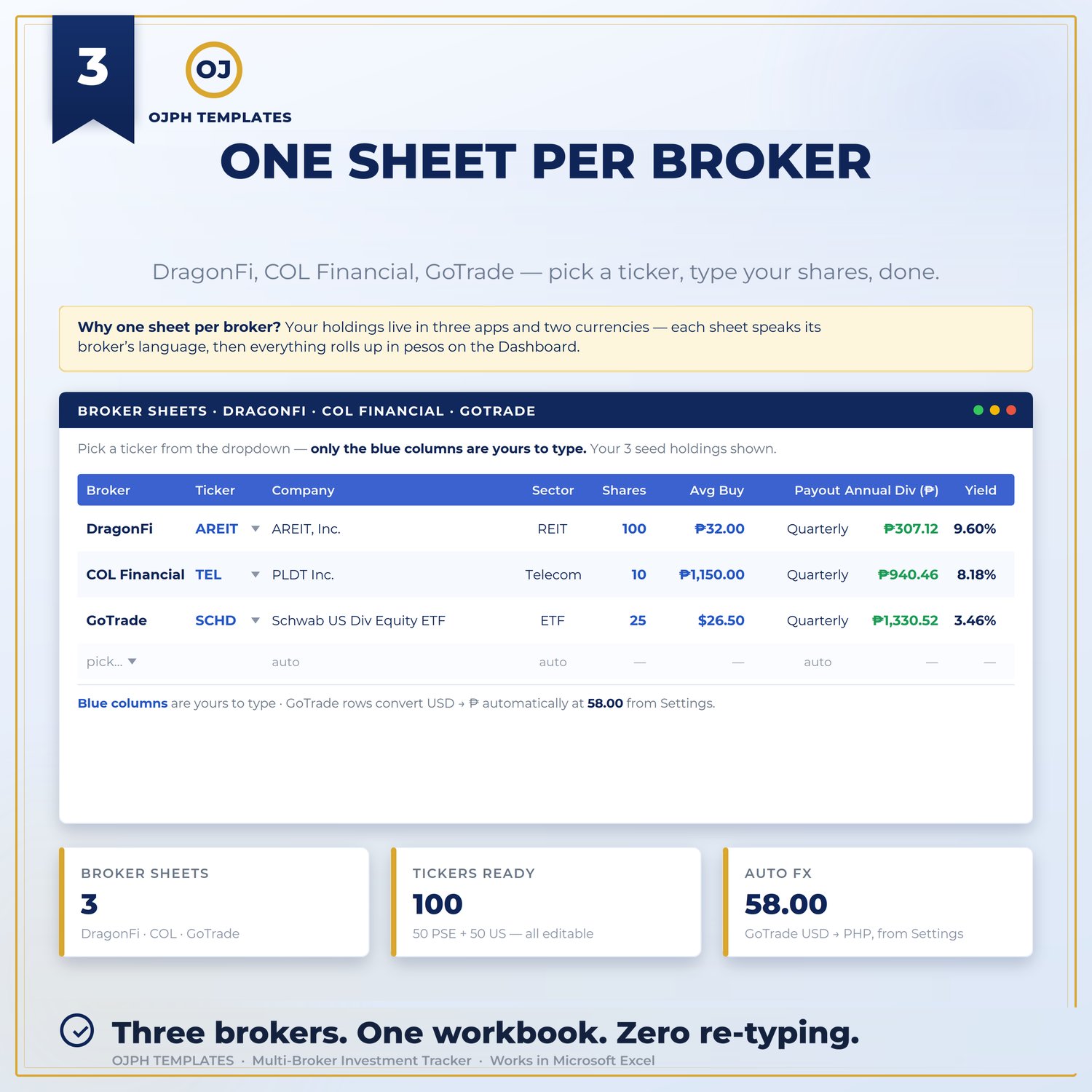
✅ Pick a ticker, the sheet does the rest. Choose from the dropdown, type your shares owned and your average buy price. Company name, sector, dividend per share, and payout frequency fill in automatically from the reference libraries. Two numbers per position and you are done.
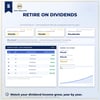
✅ Yield on cost, not just yield. Current yield tells you what a stock pays a new buyer today. Yield on cost tells you what your money is earning based on what you actually paid and it grows over the years while the headline yield stays flat. This is the metric dividend investors care about, and it is computed for every position.
✅ See which months are heavy and which are thin. The Dividend Calendar lays out one row per holding and twelve months across, built from each stock's payout schedule. Most Filipino dividend portfolios are quietly lumpy, three fat months, then nothing. Better to know that before you plan around it.
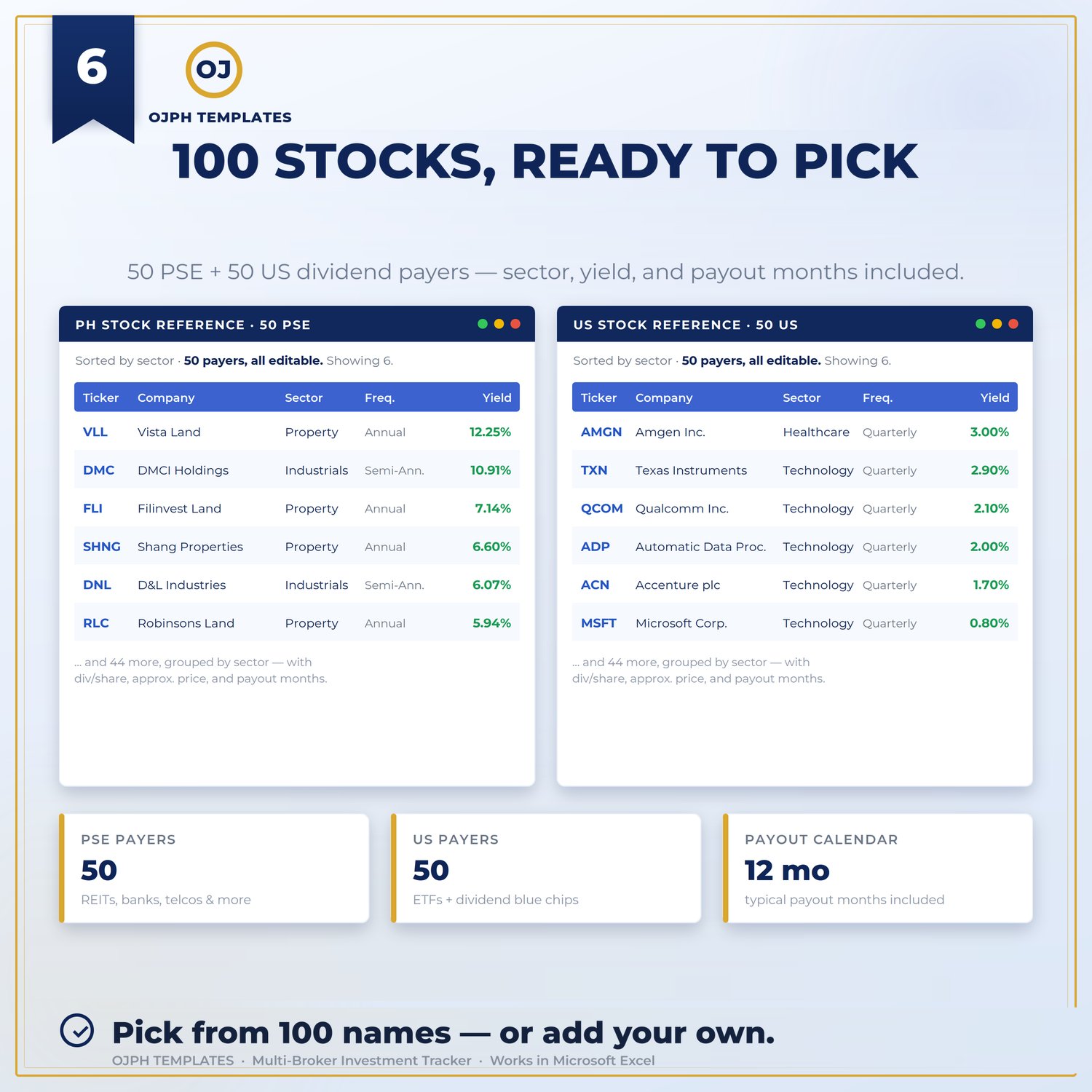
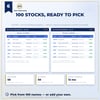
✅ 100 stocks pre-loaded, PSE and US. 50 PSE dividend payers (AREIT, TEL, MER, banks, REITs, utilities) and 50 US dividend stocks and ETFs (SCHD, O, MAIN, JEPI and more), grouped by sector with dividend data already in. Appearing on the list is factual data, never a recommendation.
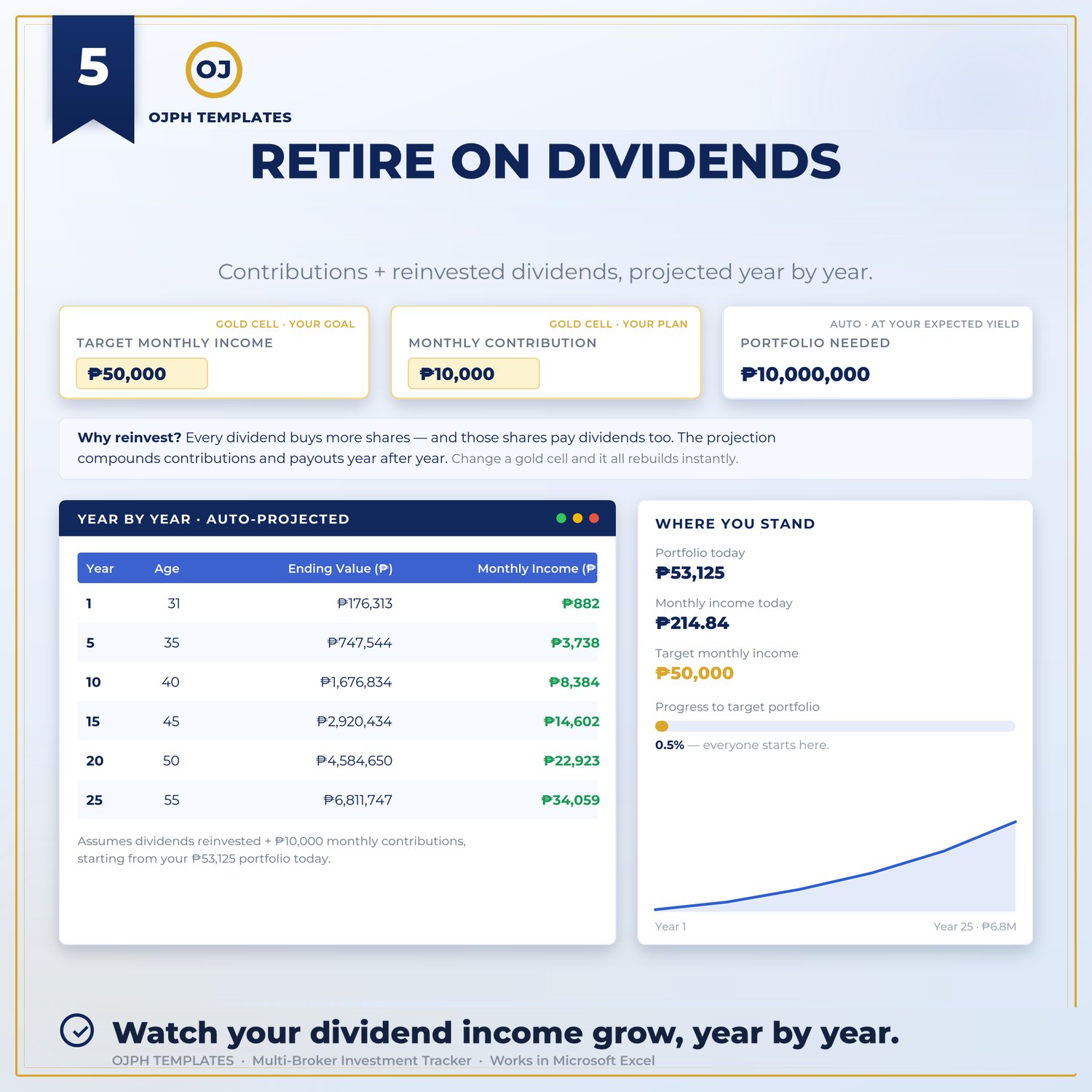
✅ A FIRE projection that uses your real numbers. Set your current age, target retirement age, target monthly income, expected yield, and monthly contribution. The Retirement Projection runs the math against your actual portfolio, not a generic calculator's assumptions. Sometimes the answer is uncomfortable. That is the point.
✅ A one-page report that assembles itself. Portfolio Report pulls everything into a clean summary you can print or save as PDF for your own records, or for whoever asks you "so how much are you making from stocks?"
No live prices, on purpose. Excel cannot know today's share price, and a stale one is worse than none because it still looks correct. You type your portfolio value from each broker app whenever you feel like checking, three numbers, thirty seconds, and you are the one who knows they are current.
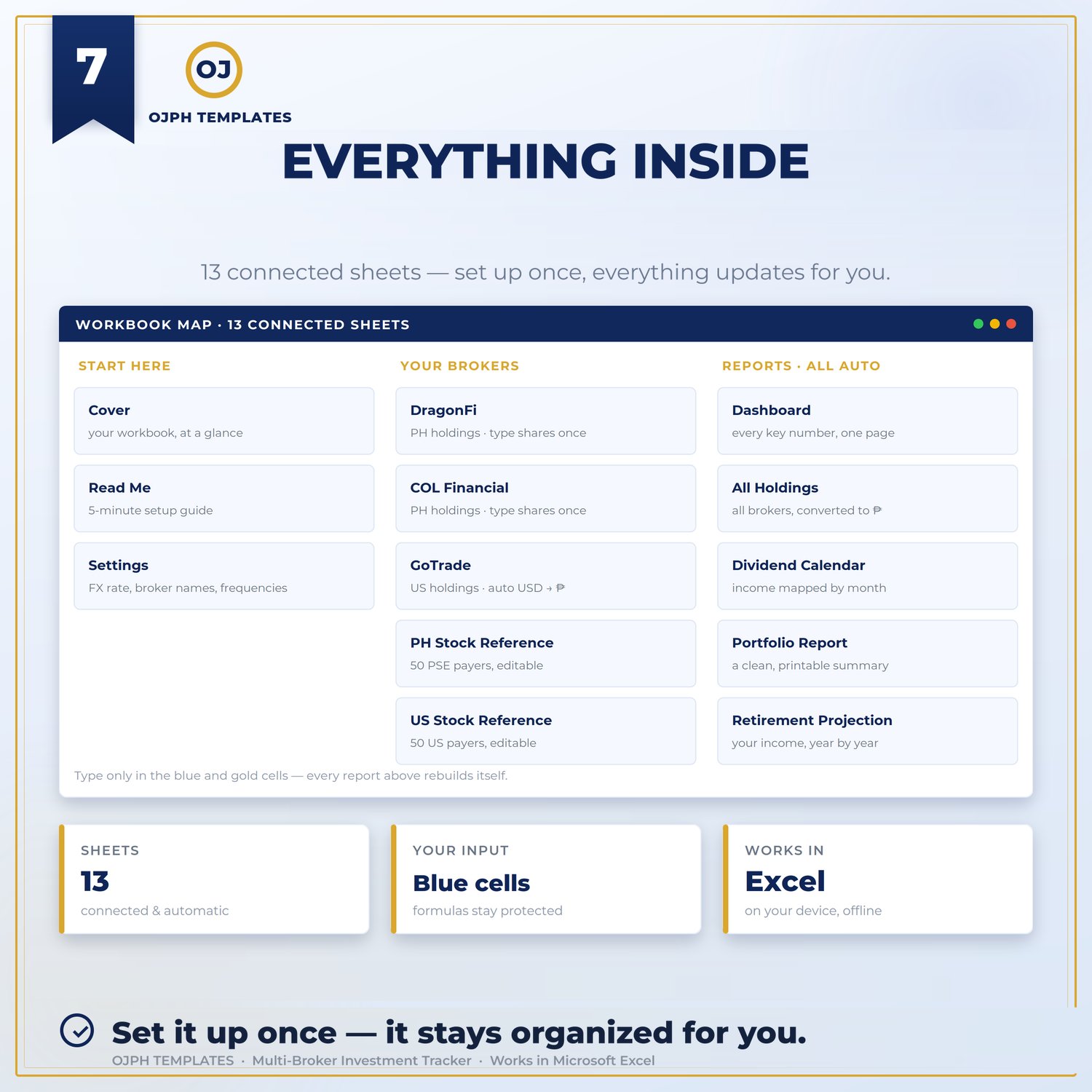
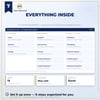
What's inside (13 sheets):
- Cover and Read Me — how the workbook fits together
- Dashboard — the whole portfolio in one view
- Three broker sheets — one holdings table each, renameable to any broker you use
- PH Stock Reference and US Stock Reference — 50 dividend payers each, grouped by sector
- All Holdings — every position across all three brokers, consolidated
- Dividend Calendar — twelve-month payout map
- Portfolio Report — printable one-page summary
- Retirement Projection — FIRE math on your real numbers
- Settings — USD/PHP rate, broker names, retirement assumptions. Every sheet reads from here
Honest notes before you buy:
- Requires Microsoft Excel on desktop, 2016 or newer, Windows or Mac. This is a macro-enabled file (.xlsm) — Excel will ask you to enable content on first open, which is normal. It will not work in Google Sheets, Apple Numbers, or Excel mobile.
- Dividends are shown gross. For your US holdings, the 25% treaty withholding tax comes off before the money reaches you. File your W-8BEN with your broker to get the treaty rate instead of 30%, and remember the number on screen is before tax.
- The two Stock Reference libraries are fixed to PSE and US markets. Rename a broker sheet to any platform you like just keep PSE or US tickers in it.
- Prices and dividend data are approximate samples. Always update and confirm with your broker.
Who this is for: Anyone whose stocks are spread across more than one broker and who wants a single honest view of what they own and what it pays. The machinery is market-neutral the holdings sheets, dividend calendar, yield-on-cost math, portfolio report and FIRE projection all work with whatever tickers you type in. The 50 US dividend payers are useful from anywhere in the world; the 50 PSE names are a bonus if you invest in the Philippine market. Works from three positions to thirty.
One thing to know if you are outside the Philippines: totals display in pesos, and the sheets are locked to protect the formulas, so you cannot reformat the currency symbol. Set the USD/PHP rate in Settings to 1 and the peso sign becomes a label you can ignore every calculation still works. If a dollar-denominateddisplay matters to you, this may not be the right file.
Pairs with the US Stock Preference & Allocation planner that one helps you decide what to buy, this one tracks what you own.
Instant digital download. Excel (.xlsm), macro-enabled, desktop Excel required. Single-user licence, yours forever.
OJPH Templates | For personal use. Educational tracking tool, not financial advice. The stock lists inside are starting points for your own research, never recommendations. Dividends are never guaranteed.