
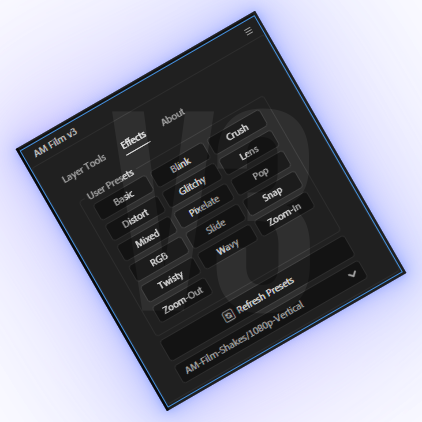
AM Film UI Panel
On Sale
$0.00
Pay what you want:
$
- This UI helps make your editing workflow more comfortable by letting you add your favorite presets and effects in one place, upload folders, and organize everything the way you want.
🎁 Download for free! Support the channel optionally by paying whatever you want.
✅ Works with After Effects 2019 and above
✅ Organize your favorite presets, effects, and folders in one convenient panel
✅ Regular updates included - check back for new features
📌 How to install
Tutorial: Watch on YouTube 🔗
- Step 1
JSX File Installation
Copy and paste "AM Film JSX" file here:
Windows
C:\Program Files\Adobe\Adobe After Effects 20xx\Support Files\Scripts\ScriptUI Panels
Mac
/Applications/Adobe After Effects <version>/Scripts/ScriptUI Panels/
- Step 2
Open After Effects
Go to Window → Scroll down → Click AMFilmUI
For step-by-step instructions, check my YouTube Tutorial