
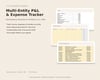
USCES Multi-Entity P&L & Expense Tracker
On Sale
$14.99
$14.99
USCES Multi-Entity P&L Tracker V0 (Excel Template)
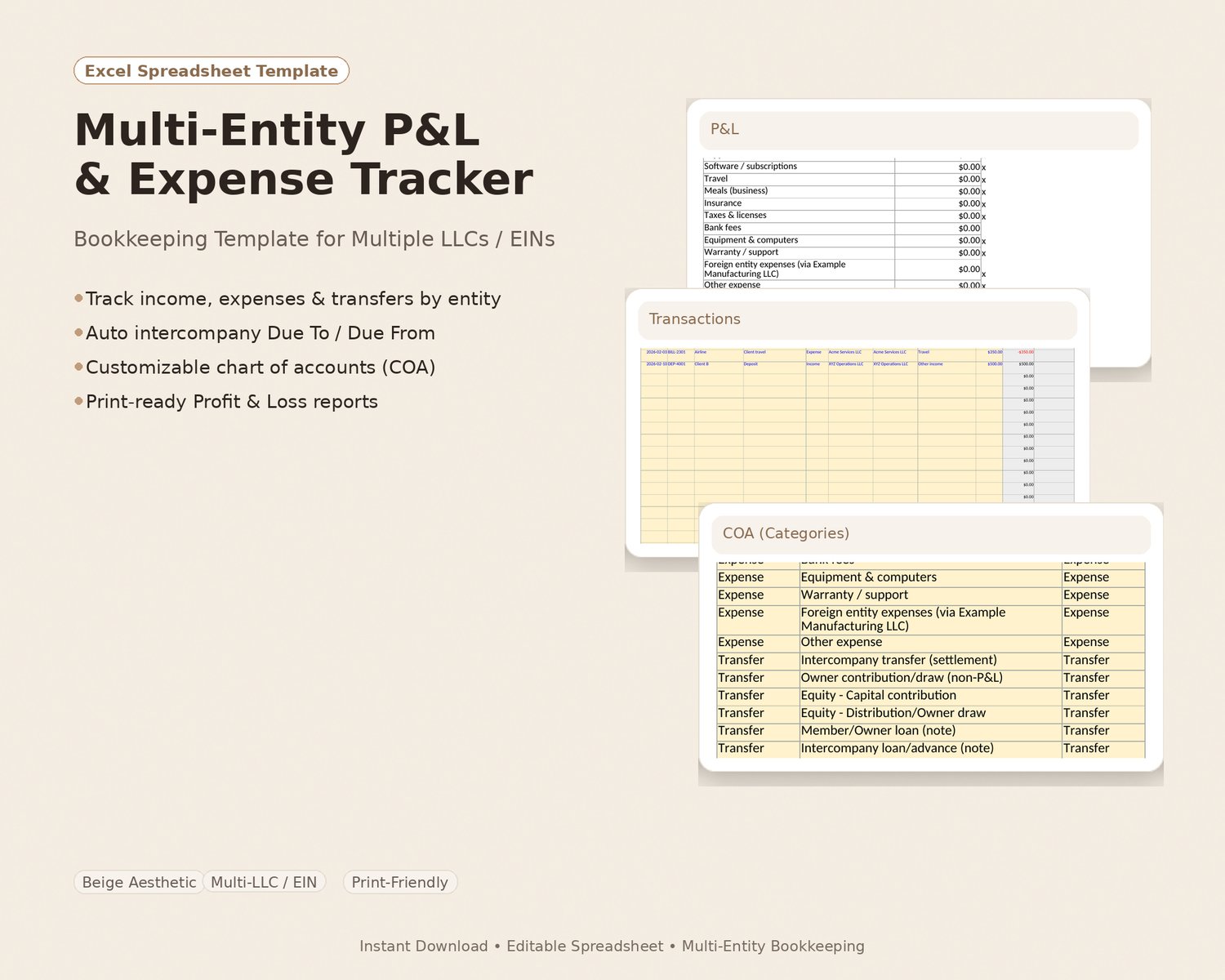
Keep your business expenses organized and get a clean Profit & Loss (P&L) any time you want — for one LLC or multiple entities/projects — all in one Excel workbook.
Getting started (3 easy steps)
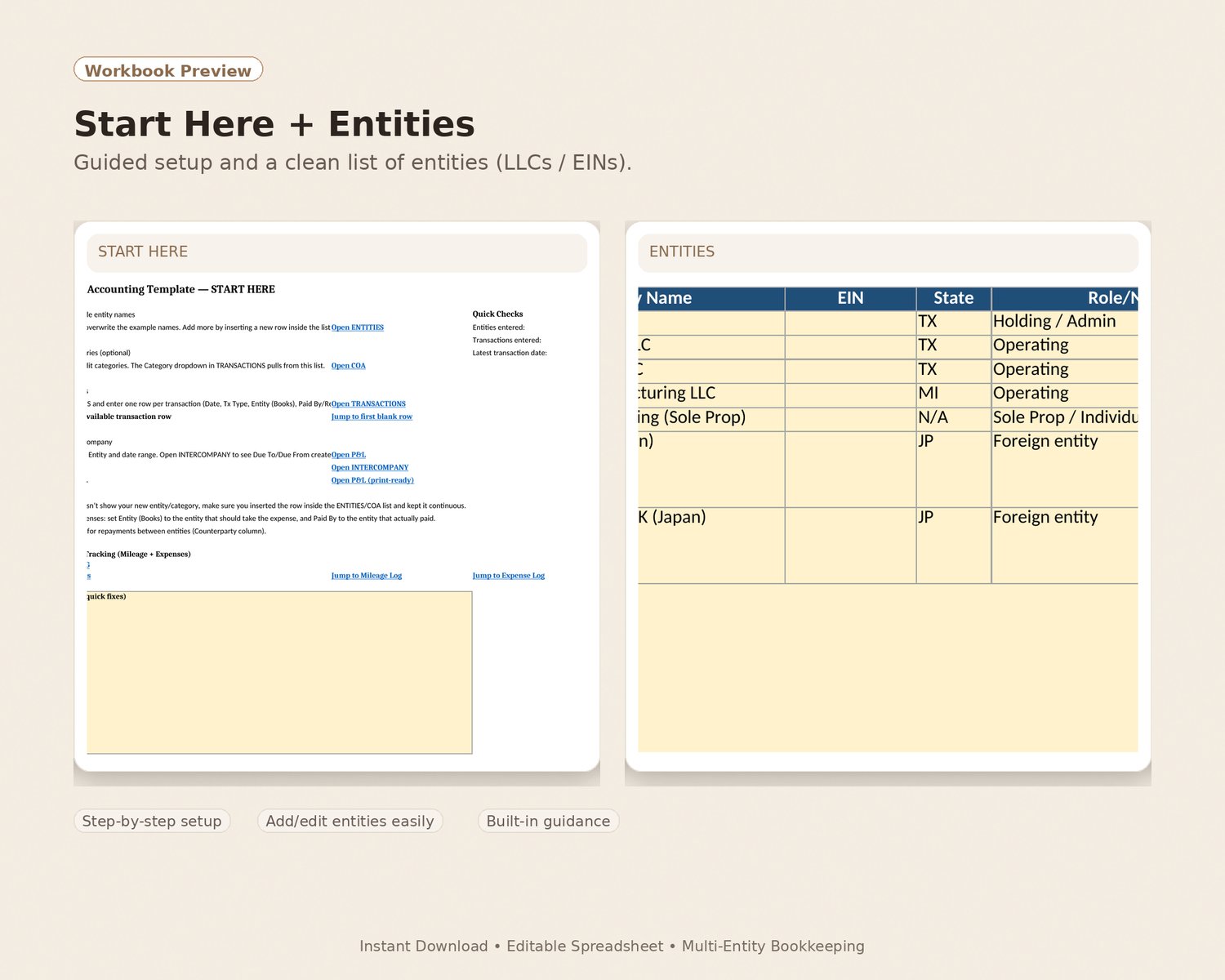
- Open the workbook in Microsoft Excel (desktop).
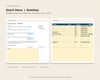
- Click START HERE and enter your business/entity names (and categories if you want).
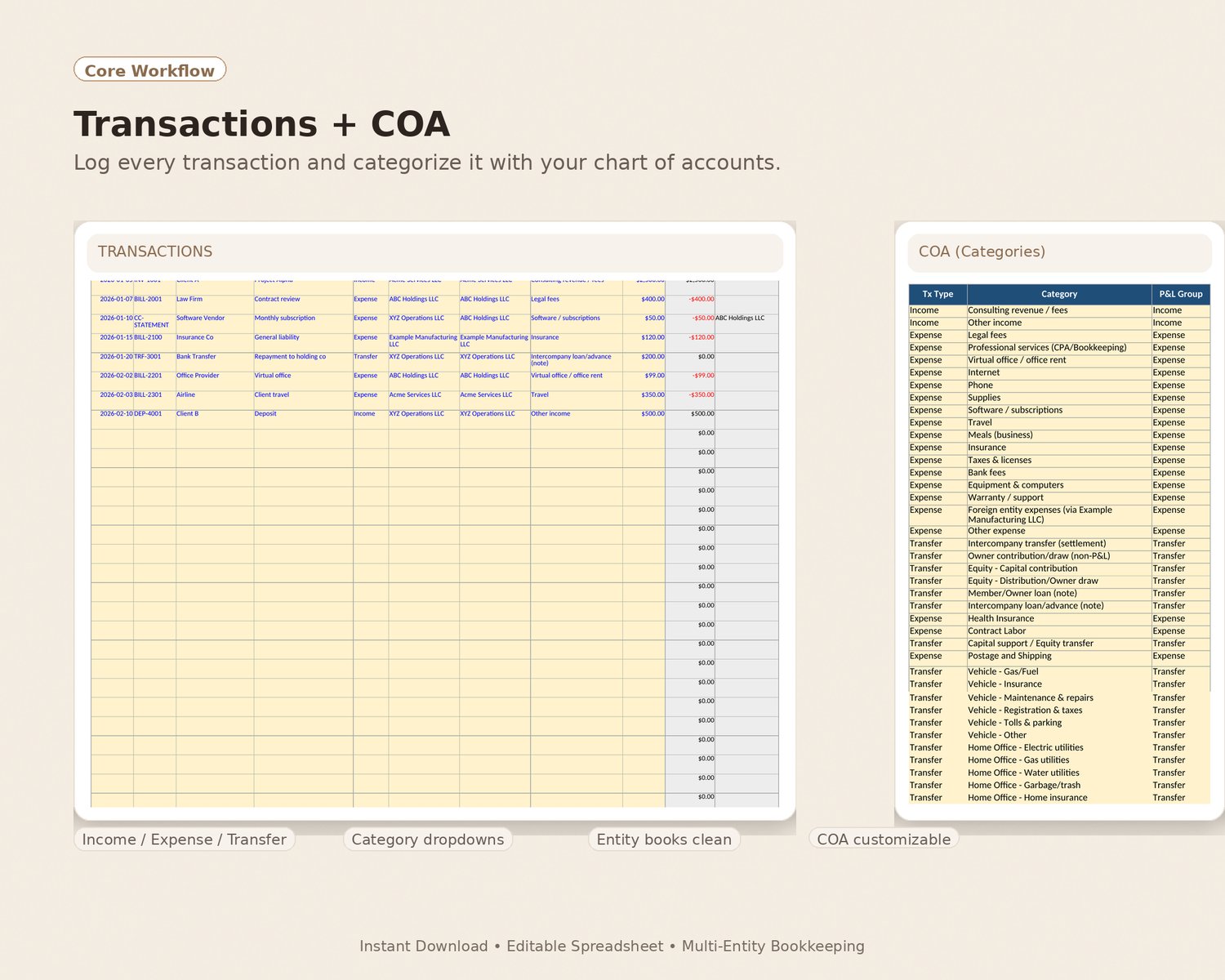
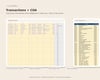
- Add your transactions on TRANSACTIONS → then check P&L to see totals by entity and date range.
What you can do with it
- Track income and expenses by entity (LLC / project / business line)
- Use dropdowns for clean, consistent entries
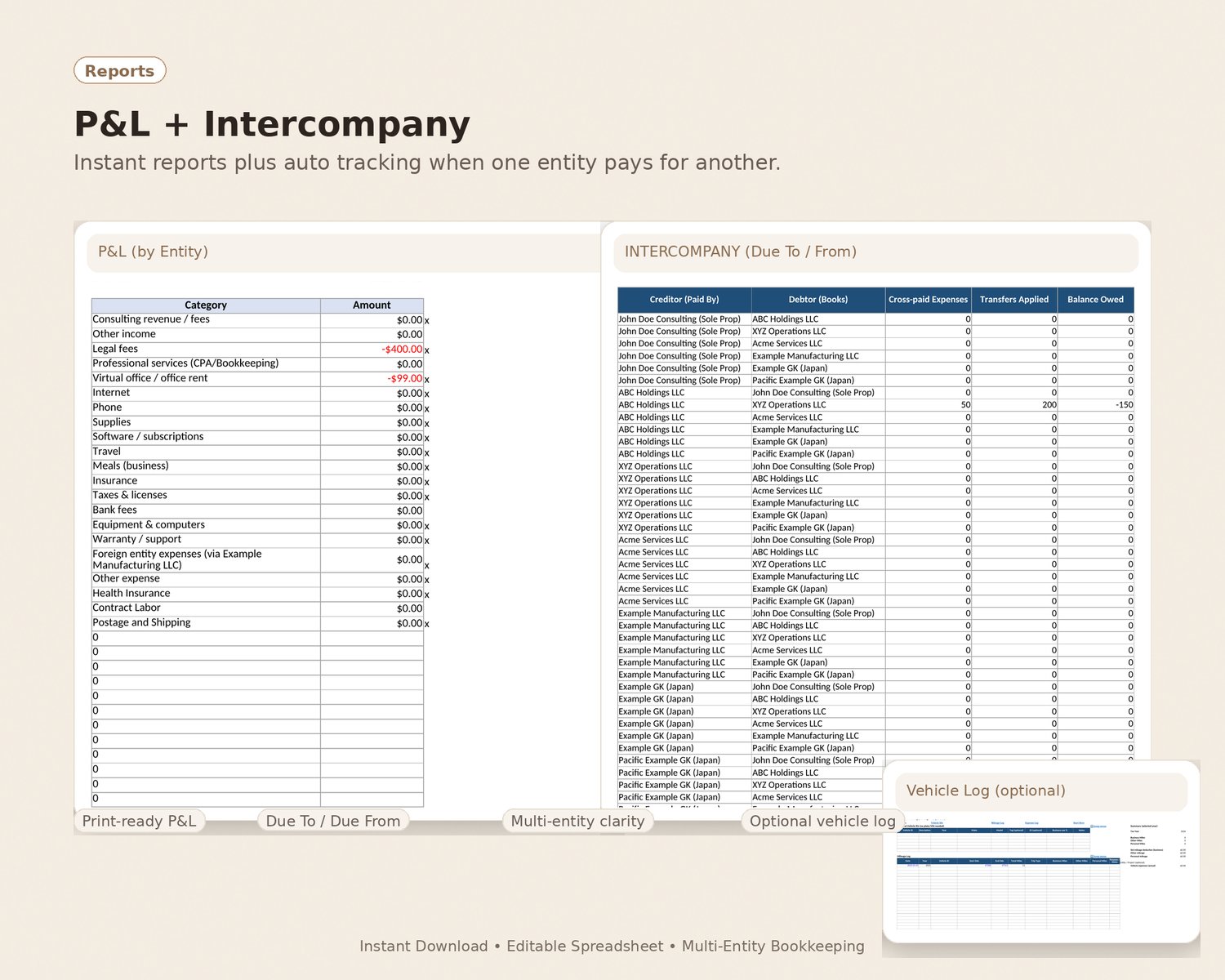
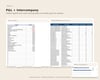
- View P&L totals by entity + date range (great for year-end too)
- Optional “Transfer” dropdown for owner contributions/distributions, loans, and intercompany transfers
- Optional vehicle tracking (with jump links so you don’t scroll forever)
What you’ll receive
- Excel workbook (.xlsx)
- Quick Start Guide (PDF)
- License + Disclaimers (PDF)
- README / Troubleshooting (PDF)
Requirements (important)
- You’ll need Microsoft Excel desktop (Windows or Mac).
- Google Sheets may open it, but features may not work correctly.
Works across multiple years
Just change the date range on the P&L page to view any year.
Note: This is a spreadsheet tool for organization and reporting — not tax, legal, or accounting advice.