
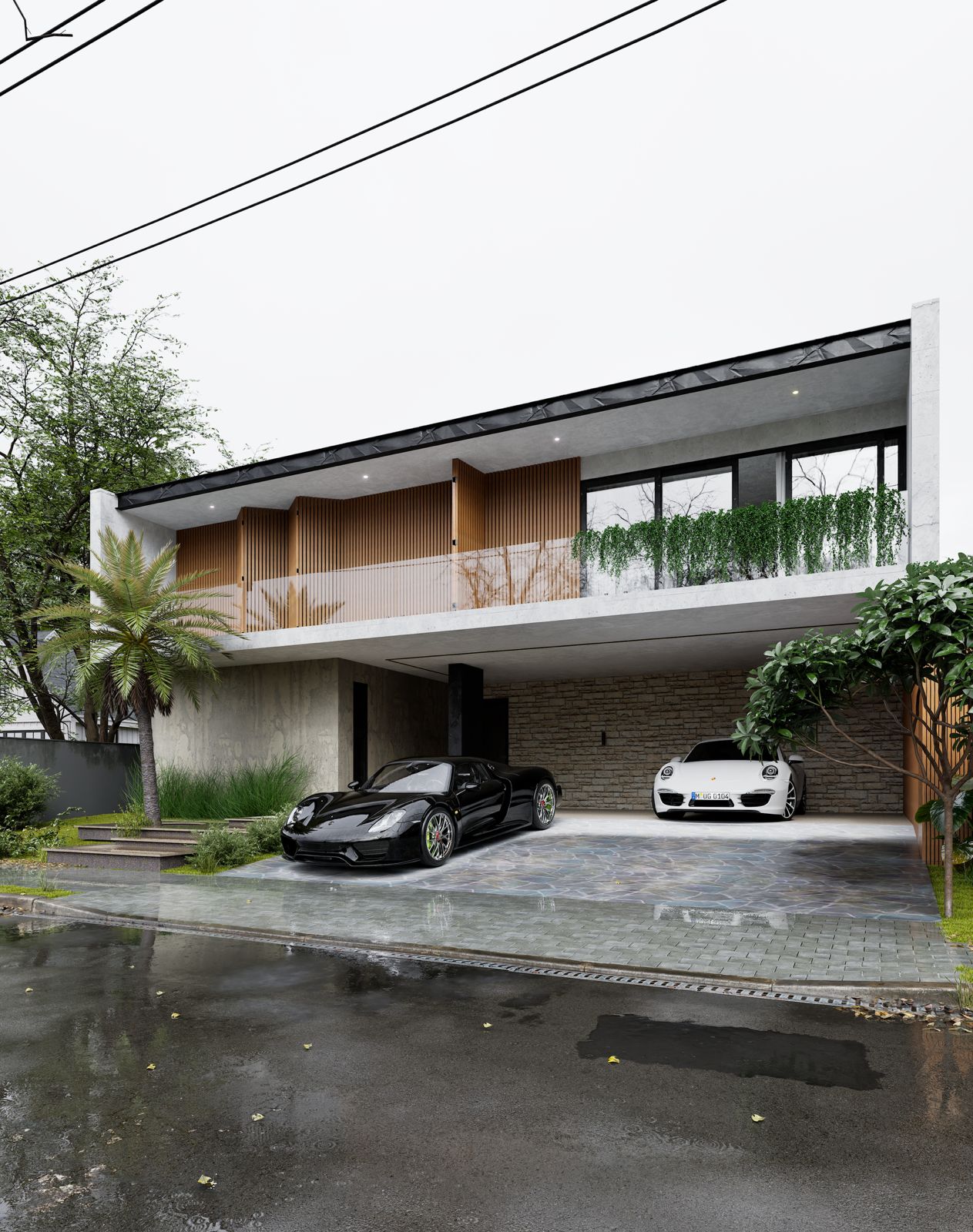
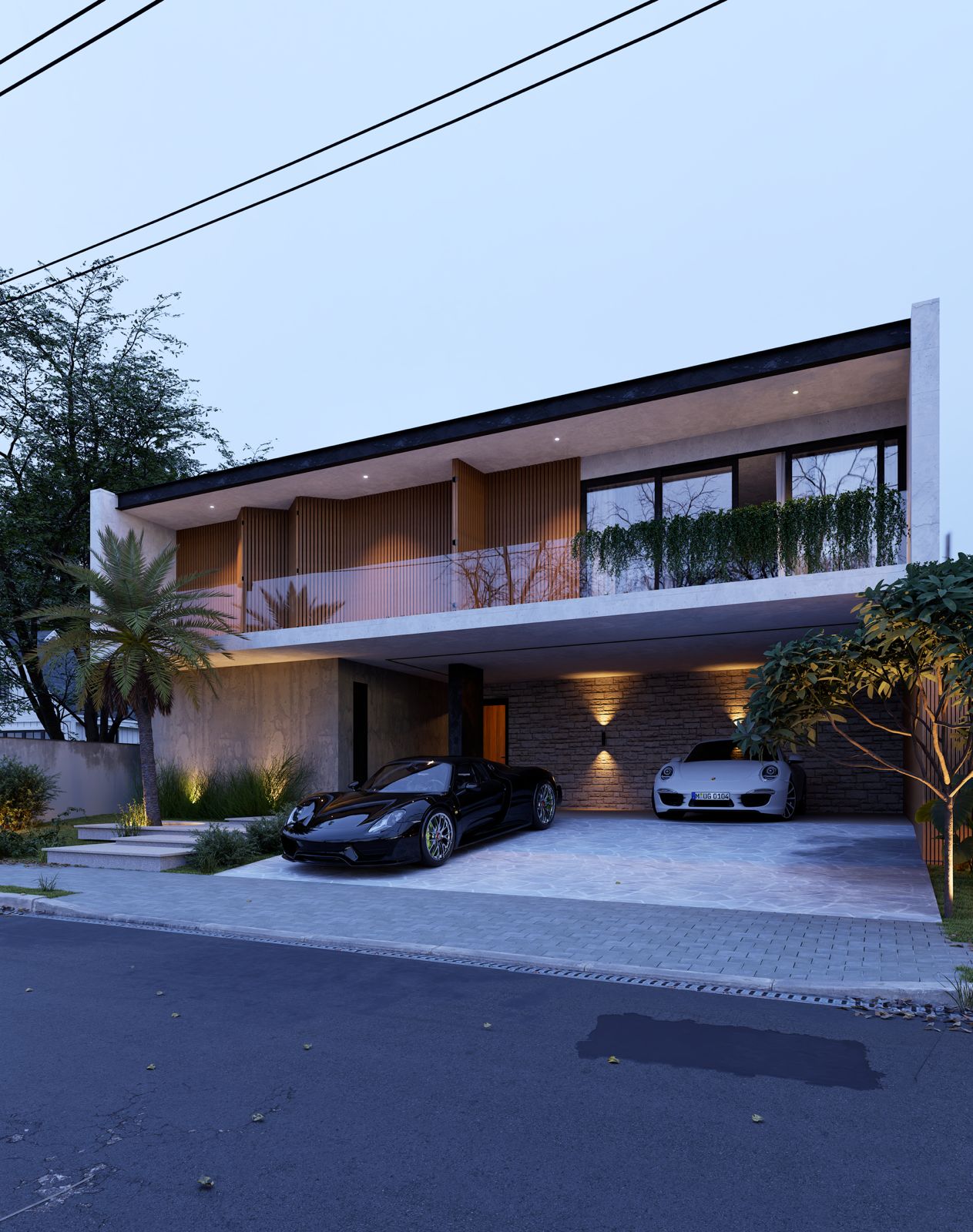
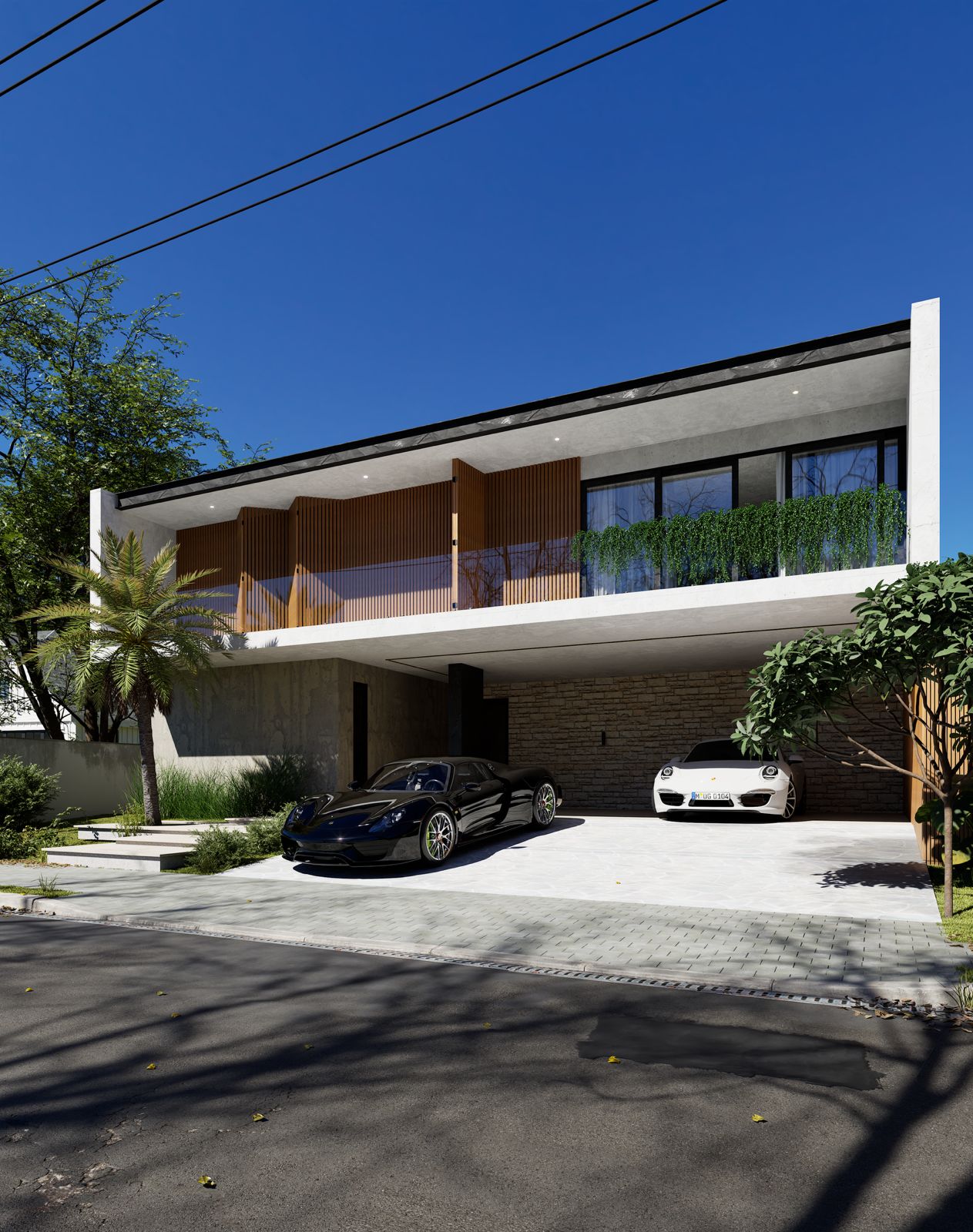
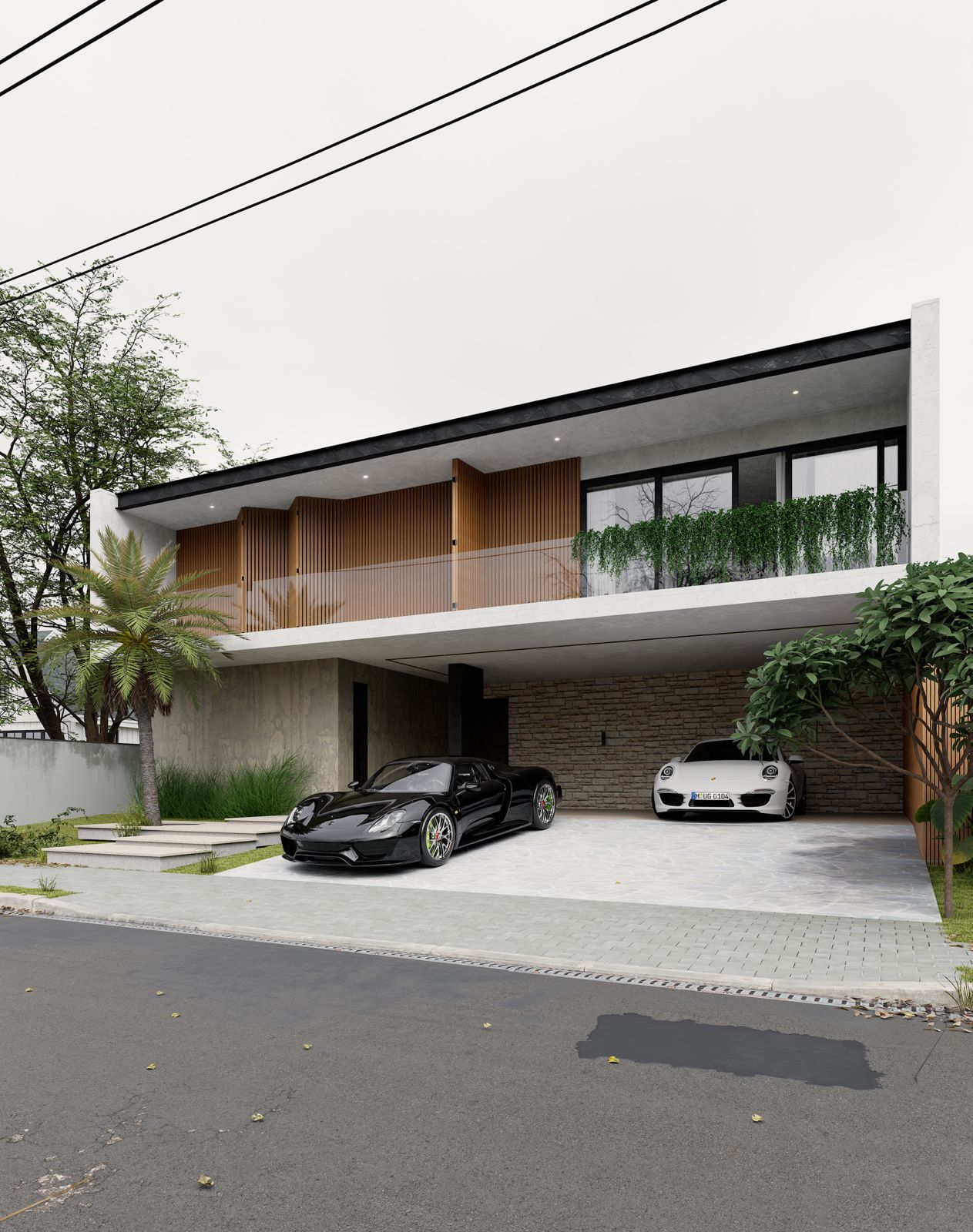
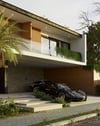
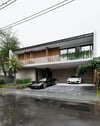
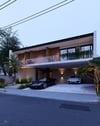
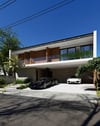
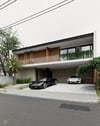
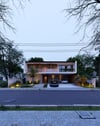
Twinmotion2025.2 (2h 44m) TUTORIAL - Daytimes
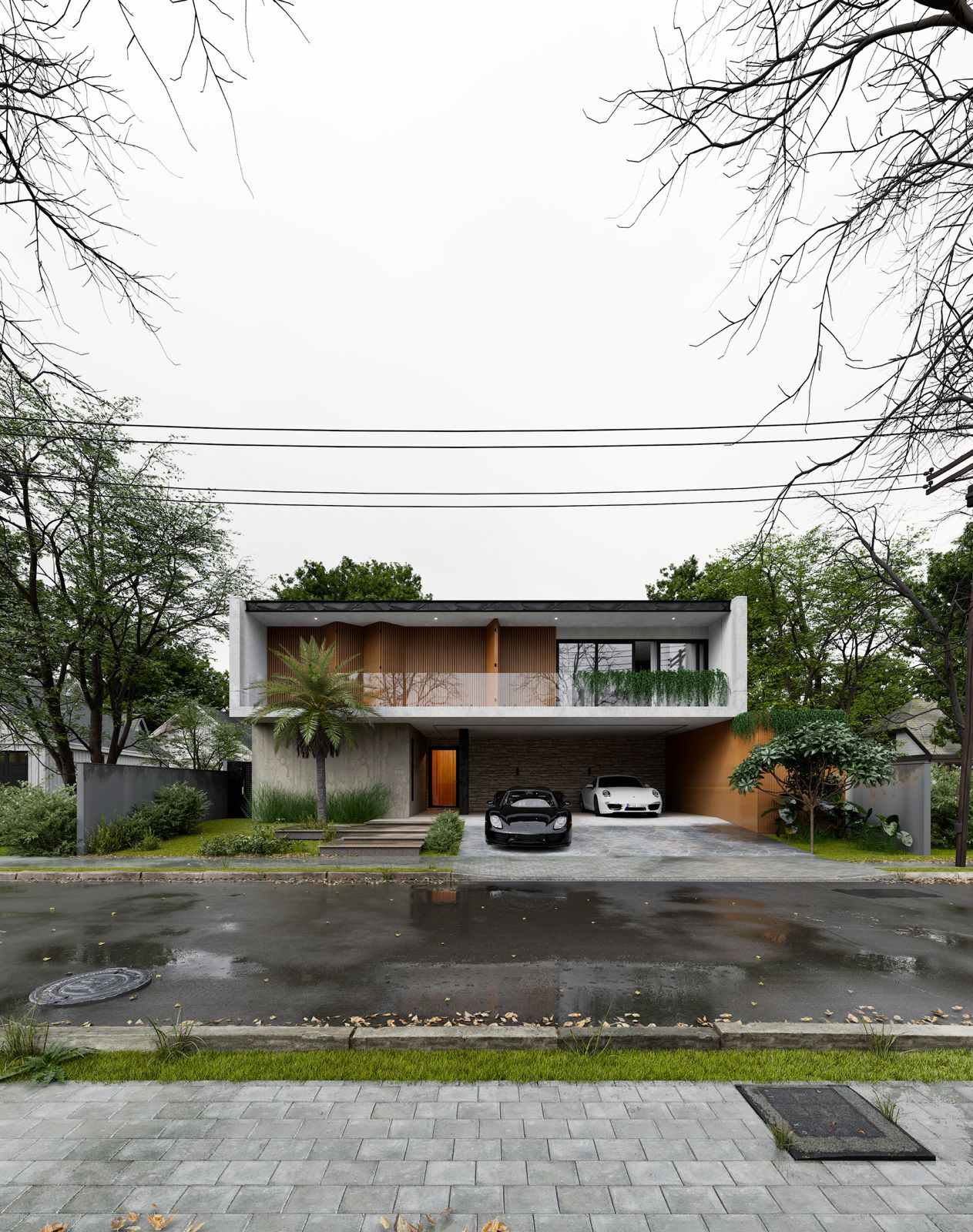
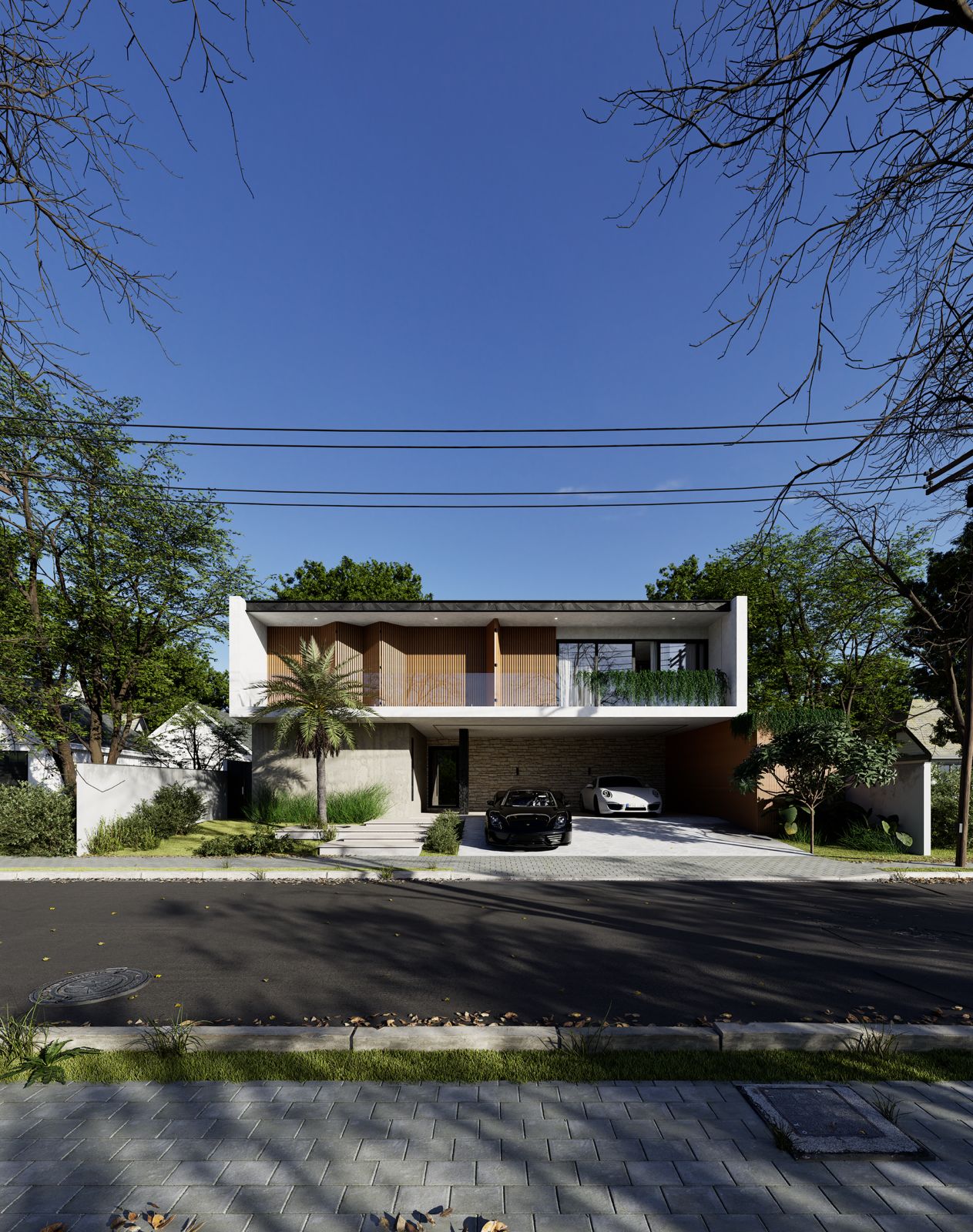
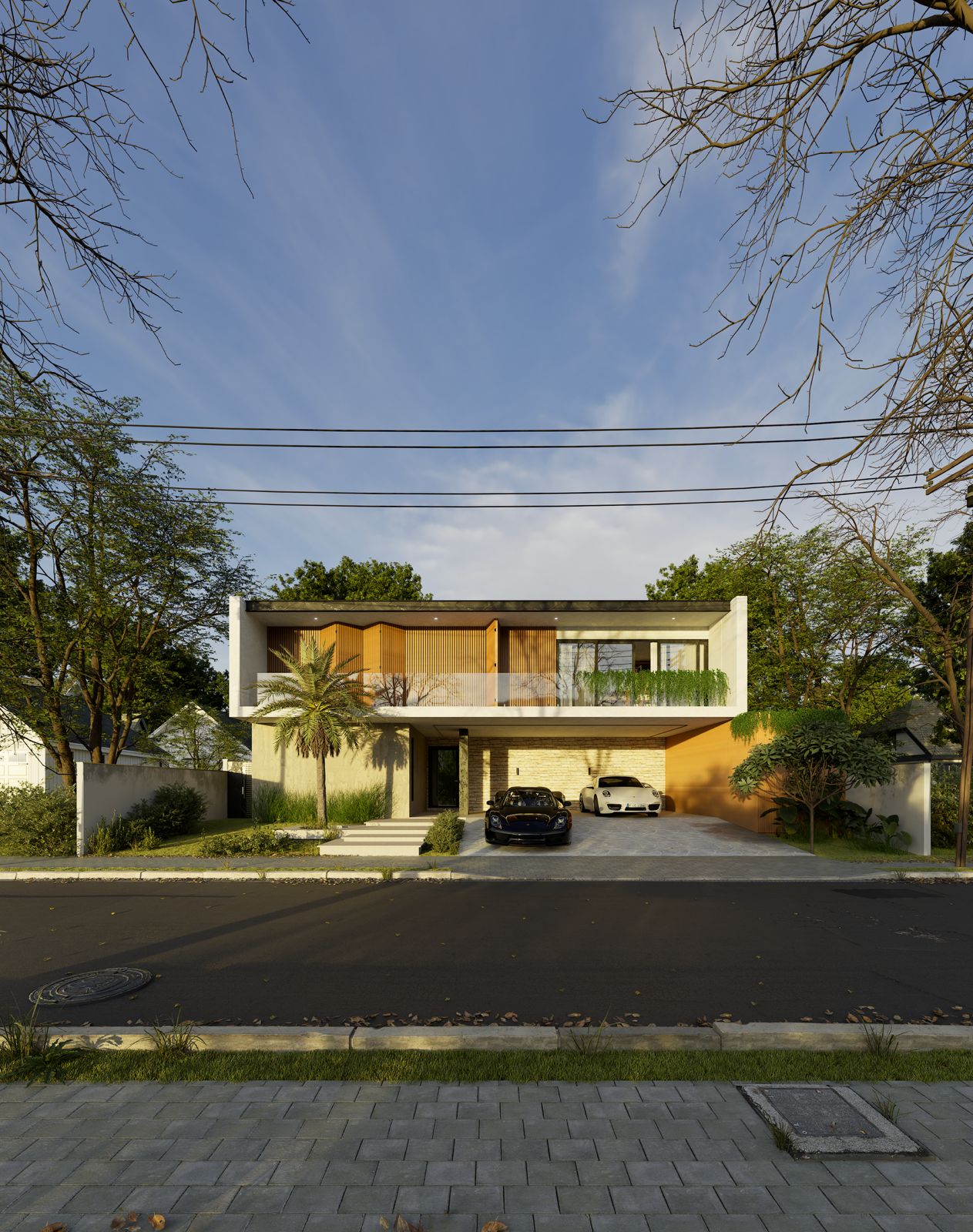
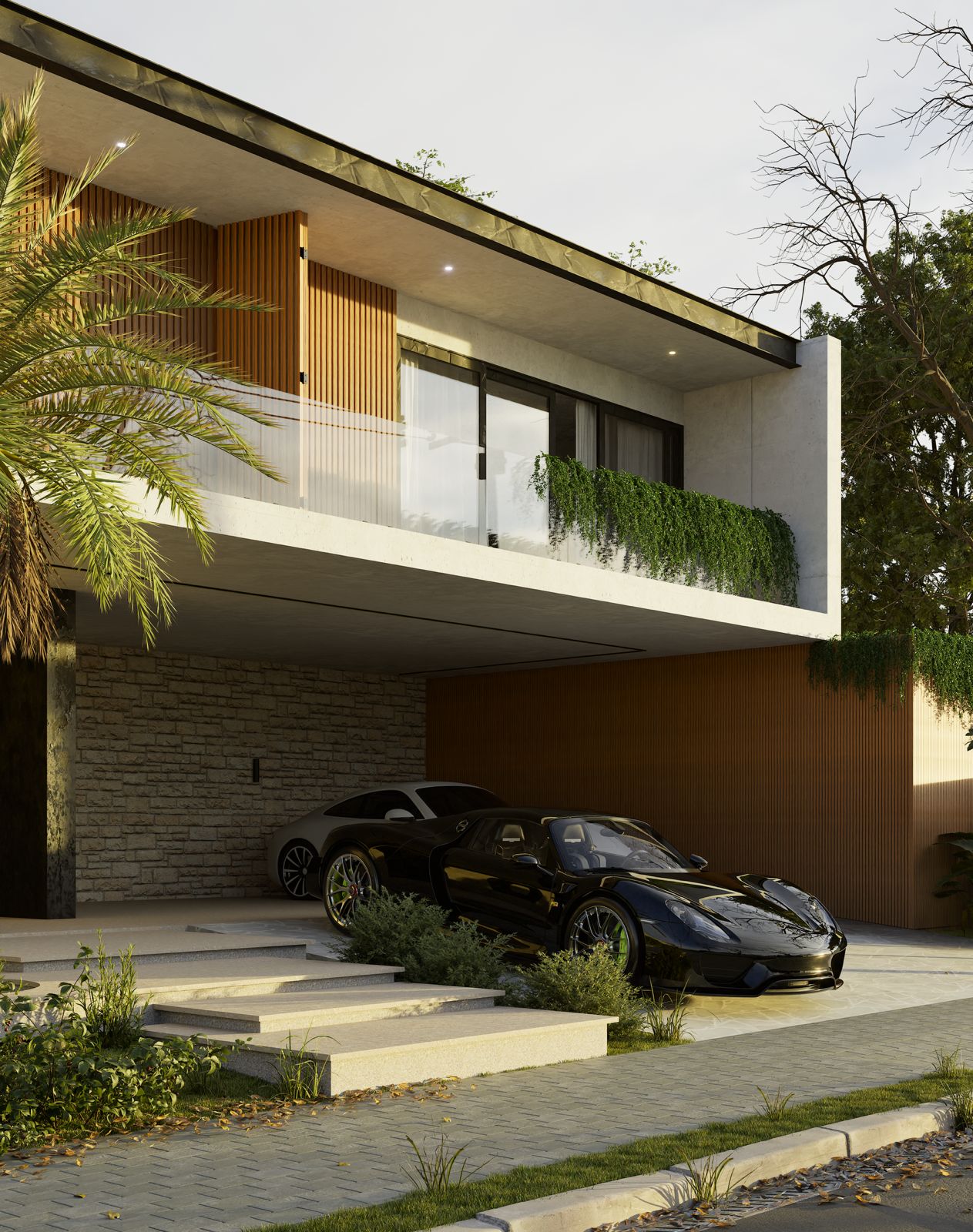
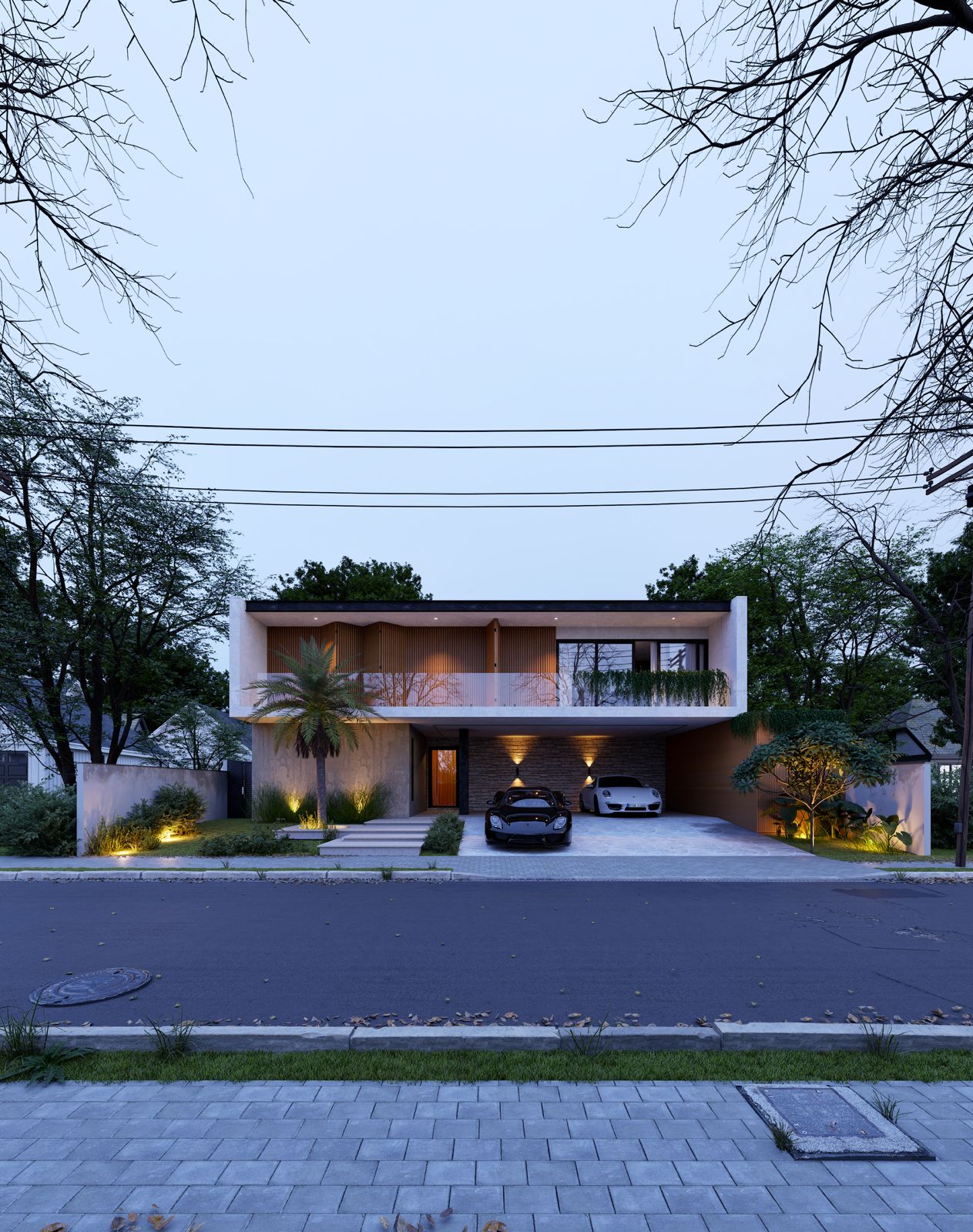
Master realistic environment creation in Twinmotion 2025.2 through a complete 2h 44m workflow focused entirely on raw realism — no AI, no heavy post-production tricks.
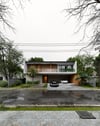
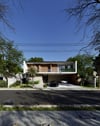
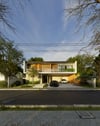
In this tutorial, you’ll build a detailed urban scene from scratch and learn how to create cinematic-quality renders across 5 different lighting conditions: overcast, rainy weather, sunny midday, sunset, and evening atmosphere — with 10 fully rendered camera shots in total.
This scene focuses on the small details that make scenes feel truly believable: realistic lighting setup, decals, vegetation placement, material refinement, composition, asset usage, weather mood creation, and scene optimization techniques used in professional architectural visualization.
You’ll also learn how to achieve realistic results directly inside Twinmotion using proper settings, lighting balance, and environment control instead of relying on post-processing. Perfect for artists who want cleaner workflows and more realistic real-time renders.
USED GPU: RTX4070 8GB LAPTOP GPU
Good luck!