

Payday Planner: budget for the good stuff
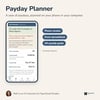
A year of paydays, planned on your phone or your computer. Type today's balance and see the lowest your balance gets before payday, the day that happens, and what you can spend each day. £10, including VAT. Made for the UK: amounts are in pounds.
Private by design. No account, no bank link, no sign-up. Your figures stay on your phone and we never see them.
Two versions in one purchase. A phone version that opens in your browser, with no app to install and no account. And an Excel spreadsheet for a Windows computer. Use either, or both.
Right, let's do the maths.
Most budget templates work in calendar months. Your money doesn't: it arrives on payday. The Payday Planner plans a whole year, one payday at a time. You enter your pay and your regular payments once, and it works out the rest.
The phone version
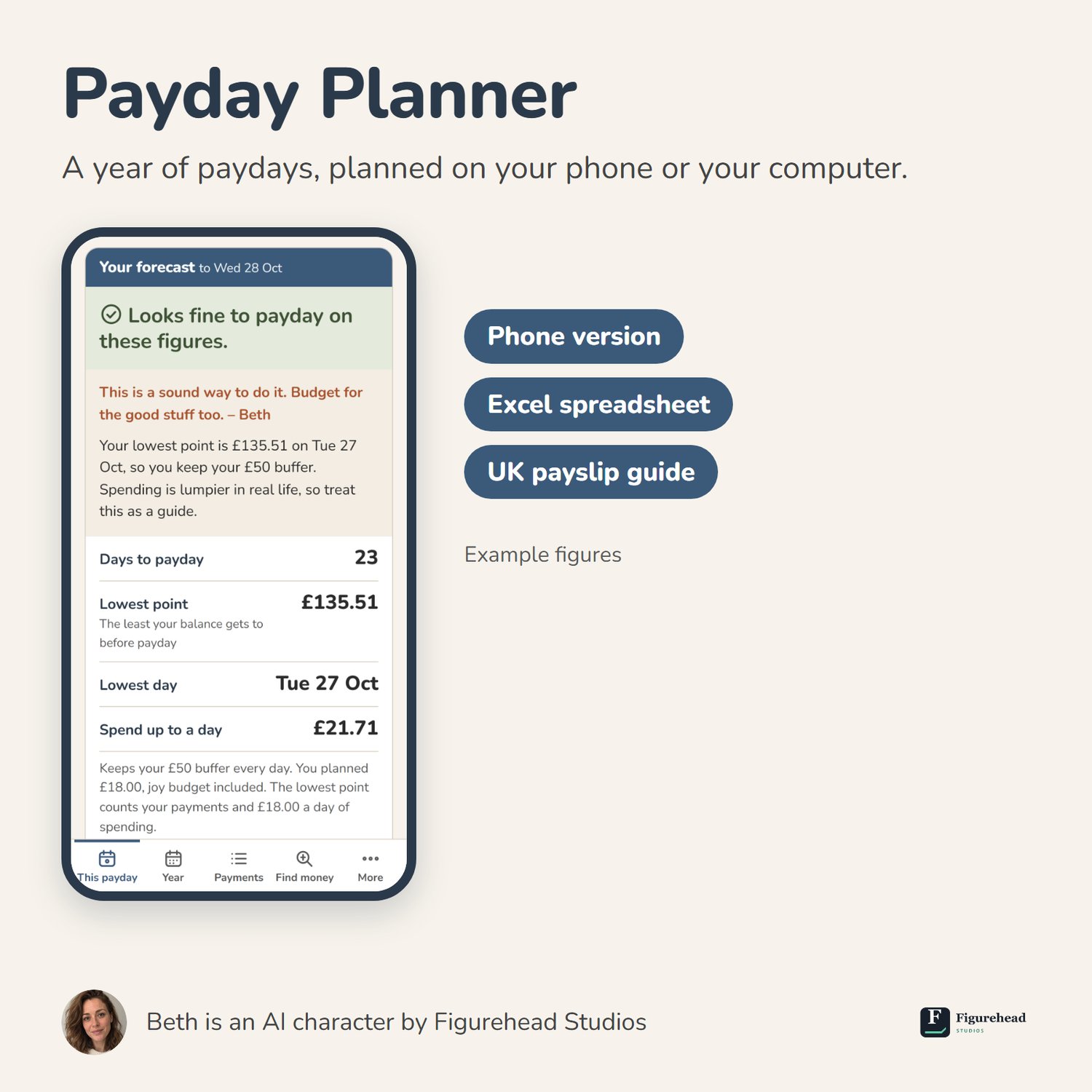
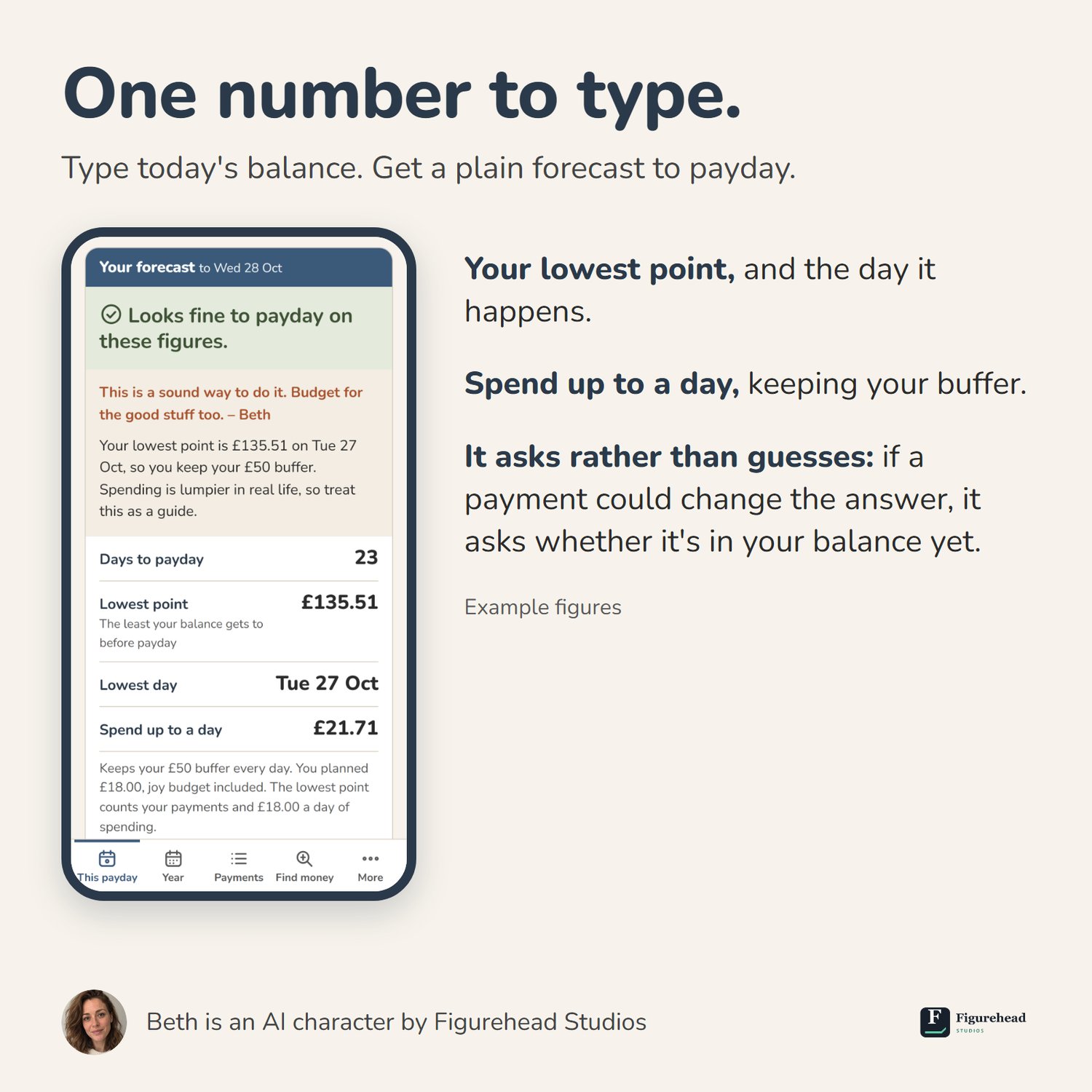
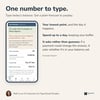
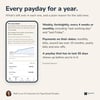
- One number to type. Open it, type the balance from your banking app, and it gives a plain forecast: "Looks fine to payday on these figures", "A bit tight", or how short it looks and around which day. Under it: days to payday, your lowest point and its day, and a "spend up to a day" figure. A small chart shows the balance to payday.
- It asks rather than guesses. A payment due today, money due in today, a payment dated on the weekend just gone: if it could change the answer, it asks whether it's in your balance yet before it shows a forecast.
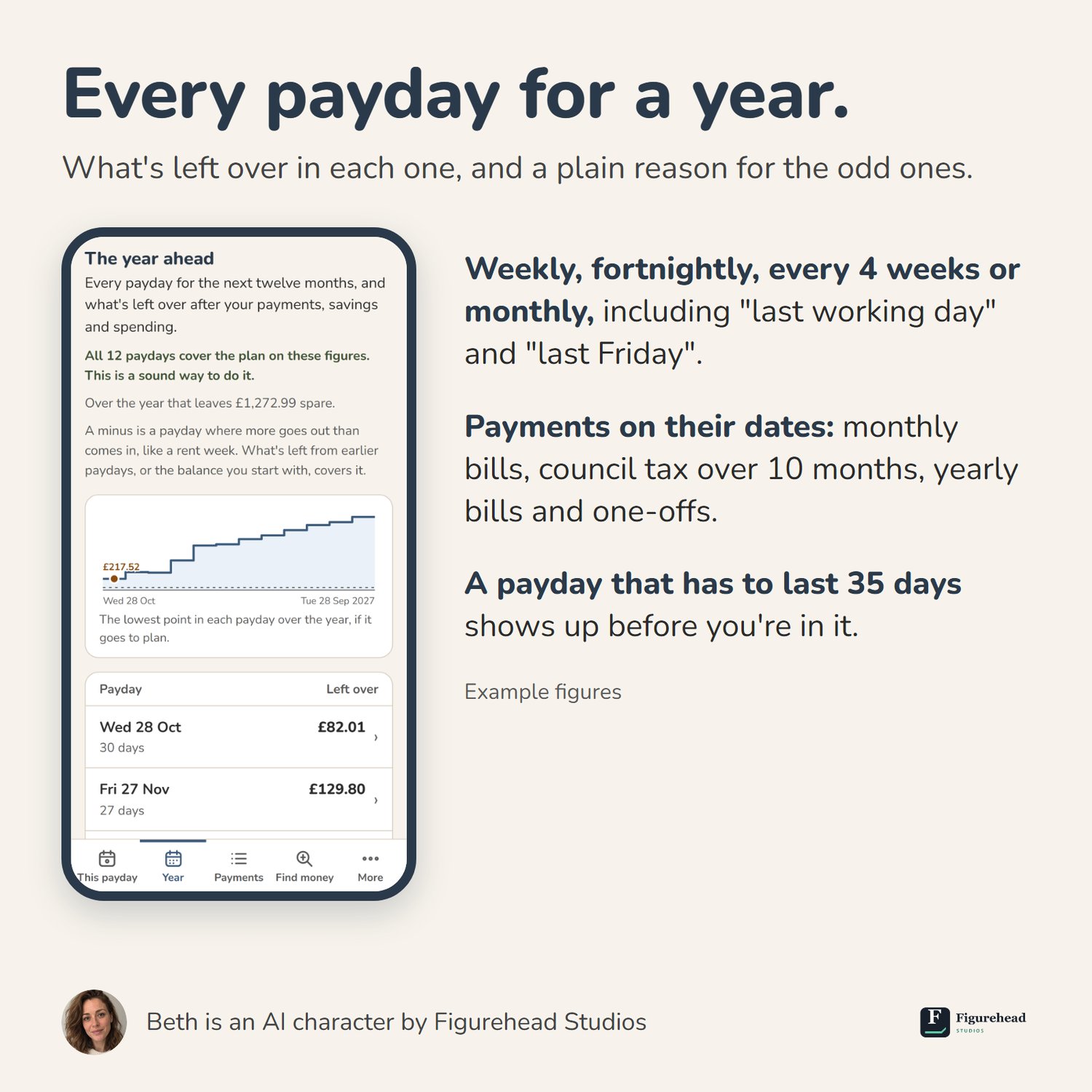
- The year ahead. Every payday for twelve months, what's left over in each, and a plain reason for the odd ones: a five-week month, a yearly bill, a payday that has to last 35 days.
- Your pay, your way. Weekly, fortnightly, every 4 weeks or monthly, including "last working day" and "last Friday", and a second income such as Universal Credit or Child Benefit.
- Payments on their dates. Monthly bills by day of the month, council tax over 10 months, weekly, quarterly and yearly payments, and one-offs like an MOT. For a yearly bill it can work out what to put by each payday.
- It checks itself against your balance. Come back and type a new balance: if it is a long way from what the plan expected, it says so, so a missing payment doesn't hide.
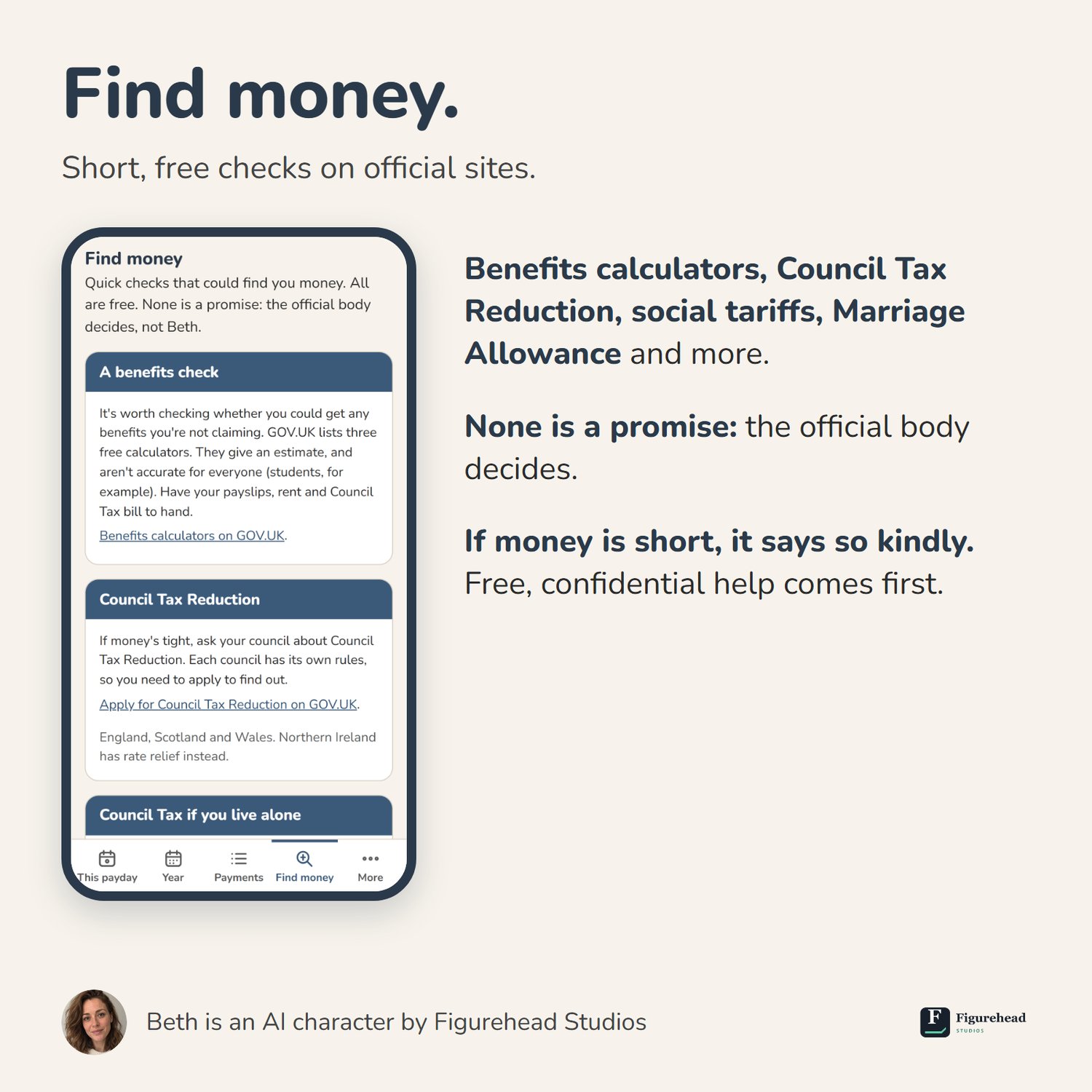
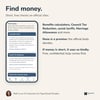
- Find money. Short, free checks on official sites: benefits calculators, Council Tax Reduction, social tariffs, Marriage Allowance and more. None is a promise: the official body decides.
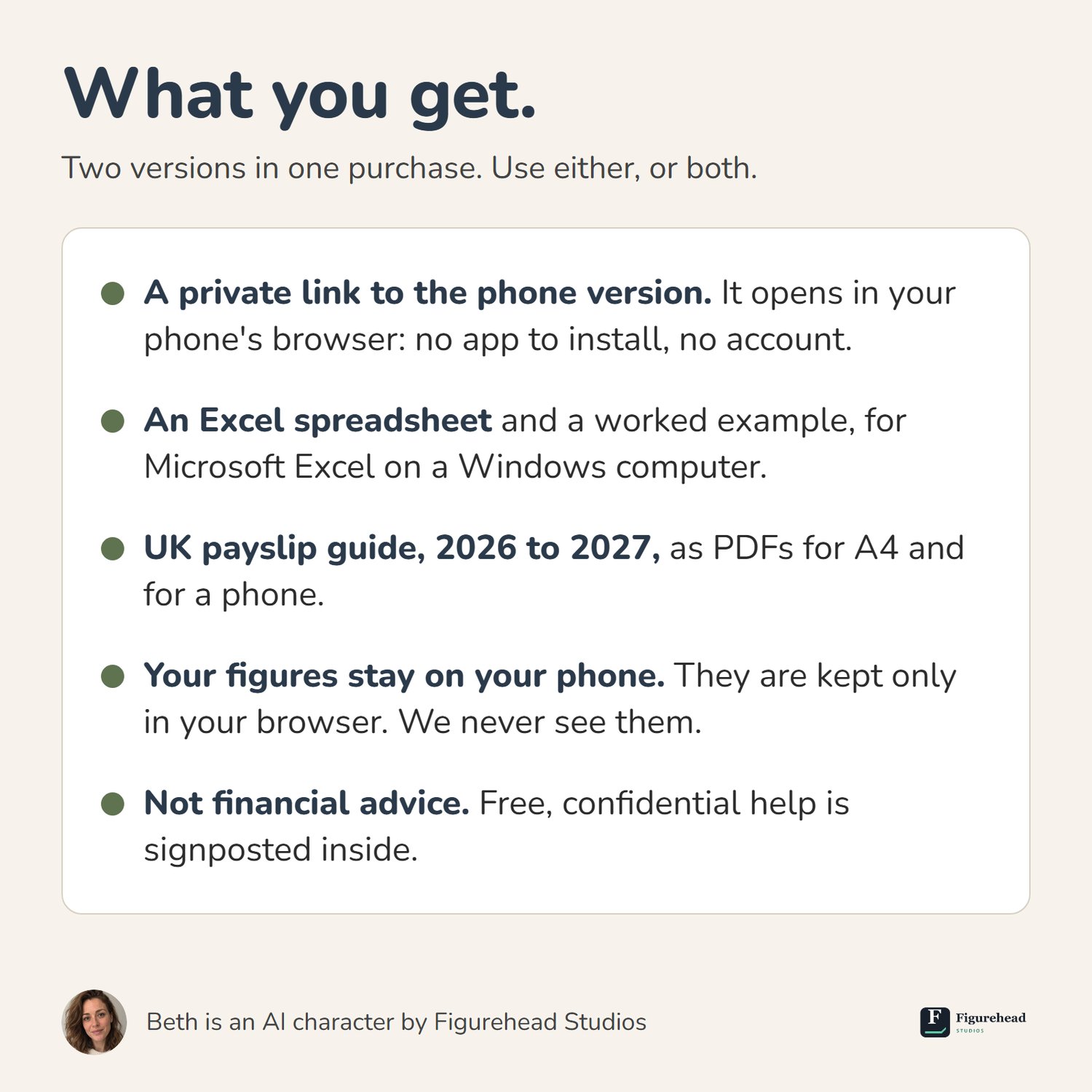
- Your figures stay on your phone. They are kept only in your browser. We never see them. A phone can clear a page's saved figures, so the Planner lets you save a copy and put it back.
- If money is short, it says so kindly. No red, no blame. It puts free, confidential help first and never tries to sell you anything.
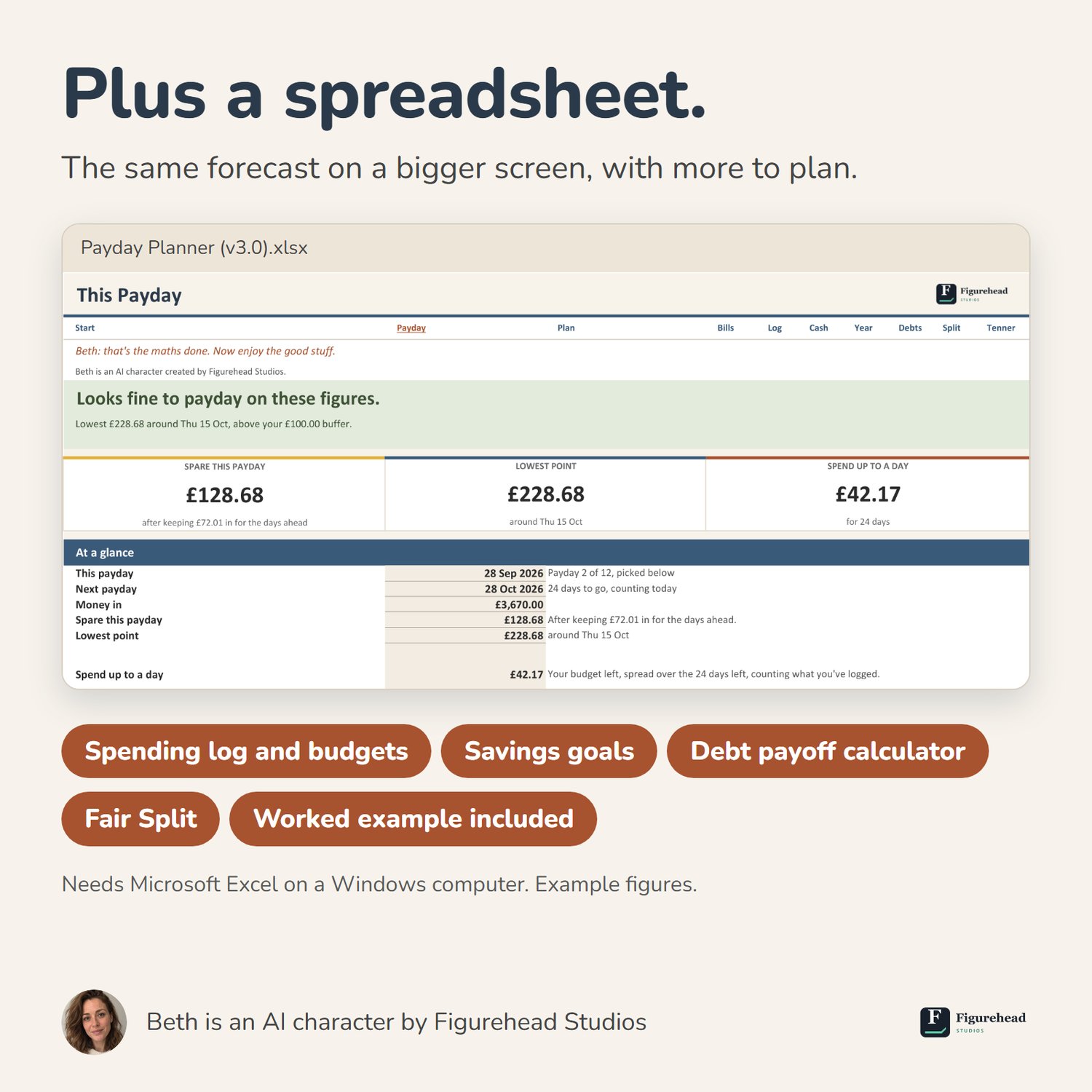
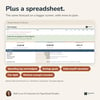
The spreadsheet (Excel on a Windows computer) does all of the above on a bigger screen, and adds a spending log with budgets, savings goals, a debt payoff calculator (avalanche or snowball, side by side; a calculator, not debt advice), Fair Split for couples and housemates, and Tenner Watch for small habits. A worked example with a made-up household is included.
UK payslip guide (2026 to 2027). Tax codes, National Insurance, pension and student loans in plain English, with a made-up worked example. A4 and phone versions.
What you get
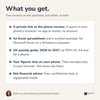
- A private link to the phone version. It opens in your phone's browser.
- An Excel spreadsheet (.xlsx), a worked example (.xlsx) and the payslip guide (PDF, A4 and phone versions).
- The spreadsheet needs Microsoft Excel on a Windows computer. Tested in Excel for Microsoft 365 on Windows. Excel for Mac, Excel for the web, the Excel phone apps and Google Sheets aren't tested yet.
Good to know
- Amounts are in pounds. Working-day paydays use England and Wales bank holidays. In Scotland or Northern Ireland, set a payday's real date where it differs.
- It does the sums. It doesn't connect to your bank or move money, and it only knows what you type. Its forecasts are estimates: real spending goes up and down.
- The phone version keeps one plan in one browser. It doesn't sync between your phone and your computer.
- It's for organising your own figures. It isn't financial advice, and it doesn't recommend any product or provider.
- If money is tight or you're worried about debt, free help is available from MoneyHelper, StepChange and Citizens Advice. Their details are inside, and you don't need to buy anything to use them.
- Beth is an AI character created by Figurehead Studios. The planner was designed, built and tested by the studio.
- Personal licence for your own household: no sharing or reselling. Business use needs a separate licence (ask us).
Digital download: refunds and your rights. At checkout you'll be asked to confirm that you want the download straight away and that you understand you then lose the 14-day right to cancel. Change-of-mind refunds aren't available once the download has started. If a file is faulty, not as described or not fit for a purpose you told us about before buying, we'll fix or replace it free within a reasonable time; if we can't, you're entitled to a price reduction, which may be a full refund. Email studio@figurehead-studios.com. Your statutory rights aren't affected. Full terms: figurehead-studios.com/terms.
Who you're buying from. Made and sold by Figurehead Studios, a trading name of AIM Consulting Group Ltd, registered in England and Wales, company number 17153015. Registered office: 71-75 Shelton Street, Covent Garden, London WC2H 9JQ. VAT number GB 527 4540 88. Email: studio@figurehead-studios.com. This shop is run by Payhip Limited (company 08386910, London), which acts as reseller for EU VAT. UK VAT is included in the price and accounted for by us. Your payment is processed by Stripe for AIM Consulting Group Ltd. For refunds, faults or questions, email us.