
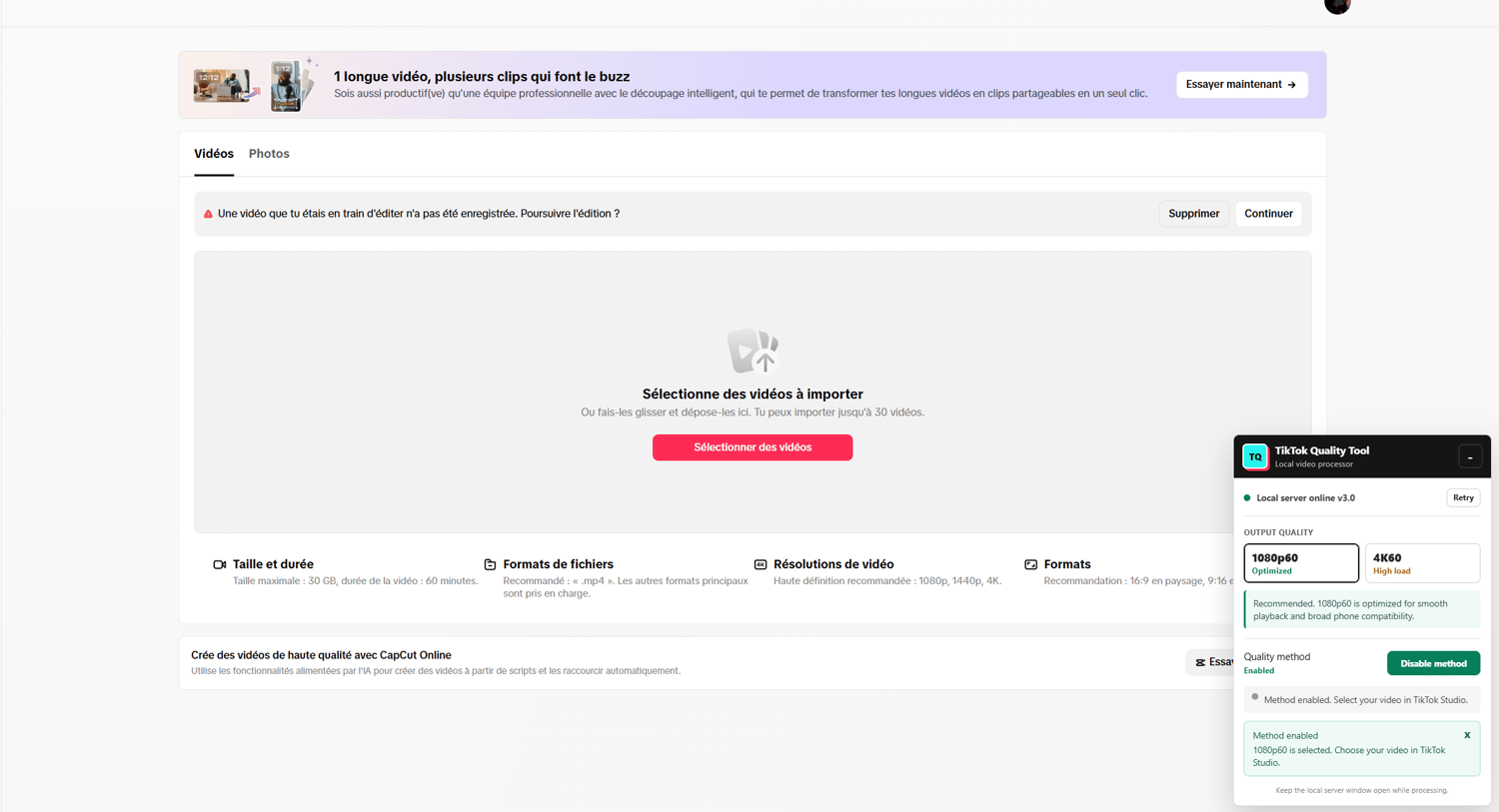

NEW UPLOAD METHOD (THE BEST IN THE WORLD)
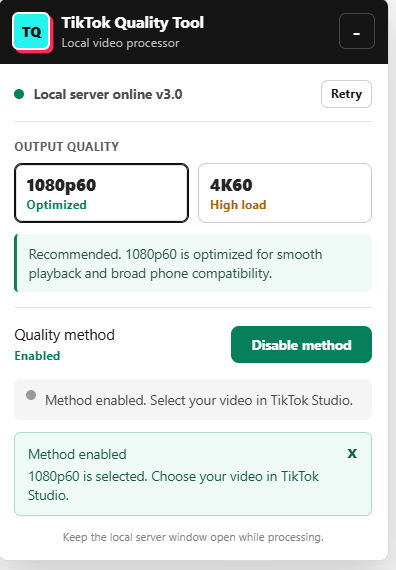
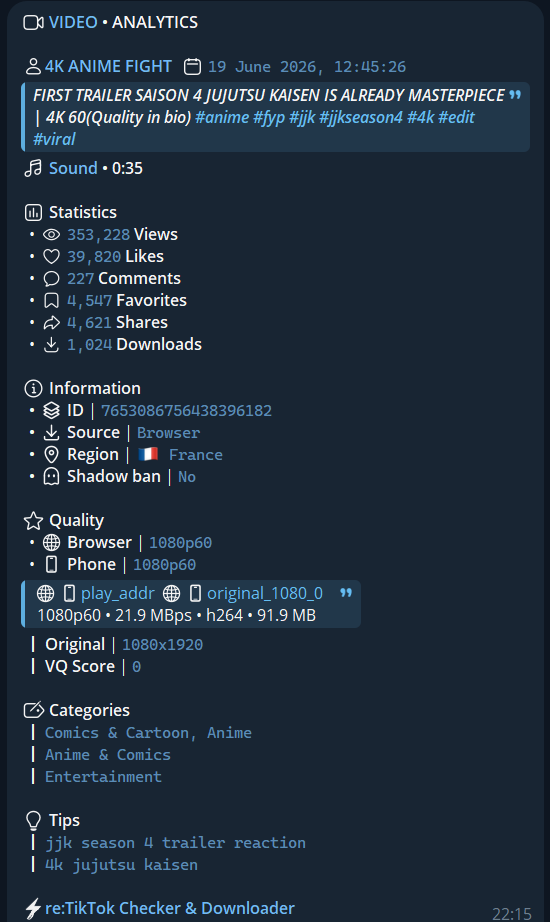
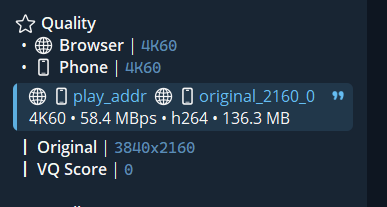
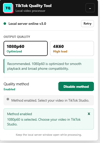
Upload your TikTok videos in enhanced 1080p60 or 4K60 while preserving significantly more visual quality.
TikTok Quality Tool is designed to avoid the additional recompression normally triggered by TikTok’s cloud-editing workflow.
Inspired by methods popularized by Editing News, but with one major difference:
One-time payment. No recurring subscription. Unlimited local processing.
The method is designed to make your video appear in 1080p60, or in 4K60 preparation mode, instantly after upload, without needing a minimum number of views or any specific condition.
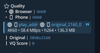
Important note: the real technical cap on TikTok is 1080p at 60FPS. The app may sometimes label videos as “4K 120fps”, which is a popular trend, but technically TikTok does not support anything beyond 1080p 60FPS
Main Features
- Optimized 1080p60 mode for smooth playback
- Experimental TRUE 4K60 high-quality mode
- Unlimited video processing
- No monthly or yearly subscription
- Compatible with TikTok library sounds
- Keeps the promoted track name and artist metadata in the TikTok player
- Videos are processed privately on your computer
- Clear English interface and automatic error detection
TikTok Music Promotions
Process your video first, then select the promoted track directly from the TikTok music library.
The tool preserves the TikTok music metadata workflow while using your locally processed video. Audio volume can then be configured according to the campaign requirements.
Easy Installation
A complete illustrated step-by-step PDF tutorial is included.
It explains how to install every required component, load the extension, start the local server, process your first video, use TikTok promoted music and fix common errors.
No technical experience is required.
No VPN needed
Refund Policy
Due to the digital nature of the product, and to avoid abuse, unauthorized sharing or leaks, all sales are final and no refunds will be issued.
However, I remain fully available to help you with installation, setup or any issue you may encounter.
Support email: kevin150201@gmail.com