
Bucket List Notion Template
On Sale
$0.00
Pay what you want:
$
Dream Gallery (Database View)
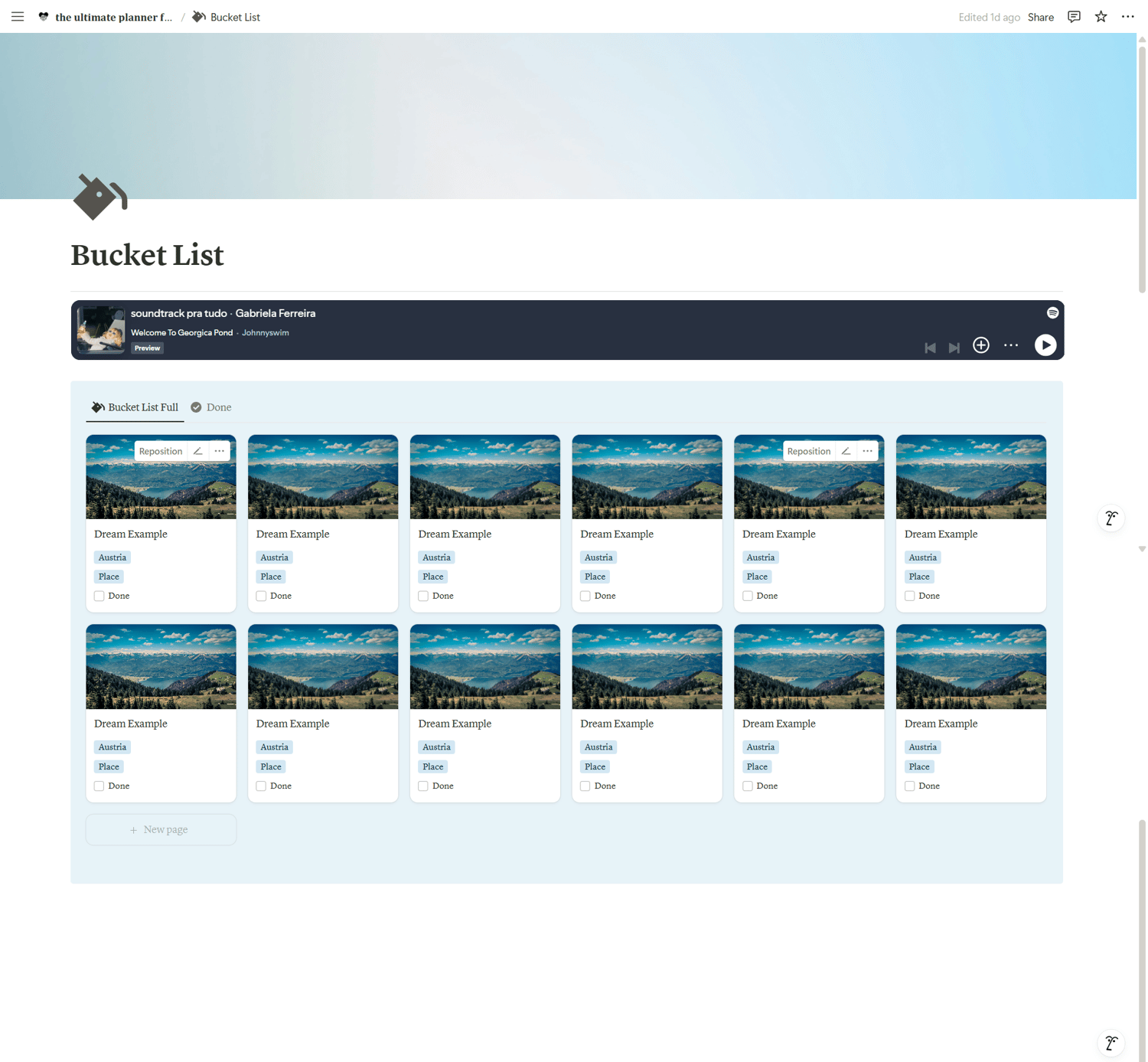
This template uses a Notion Gallery Database to make your Dream Tracker look inspiring and organized.
Here’s how to use it:
➡️ Add a New Dream
- Create a new page.
- Upload a cover image that matches the dream or goal.
- Tip: Stick to a color palette (like blue and teal vibes) to keep everything cohesive and calm.
➡️ Fill in the Properties
Each dream or goal has simple properties:
- Country — Select where the dream takes place. If the country isn’t listed, just type it in.
- Category — Choose between a Travel Goal or a Life Experience (or both).
You can add more categories if you want to personalize it.
➡️ Mark Progress
- When you achieve a dream, check the Done checkbox.
- You can also update the cover image with a real photo from your achievement.
How the Database is Organized
The Bucket List is already sorted and grouped to make it easier:
- Done Dreams stay at the top.
- Sorted alphabetically by country.
- Grouped by Category to keep Travel and Life Experiences organized.
There’s also a second gallery view showing only completed dreams — a beautiful way to look back at what you have accomplished.
Why It's Helpful
- Keeps all your dreams, goals, and memories in one inspiring place.
- Makes it easy to track your travel goals and life experiences visually.
- Helps you stay motivated by seeing how much you’ve already achieved.