



CueArc — Live Production Timer for OBS
On Sale
$29.00
$29.00
Buy CueArc — $29
one-time purchase · Digital download · Apple Silicon Mac required
Run the countdown without leaving your live production workflow.
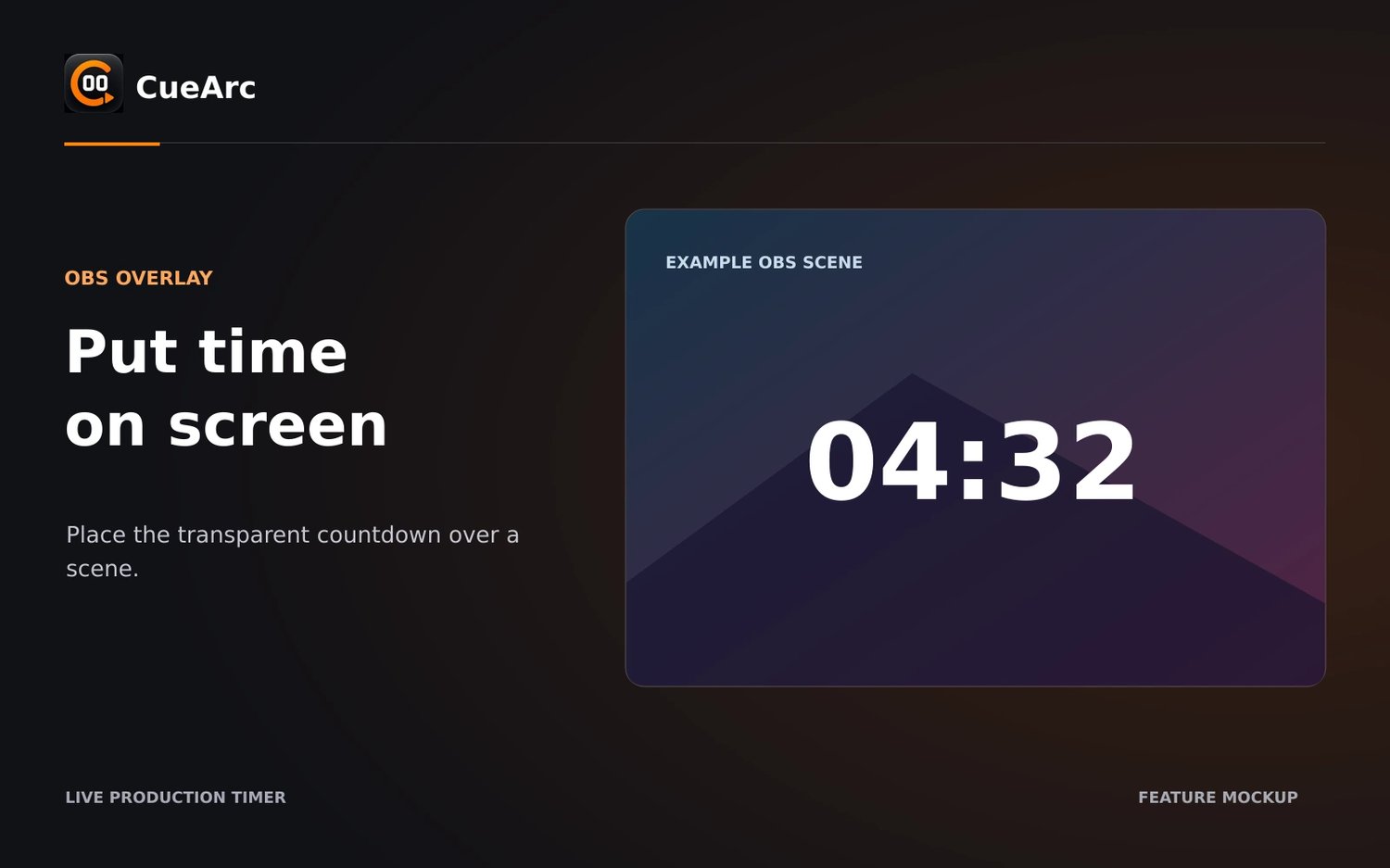
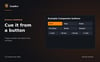
Put a clean, transparent countdown over your OBS scene and control it from CueArc or Bitfocus Companion. Save timers for pre-show, breaks, and sessions so the next cue is ready when you are. If the show runs long, add time without resetting the clock.
Built for the person running the show
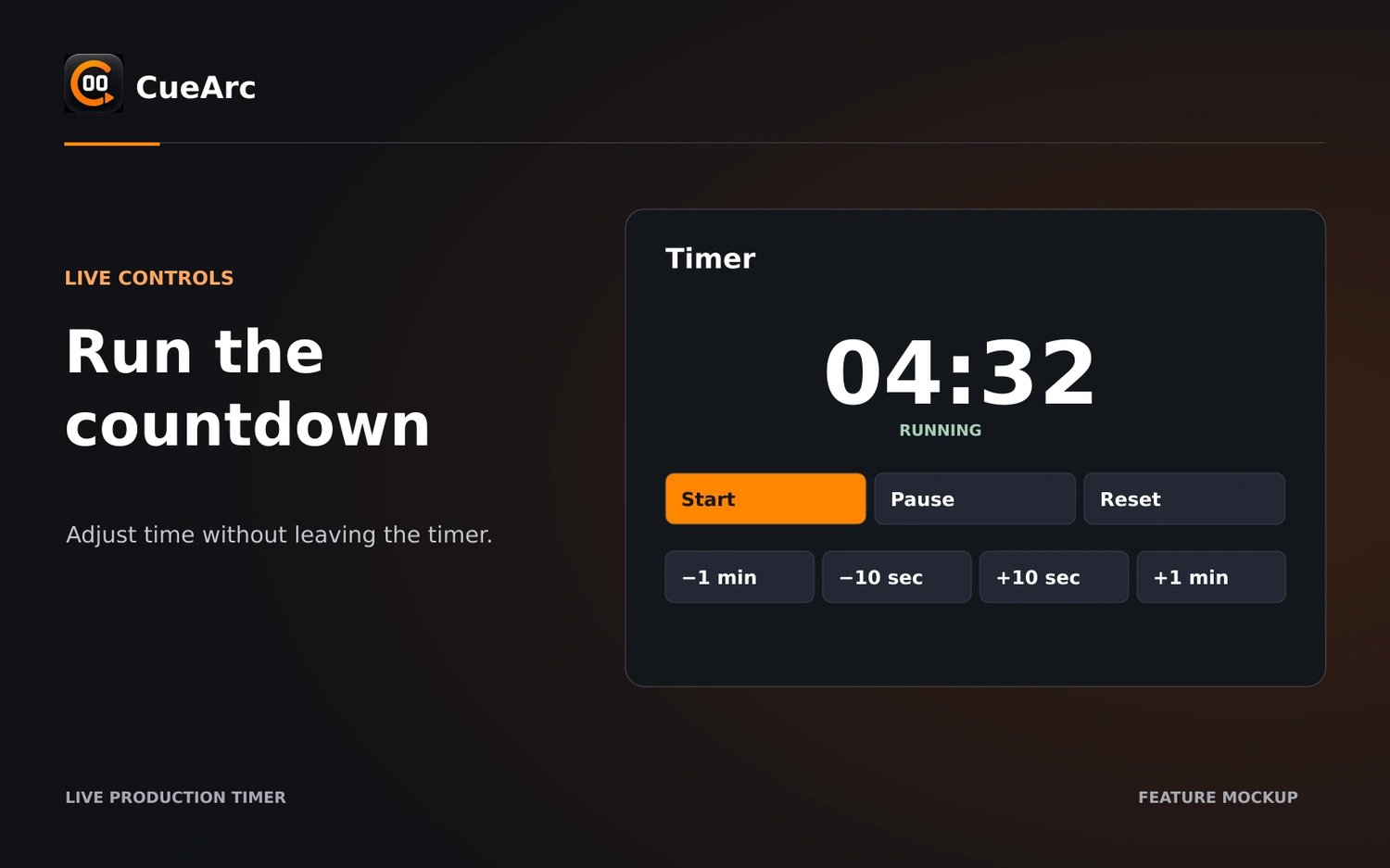
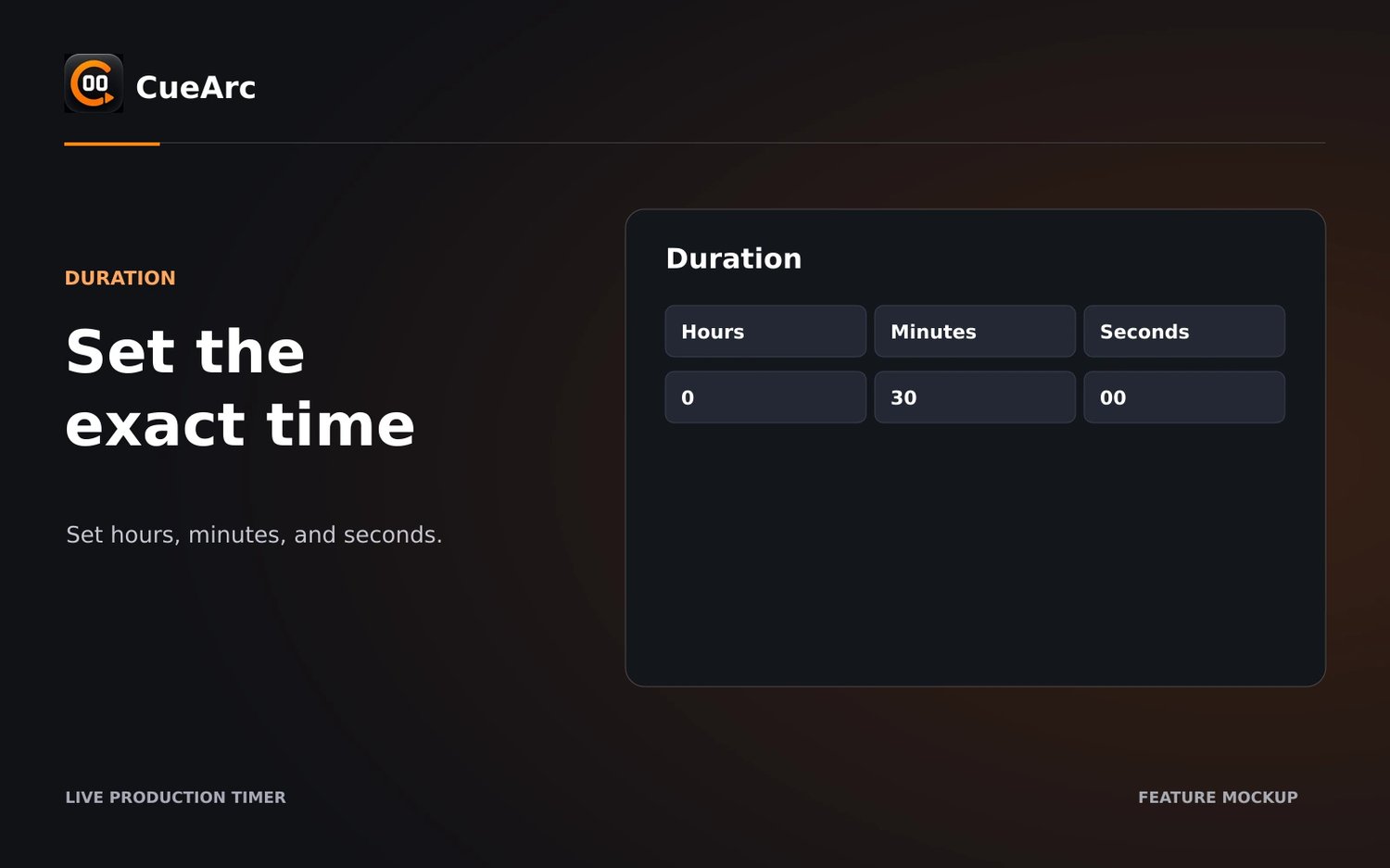
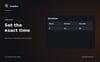
- Set the exact duration. Enter hours, minutes, and seconds. Start, pause, reset, or add and subtract time while the countdown is running.
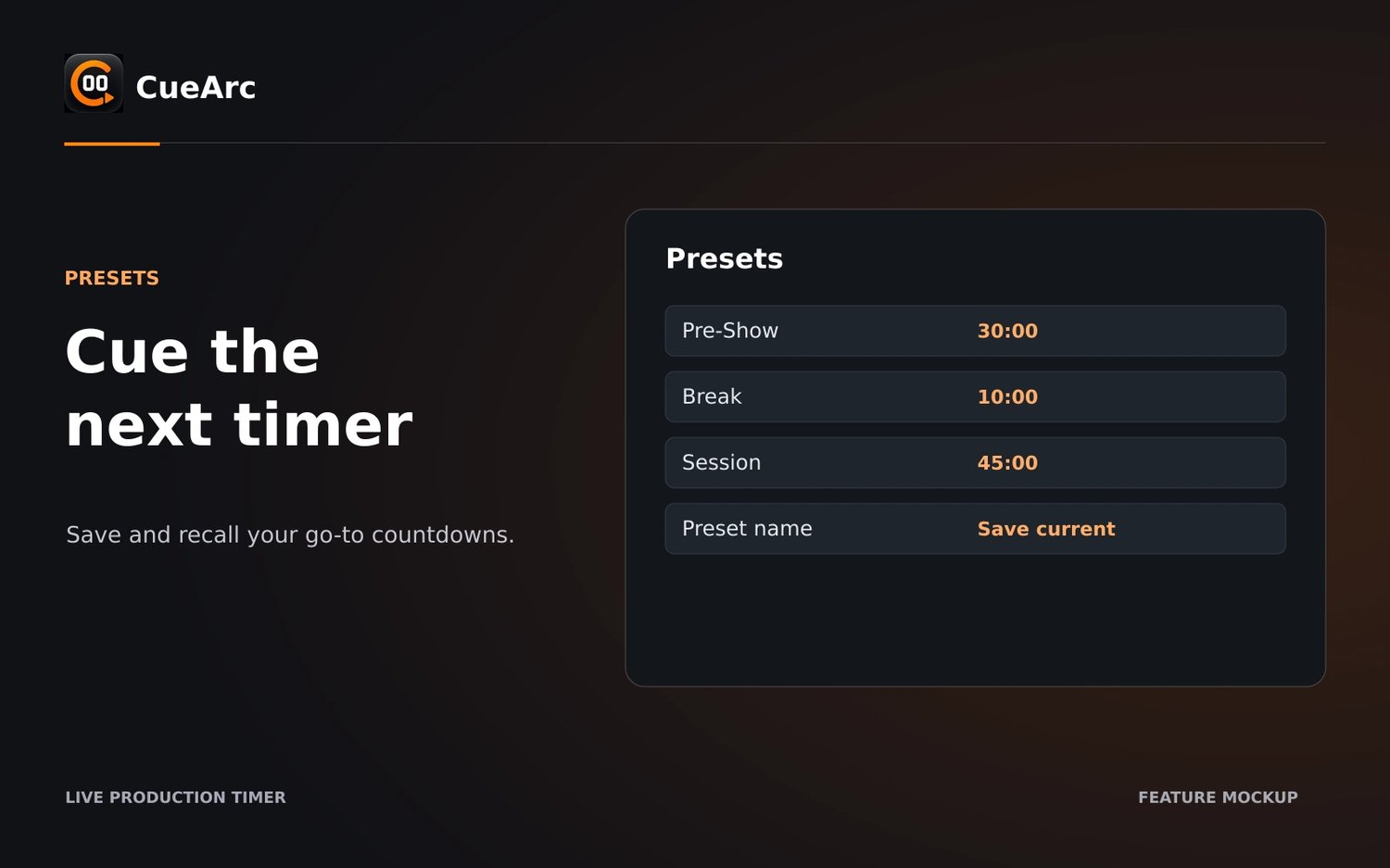
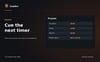
- Save your recurring timers. Create and recall presets for pre-show, breaks, session starts, or any countdown you use regularly.
- Put the timer over your OBS scene. Add CueArc as a Browser Source and layer the transparent countdown over video, graphics, or a looping background.
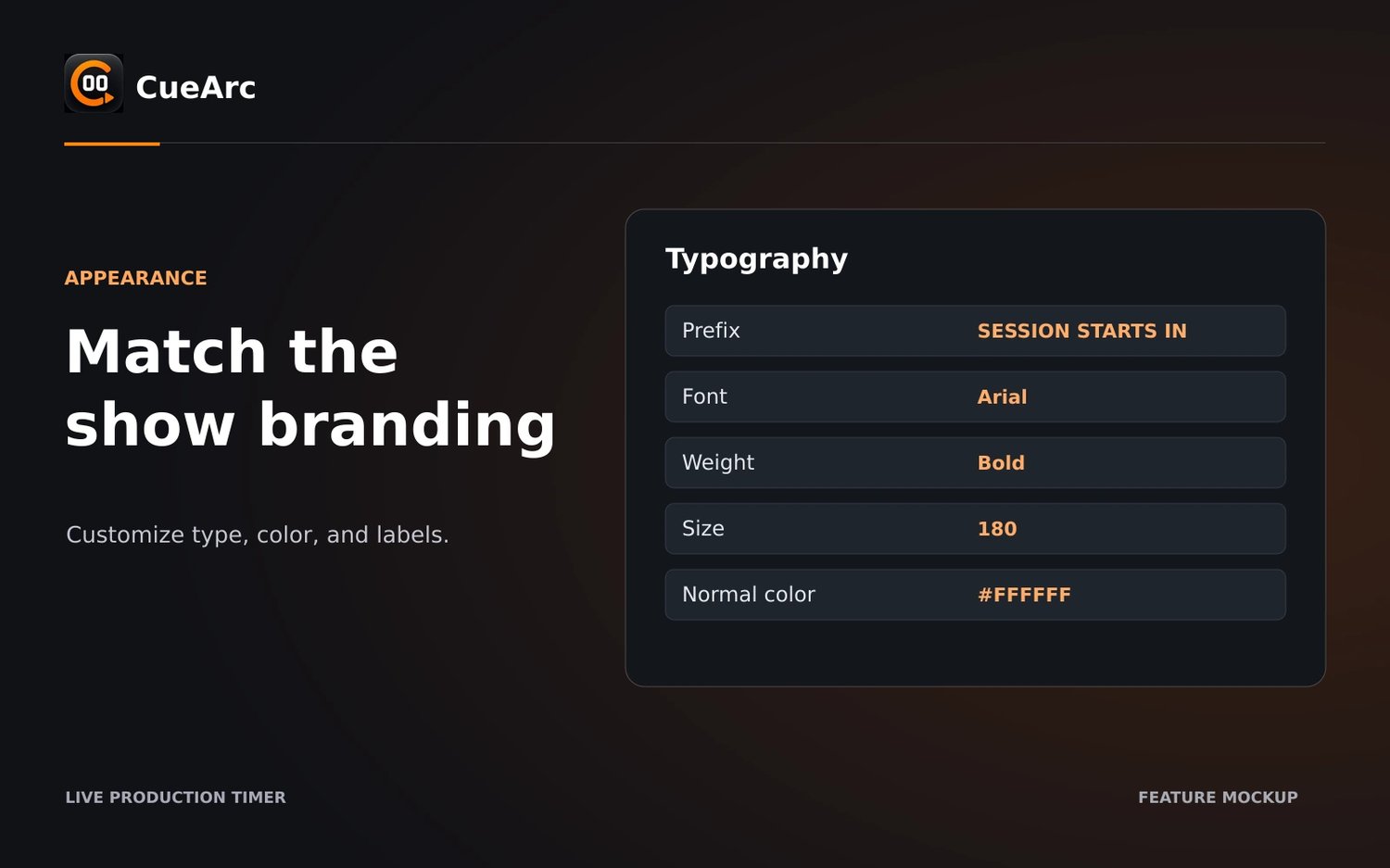
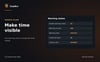
- Match your show’s look. Customize the font, weight, size, color, and position. Use an installed font or import a supported font file, and add text like “SESSION STARTS IN.”
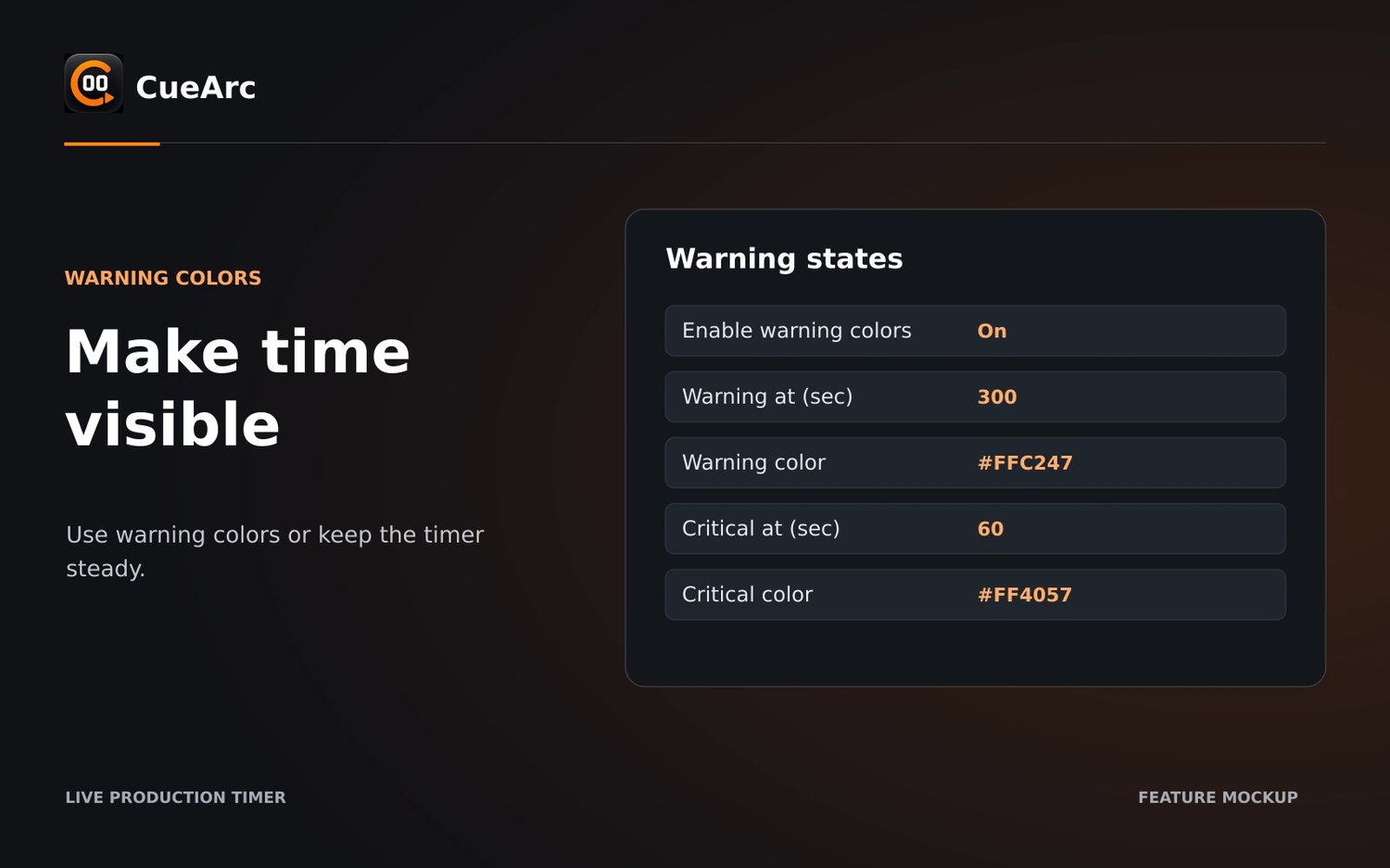
- Choose when to change colors. Set warning and critical thresholds, or turn warning colors off to keep the timer’s appearance steady.
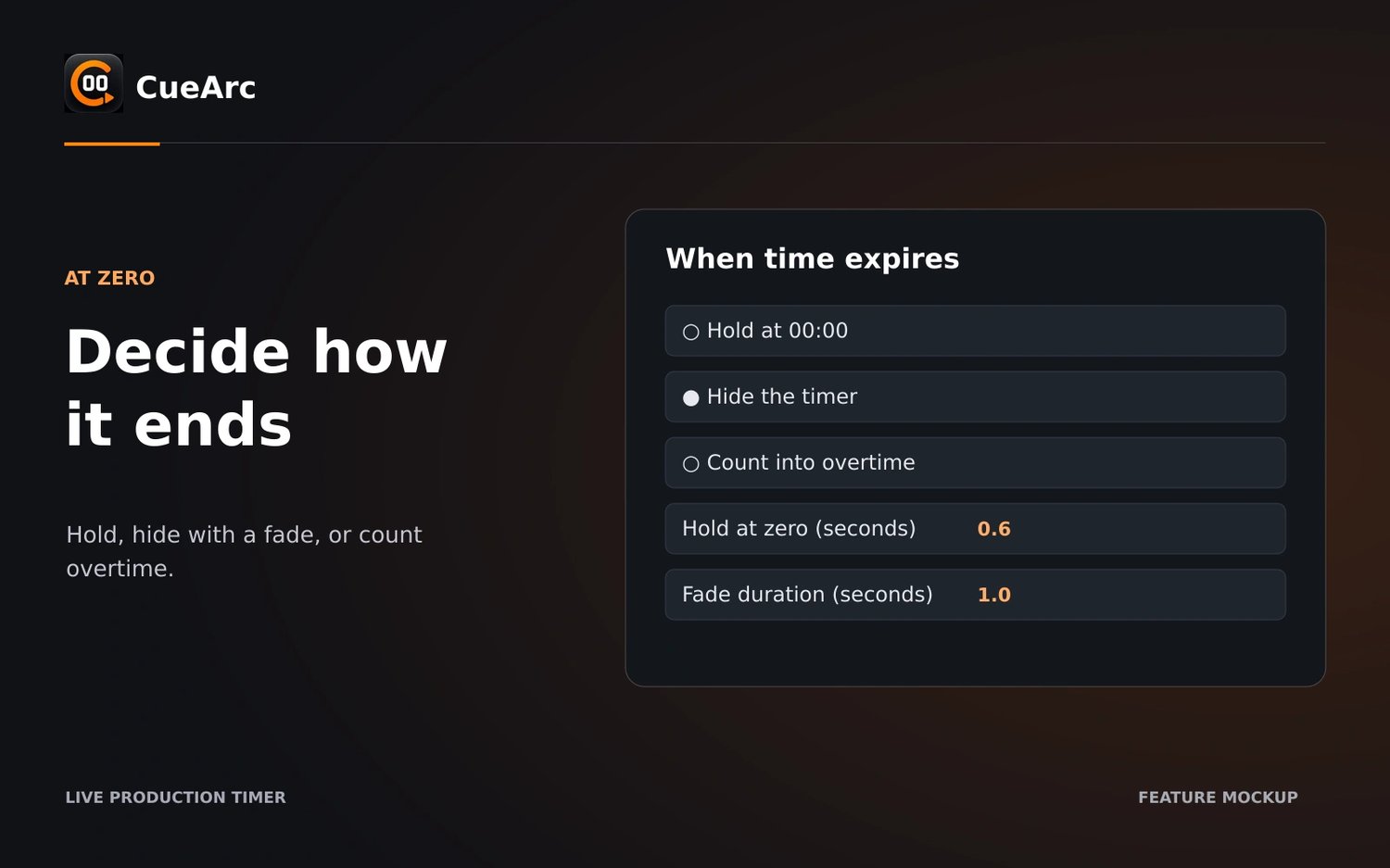
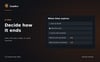
- Choose what happens at zero. Hold at 00:00, fade the timer out, or count into overtime.
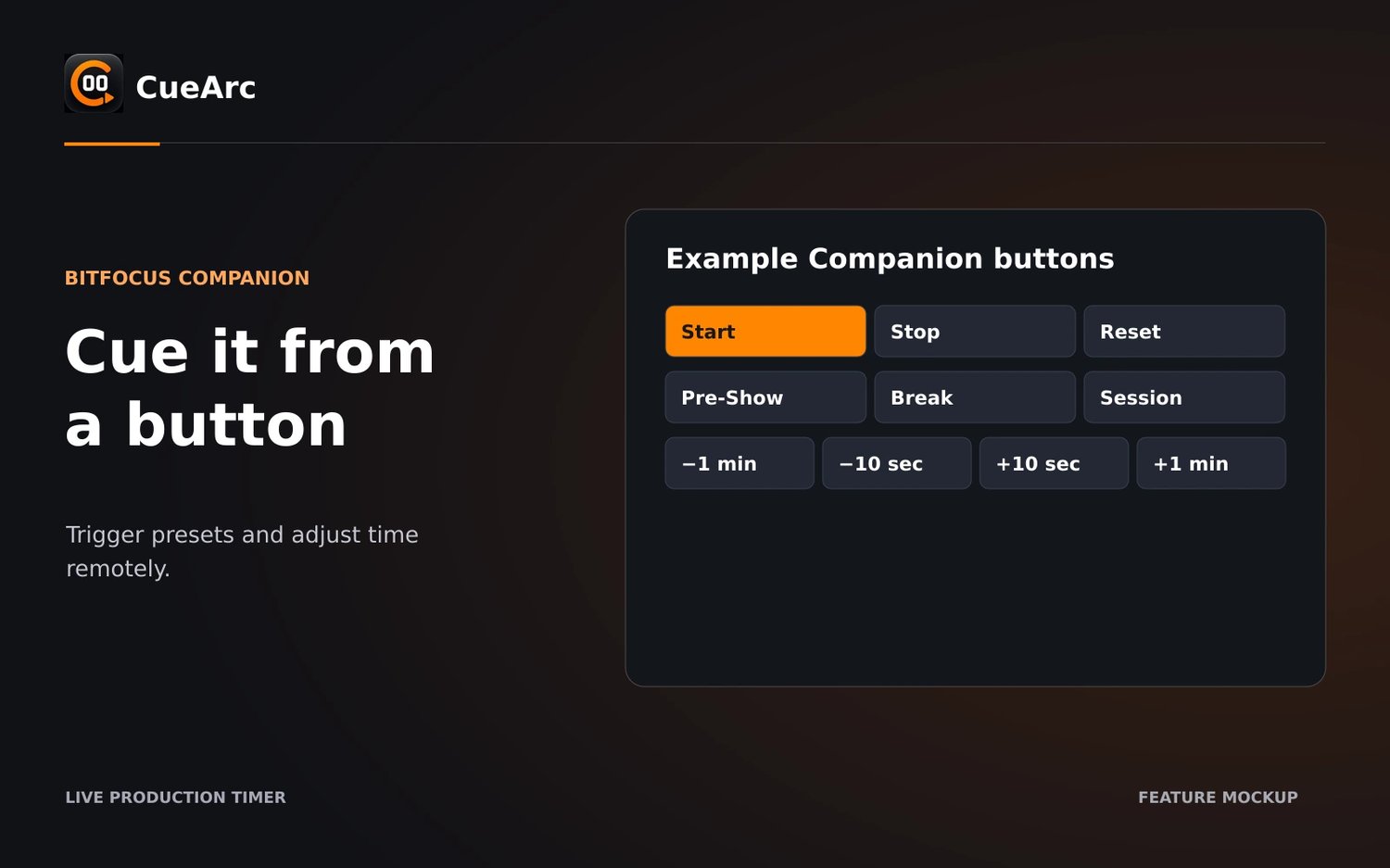
- Control it with Bitfocus Companion. Import the included example page to start, stop, reset, adjust time, or recall a preset from a button. Companion is optional.
What’s included
- The signed and Apple-notarized CueArc 0.6.0 desktop app
- An importable Bitfocus Companion preset page
- A Start Here guide for installation, OBS setup, and Companion import
Requirements
- An Apple Silicon Mac. Intel Macs and Windows are not supported in this release.
- OBS Studio with Browser Source support to display the timer in your scene.
- Bitfocus Companion only if you want button control. The included example page is configured for Companion running on the same Mac as CueArc.
Unzip the download, move CueArc to Applications, and follow the in-app setup screen. Keep CueArc open while using the timer in OBS. You don’t need to install an OBS plugin.
Buy CueArc — $29