

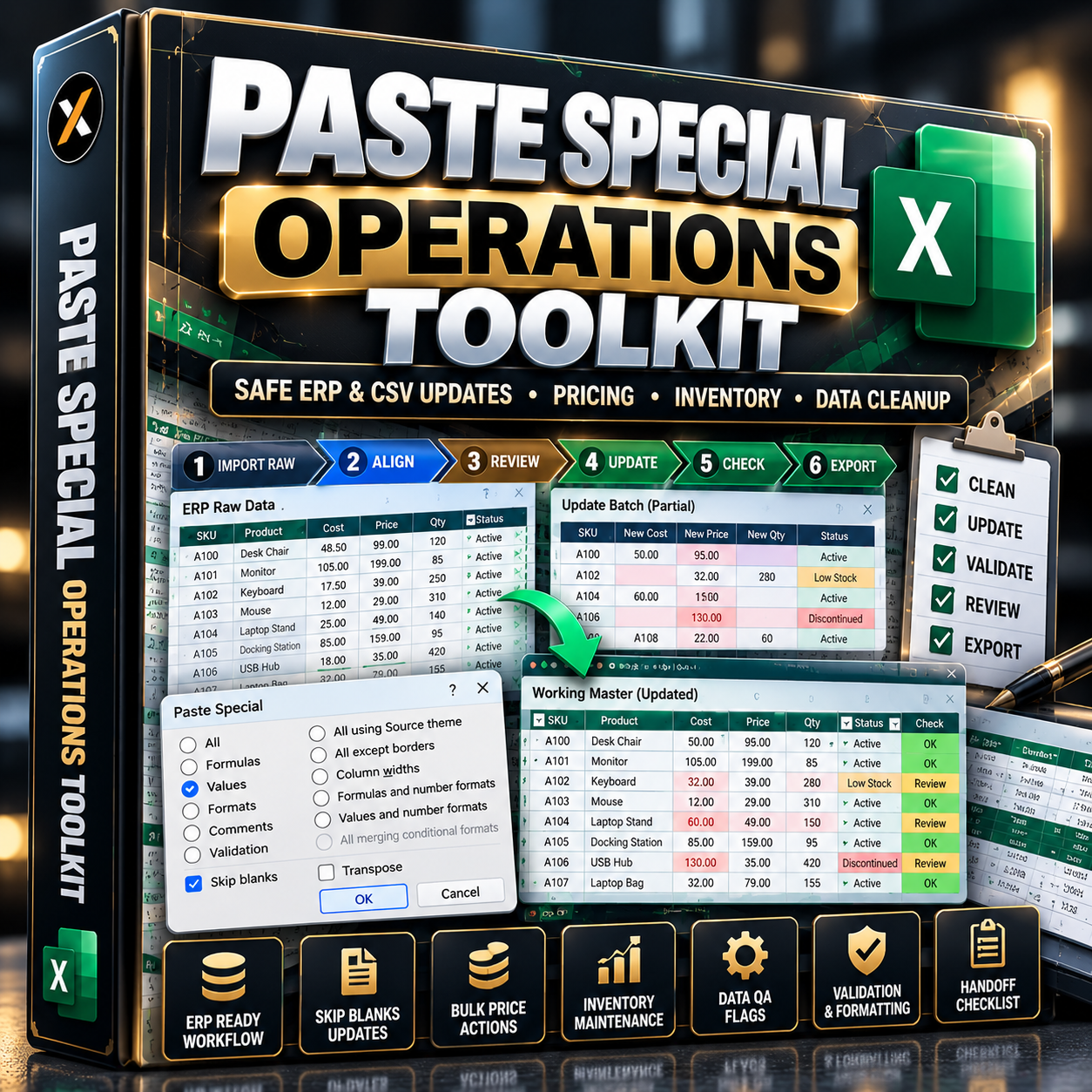
ERP Paste Special Operations Toolkit — Safe Bulk Updates, Pricing & Inventory Cleanup
Description:
Turn repetitive ERP and spreadsheet maintenance into a controlled Excel workflow.
The ERP Paste Special Operations Toolkit is designed for operations, purchasing, inventory, finance and back-office users who regularly receive ERP, vendor or CSV update files and need to safely apply changes without destroying good existing data.
Instead of manually editing hundreds of rows, the toolkit helps you move through a structured process:
RAW ERP → UPDATE BATCH → ALIGN → REVIEW → PASTE SPECIAL → QA → HANDOFF
What the toolkit includes
ERP Raw Master
Keep your original export untouched as a baseline and rollback source.
Partial Update Batch
Paste new vendor, warehouse or ERP updates where blank fields mean “keep the existing value.”
Automatic SKU Alignment
Incoming changes are aligned to the master SKU list, reducing the risk of applying updates to the wrong rows.
Update QA Flags
Automatically identify:
- unmatched SKUs
- large cost changes
- large selling-price changes
- suspicious quantities
- rows that require manual review
Working Master
A separate safe workspace for applying approved changes without modifying the raw source.
Paste Special + Skip Blanks Workflow
Update Cost, Sell Price, Inventory and Status fields while preserving existing ERP values when the update field is blank.
Bulk Price & Quantity Operations
Ready-to-use workflows for:
- vendor cost increases
- markdowns
- fixed surcharges
- inventory reductions
- cents-to-dollars conversions
- scaling corrections
Formatting & Validation Template
Restore approved formatting, status dropdowns, tax-code validation and other recurring spreadsheet standards after importing raw ERP/CSV files.
QA / Handoff Checklist
Verify the file before ERP import, management review or downstream reporting.
Designed for real operational work
Useful for:
Purchasing teams
Warehouse clerks
Inventory maintenance
Operations analysts
Finance teams
ERP exports
Vendor price lists
Recurring CSV updates
Month-end data preparation
No macros required.
Keep the raw source safe. Apply only verified changes. Finish with a documented QA workflow.