

Duplicate Payment Finder for Small Business | Find Double-Paid Supplier Invoices | Excel Spreadsheet
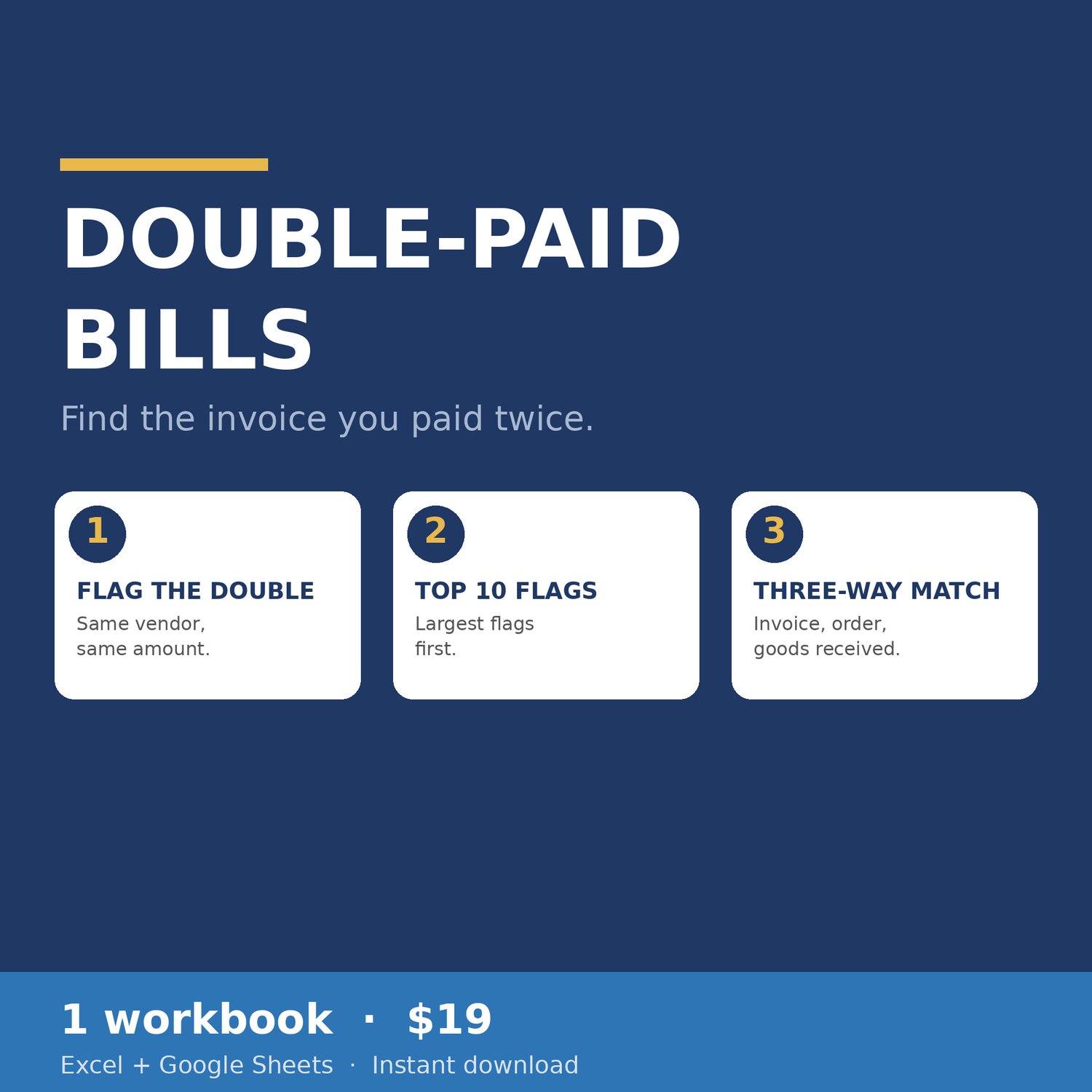
Find the invoice you paid twice.
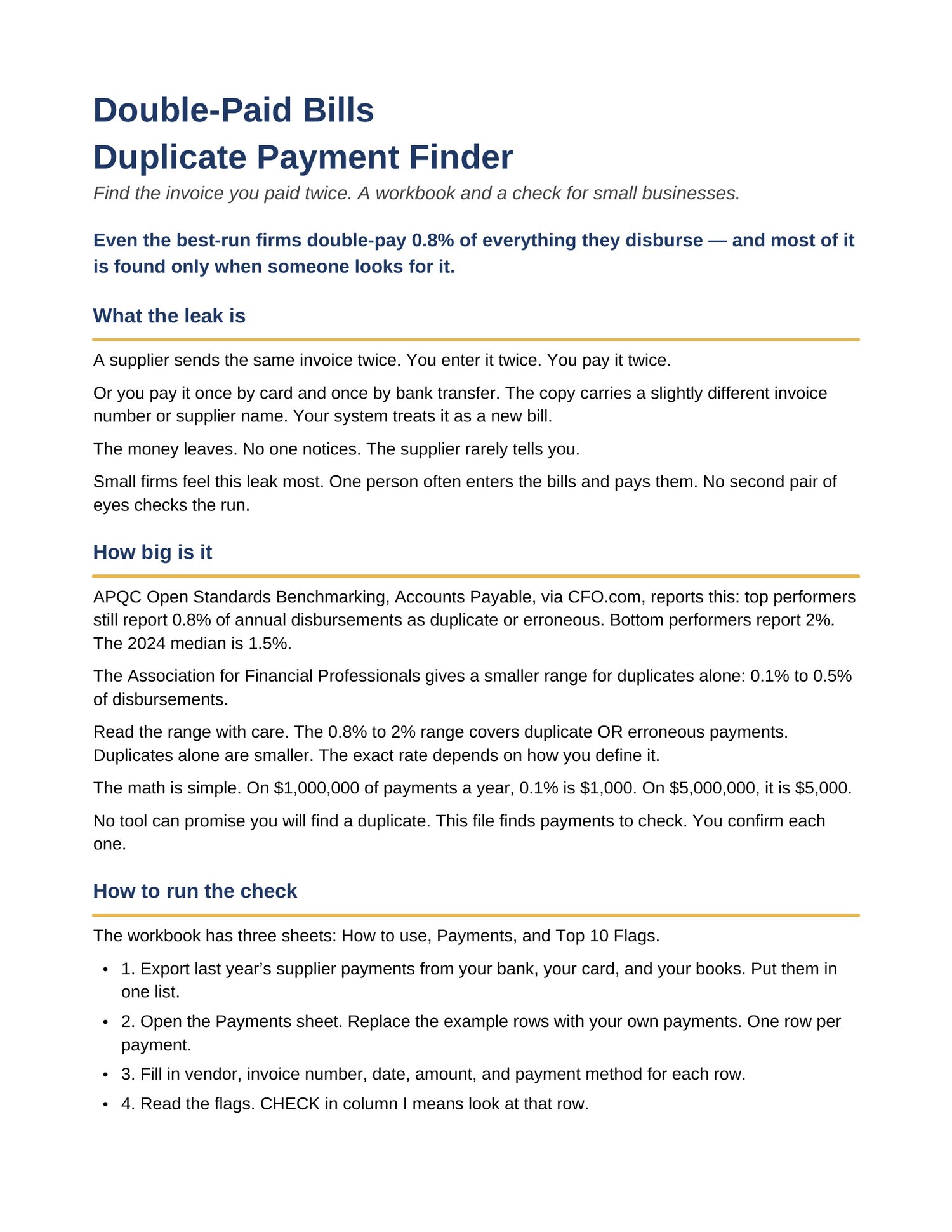
A supplier sends the same invoice twice. You enter it twice. You pay it twice. Or you pay it once by card and once by bank transfer. The money leaves. No one notices.
What is inside:- An Excel workbook that flags suspect payments. Paste last year's supplier payments. The sheet flags two things: the same vendor paid the same amount twice within 60 days, and the same invoice number paid twice.- A Top 10 Flags sheet. It lists the 10 largest flags first, with a check column (Genuine or Duplicate) and a total of the confirmed amount.- A short guide (PDF). It shows how to run the check, how to confirm a flag against the original invoice, and how to stop it going forward.
How it works:- Paste your payments: vendor, invoice number, date, amount, and payment method. One row per payment.- Read the flags. CHECK means look at that row.- Confirm each flag. Match the invoice, the purchase order, and the goods received. A flag is a question, not proof. Monthly charges and repeat orders can flag too.- Works in Excel and Google Sheets. Instant download (.xlsx + .pdf).- Example data is included so you can see the flags work. Replace it with your own payments.
The numbers behind it:APQC Open Standards Benchmarking, Accounts Payable, via CFO.com: top performers report 0.8% of annual disbursements as duplicate or erroneous. Bottom performers report 2%. The 2024 median is 1.5%. The Association for Financial Professionals gives 0.1% to 0.5% for duplicates alone. The range depends on the definition. The 0.8% to 2% range covers duplicate OR erroneous payments. Duplicates alone are smaller.
Who it is for:Small businesses with 5 to 50 staff. Owners, office managers, and bookkeepers who pay suppliers without a second pair of eyes on the run.
What it does not do:It does not read your bank. It does not prove a duplicate. It does not promise savings. Some firms find nothing. That is a good result too.