

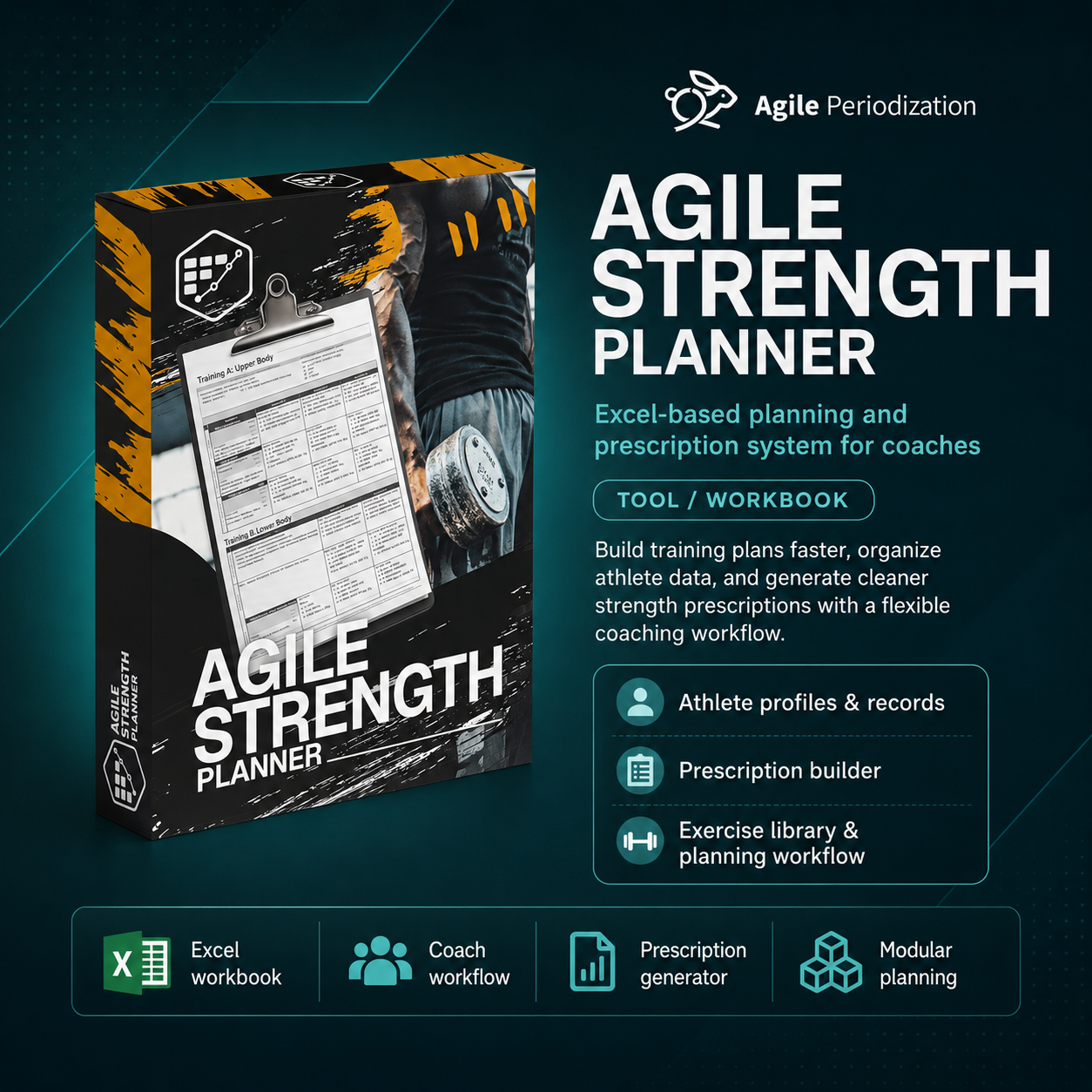
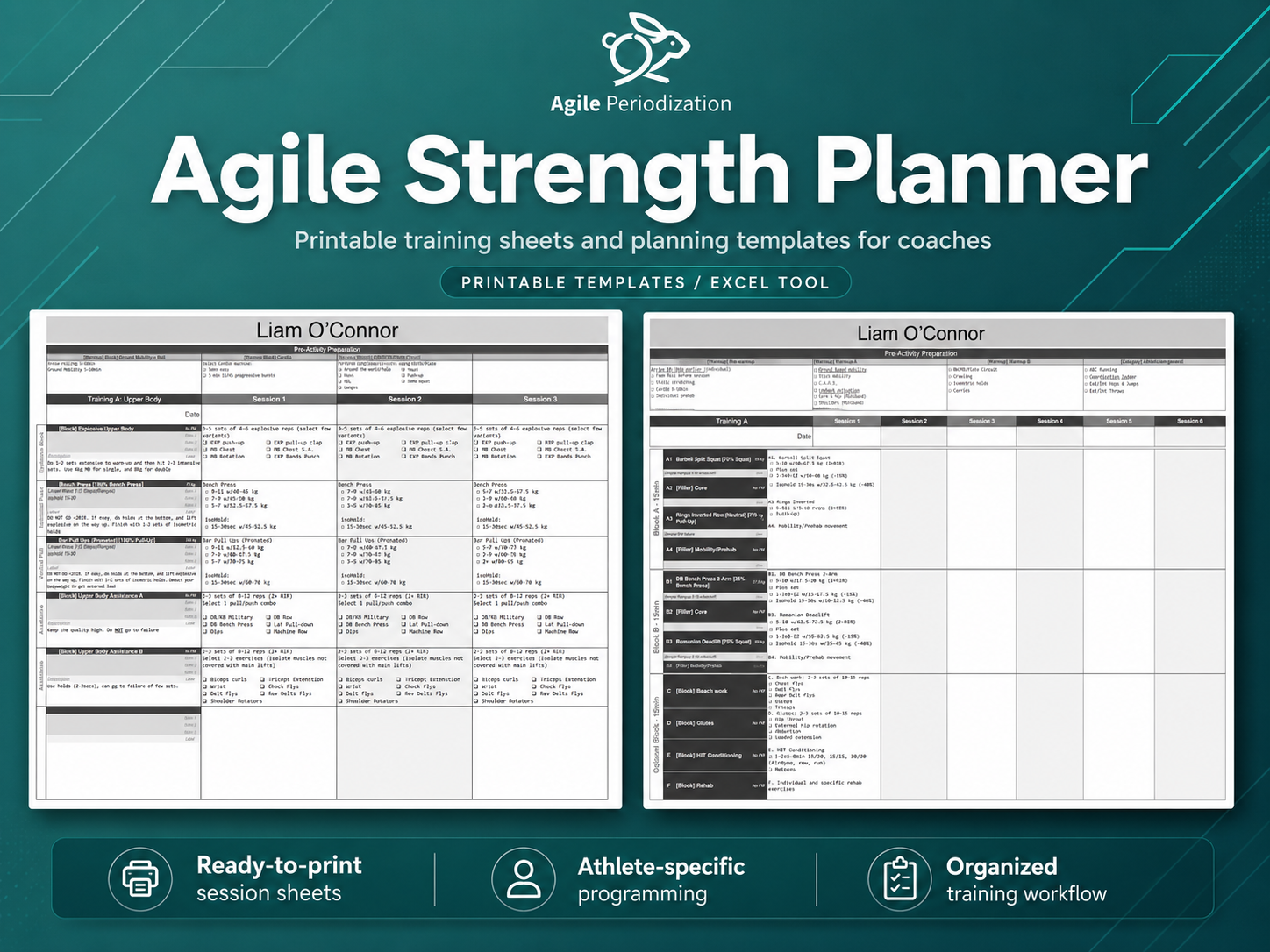
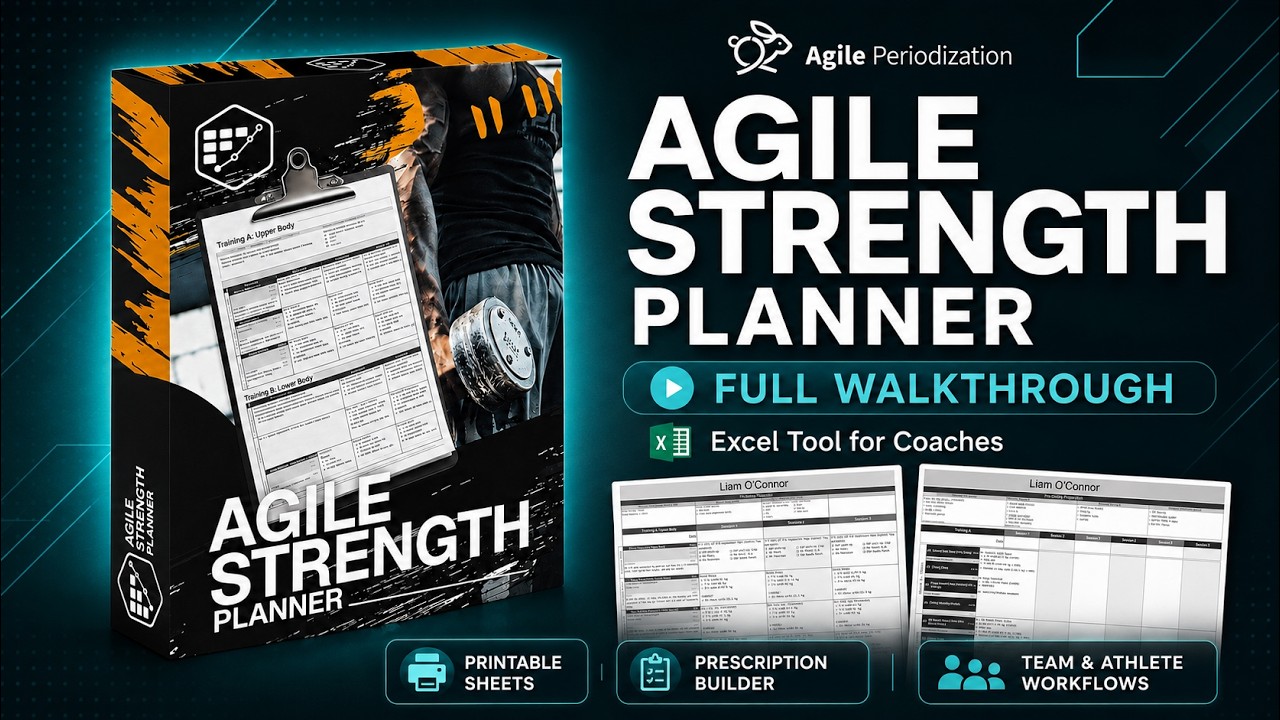

Agile Strength Planner
Agile Strength Planner
Flexible programming without rigid apps, endless data entry, or phones in the gym
Most strength-programming tools force coaches into one of two extremes.
You either provide a vague prescription and leave the athlete guessing where to start, or you create a highly precise program that falls apart as soon as the athlete feels different, the equipment is unavailable, or an exercise needs to change.
The Agile Strength Planner gives you a practical middle ground.
It automates load calculations and repetitive formatting while leaving the important decisions where they belong: with the coach and athlete.
Create the program in Excel. Print it. Coach the athlete.
You do not need to test every exercise
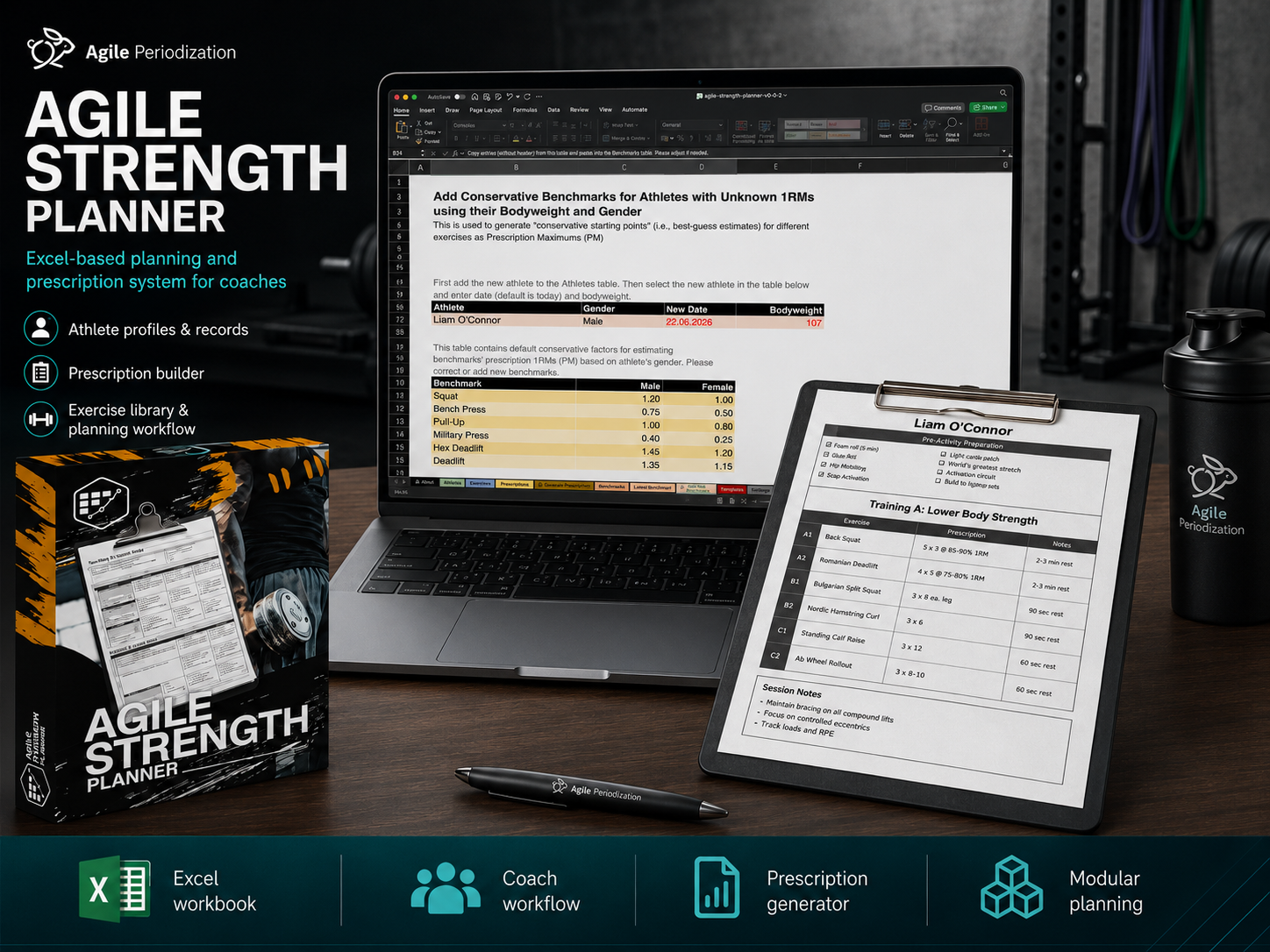
The planner uses a smaller number of important benchmark movements, such as the squat, bench press, deadlift or weighted pull-up, to estimate appropriate loads for a much larger exercise library.
Each exercise can be linked to a relevant benchmark.
Enter or update the athlete’s benchmark, and the planner automatically uses the latest available result to calculate sensible starting loads.
That means:
- Less testing
- Less manual data entry
- Faster program creation
- More consistent load recommendations
- More time for actual coaching
The calculated load is not presented as a perfect prediction. It is a useful starting point that can be combined with coaching judgment, repetitions in reserve, movement quality, velocity or other quality-control methods.
Write prescriptions the way a coach actually thinks
Instead of filling in multiple rigid boxes, you can write:
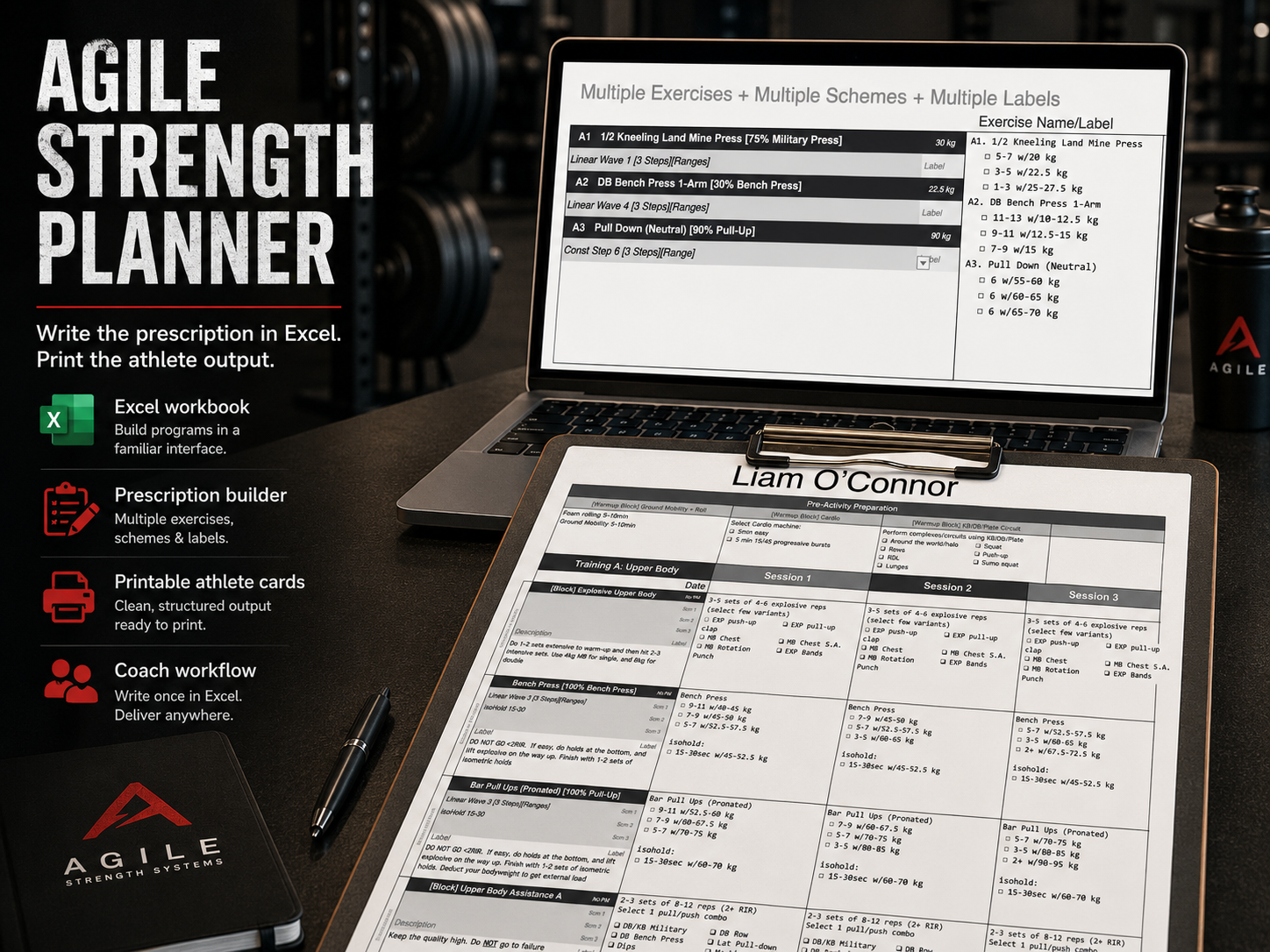
2–3 sets of 4–6 reps at 60–70%
Keep at least 2 reps in reserve
The planner identifies the percentage, calculates the appropriate load for the selected athlete and exercise, rounds it correctly, and keeps your original coaching instructions intact.
You can combine:
- Sets, repetitions, and percentage ranges
- RIR and effort guidelines
- Main sets and back-off sets
- Isometric, hypertrophy, or rehabilitation options
- Technical cues and qualitative instructions
- Multiple exercises and prescription schemes
- Reusable training blocks and modules
The numbers provide a useful ballpark estimate, not a prison.
Give athletes options without making them guess
Real training requires flexibility.
An athlete may need to change an exercise because of soreness, injury, equipment availability, travel, or the demands of sport practice.
Agile Strength Planner allows you to create exercise menus or buffet options while still providing an estimated load for every available choice.
For example, one training slot can include several squat, press, or pull variations, with an appropriate load range calculated for each option.
The athlete gets freedom inside clear boundaries.
The coach provides the structure, intent, and quality controls.
Program individuals or entire teams
Use the planner for:
- Individual athlete cards
- Remote coaching
- Team training sheets
- Circuits and supersets
- Exercise buffets
- Modular training blocks
- Warm-up menus
- Main and assistance work
- Three- and four-step progressions
- Reusable program and prescription templates
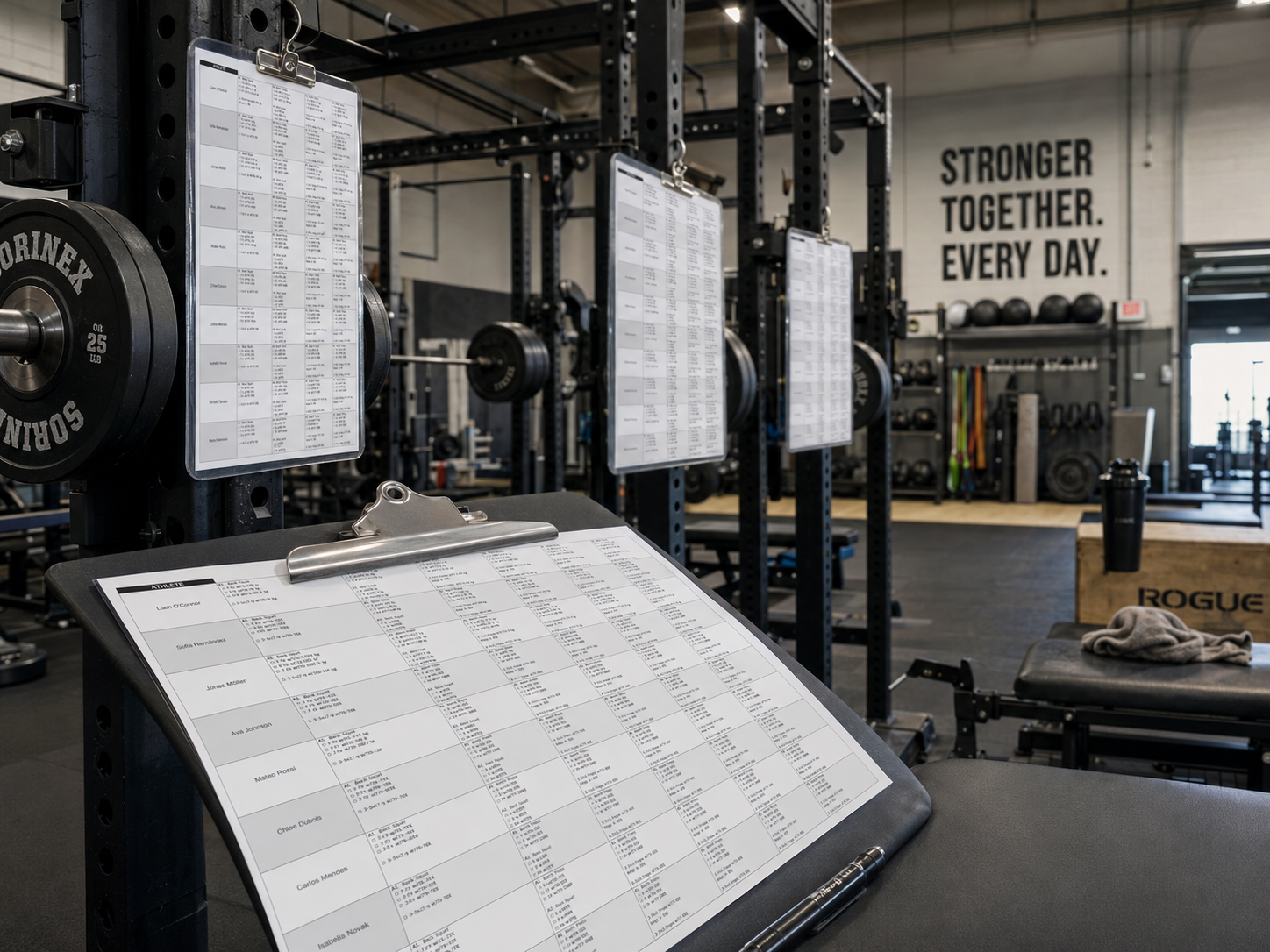
For team sessions, athlete-specific loads can be calculated and printed at the relevant training stations.
Athletes can see the complete session and progression without constantly checking a phone or switching between screens.
The Scheme Builder is included
The built-in Scheme Builder, also called the Prescription Generator, helps you create percentage-based progressions without manually calculating every step.
You can adjust:
- Target repetitions
- Training volume
- Rep-max assumptions
- Individual responses at 80%
- Conservative or ballistic loading factors
- Percentage and repetition buffers
- Linear progressions
- Undulating progressions
- Manual percentage adjustments
- Warm-up, working, and back-off sets
- RIR targets and additional instructions
Once the scheme is created, add it to the prescription library and reuse it across athletes, exercises and programs.
Watch the Scheme Builder walkthrough
Complete instructional walkthrough
The full approximately one-hour instructional video explains:
- Adding athletes
- Creating initial benchmark estimates
- Updating benchmark history
- Managing exercises and benchmarks
- Building prescription schemes
- Creating modular programs
- Providing multiple exercise options
- Programming team sessions
- Designing printable strength cards
- Adapting the planner to your own coaching system
Watch the complete Agile Strength Planner walkthrough
What You Receive
Your purchase includes:
- The Agile Strength Planner Excel workbook
- A library of approximately 200 exercises and movement options
- Athlete and benchmark-management tables
- Exercise-to-benchmark relationships
- The modular Prescription function
- The Scheme Builder / Prescription Generator
- Individual athlete program templates
- Team workout templates
- Buffet-style exercise selection templates
- Printable strength-card layouts
- Example programs, schemes and prescriptions
- The complete Agile Strength Planner instructional video
- The dedicated Scheme Builder video
- Access to future minor updates for the current product
The workbook is editable and extendable.
You can add your own exercises, benchmarks, prescription schemes, training blocks, printouts and coaching instructions.
System Requirements
Agile Strength Planner is built for the latest desktop version of Microsoft Excel.
It is designed to work with:
- Microsoft Excel for Windows PC
- Microsoft Excel for macOS
- The latest fully updated desktop version of Excel
- Excel workbooks with VBA macros enabled
A Microsoft 365 desktop installation or the latest supported standalone desktop version of Excel is recommended.
VBA macros must be enabled
The Agile Strength Planner uses VBA code, custom functions, structured Excel tables and automated calculations.
When opening the workbook, Excel may ask you to:
- Enable editing
- Enable content
- Enable macros
- Confirm that the workbook is trusted
These features must be enabled for the planner to calculate prescriptions and operate correctly.
The planner will not work correctly in:
- Google Sheets
- Apple Numbers
- Excel Online
- The mobile version of Excel
- Excel on phones or tablets
- LibreOffice
- OpenOffice
- Other spreadsheet applications that do not fully support Microsoft VBA
These applications may open parts of the workbook, but they cannot reliably run the VBA functions used to calculate loads, parse prescriptions, retrieve benchmark information and generate the final program output.
Some formatting, dropdown menus, table references, printing layouts and automated functions may also be damaged if the workbook is opened and saved using unsupported spreadsheet software.
For the best experience, use the latest fully updated desktop version of Microsoft Excel on a Windows PC or Mac.
Current Version
Current version: 0.0.2
Release date: 2026-06-10
The latest available version will always be clearly identified on this product page.
After purchasing, you can return to your Payhip account or this product page and download the newest version available to you.
Before replacing your existing workbook, keep a backup copy of any custom exercises, benchmarks, schemes, templates or athlete data you have added.
Updates Included With Your Purchase
Customers who purchase Agile Strength Planner receive future minor updates to the current product at no additional cost.
These updates may include:
- Bug fixes
- Compatibility improvements
- Performance improvements
- Additional exercises
- Improved exercise-to-benchmark relationships
- New prescription schemes
- New printout layouts
- New program templates
- Improved formulas or VBA functions
- Better documentation
- Additional examples and practical use cases
- Small workflow and usability improvements
- New instructional videos explaining additional uses
When a new minor version is released, return to the Payhip product page and download the latest workbook.
Your original purchase gives you access to these minor updates without needing to purchase the same product again.
Major future products
A major rebuild, a completely new application, separate web platform, substantially expanded system or future product released under a new name may be sold separately.
In simple terms:
Bug fixes, smaller improvements, new exercises, useful schemes, additional printouts and practical additions to the existing Agile Strength Planner are included.
A completely new generation or separate product may not be included.
Any major paid upgrade will be clearly explained before release.
Feedback, Feature Requests and Use Cases
Agile Strength Planner is a working coaching tool, and I want to continue improving it through real-world use.
You are welcome to contact me with:
- Bug reports
- Compatibility problems
- Feature requests
- New exercise suggestions
- New prescription ideas
- Printout and template requests
- Team-programming use cases
- Examples of how you use the planner
- Suggestions for future instructional videos
Email:
agileperiodization@gmail.com
Website:
When reporting a technical problem, please include:
- Your operating system
- Your version of Microsoft Excel
- Your computer language and regional settings
- A screenshot or recording of the error
- A short description of what you were doing when the problem occurred
- The Agile Strength Planner version you are using
The more detail you provide, the easier it is to reproduce and fix the problem.
I am also interested in practical use cases. If you create a useful template, team workflow or alternative implementation, feel free to share it.
Free for Agile Periodization Skool Members
The Agile Strength Planner is available at no additional cost to active members of the Agile Periodization Skool community.
Skool members can access the planner, educational material, discussions, updates and opportunities to provide feedback while the tool continues to develop.
Join the Agile Periodization Skool:
https://www.skool.com/agileperiodization
Automate the Calculations. Preserve the Flexibility. Keep the Coach in Control.
Agile Strength Planner does not replace coaching.
It removes part of the repetitive work that gets in the way of coaching.
Write the prescription.
Select the exercises.
Connect the benchmarks.
Print the card.
Coach the athlete.