

Filenex Selection (Windows)
Filenex Selection
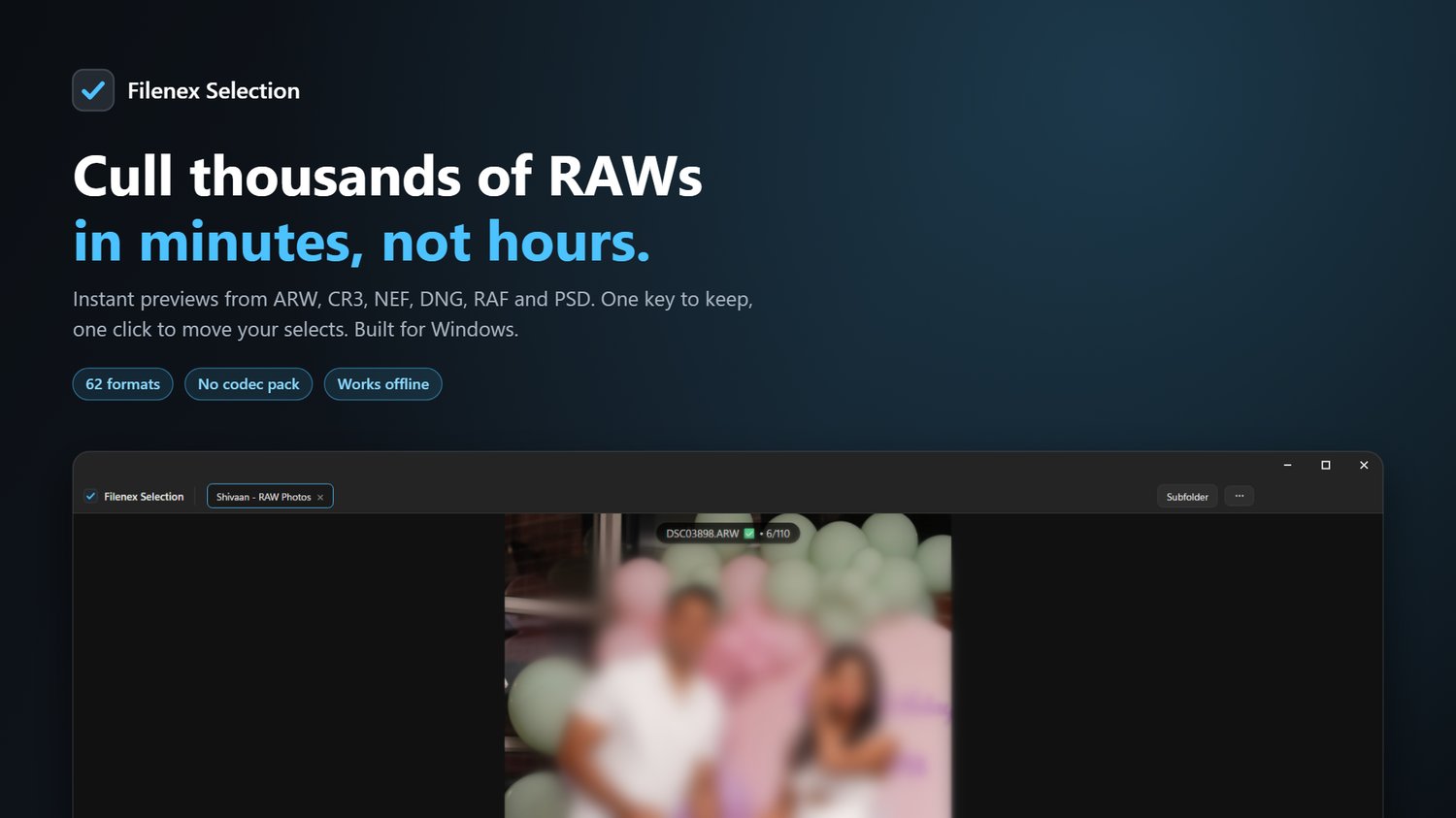
Cull thousands of RAW photos in minutes — not hours.
Short description (for listing / meta)
Filenex Selection is a lightning-fast RAW photo culling and selection tool for Windows. Open a folder of 5,000 RAWs, flick through them at full screen with zero lag, mark your keepers with one key, and export or move them in a single click. Supports 62 file formats including ARW, CR3, NEF, DNG, RAF and PSD — no camera codec pack needed.
Long description
Selecting photos is the slowest part of every shoot. Regular viewers choke on RAW files, thumbnails take forever to appear, and portrait shots show up sideways. Filenex Selection was built for exactly this job and nothing else.
It never waits to decode a whole RAW file. It pulls the preview the camera already wrote inside your file, so photos appear almost instantly — even on a 45MP ARW or CR3. Navigation holds the current sharp image on screen until the next one is fully ready, so you never see a black flash or a blurry half-loaded frame. Just clean, sharp photos, one after another.
Mark keepers with a single key, then move them to a subfolder or export the list for your editing software. Your selections are remembered per folder, so you can close the app and pick up right where you left off.
Key features
Speed built for RAW
- Instant previews using the camera's embedded JPEG — no full RAW decode wait
- Sharp-hold navigation: no black flash, no blurry intermediate frame
- Look-ahead loading so the next photo is ready before you press the arrow key
- Background workers keep the window responsive while a folder streams in
- Handles folders with thousands of photos without slowing down
Culling workflow
- One-key select/deselect (T) with a running keeper count
- Selection saved per folder and restored automatically
- Move selected photos to a subfolder in one action
- Export your selection as a text list, or load an existing list back in
- Deselect last, reset selection, and selection-order tracking
Viewing
- Full-screen distraction-free preview mode
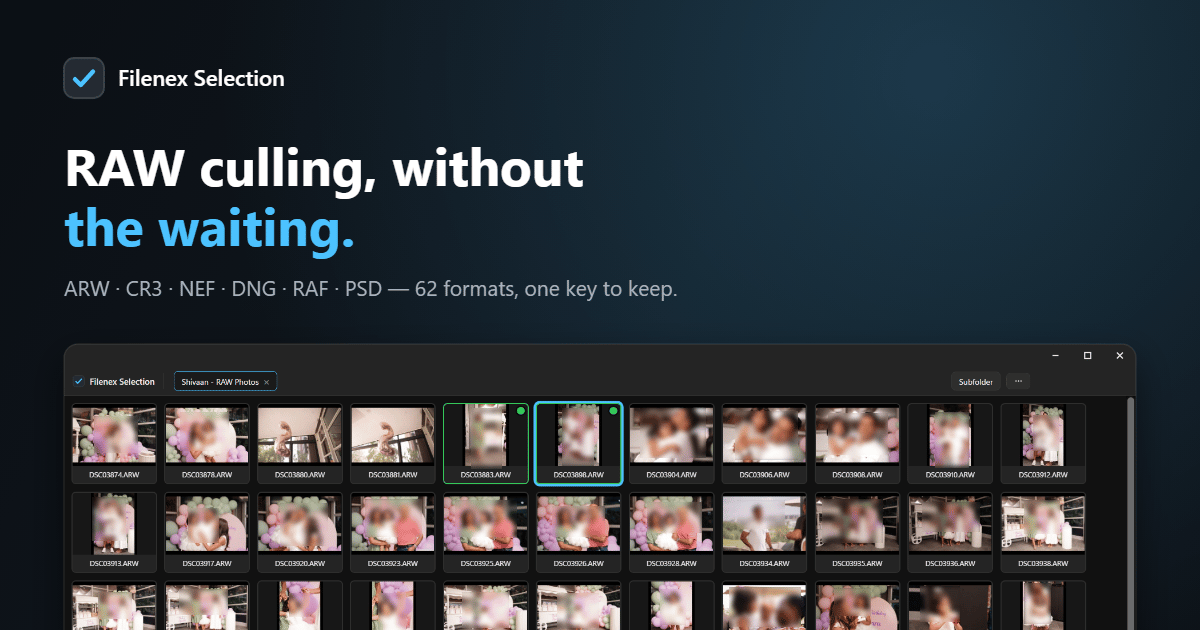
- Filmstrip with live thumbnails, plus a grid view with filenames and extensions
- Adjustable thumbnail size from 60 to 400 px — slider or Ctrl + scroll wheel
- Zoom to actual pixels for critical focus checks, pan with the mouse
- EXIF overlay: camera, lens, ISO, aperture, shutter, focal length, dimensions
- Synchronized slideshow that waits for each sharp frame before advancing
Correct orientation, every time
- Portrait shots display upright, in both the preview and the filmstrip
- Exact aspect ratio with no stretching or squashing
- Camera rotation applied exactly once, verified against real Sony, JPEG and RAW files
Organized for real jobs
- Multiple folders open as tabs, with drag-to-reorder like Chrome or Photoshop
- Drag and drop folders straight into the app
- Sort by name, date, type or file size, ascending or descending
- Refresh with F5, plus automatic detection of new files in the folder
- Copy filename or full path, show in Explorer, move to Recycle Bin
Send to your editor
- 3 configurable "Open With" slots — Photoshop, Lightroom, Capture One, anything
- Assign your own single-key shortcuts, so E can send a photo straight to your editor
- Set up once and it is remembered
Supported formats — 62 in total
Camera RAW (20 brands) Canon (CR3, CR2, CRW, CRM) · Nikon (NEF, NRW) · Sony (ARW, ARQ, SR2, SRF) · Fujifilm (RAF) · Panasonic/Lumix (RW2, RAW) · Leica (RWL, DNG) · Olympus/OM System (ORF, ORI) · Pentax/Ricoh (PEF, PTX) · Adobe DNG (also DJI, Ricoh, iPhone ProRAW) · Samsung (SRW) · Hasselblad (3FR, FFF) · Phase One/Leaf (IIQ, CAP, EIP, MOS) · Mamiya (MEF) · Minolta/Konica (MRW, MDC) · Sigma Foveon (X3F) · Kodak (DCR, KDC, K25, DCS, DRF) · Epson (ERF) · GoPro (GPR) · Casio (BAY) · plus older bodies (PXN, RWZ, STI, CS1, CS16, J6I, QTK, RDC)
Photos JPEG · PNG · WebP · BMP · GIF · AVIF · JPEG XL · TIFF · HEIC/HEIF/HIF (iPhone and Canon)
Layered Photoshop PSD and PSB — flattened composite preview, no Photoshop required
Keyboard shortcuts
KeyActionLeft / RightPrevious / next photoTSelect or deselect the current photoGGrid viewZZoom to actual pixelsIEXIF info panelFFullscreenSpaceStart / pause slideshowEnterShow in ExplorerDelMove to Recycle BinCtrl + OAdd folderCtrl + WClose current folder tabCtrl + TabSwitch between folder tabsF5Refresh folderF1Supported formats listEscStep back (close menu, exit zoom, leave grid, exit fullscreen)Ctrl + scrollResize thumbnails
System requirements
- Windows 10 or Windows 11, 64-bit
- 4 GB RAM minimum, 8 GB recommended
- ~250 MB disk space
- No camera codec pack, no Photoshop, no subscription needed
- Works completely offline — your photos never leave your computer
What you get
- Filenex Selection v1.0.0 — full Windows installer (64-bit)
- Standard installer, ready to use right after setup