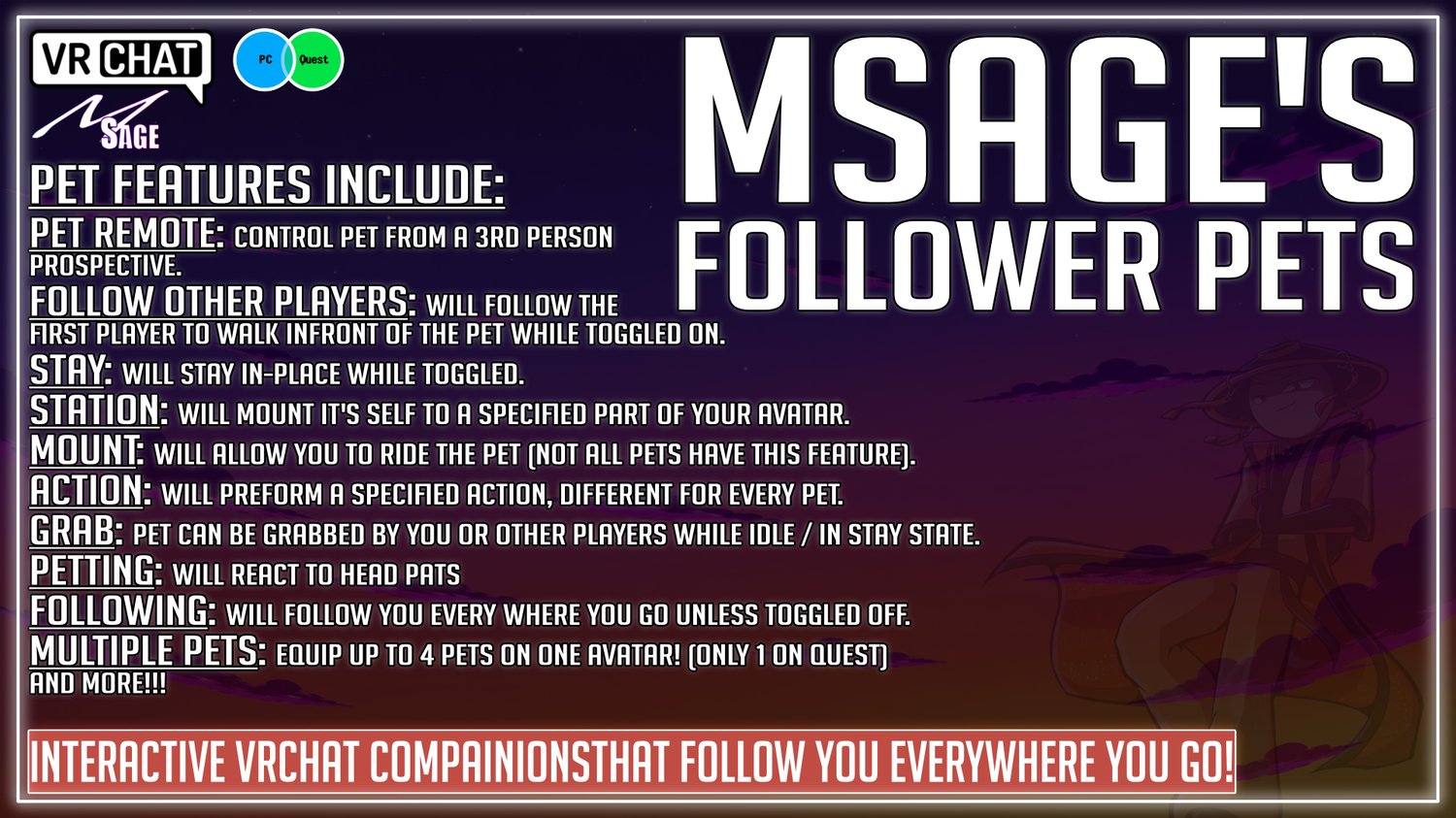
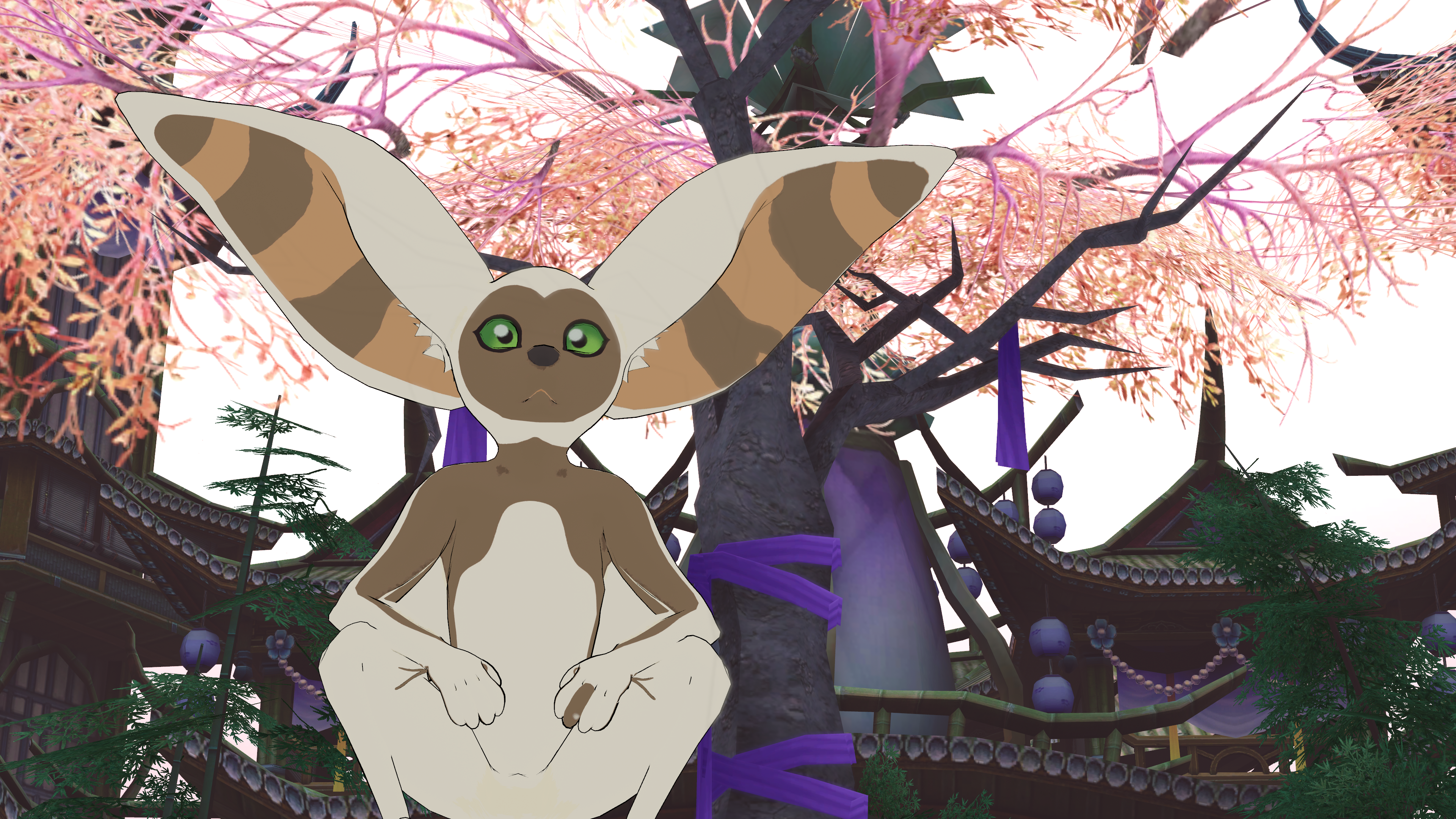
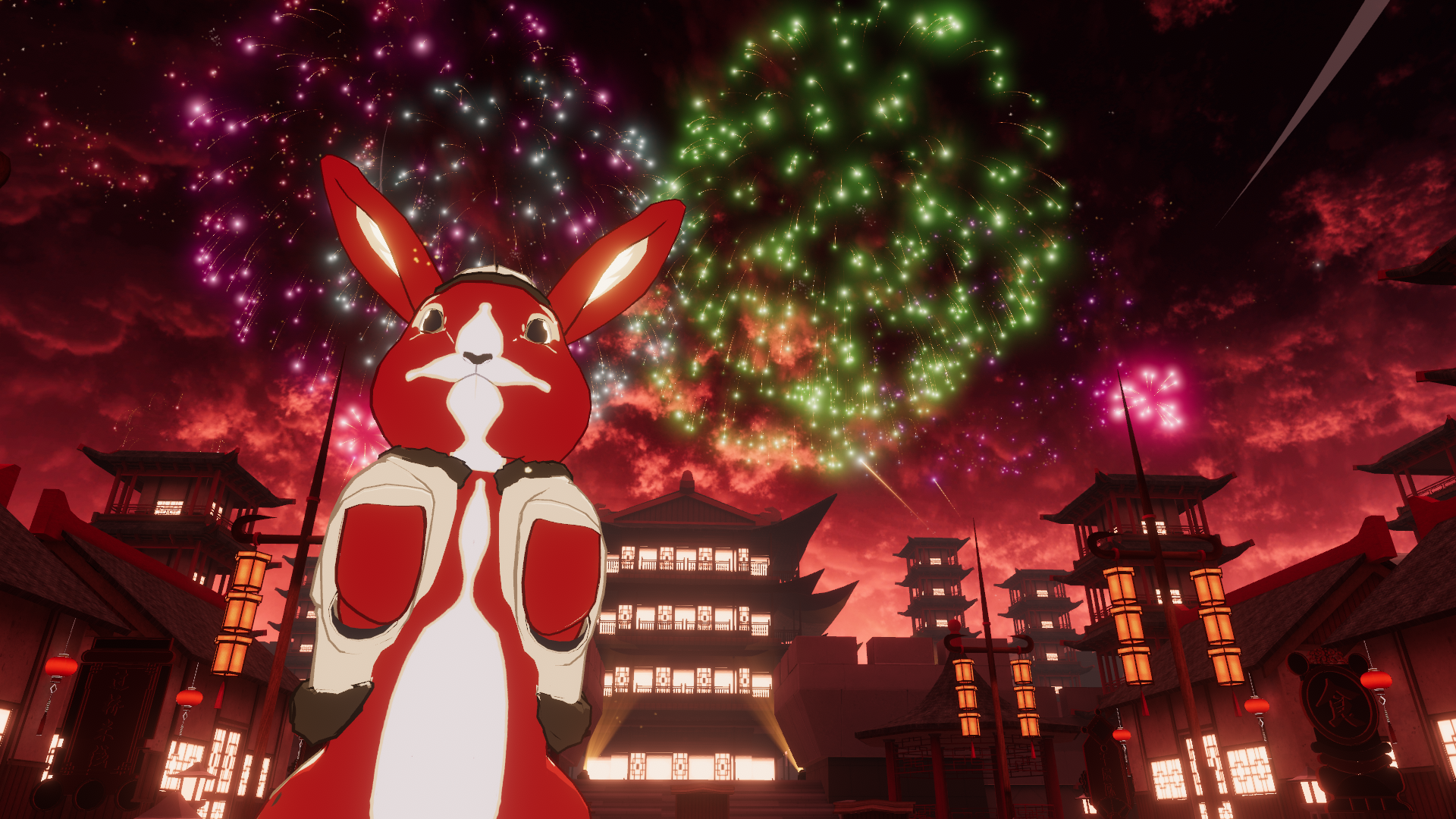
React when players pet, touch, or interact with it
Be picked up by other players
Perform unique pet-specific actions and animations
Be remotely controlled like a tiny drone
Display a first-person pet camera on supported PC versions
Every pet has its own appearance, personality, animations, and supported interactions.
PC and Quest Support
The base system supports compatible PC and Quest versions of MSage Follower Pets.
Quest pet prefabs retain the core companion features while using optimized materials and animations. Some PC-only features, such as the remote pet camera, may be reduced or unavailable on Quest.
Check each pet’s product page for its exact platform support and included features.
Choose Your Companion
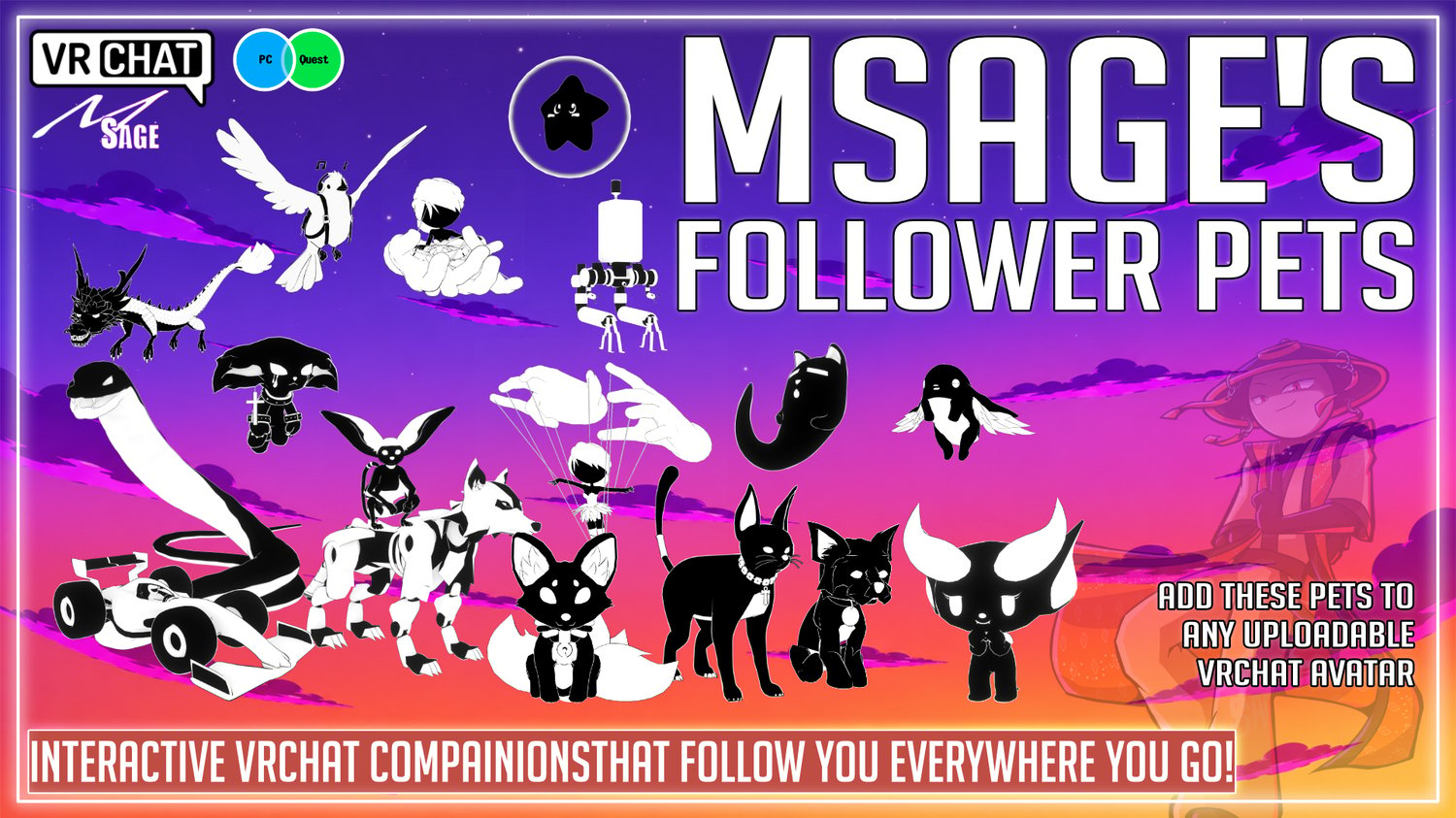
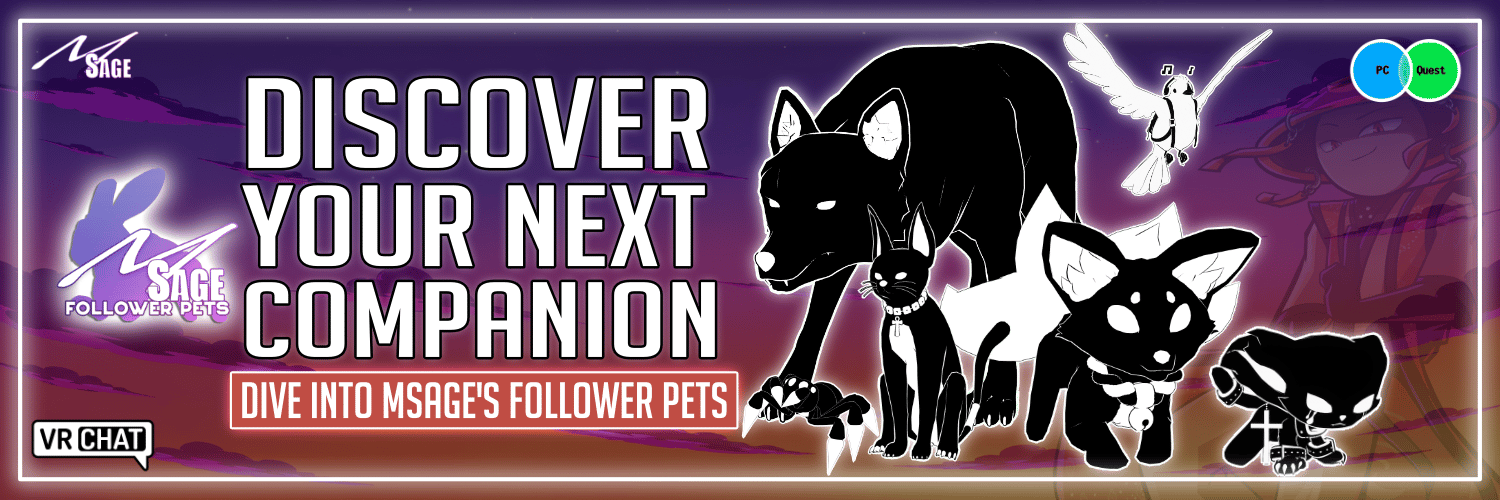
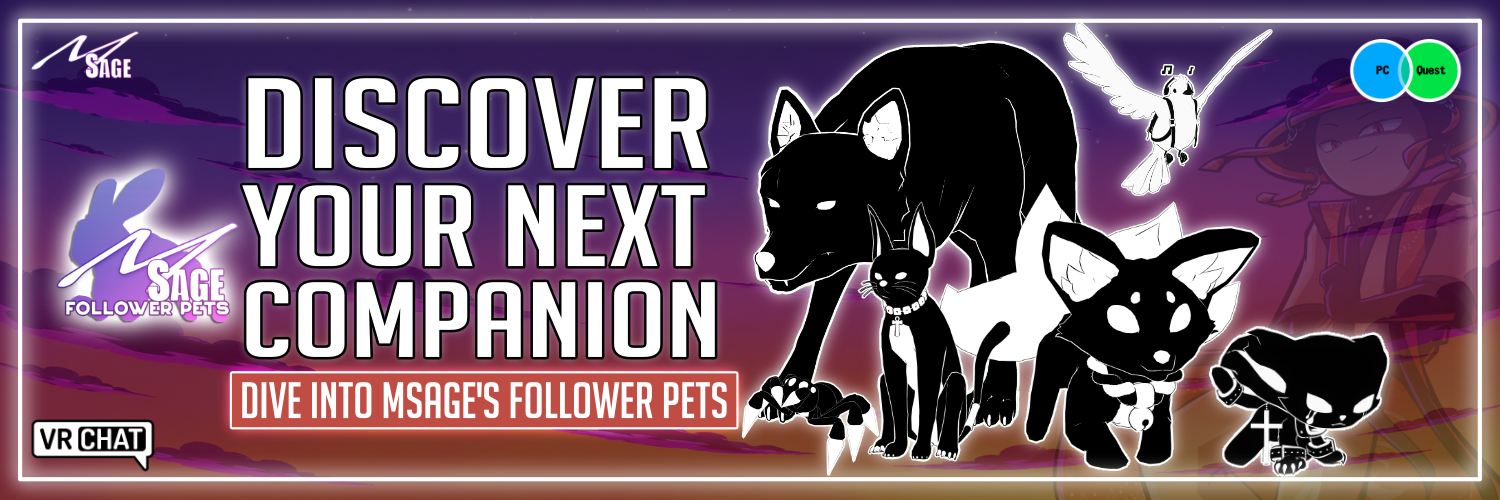
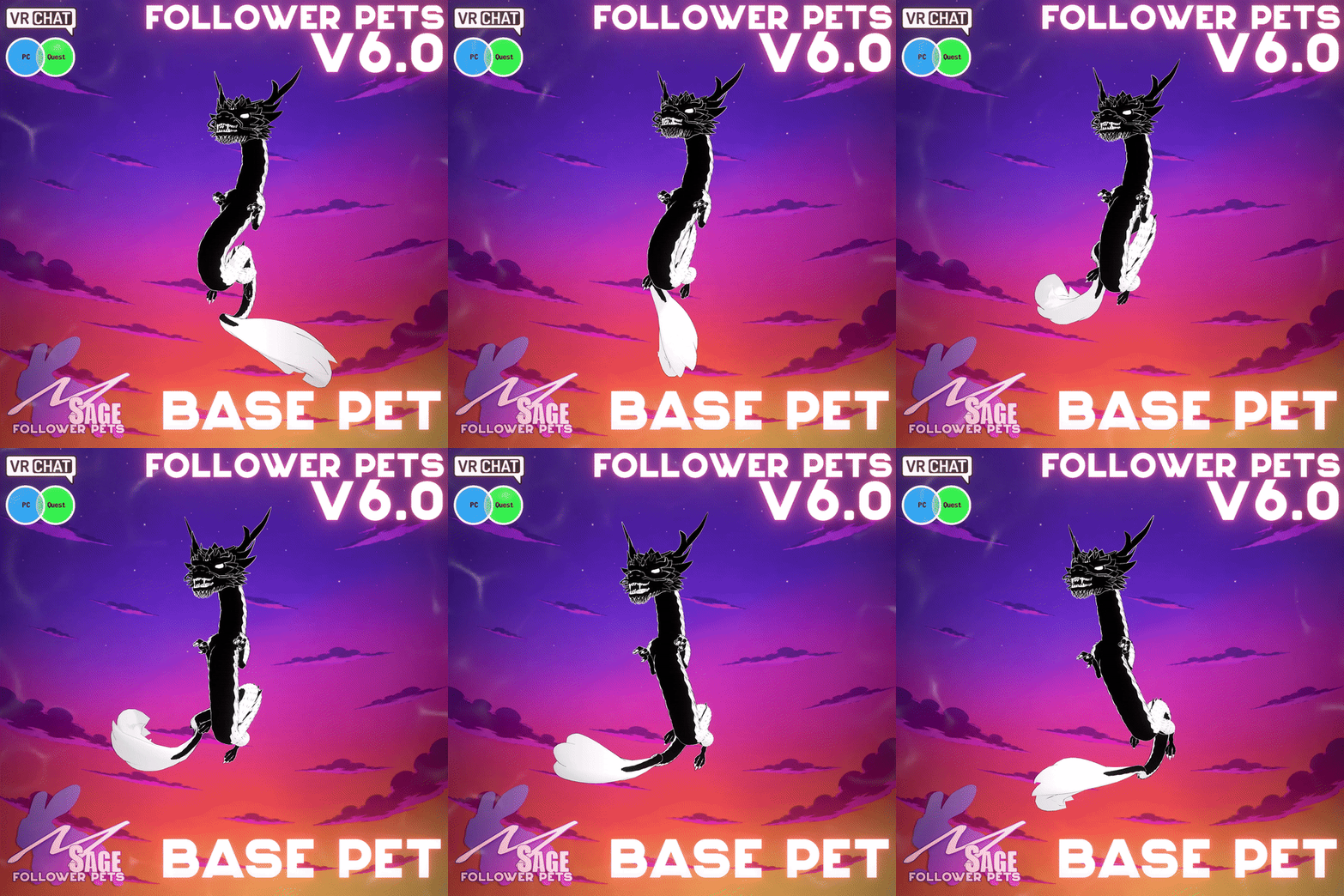
From magical creatures and tiny dragons to unusual monsters and adorable sidekicks, every MSage Follower Pet is designed to give your avatar more personality.
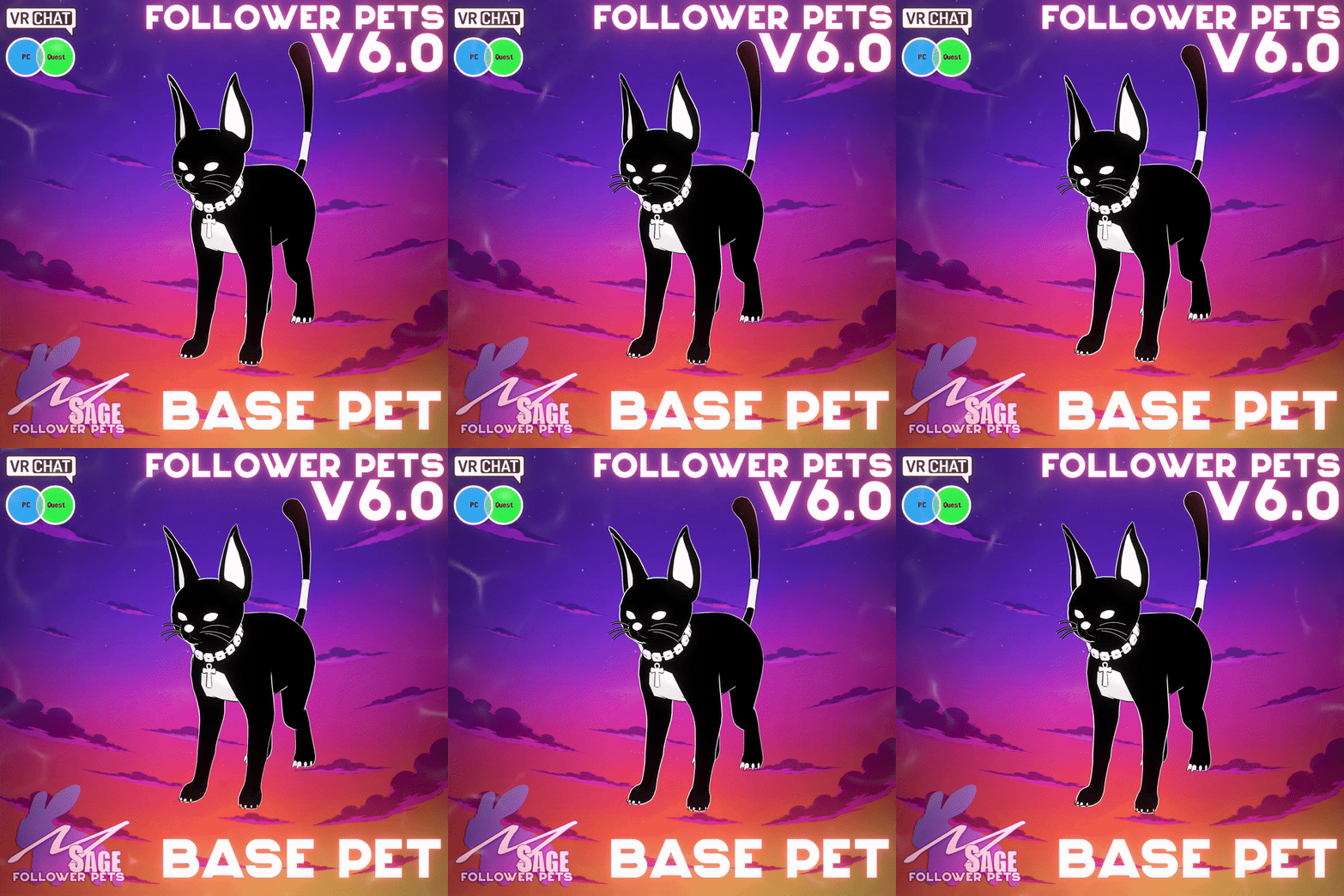
The Gothic Kitten of Tara — https://payhip.com/b/YPV65
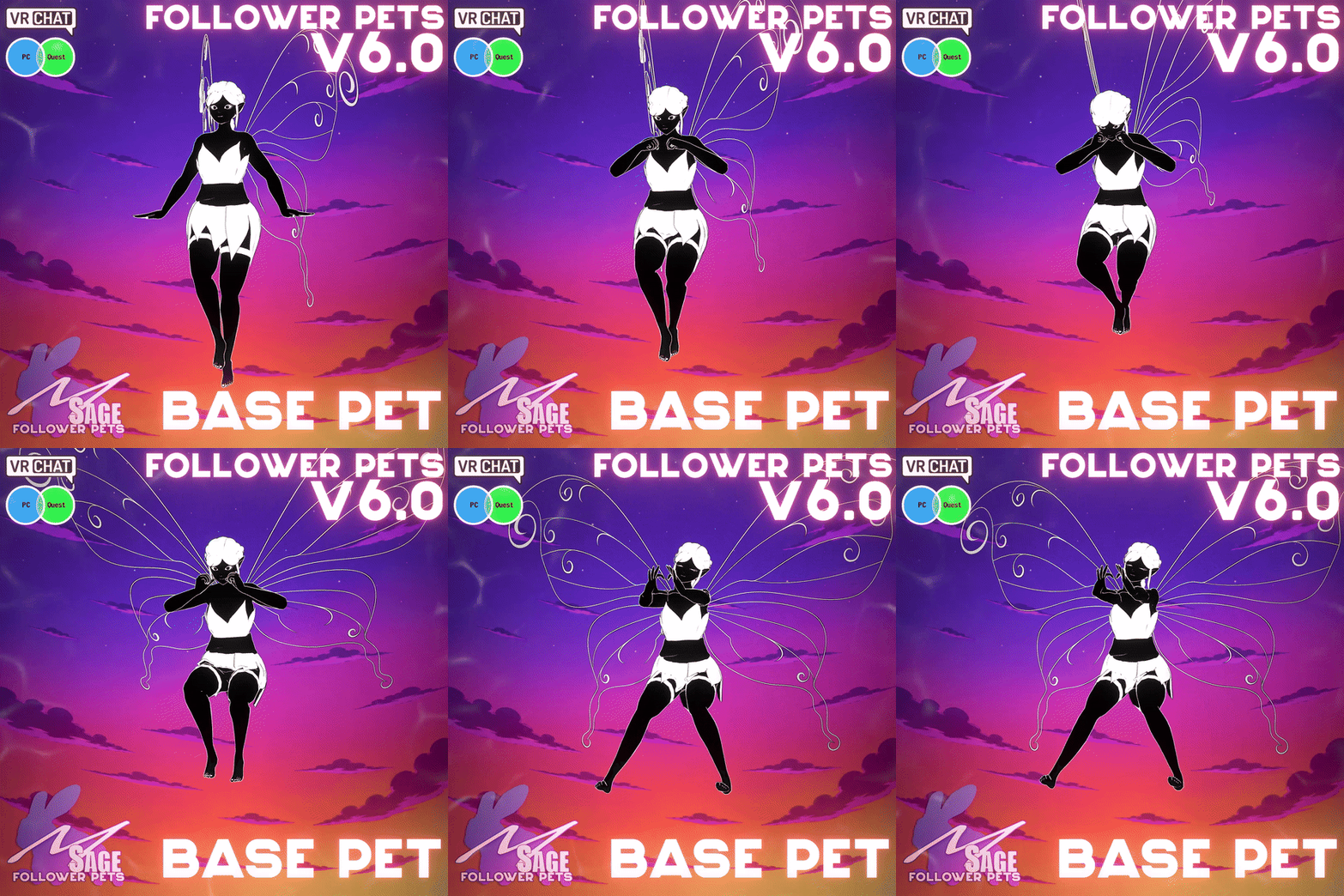
The Sprite of Tara — https://payhip.com/b/tar4P
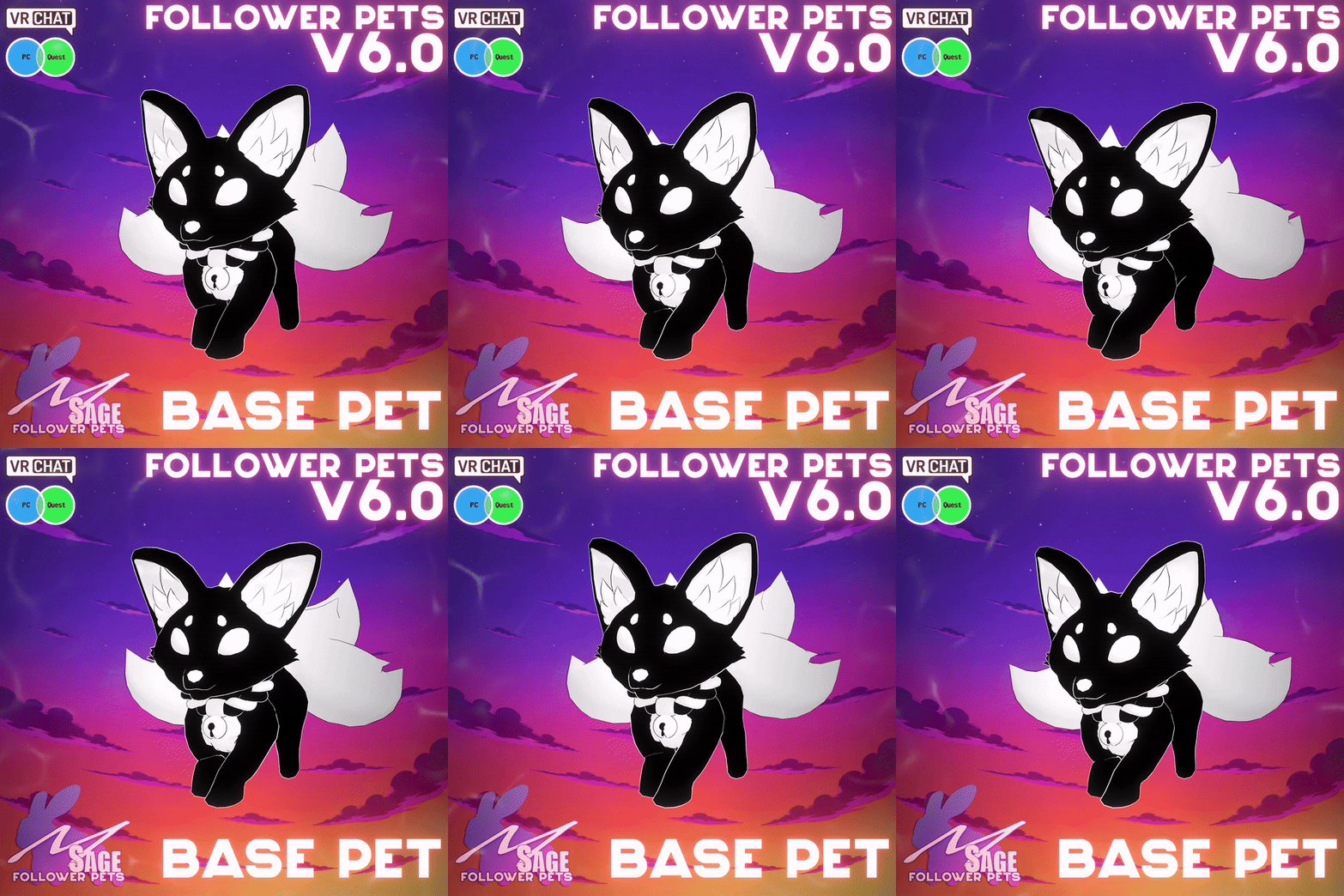
The Dire Wolf of Tara — https://payhip.com/b/rv43B
Already know which pet you want? Download the free system first so your avatar is ready.
What You Receive
The latest Follower Pet Base System Unity package
PC and Quest-compatible system components
Avatar menu and controller components
The Follower Pet Custom Skin Authenticator creator tool
Installation documentation
Access to future compatible MSage Follower Pets
Updates to the base system when provided
Follower Pets are sold separately and are not included with this download.
Create and Sell Your Own Custom Pet Skins
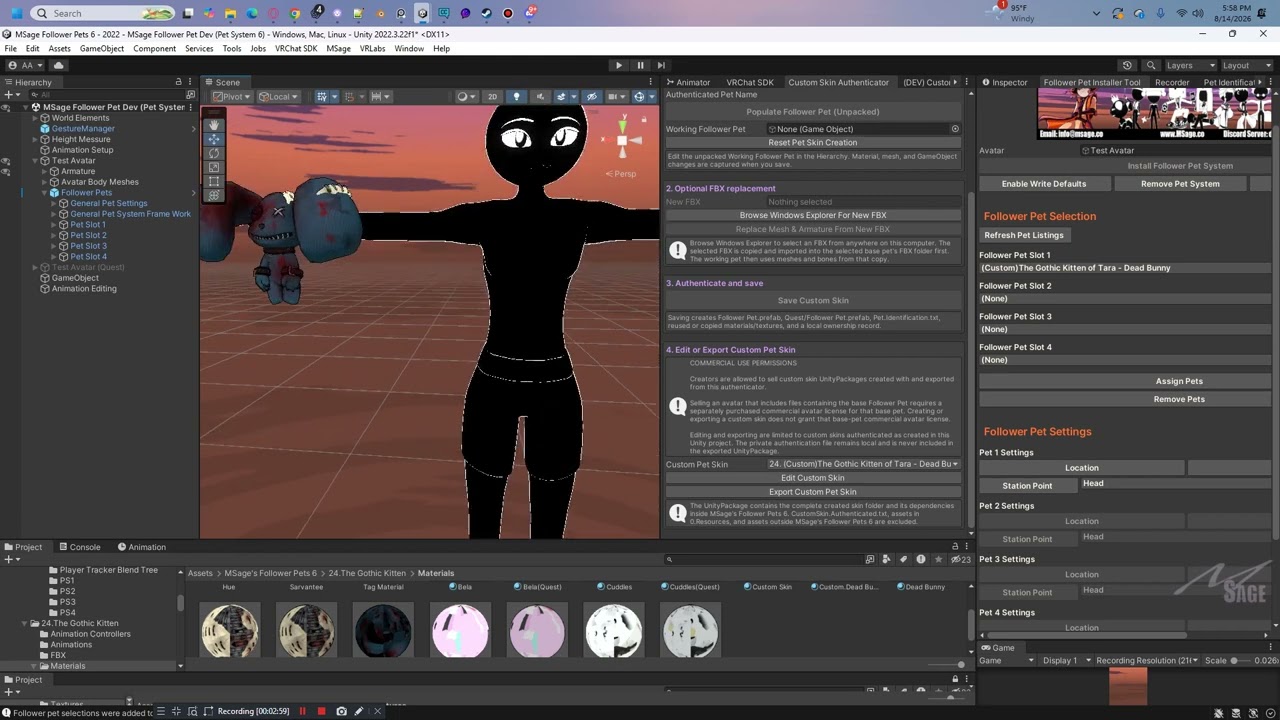
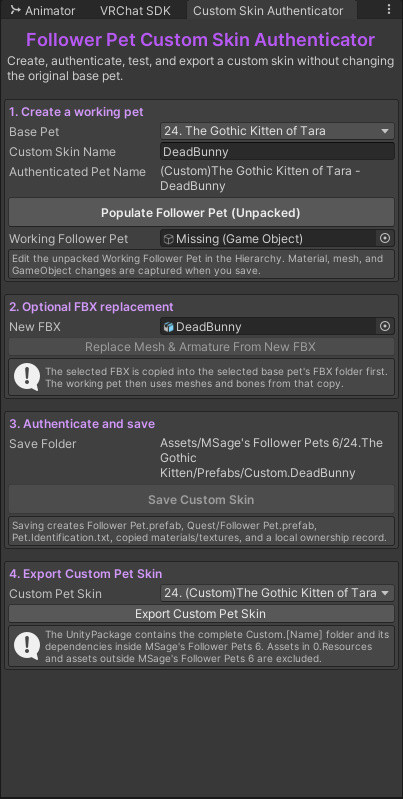
The included Follower Pet Custom Skin Authenticator turns a compatible MSage base pet into a safe, editable working copy. Customize its look without changing the original base-pet prefab, then save a complete PC and Quest-ready custom skin package.
Open it in Unity from MSage > Follower Pets > 3.Custom Skin Authenticator.
What the Authenticator Does
Creates an unpacked working copy of the base pet while leaving the original prefab unchanged.
Lets you edit materials, textures, meshes, and supported GameObjects directly in the Unity Hierarchy.
Optionally copies and imports a new FBX, then replaces the working pet’s mesh and armature while retaining the Follower Pet framework.
Saves a standard Follower Pet.prefab, a Quest Follower Pet.prefab, identification data, and the required material and texture assets.
Records the custom skin name and Skin Author so compatible installer tools can identify the skin correctly.
Lets you reopen and update custom skins authenticated in the same Unity project.
Exports the finished skin as a clearly named UnityPackage with its eligible dependencies.
Four-Step Creator Workflow
Create a working pet: Select a base pet, name your skin, enter the Skin Author, and populate an unpacked copy.
Customize it: Change the working pet in the Hierarchy, or optionally replace its mesh and armature with a new FBX.
Authenticate and save: Build the main and Quest prefabs, copy the needed assets, and generate installer-compatible identification data.
Edit or export: Reopen a locally authenticated skin or export it as a distributable UnityPackage.
Built for Safer Distribution
The exported UnityPackage contains the created custom-skin folder and eligible dependencies inside MSage’s Follower Pets 6. It excludes the private local authentication record, shared 0.Resources files, and assets outside the Follower Pets package folder. This helps prevent base-system resources or unrelated project files from being included by mistake.
The tool also creates a Quest prefab with Quest-friendly material copies. Creators should still test both PC and Quest versions in Unity and VRChat and confirm that their model meets current platform performance requirements.
Creator Permissions and License Limits
You may sell custom-skin UnityPackages that you create with and export from the Custom Skin Authenticator.
Authentication records the skin-creation workflow in your local Unity project; it does not transfer ownership of the MSage base pet or grant permission to redistribute protected base-pet files outside the exported custom-skin package.
Selling an avatar that contains files from the base Follower Pet requires a separately purchased commercial avatar license for that specific base pet. You are also responsible for having permission to use and distribute every model, texture, and other asset you add to your skin.
Before You Install
You will need:
A VRChat avatar Unity project
The supported VRChat SDK and Unity version
A compatible MSage Follower Pet
Basic familiarity with editing and uploading a VRChat avatar
Please consult the included documentation for current dependency, controller, and Write Defaults requirements.
Installation
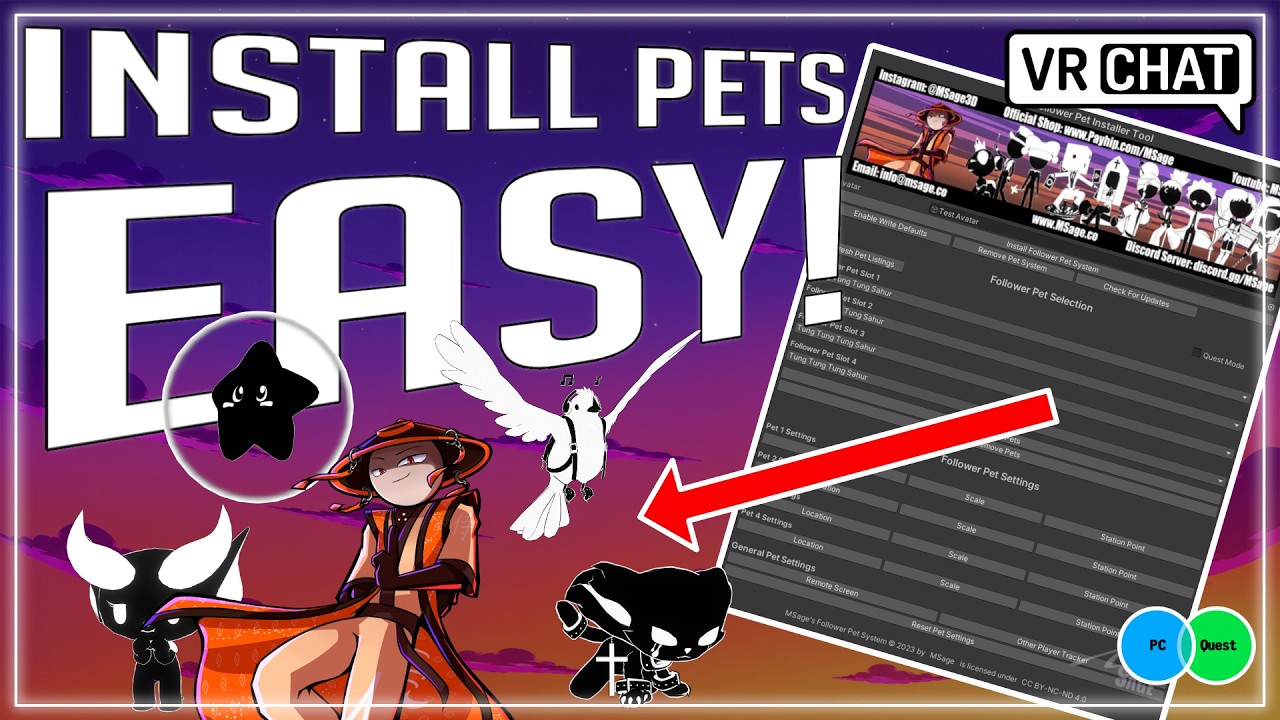
A complete step-by-step tutorial is included with the system.
In short:
Import the free Base System into your avatar project.
Add the supplied pet system components to your avatar.
No. This is the free system that allows compatible MSage Follower Pets to work. Pets are purchased separately.
Do I need to install the system again for every pet?
The base system prepares your avatar for compatible pets. The precise process for adding or switching pets depends on the current system version and the pet package.
Does it work on Quest?
Yes, when the individual pet includes a Quest-compatible prefab. Quest versions may use reduced materials or animations, and the remote camera is not available.
Can other players interact with my pet?
Supported pets can include grabbing, petting, following, and other interactions. Both players may need avatar interactions enabled.
Can I create or sell my own custom pet skins?
Yes. You may sell custom-skin UnityPackages created with and exported from the included Custom Skin Authenticator. You must own or be licensed to use every asset you add. This permission does not grant ownership of the MSage base pet or a commercial avatar license.
Will the Authenticator change my original pet?
No. It populates an unpacked working copy for your edits and saves the custom skin into its own folder. Your original base-pet prefab remains unchanged.
Can avatar creators install this on avatars they sell?
Only with the applicable commercial avatar license for each base pet included with the avatar. Creating or exporting a custom skin does not grant that separate license.
Where can I get help?
For installation support, updates, and announcements, visit [The Sage 3D Dojo].
Ready to Meet Your New Companion?
Download the system for free, prepare your avatar, and discover the growing collection of MSage Follower Pets.
For more information about my work as a 3D Character Artist, or if you'd like to get in touch with me, please feel free to check out my website! https://www.msage.co
-MSage
The Sage 3D Dojo. A place where trust worthy 3D Artist & 2D Artists can be found, and commissions can be submitted! https://discord.gg/JgSDpP8
Resell any assets or assets created using files from this package.
Sell edited/modified assets/avatars using this product.
Share files from this product, as this product is an exclusive product.
If this option is available on this product, this allows you to use the assets in this package on avatars that you are selling! Please note, that you must let your customers know that they will need to purchase this package as a stand alone product from me, if they would like to use the product on other Avatars.
This product is licensed, not sold. Purchasing or downloading this product grants you only the rights provided under the Personal License or Avatar License selected at the time of purchase.
No Creative Commons license applies to this product.
You may not copy, share, redistribute, resell, sublicense, upload, publish, or provide access to the original or modified product files except where expressly permitted under the applicable Avatar License.
All rights not specifically granted in these Licensing and Terms of Use remain exclusively reserved by MSage.
By using this website, you agree to our use of cookies. We use cookies to provide necessary site functionality and provide you with a great experience.
Thank you!
Your message has been successfully sent
Thank you!
Your form has been submitted. Please check your email for a copy of your responses. If you're accepted, you'll receive an email with a link to checkout.
Could not add item to cart
Write a Review
After purchase you are sent an email receipt which includes your download page link. Please visit that download page to submit a review for this product.