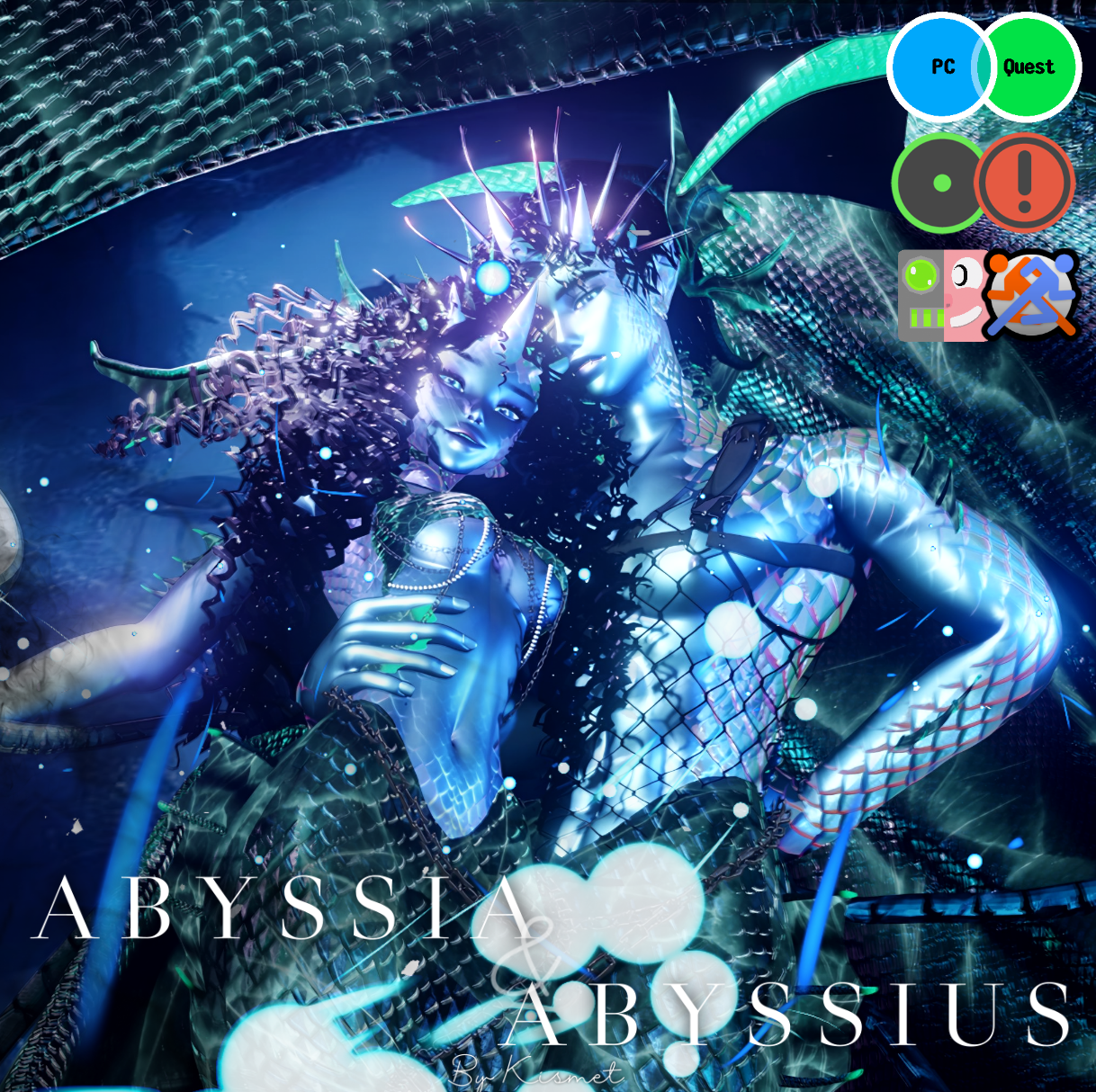

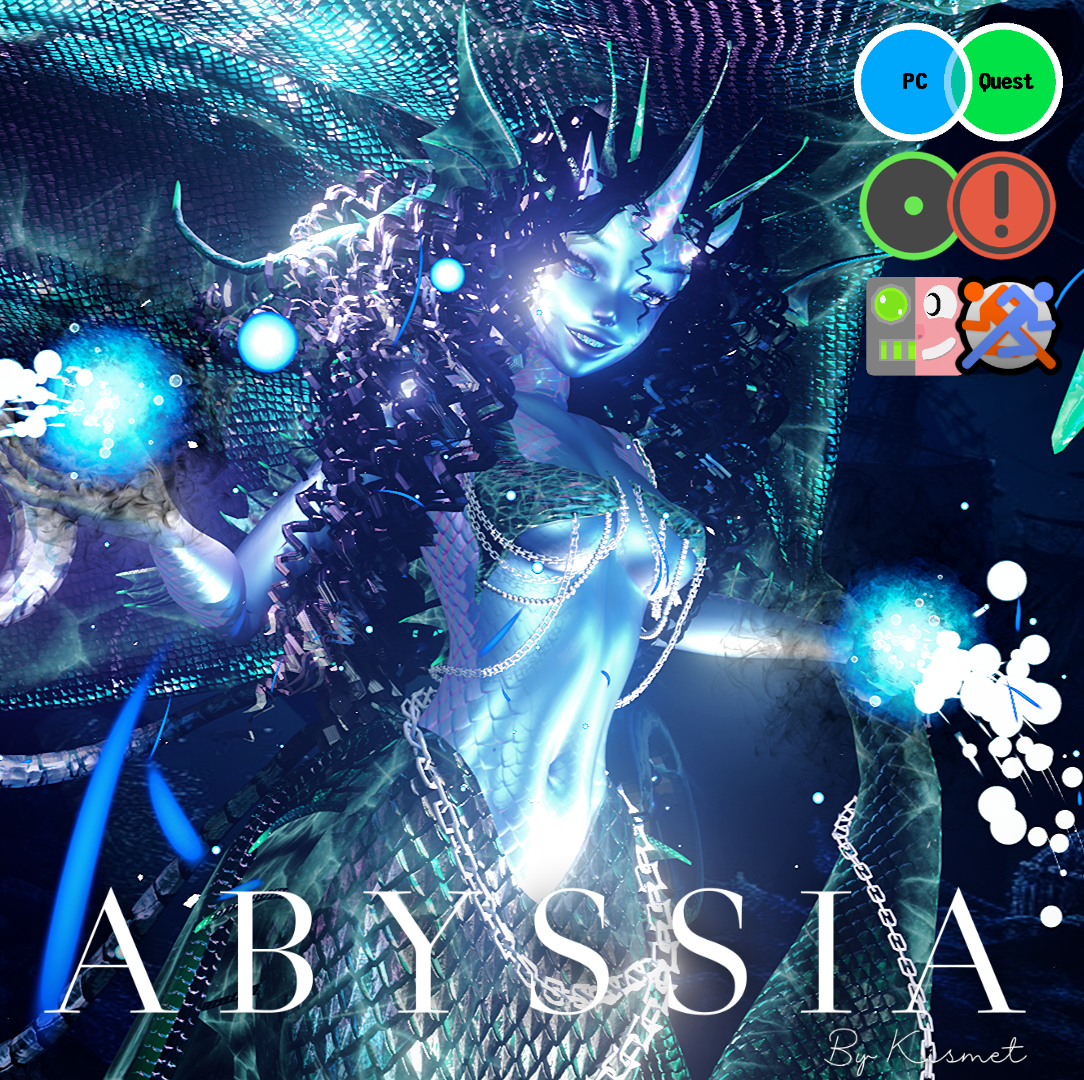
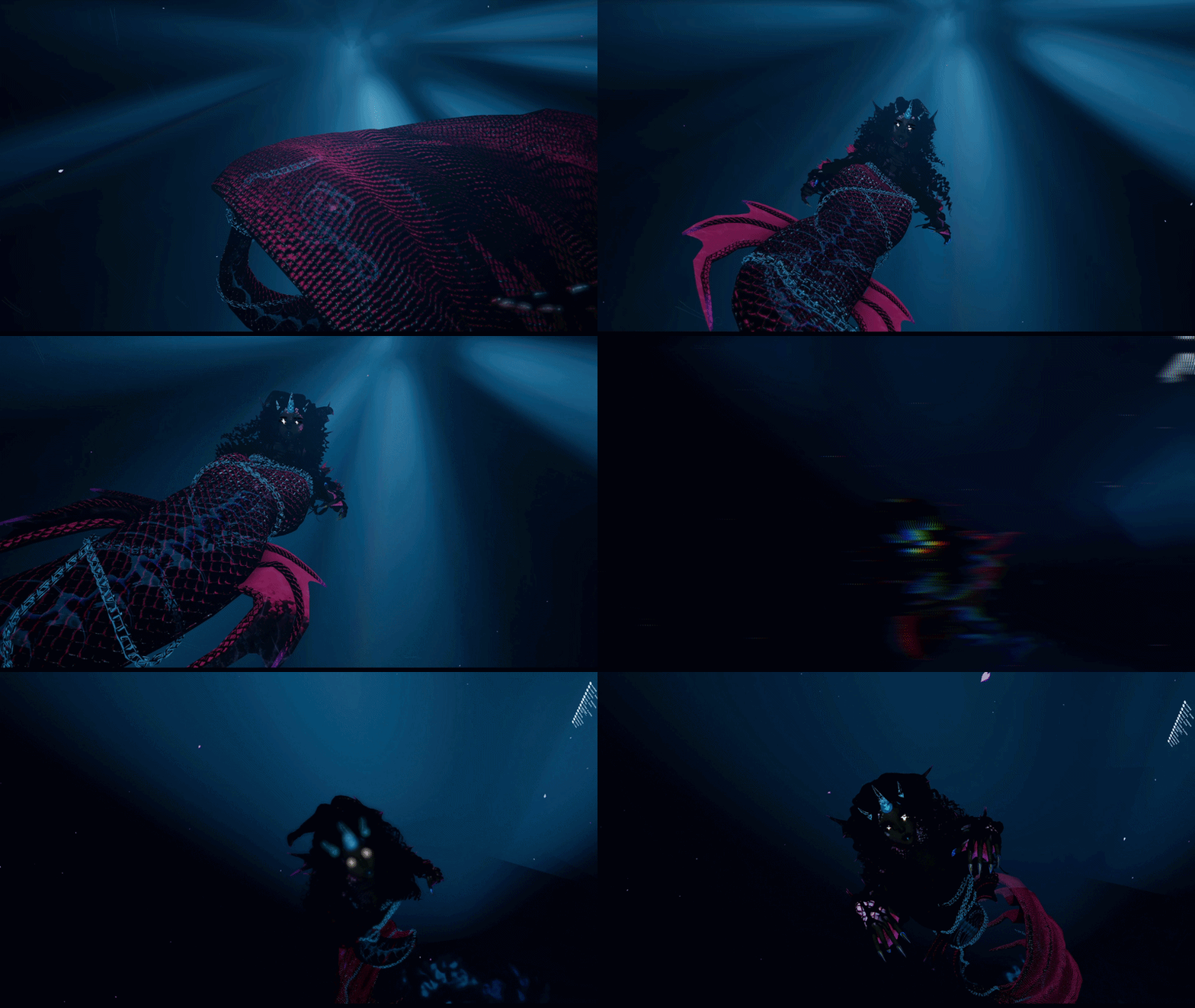
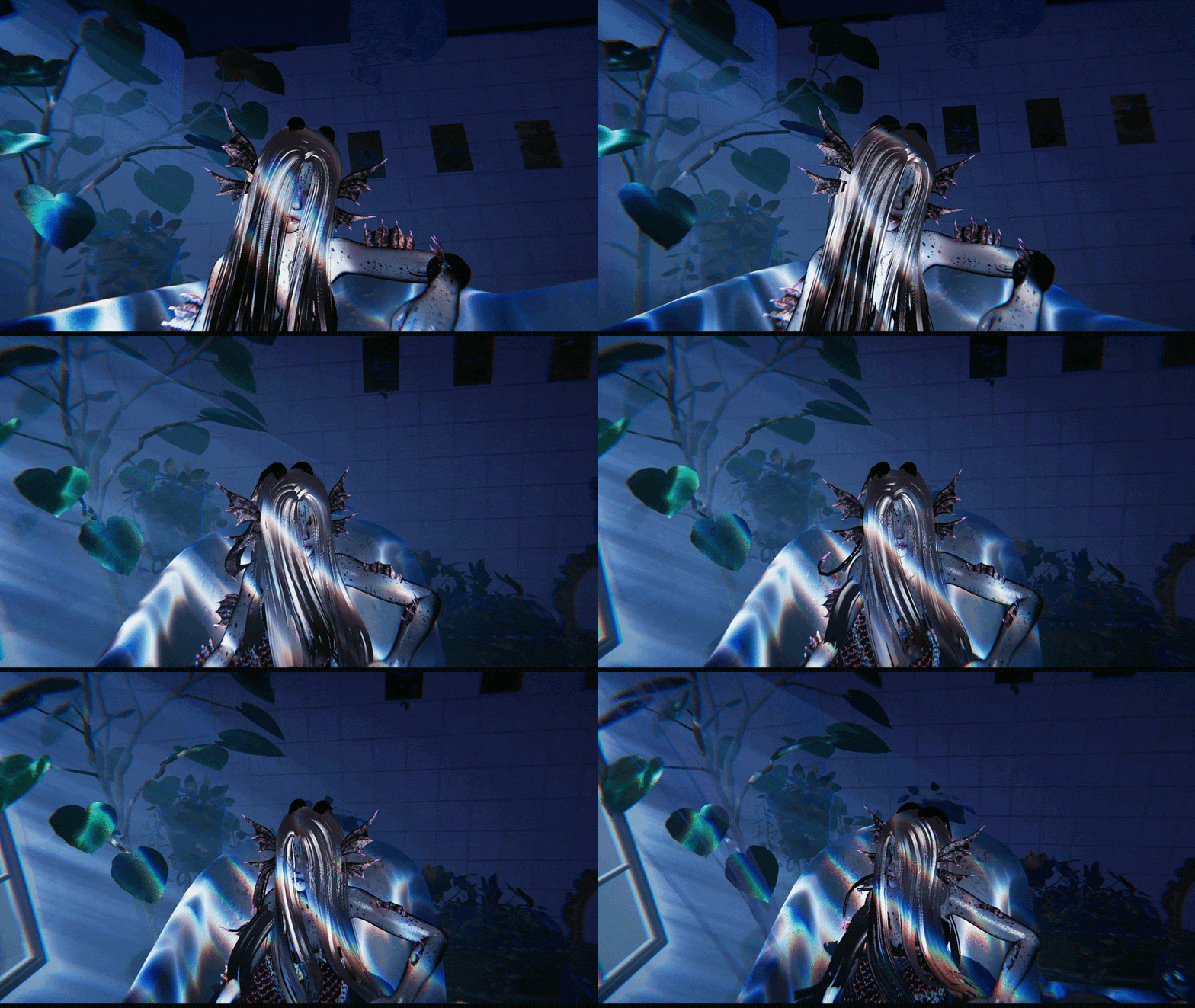
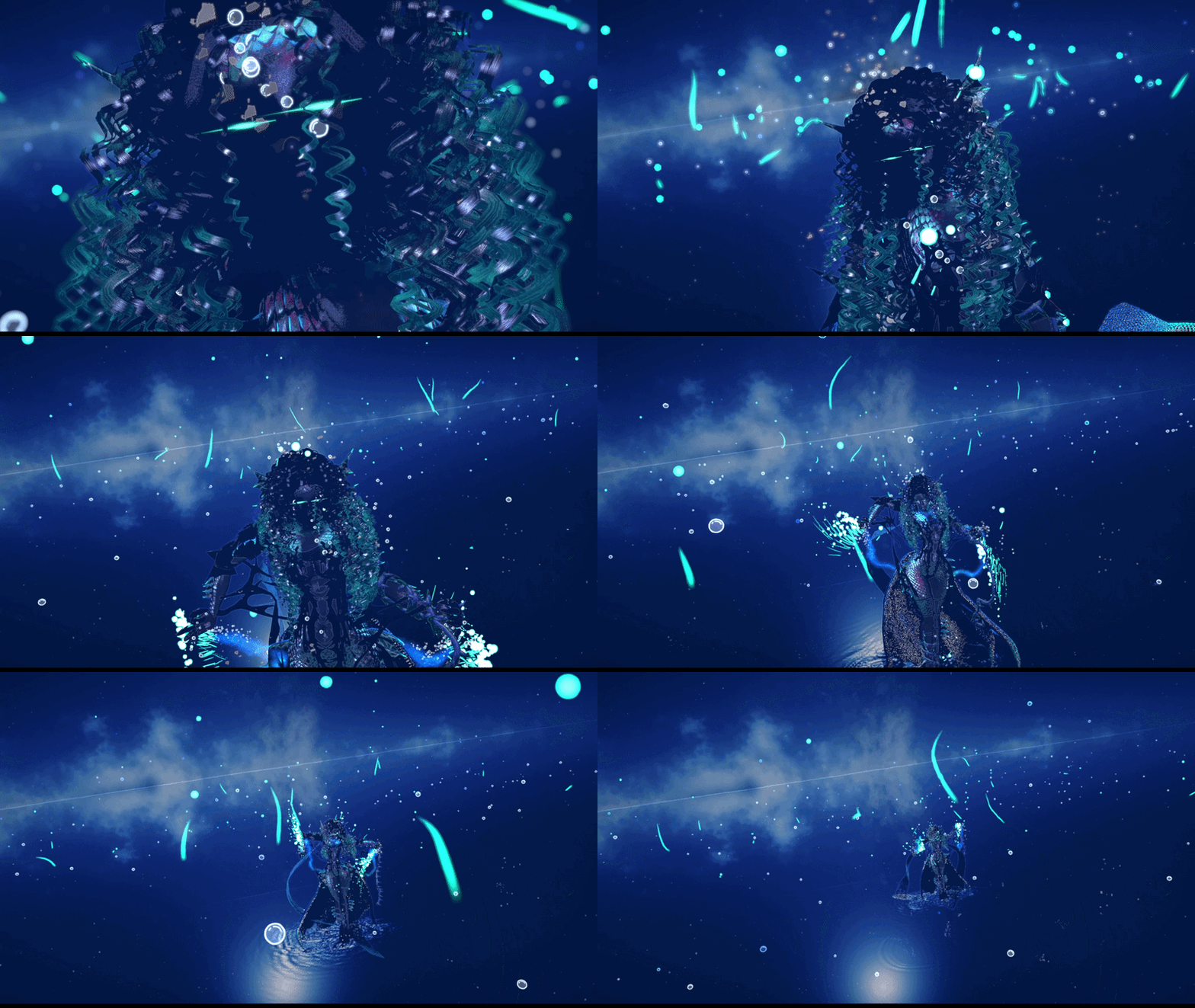
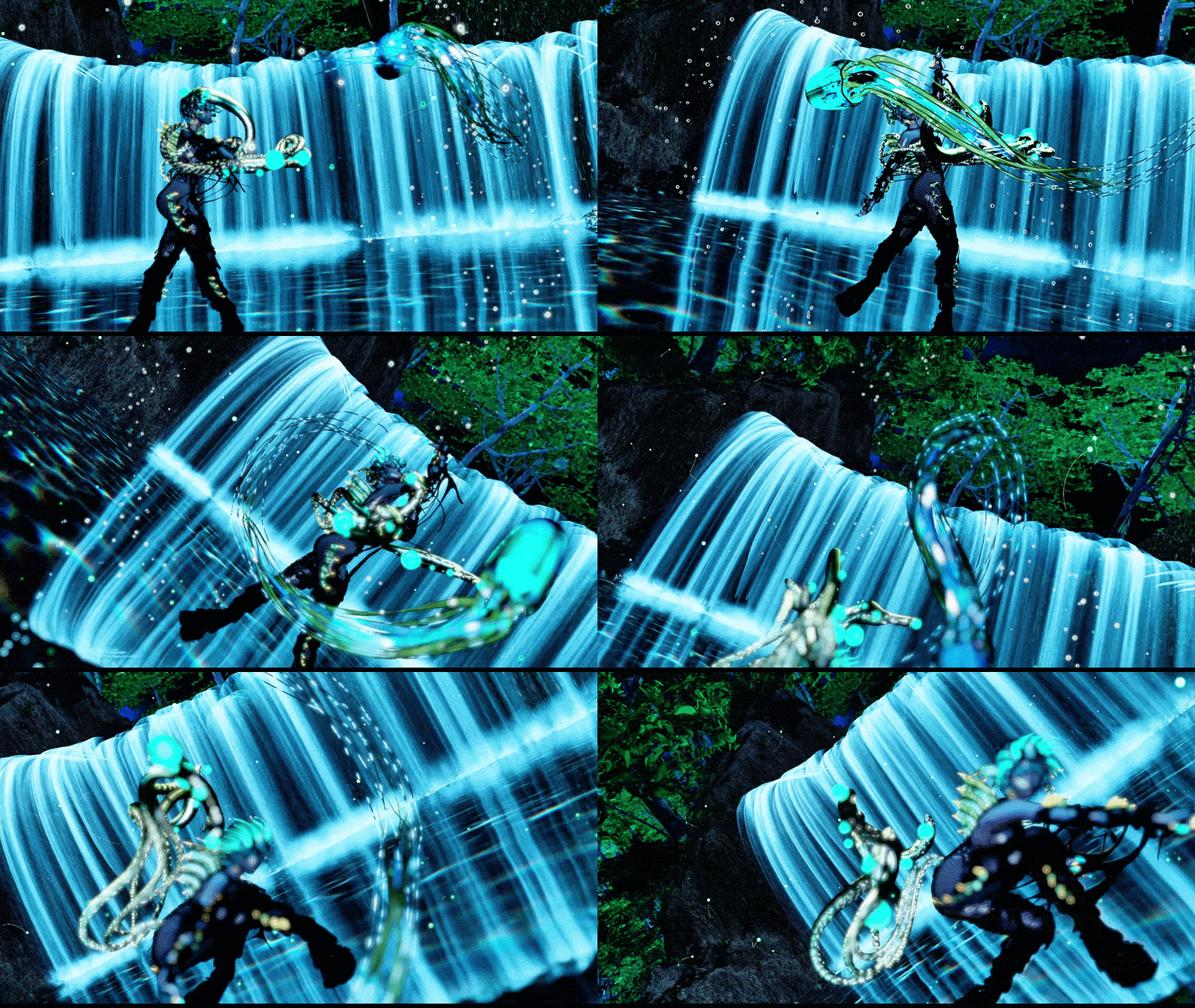

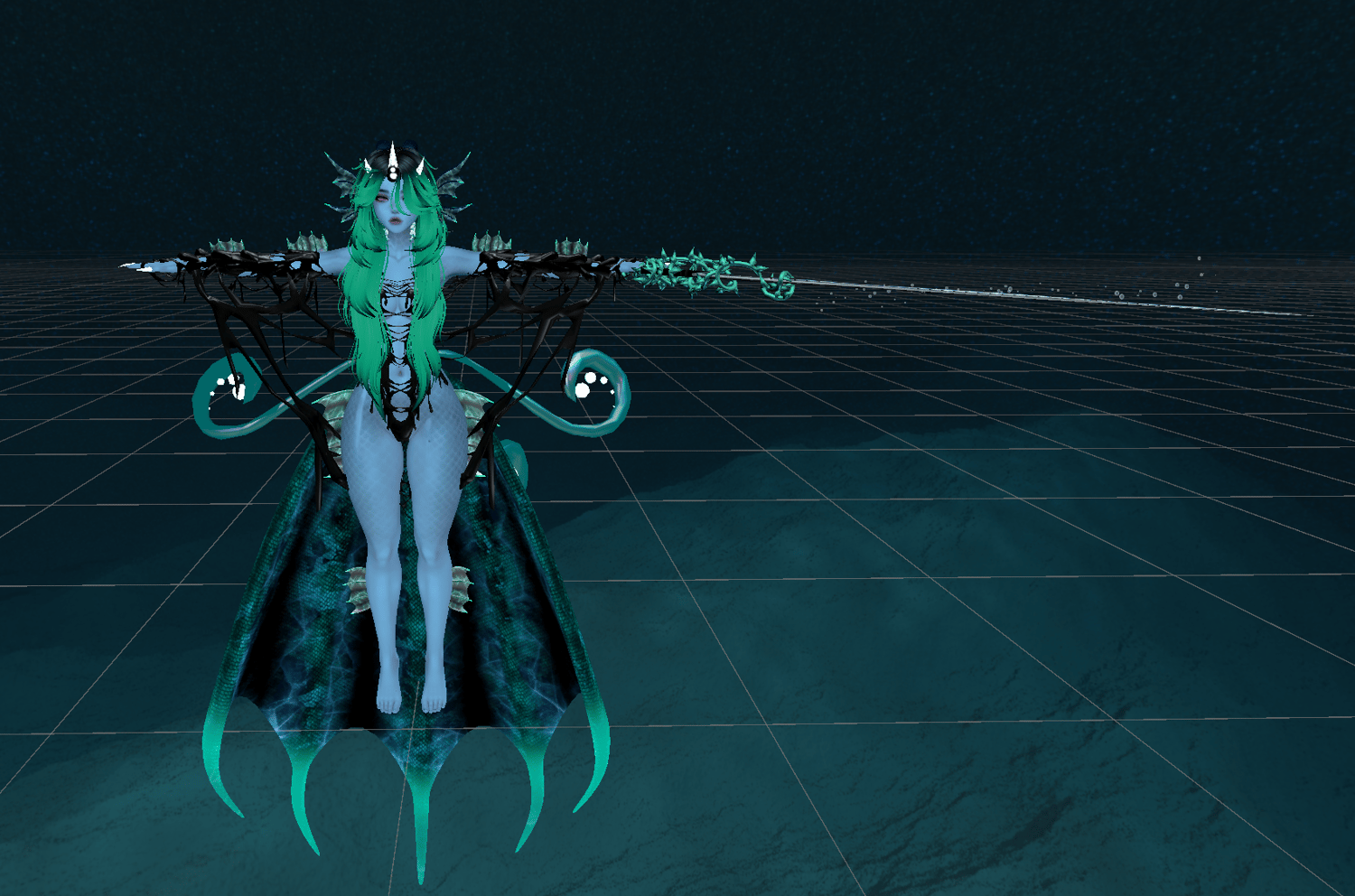
Abyssia The Eldritch Siren
Upload Instructions: Create a new 2022 project in the Creator Companion, add Poiyomi Toon Shader, VRCFury, SPS/Wholesome Dependencies (on the SPS/NSFW version), Jerrys FT Templates (For FT Versions) and then import the package. Open the new scene provided, and upload!~
Please have basic unity knowledge to complete the upload. There are free uploads in my discord server for those who cannot upload it themselves. FAQ is at the bottom of the page.
Couple Set: https://payhip.com/b/PpNsz
Male Counterpart: https://payhip.com/b/ghkd1

Idle Blink!
PC/Quest!
GogoLoco!
Audio Link!
Squish Bones!
Face Tracking!
Dissolve Toggles!
Custom Special FX!
Tons of Customization!
Dancer and Opti Versions!
Many Unique, From Scratch Assets!
Includes 6 versions!!!
Full Version:
Has everything!
Dancer (No FX):
Has less accessories and no props/particles to save stats!~
Optimized:
Green Rated with base clothing and effects; perfect for club going!
Face Tracking:
Has Face Tracking.
SPS:
18+ Features.
Quest:
Quest compatible with no particles/effects due to quest restrictions.
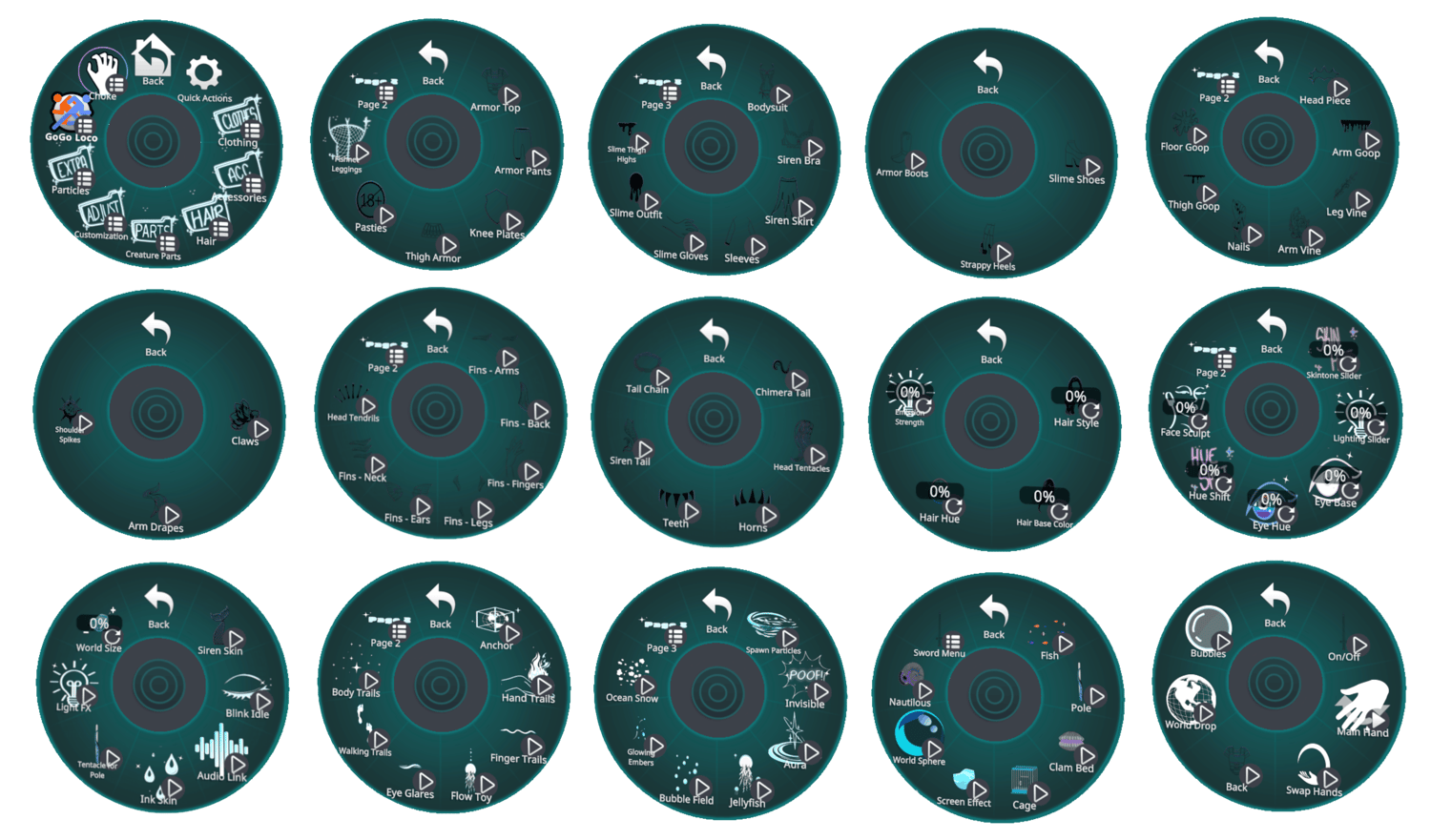
CLOTHING
Armor Top
Armor Pants
Knee Plates
Thigh Armor
Pasties
Fishnet Leggings
Bodysuit
Siren Bra
Siren Skirt
Sleeves
Slime Gloves
Slime Outfit
Slime Thigh Highs
Slime Shoes
Strappy Boots
Armor Boots
ACCESSORIES
Head Piece
Arm Goop
Leg Vine
Arm Vine
Nails
Thigh Goop
Floor Goop
Sword
Claws
Arm Drapes
Shoulder Spikes
HAIR OPTIONS
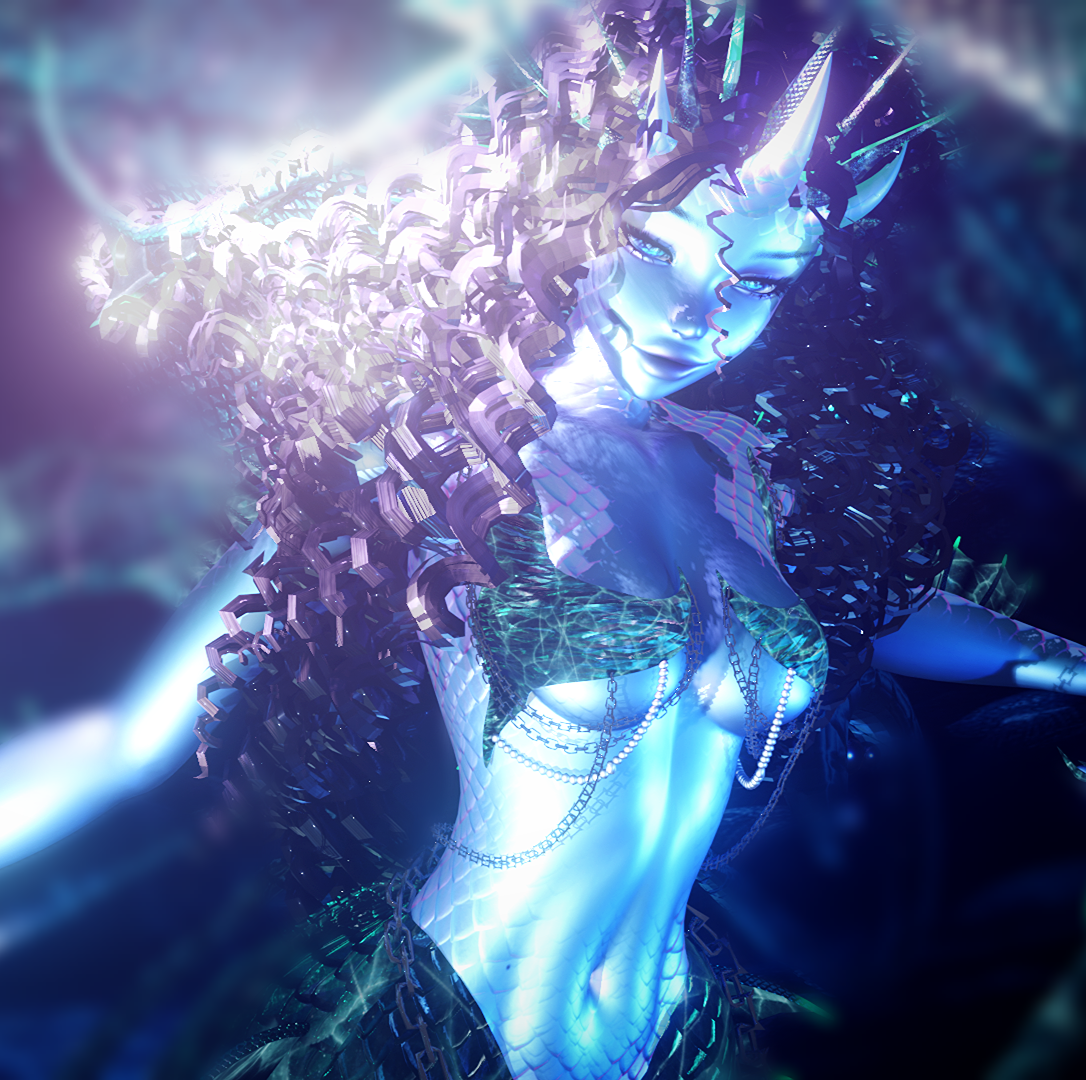
Curly Hair
Long Straight Hair
Wavy Hair
Short Hair
Hair Hue Slider
Hair Emission Slider
20 Base Hair Colors
CUSTOMIZATION
Skintone Slider
Lighting Adjustment
Eye Hue Slider
25 Eye Bases
Hue Slider
Face Sculpt Slider
Siren Skin
Blink Idle
Audio Link
CREATURE PARTS
Fins (Arms, Legs, Neck, Back, Fingers)
Siren Ears
Head Tentacles
Head Tendrils
Horns
Sharp Teeth
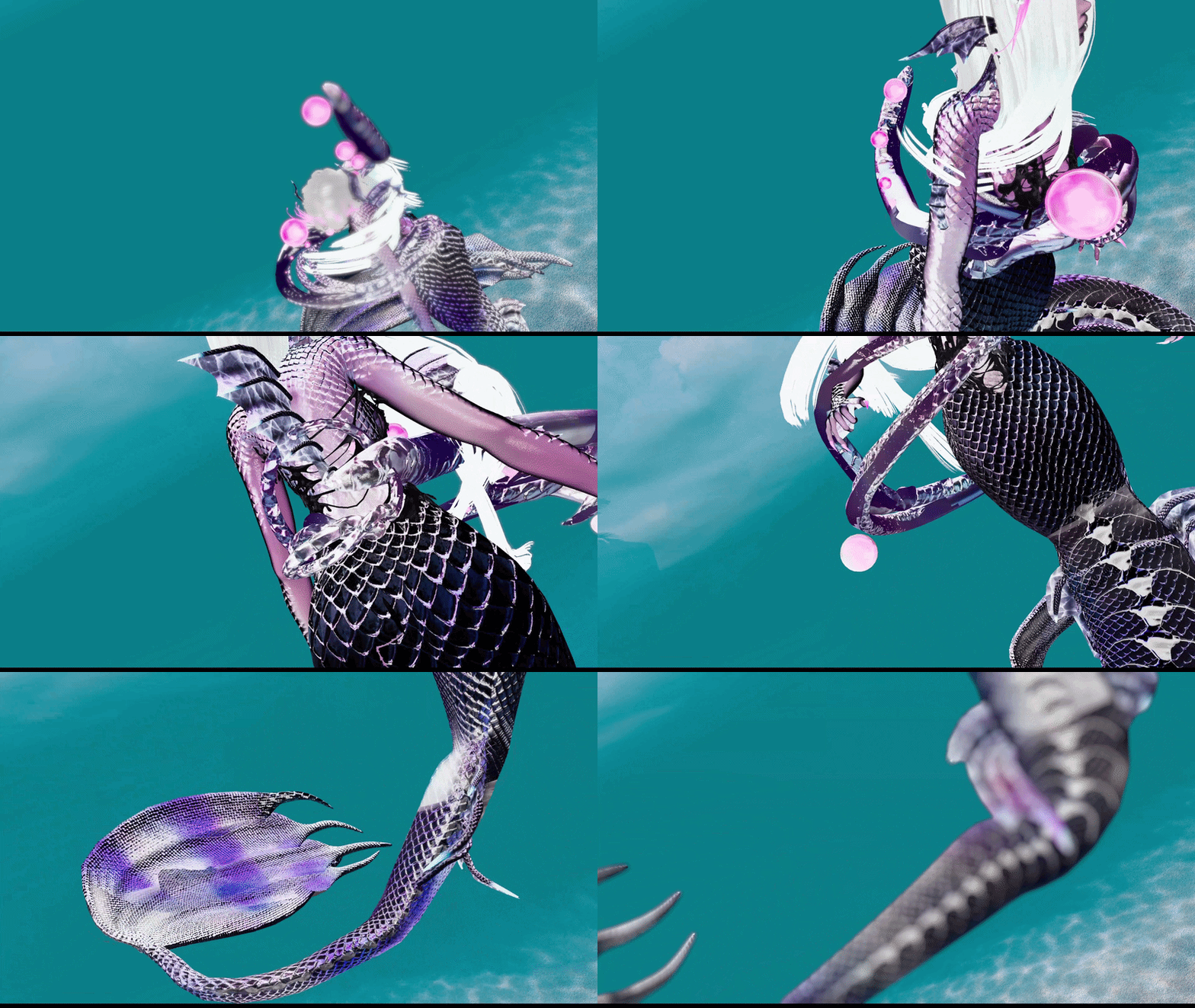
Siren Tail
Chimera Tail
Tail Chain
PARTICLES AND PROPS
Dynamic Hand Trails
Finger Trails
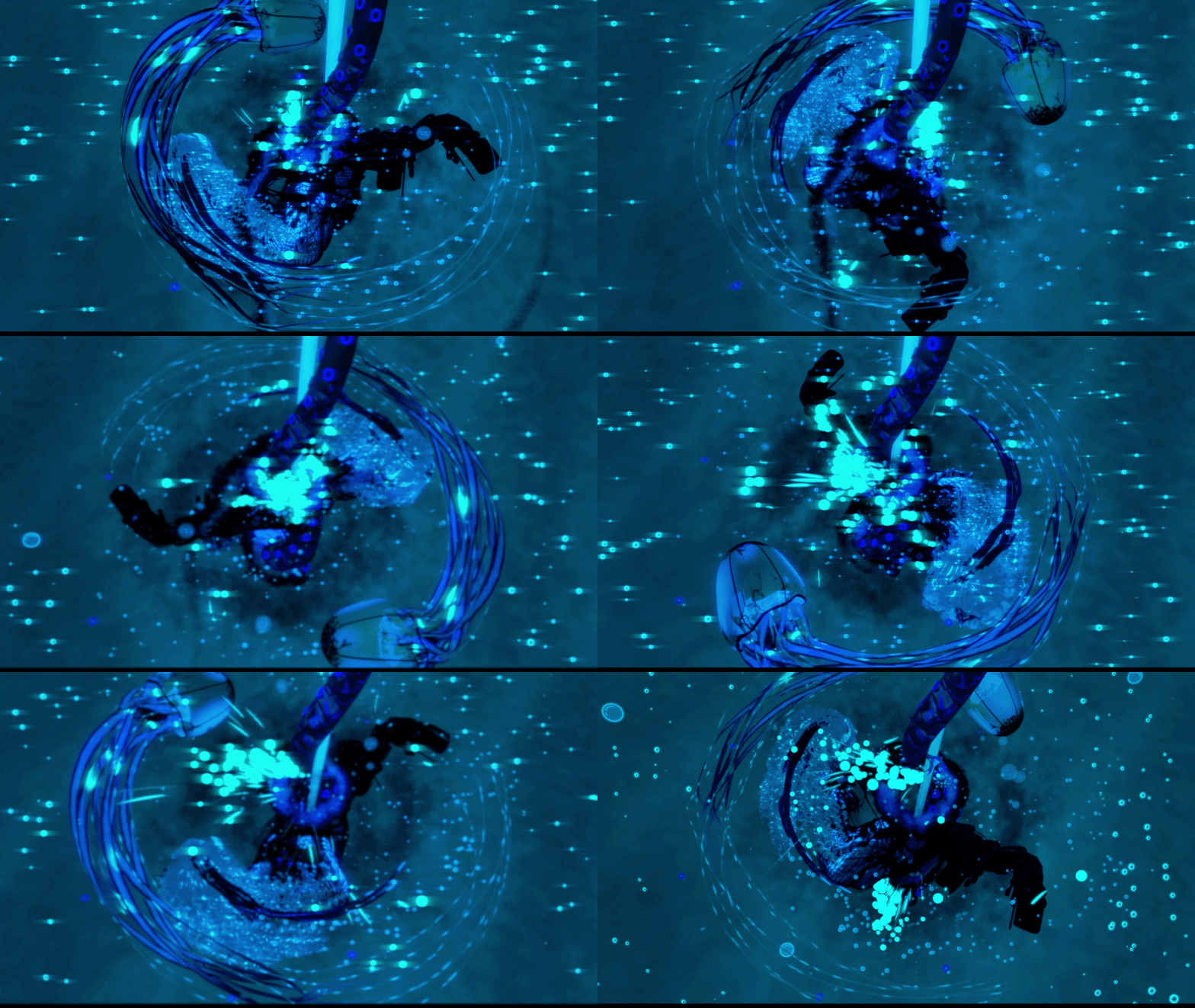
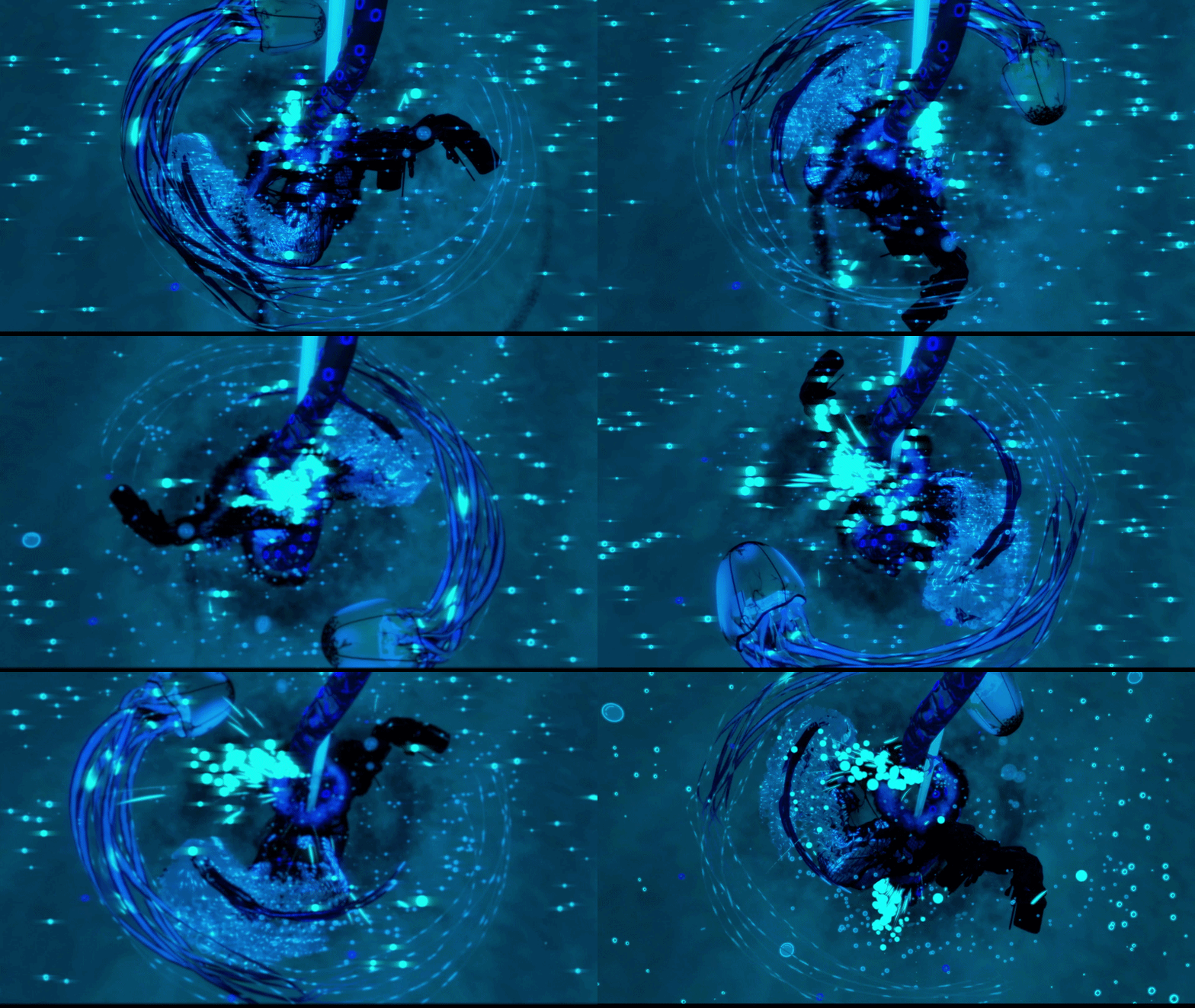
Jellyfish Flow Toy
Eye Glares
Algae Walking Trails
Dynamic Body Trails
Spawn Particles
Invisibility
Smoking Tide Aura
Jellyfish Idle Particles
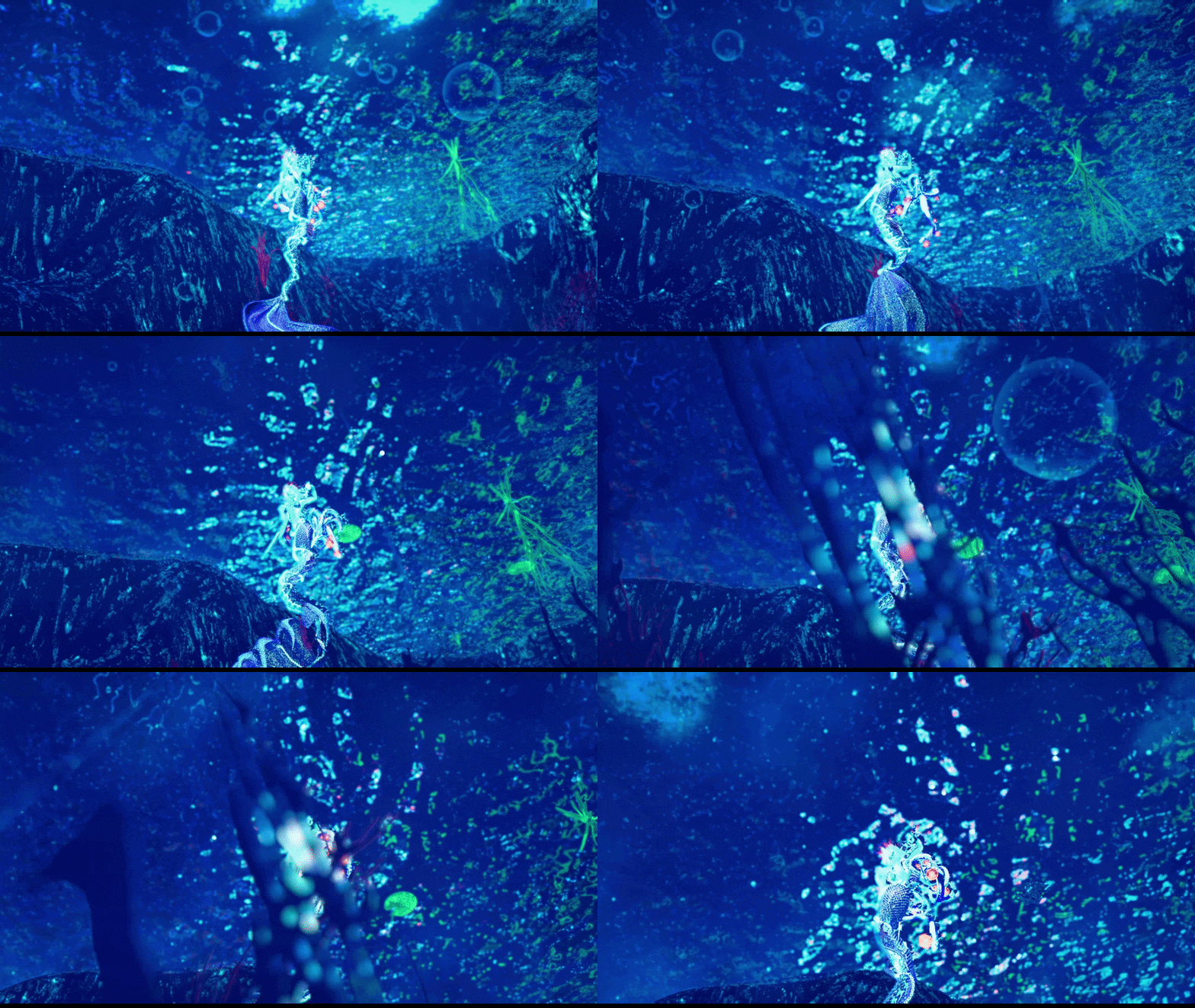
Bubble Field
Glowing Embers
Ocean Ambiance Flakes
Fish
Tentacle Pole
Clam Bed
Abyssal Tentacle Cage
Water Screen Effect
Deep Dark World Setting
Abyssal Nautilus Follower
Choke System
Sword with velocity bubbles, back/hands swap, and world drop
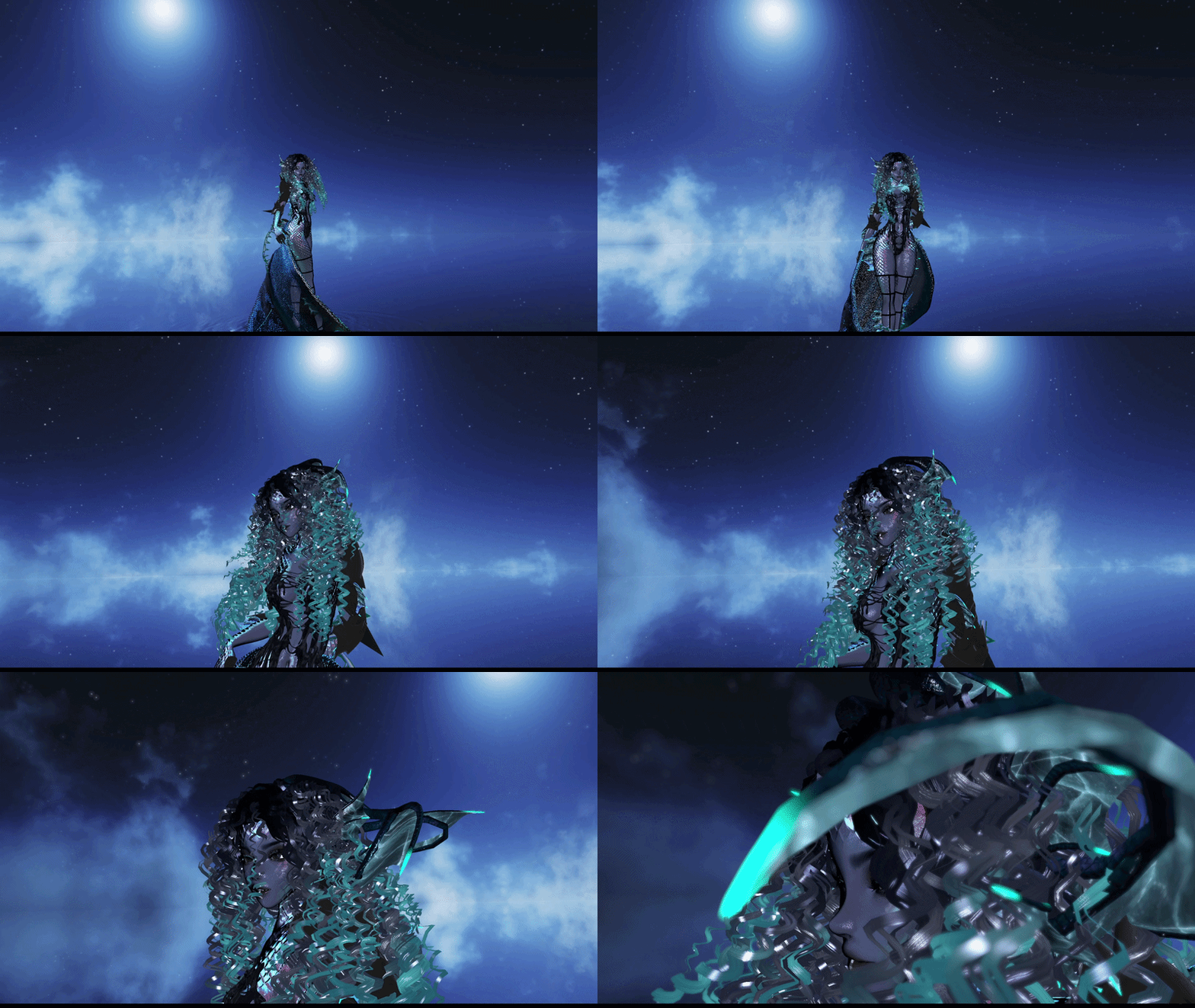
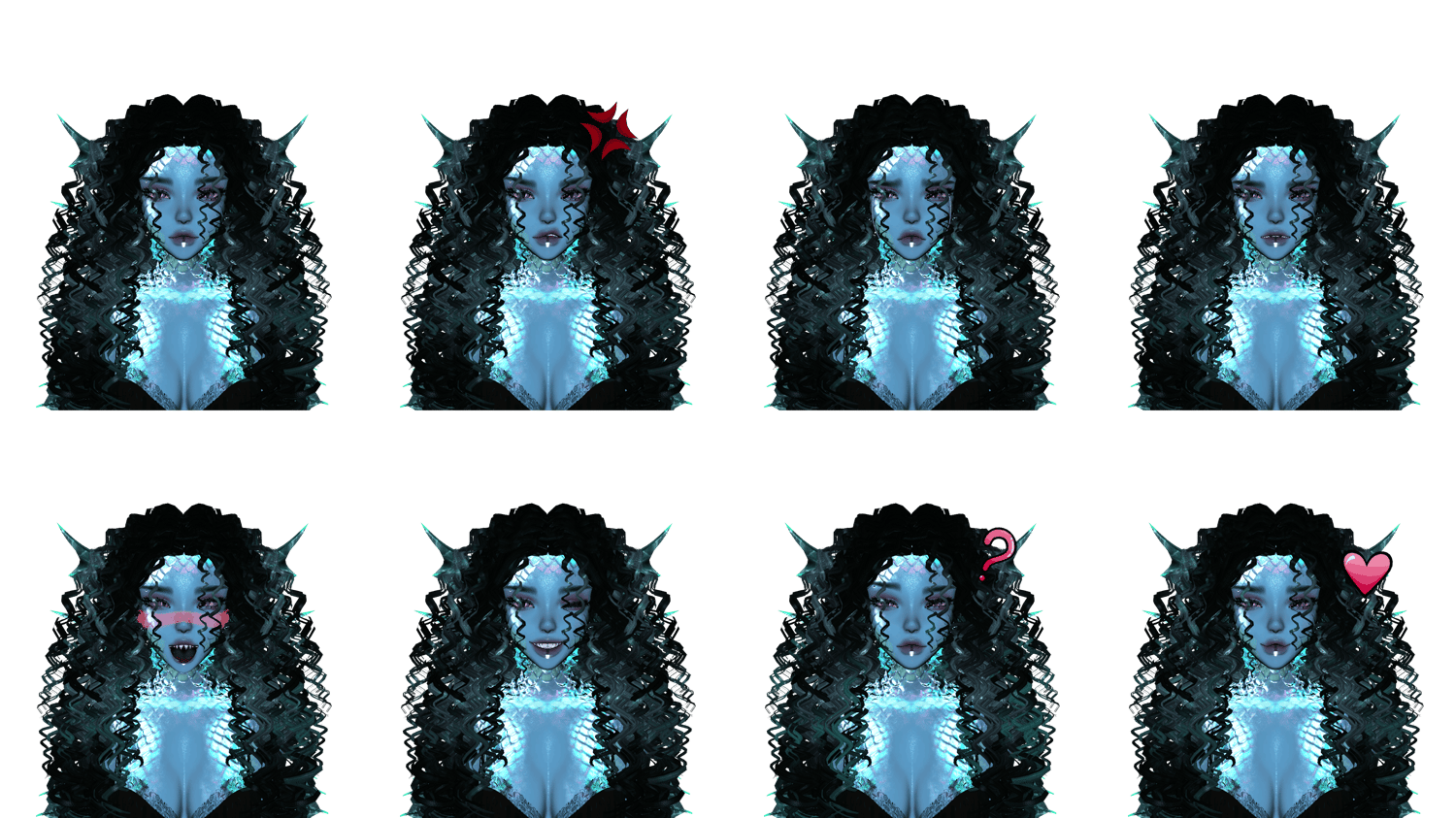
GREEN OPTIMIZED VERSION
HAIR OPTIONS
Hair Hue Slider
Hair Emission Slider
20 Base Hair Colors
CUSTOMIZATION
Skintone Slider
Lighting Adjustment
Eye Hue Slider
25 Eye Bases
Hue Slider
Face Sculpt Slider
Siren Skin
Blink Idle
Audio Link
CREATURE PARTS
Fins
Siren Ears
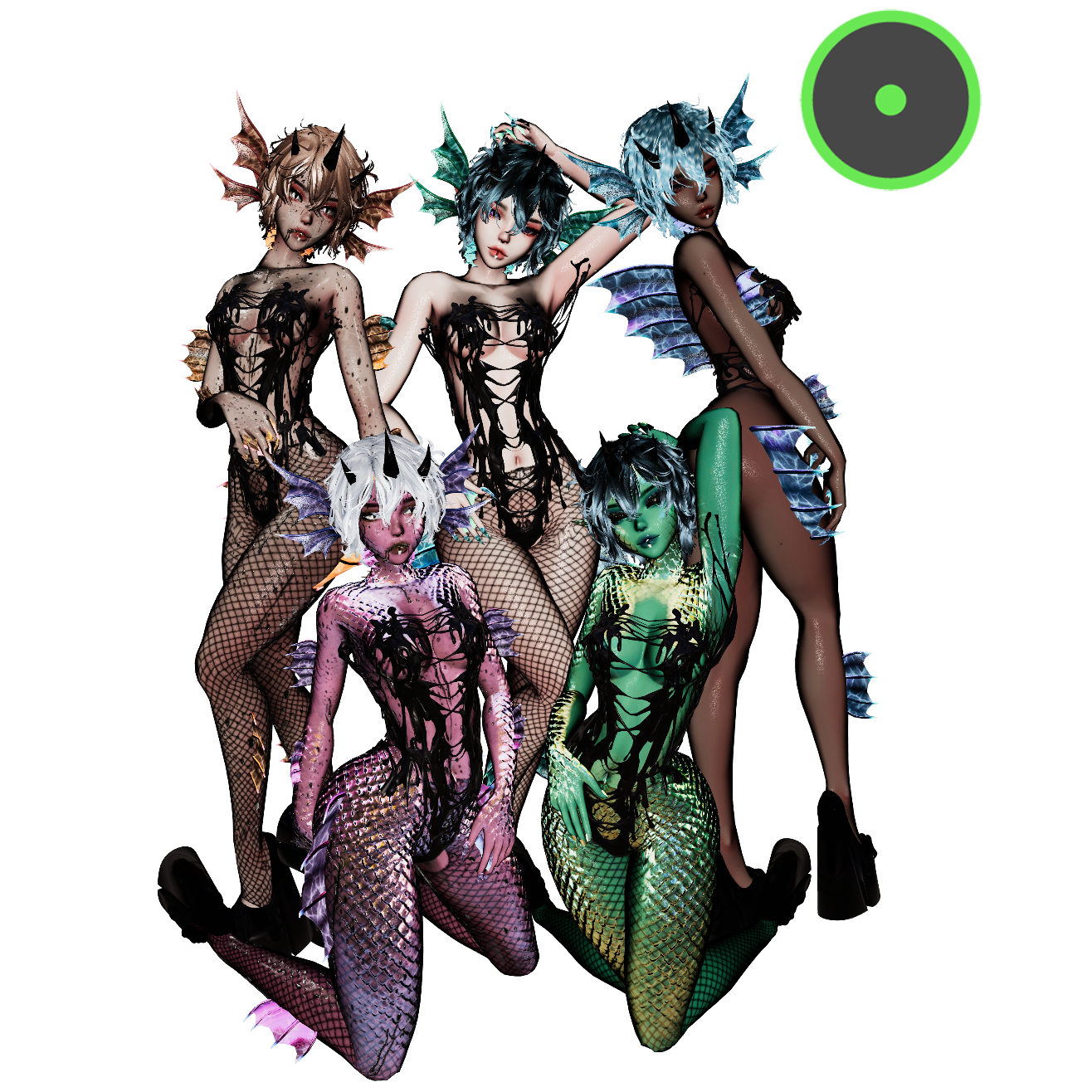
QUEST VERSION
Credits:
Body, Fishnet Leggings - https://zinpia.sellfy.store/p/vrbase-egirl/
Head, Hair, - https://saikura.com
Armor, Bodysuit, Sleeves, Slime Outfit, Strappy Boots, Head Piece, Vines, Claws, Arm Drapes, Sword - https://cringy.store
Bodysuit, Siren Bra, Siren Skirt, Nails, Fins, Mermaid Tail, Fins (Arms, Legs, Neck, Back, Fingers) - https://payhip.com/corpsegore
Choke System - https://liindy.gumroad.com
MetaMonkeys Jellyfish - https://booth.pm/en/items/3860331
Water Screen Effect made using Leviant ShaderBase Icons: https://kinntten.gumroad.com/
Base Icons 2: https://bremmy.gumroad.com/
Quest Conversion by Genkeisprincess
Gogo Loco - https://franadavrc.gumroad.com
Follower System: https://hfcred.gumroad.com
Head Tendrils, Horns, Chimera Tail, Dynamic Hand Trails, Finger Trails, Jellyfish Flow Toy, Eye Glares, Algae Walking Trails, Dynamic Body Trails, Spawn Particles, Smoking Tide Aura, 2/3 Jellyfish, Bubble Field, Glowing Embers, Ocean Ambiance Flakes, Fish, Tentacle Pole, Clam Bed, Abyssal Tentacle Cage, Deep Dark World Setting, Abyssal Nautilus Follower, Velocity bubbles/Sword System, Custom Icons, Showcase recording and editing by Kismet
FAQ:
Q: Why are materials pink?
A: You likely imported poiyomi twice or wrong. To fix, click on the material, click on the shader type, and set it to poiyomi. Alternatively, it could be the wrong version.
Q: I got a pop up upon import that asked if I want to reload the scene. Should I?
A: Nope! The scene is a prefab, so just open the fresh scene!
Q: I got a popup when I was uploading that said 'error loading blueprint', how do I fix this?
A: Select your avatar, and on the right side of your unity window, you'll see an option that says "Detach Blueprint." Just click that!
Q: I can't see half of the particle effects, such as the aura, the screen effect, or world objects.
A: Place the Anchor!~ I constraint all of my world effects on a mutual anchor for the sake of productivity and convenience.
TOS:
Do not claim avatar or any parts as your own.
Do not make public or resell.
Do not share or trade this avatar, limit 1 avatar per purchase.
No ripping assets/shaders/anything else from this avatar, please purchase them separately.
All sales are final.
Please be a nice person UwU.
Any questions? feel free to reach out to me in my discord server!
Please report any bugs! I push out updates!
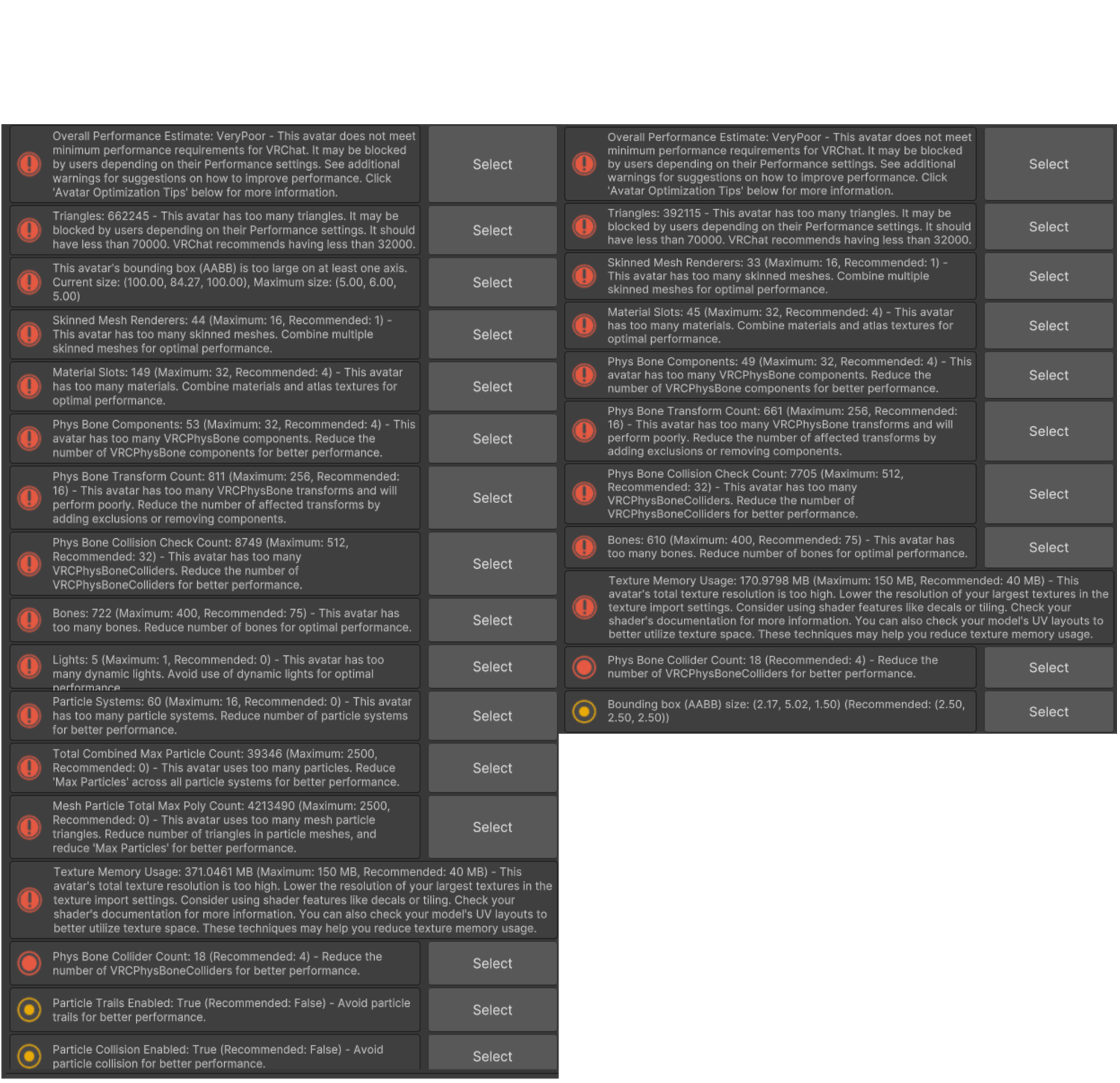
Specs:
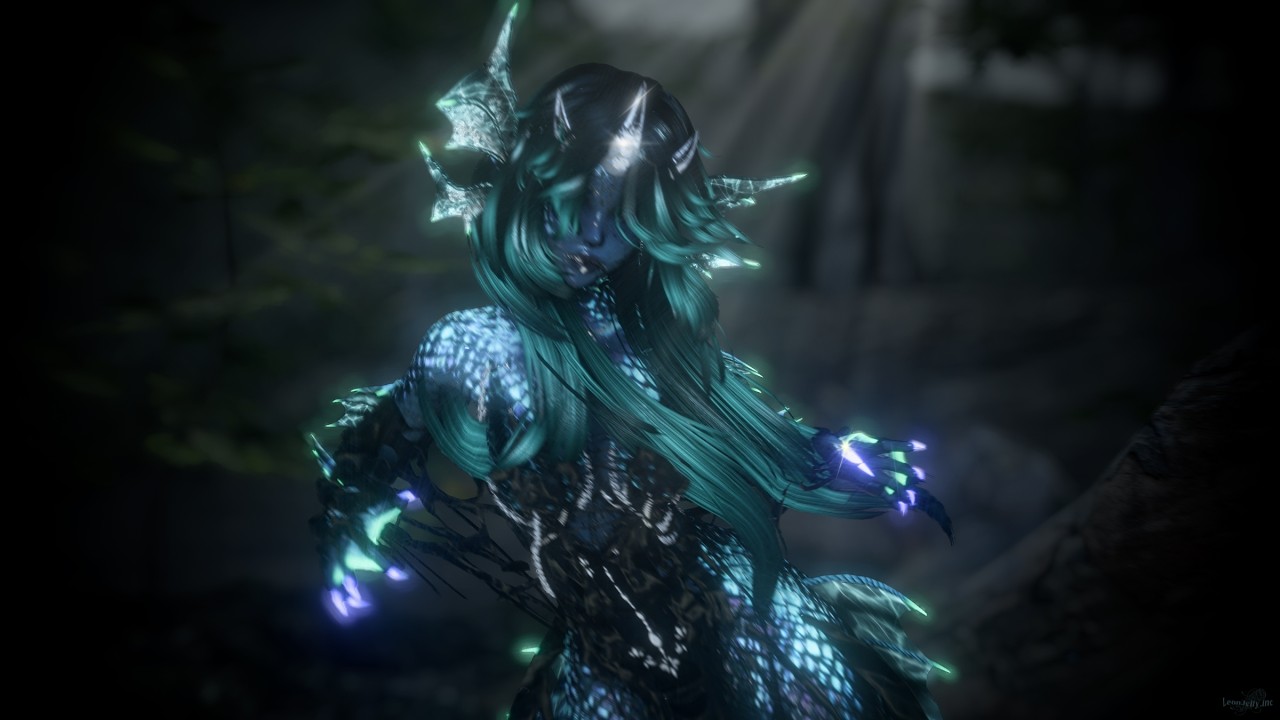
Render by Syundead
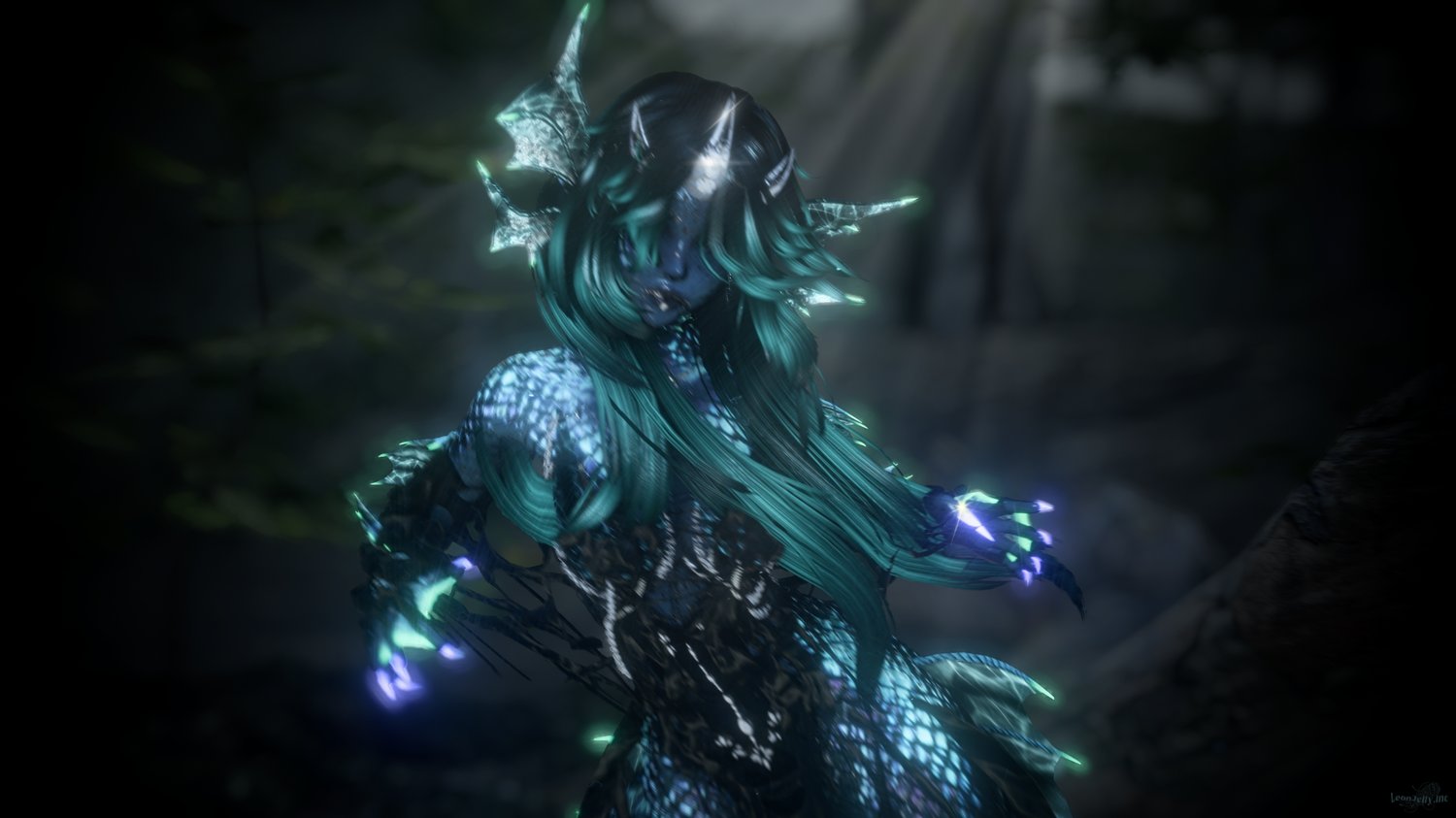
Photo by Leon