
CCTV Lens, Field of View & Pixel Density (DORI) Calculator (Excel)
Check every camera on a CCTV project against its DORI target in one Excel schedule, instead of typing cameras one by one into a web calculator.
What it does
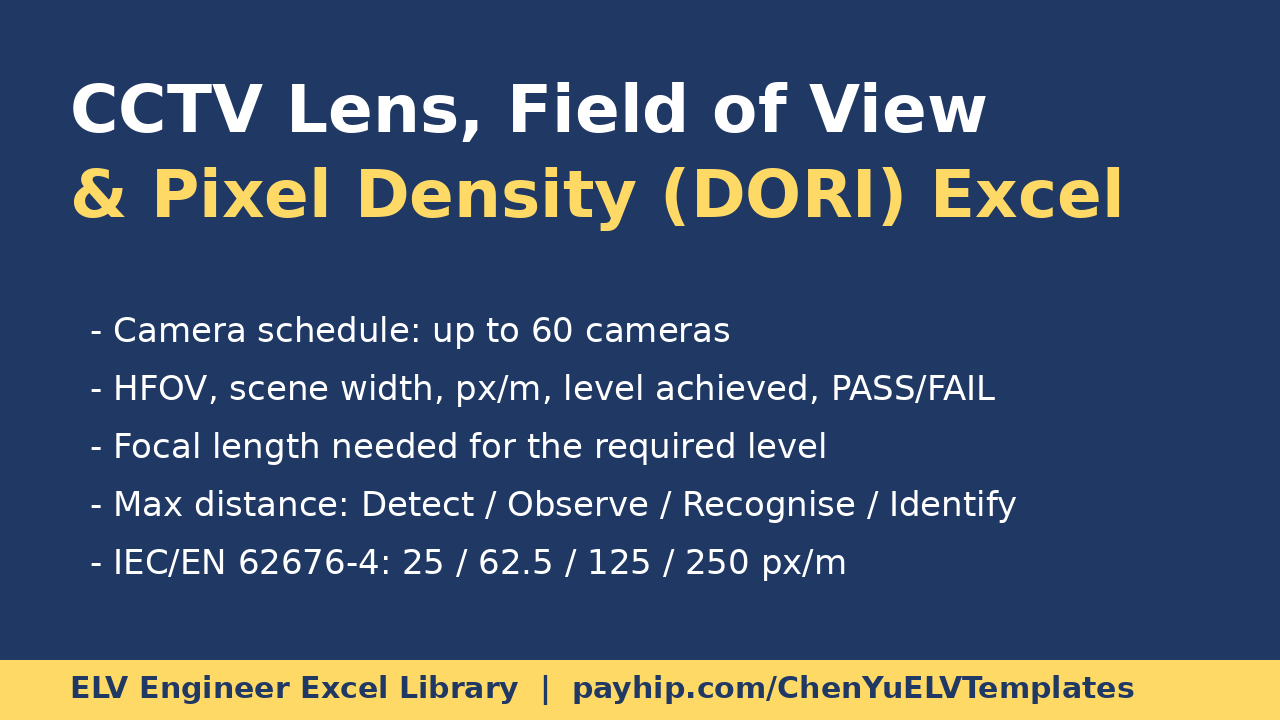
- Camera Schedule: up to 60 cameras. Pick sensor format and resolution from drop-downs, enter lens focal length, target distance and the required level.
- For each camera: horizontal field of view, scene width at the target, pixel density (px/m), the DORI level achieved, and PASS / FAIL against the required level.
- Lens finder: the focal length needed to reach the required level at that distance.
- Maximum distance for Detection, Observation, Recognition and Identification for each camera.
- DORI Levels: IEC / EN 62676-4 pixel densities pre-filled (25 / 62.5 / 125 / 250 px/m) and editable for your specification.
- Sensors and Resolutions: typical sensor widths (1/3" to 1") and resolutions (2MP to 12MP), with custom rows for your datasheet values.
- Summary: number of cameras checked and failing.
Worked example: 4MP (2688 px), 1/2.8" sensor, 4 mm lens, target at 10 m: scene width 13.4 m, 200 px/m -> Recognition. Formulas visible and editable; yellow cells are inputs, blue cells are calculated. Works in Excel and LibreOffice.
Made by an experienced ELV / low-voltage design engineer (30,000+ CAD drawings). A planning aid - lighting, angle, motion and compression reduce real results; confirm with the manufacturer's tools and a site test.
Want every calculator? The Complete ELV Engineer Excel Library: https://payhip.com/b/R0uyW
Free quick calculator (CCTV storage, PoE budget, voltage drop): https://payhip.com/b/PUG1b
Step-by-step guide: CCTV Pixel Density and DORI