
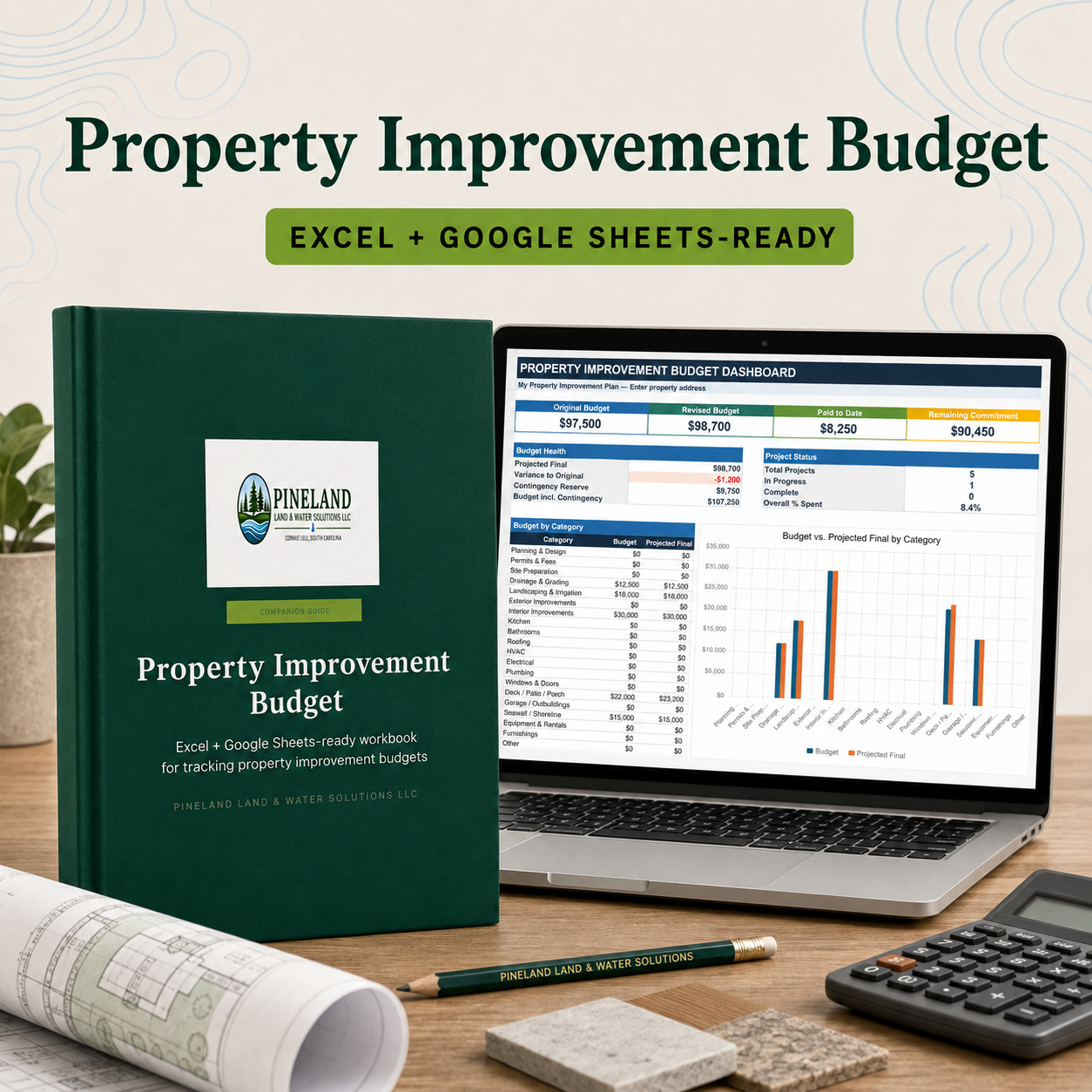
Property Improvement Budget Spreadsheet
Property improvements rarely happen one at a time. Drainage, landscaping, shoreline work, decks, outbuildings and interior projects can overlap, making it difficult to understand the total commitment or see where costs are changing.
The Property Improvement Budget Spreadsheet gives property owners one organized place to plan individual improvements, compare contractor bids, record contracts and change orders, track invoices and payments, monitor schedules and review the overall budget.
The formula-driven Dashboard summarizes original and revised budgets, paid-to-date totals, remaining commitments, projected final costs, contingency, project status and spending by category. Example data is included so you can see how the system works before replacing it with your own information.
What is included
- Editable Microsoft Excel workbook
- Google Sheets-ready design using standard formulas
- Formula-driven project dashboard and category chart
- Main project register with capacity for up to 149 improvements
- Original budget, approved contract and change-order tracking
- Automatic paid-to-date and remaining-commitment calculations
- Projected-final-cost, variance and percent-spent calculations
- Invoice and payment log with capacity for up to 300 entries
- Contractor and proposal comparison worksheet
- Weighted scoring for price, scope, schedule, warranty and confidence
- Customizable categories, status options and priorities
- Six-page illustrated Quick Start Guide
- Customer README and license information
Best for
- Homeowners managing several improvement projects
- Rural, wooded and lakefront property owners
- Owners planning drainage, landscaping, shoreline, deck or outbuilding work
- Property managers tracking budgets, invoices and contractor proposals
- Anyone who wants a clearer record before approving additional work
File formats and compatibility
The package includes an XLSX workbook and PDF Quick Start Guide. Microsoft Excel provides the most consistent appearance. The workbook can also be uploaded to Google Drive and opened in Google Sheets. Chart spacing, colors or font metrics may vary slightly after conversion. No macros, scripts, external data connections or add-ins are required.
Important limitation
This is an organizational and preliminary budgeting tool. It does not provide accounting, tax, legal, financial, engineering, construction or contractor advice and does not verify project costs, qualifications or contract terms.