

4K NO COMPRESSION (TIKTOK)
On Sale
€15.00
€15.00
🎥 TikTok Compression Bypass Guide 🧩
Tired of your videos looking blurry and low-quality after uploading to TikTok?
This guide explains how the compression bypass patch works, why it’s effective, and everything you need to know to keep your uploads looking sharp, smooth, and professional. ✨
1. Why TikTok Compresses Videos ❓
By default, TikTok applies heavy compression to:
- reduce file sizes,
- speed up loading,
- and standardize formats.
👉 The downside: your video often looks pixelated, loses fluidity, and colors become washed out.
The bypass patch makes TikTok “believe” your file is already perfectly optimized.
➡️ This way, the platform applies far less compression, preserving most of the original quality.
2. What This Changes ✨
- ✅ Sharper output with fewer visible pixels.
- ✅ Smooth motion preserved at 60FPS.
- ✅ Accurate colors and contrast closer to the original.
- ✅ A professional, high-end look right after upload.
3. Quality After Upload 📊
With the patch, the difference is immediate:
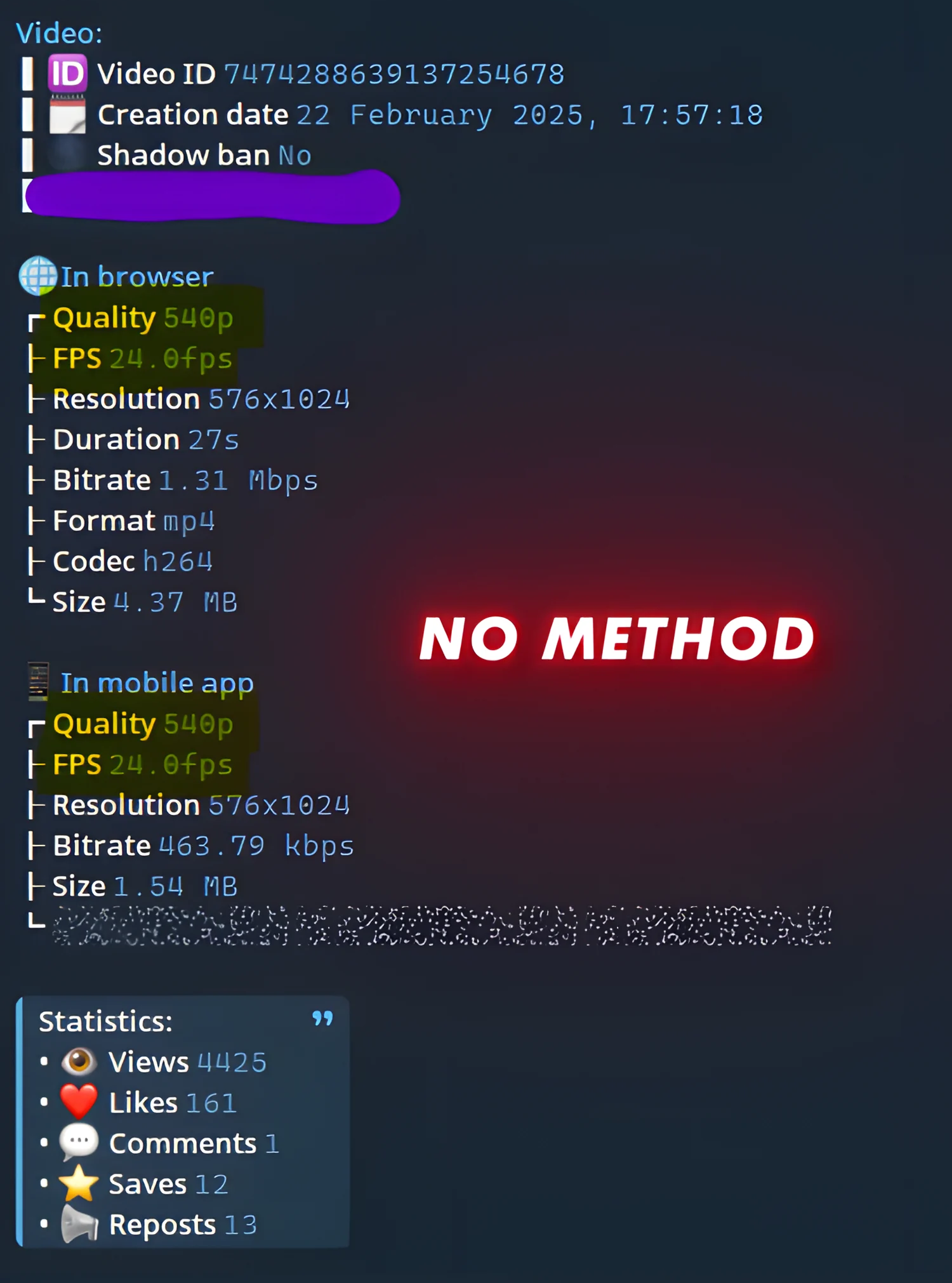
- 🔹 Without patch → your upload is limited to 540p.
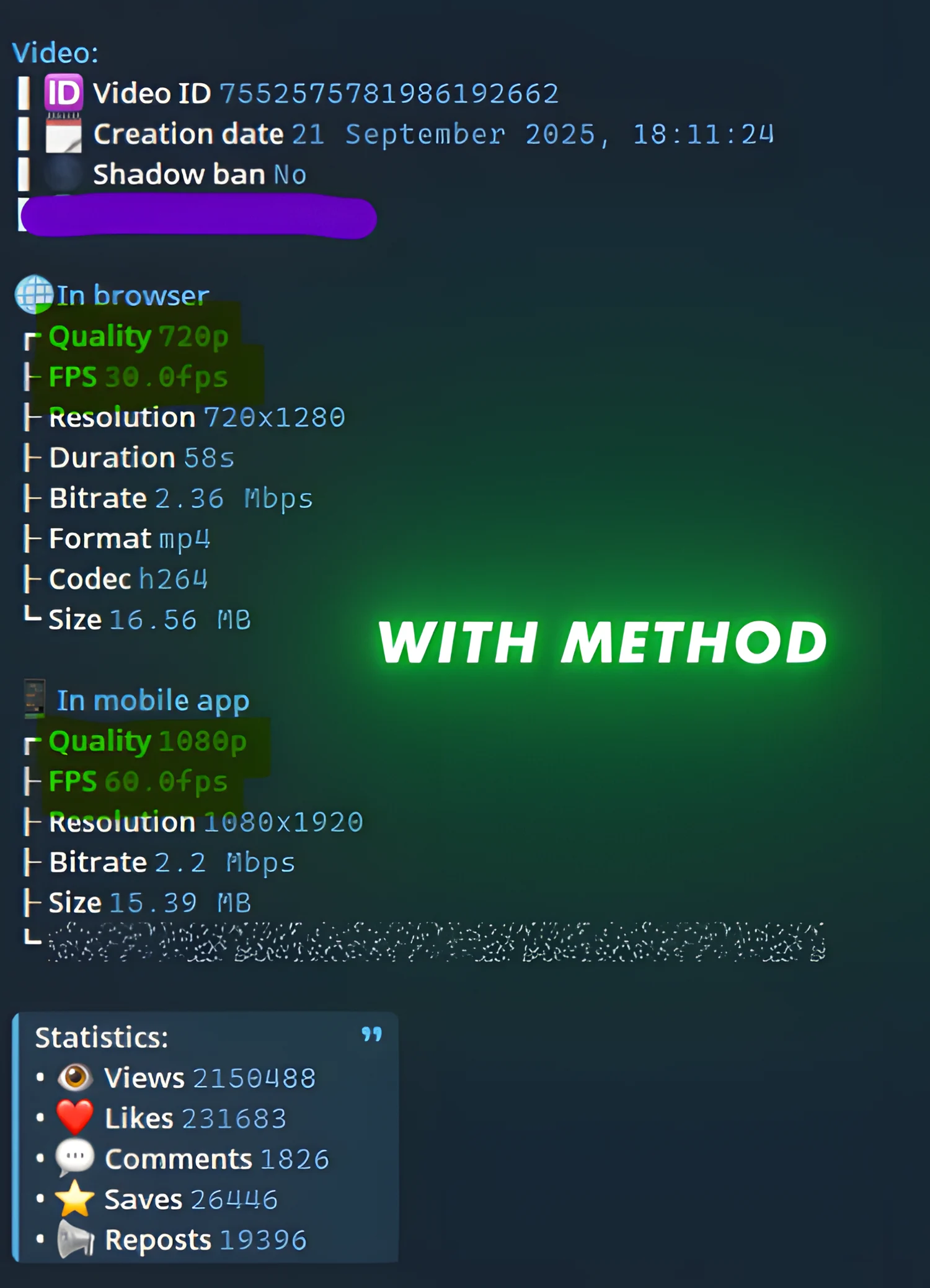
- 🔹 With patch → your video appears in 720p instantly (a huge improvement).
Then, TikTok gradually unlocks the true maximum quality:
- 🎯 The real cap is 1080p at 60FPS.
- ⚠️ The app sometimes labels videos as “4K 120fps” (a popular trend), but technically TikTok does not support anything beyond 1080p 60FPS.
- To reach this highest quality, your video needs a small number of views → usually 500–1000 views is enough.
- This varies by account, but it never requires a massive audience.
👉 In short:
- You get 720p instantly after uploading.
- After a few hundred views, TikTok boosts it to true 1080p 60FPS.
- This is what people often call the “4K 120fps trend”—but in reality, it’s just TikTok’s maximum 1080p 60FPS playback.
4. Requirements ⚠️
To make it work, ensure the following:
- 📂 Use the .mp4 format only.
- 💻 You’ll need a computer.
- 🔧 Install FFMPEG (essential for processing).
- 🌐 Use a VPN (specific server required).
5. Key Things to Know 🧩
- Your video will look better right away (720p direct after upload).
- The quality improves further automatically to 1080p 60FPS once TikTok processes it after a few views.
- The patch only affects visual quality—it does not influence TikTok’s algorithm or your reach.