
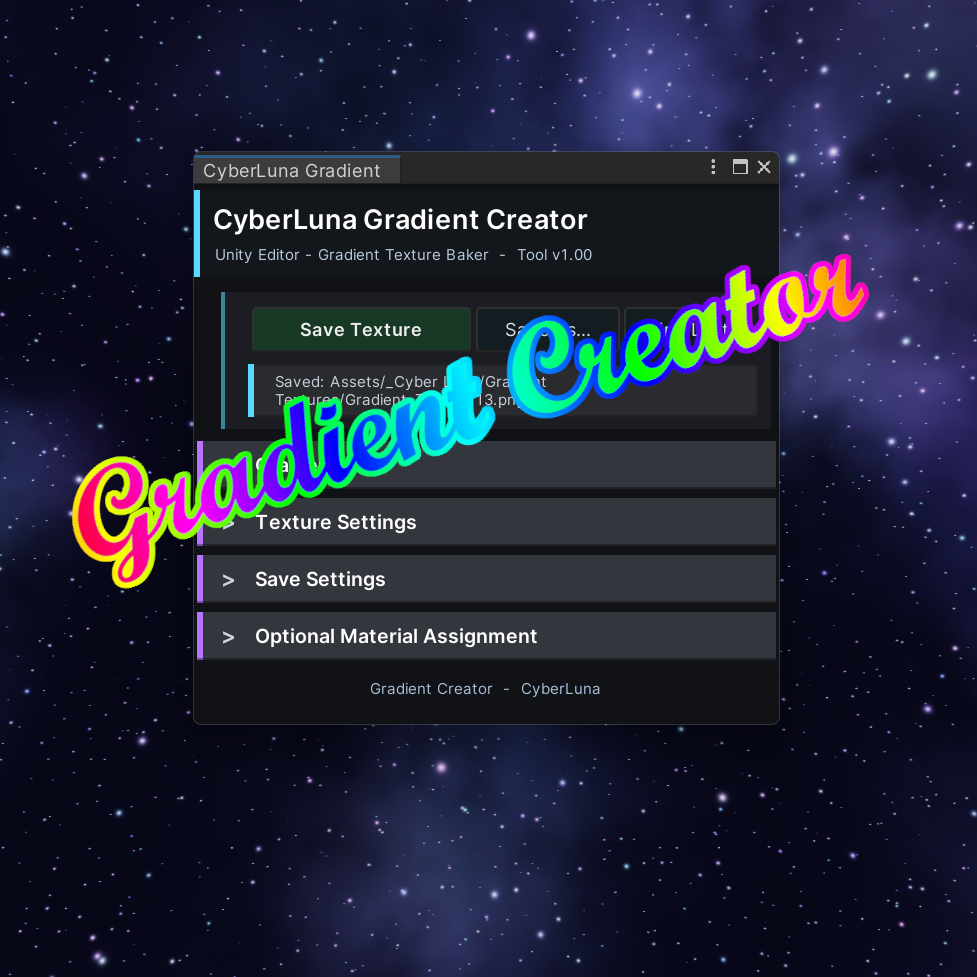
🌈 Unity Gradient Creator
On Sale
€1.00
Pay what you want:
(minimum €1.00)
€
A Unity Editor tool for baking clean gradient textures in seconds.
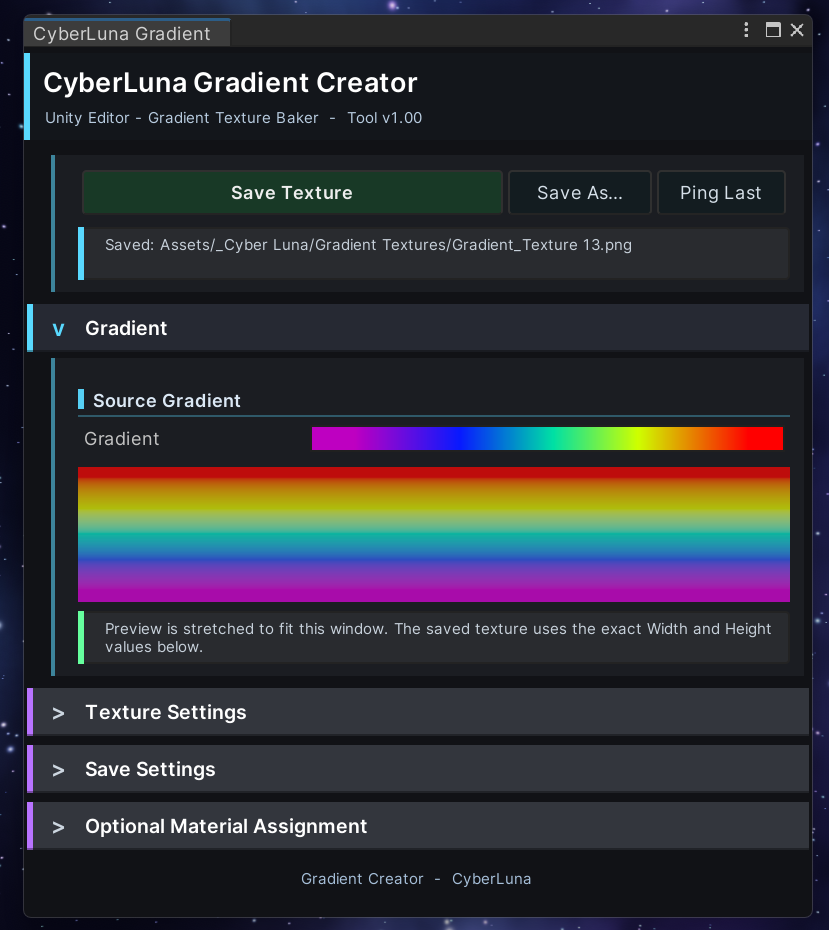
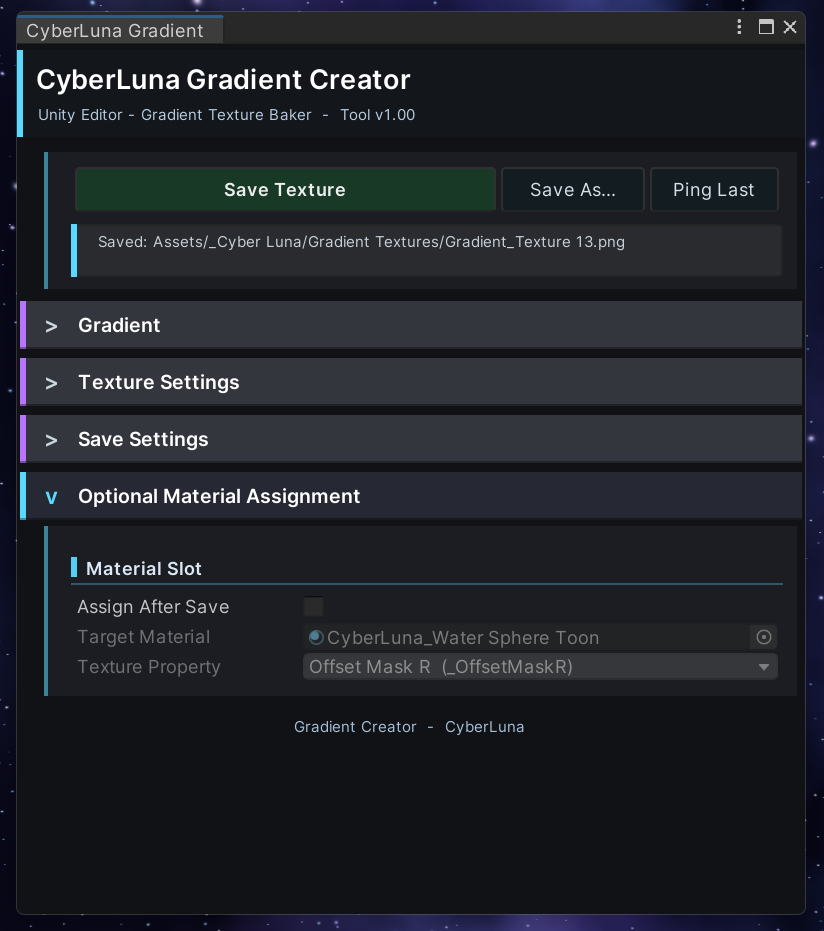
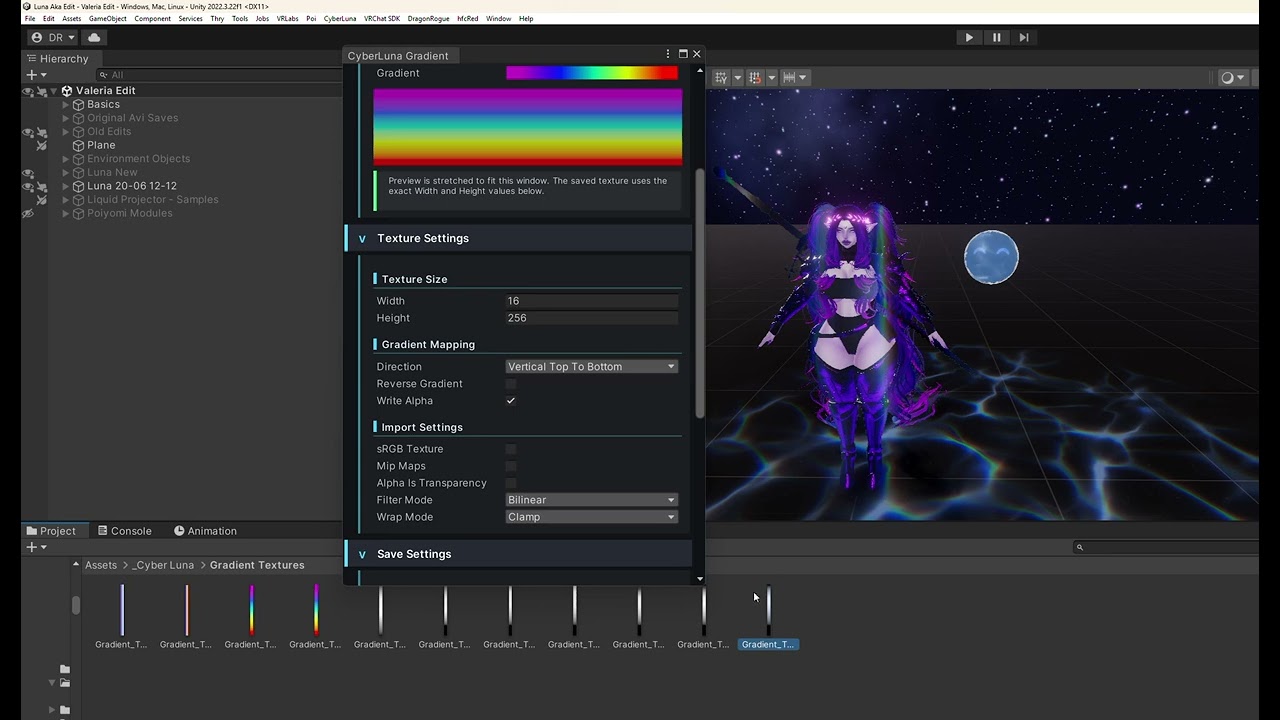
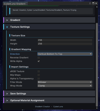
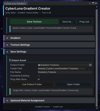
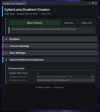
The Gradient Creator lets you design a Unity gradient, preview it instantly, bake it into a PNG texture, and optionally assign it directly to a material texture slot.
Video Showcase: https://youtu.be/JYgi-aZsnPo
✨ Features
🎨 Gradient Texture Baking
🖼️ Live Preview
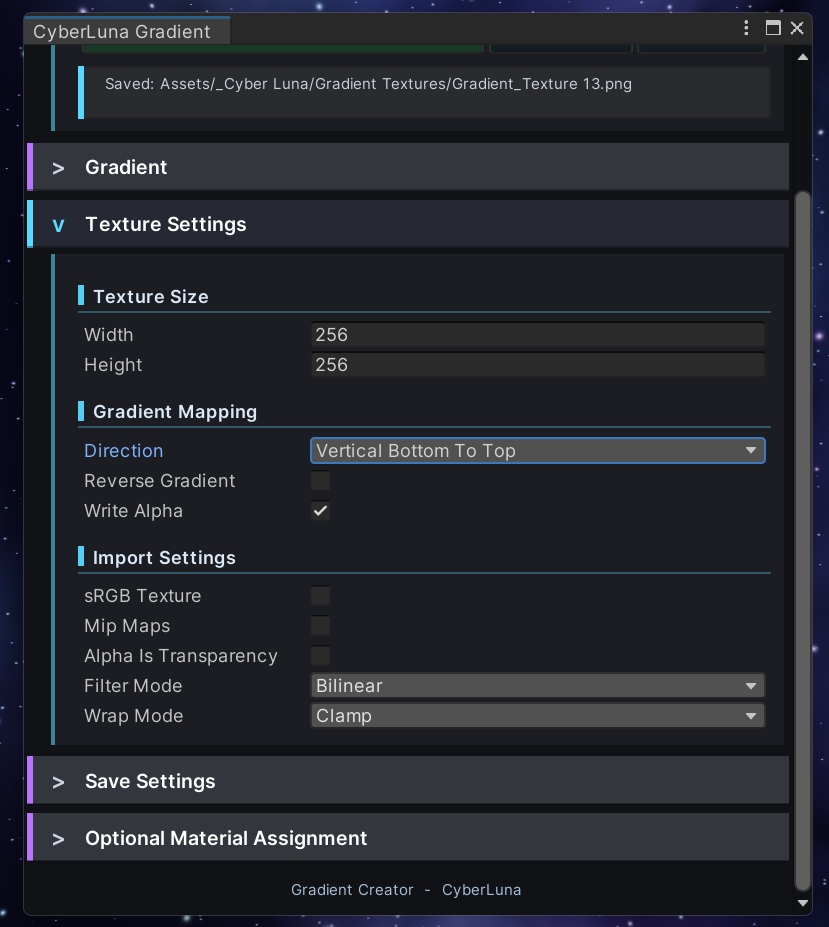
↕️ Flexible Gradient Direction
⚙️ Texture Import Settings
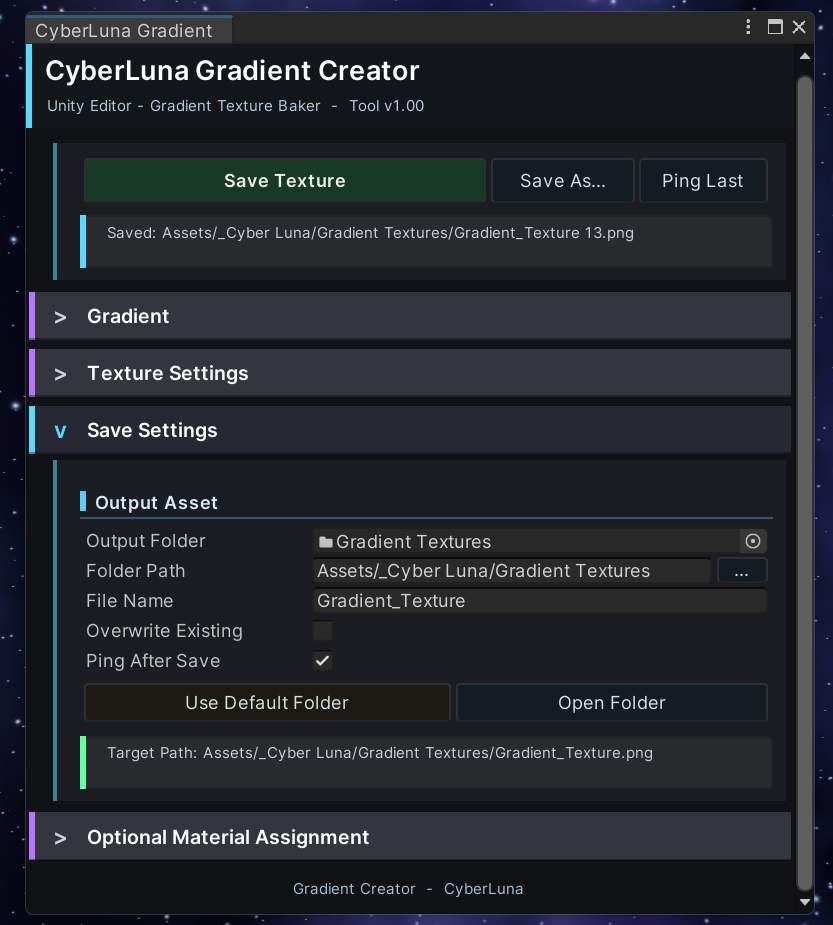
📁 Clean Save Workflow
🧩 Optional Material Assignment
💾 Per-Project Saved Settings
🚀 How to Use
- Import the Unity package into your project.
- Open the tool from the Unity menu:
- CyberLuna → Gradient Creator
- Edit the gradient using the built-in gradient field.
- Choose your texture size, direction, and import settings.
- Click Save Texture.
- Use the generated PNG in your shader, material, particle system, UI, or VFX setup.
Optional: enable Assign After Save, drag in a material, choose a texture property from the dropdown, and the tool will assign the texture for you automatically.
📝 License
For personal and commercial use in your own Unity projects.
You may use the generated textures in your avatars, worlds, assets, videos, renders, and commercial projects.
You may not redistribute, resell, leak, share, or reupload the tool itself.