
Restaurant IT & Network Template Pack | POS Outage Runbook, PCI Checklist, Guest WiFi Setup | Editable Excel & Word
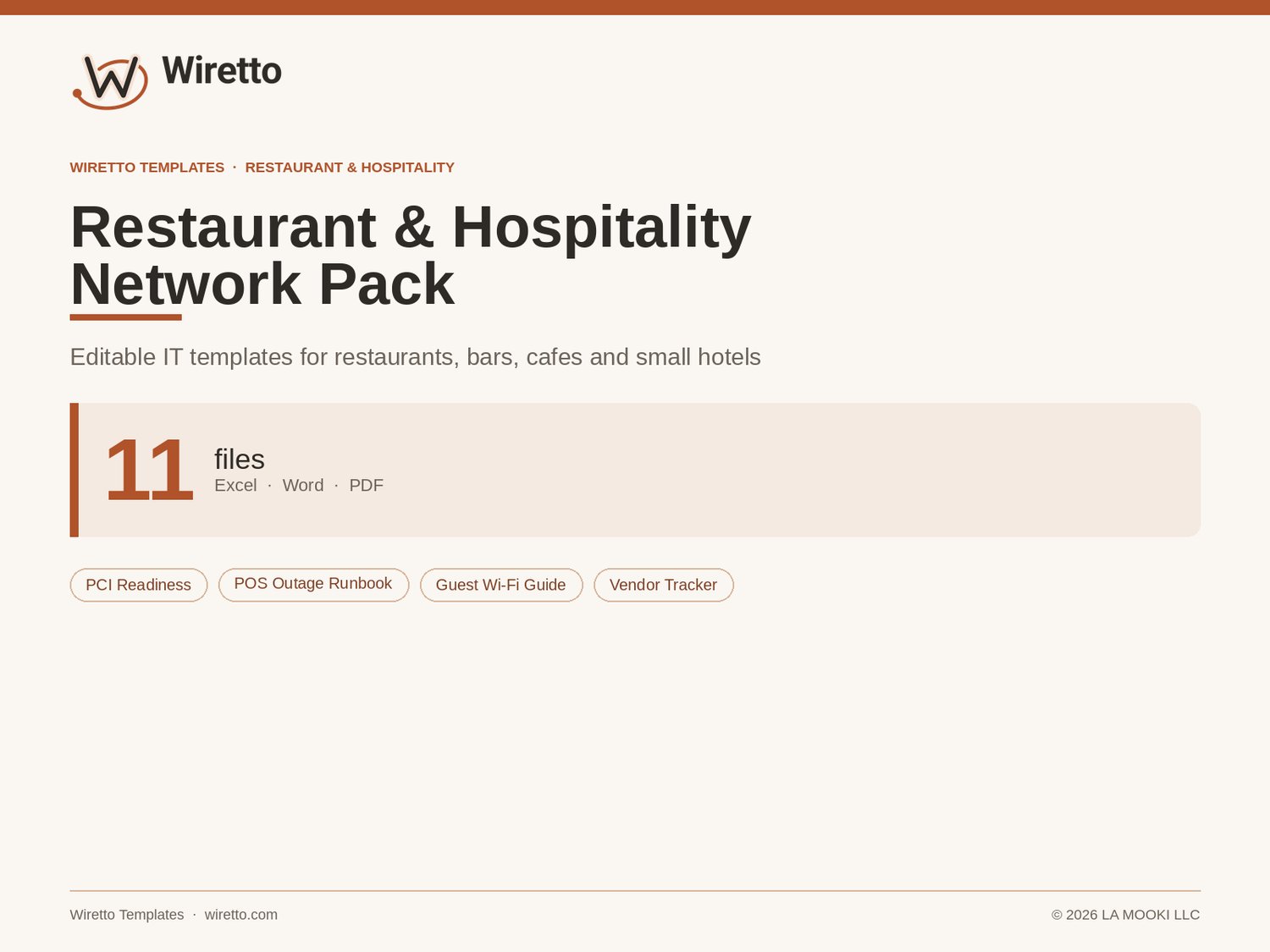
11 editable IT templates for restaurants, bars, cafes and small hotels: network docs, POS outage runbook, PCI checklist, guest Wi-Fi setup and vendor tracker.
When the card machines go down on a Saturday night, nobody has time to hunt for the ISP account number. The Restaurant & Hospitality Network Pack is a set of editable Excel and Word templates written for hospitality — POS, card payments, guest Wi-Fi and telecom contracts — not generic office IT.
Use it to:
- Document your network once so any tech (or a new GM) can fix things fast: devices, IP/VLAN plan, ISP circuits, Wi-Fi, switch ports and every support number in one workbook.
- Keep payments moving. A printable POS outage runbook walks staff through internet failures, LTE failover, POS offline mode, backup card options and who to call.
- Get PCI-ready in plain English. A 32-item checklist mapped to the 12 PCI DSS requirement areas, plus a short guide on scope reduction, SAQ types and skimmer checks.
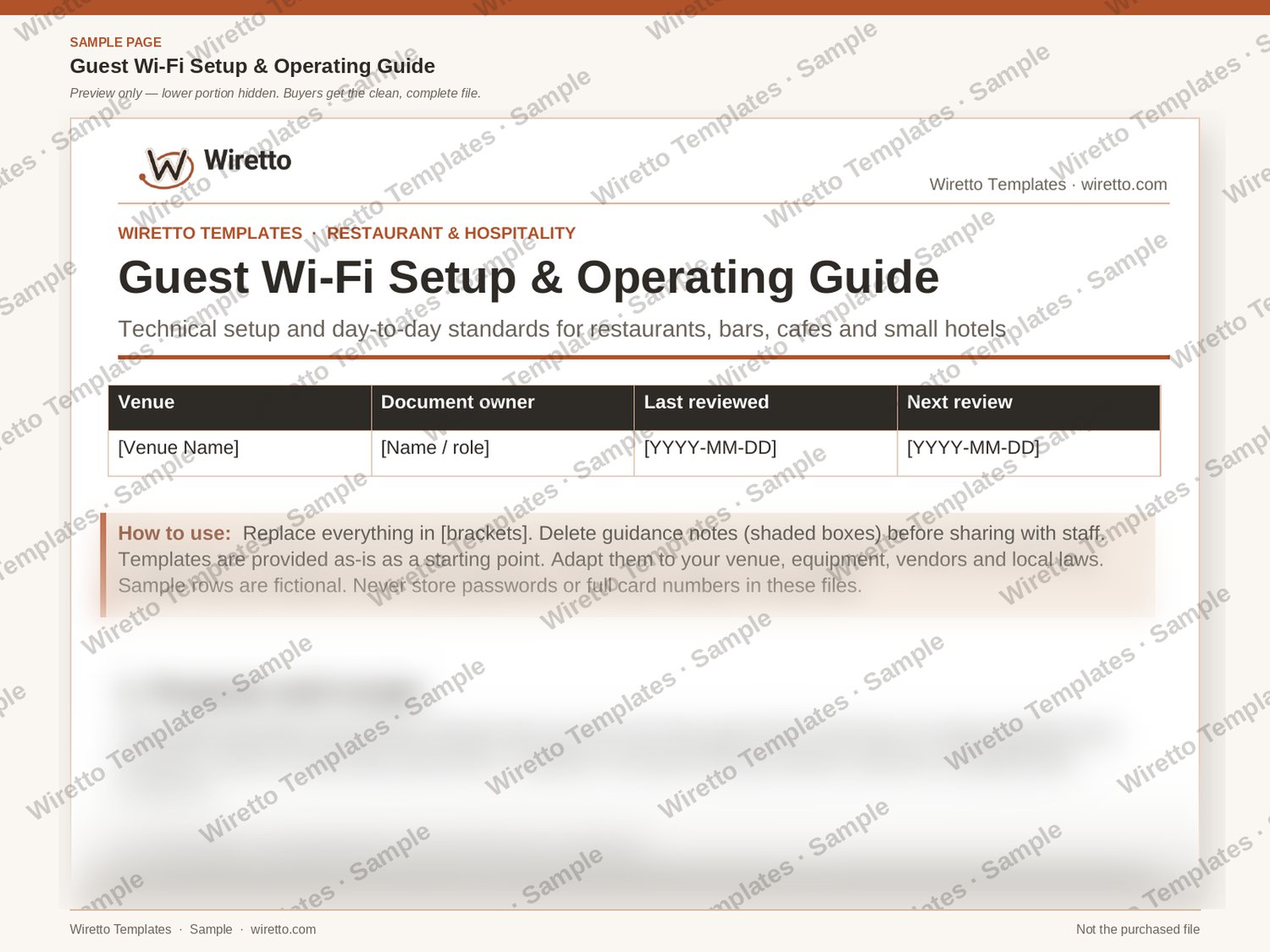
- Run guest Wi-Fi properly: separated from your POS, bandwidth-limited, filtered, with a monthly checklist.
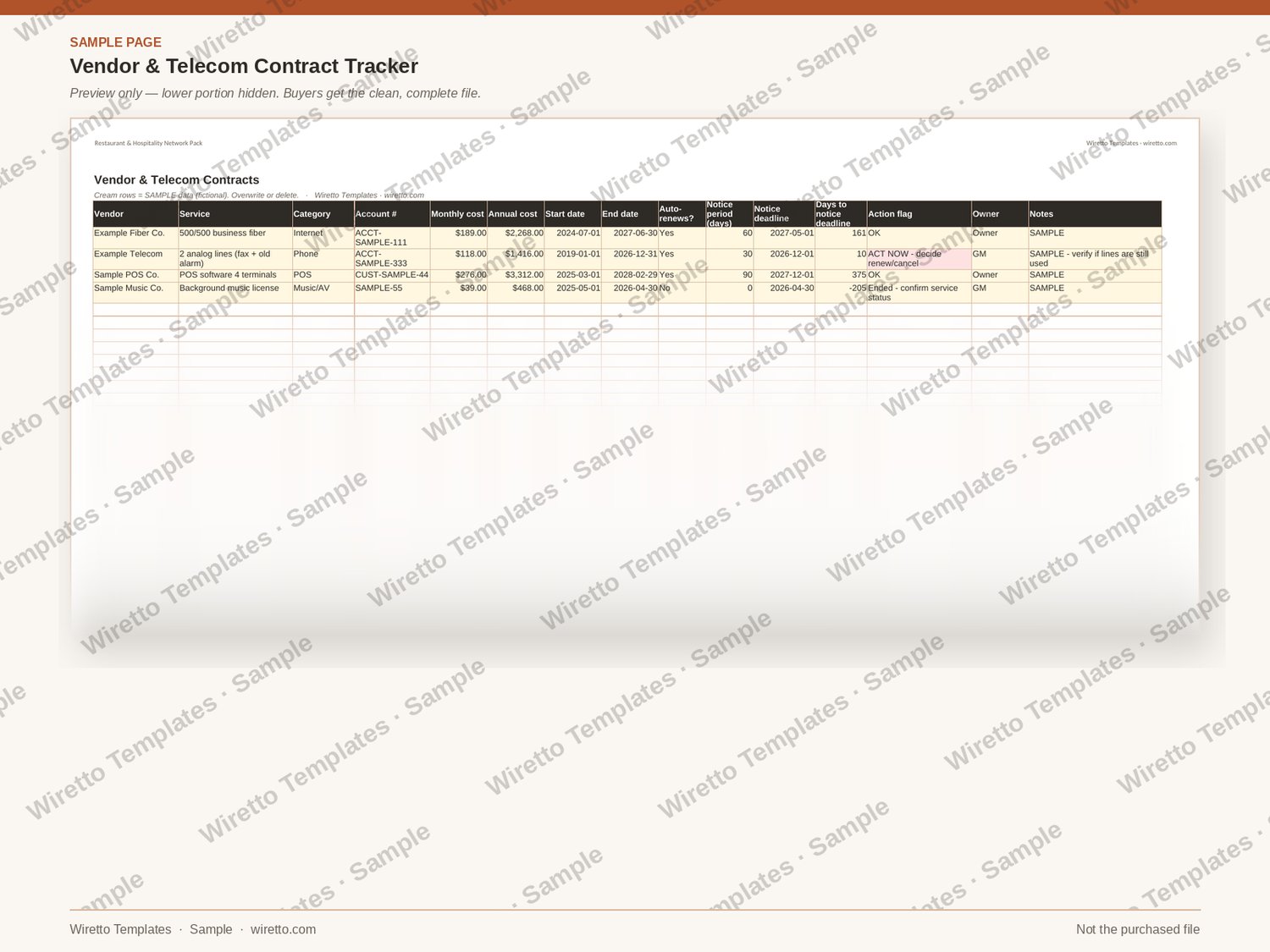
- Stop overpaying for telecom. Track renewals and auto-renew deadlines, audit monthly bills line by line, and log the savings.
- Open a new location on time with a 12-week IT timeline that calculates due dates from your opening day.
- Keep a maintenance routine, grant and remove staff IT access cleanly, and log incidents so patterns show up.
What's inside (11 files)
- 00_START-HERE_Quick-Guide-and-License.pdf — orientation, how to use the files, and the license
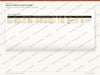
- 01_Network-IT-Documentation-Workbook.xlsx — devices, IP/VLAN plan, ISP, Wi-Fi, ports, contacts, change log
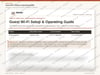
- 02_Guest-WiFi-Setup-Guide.docx — secure guest Wi-Fi setup and day-to-day standards
- 03_PCI-DSS-Readiness-Checklist.xlsx — status tracking with an automatic summary
- 04_PCI-DSS-Readiness-Guide.docx — plain-language PCI for restaurants
- 05_POS-Outage-Downtime-Runbook.docx — what to do when payments go down
- 06_New-Location-Opening-IT-Checklist.xlsx — timeline from 12 weeks out to 30 days after opening
- 07_Vendor-Telecom-Contract-Tracker.xlsx — renewals, auto-renew alerts, bill audit, savings
- 08_IT-Maintenance-Checklist.xlsx — daily, weekly, monthly, quarterly and annual tasks
- 09_Staff-Onboarding-Offboarding-IT-Access.docx — grant and remove access cleanly
- 10_IT-Incident-Log.xlsx — record outages and issues; spot patterns
Who it's for. Owners, GMs, and the person who "knows the computers" at independent restaurants, bars, cafes, small restaurant groups (about 1–10 locations) and boutique hotels. IT providers can use it too, under the license below. You do not need to be deeply technical. The IP/VLAN tab is best completed with your IT provider.
Compatibility. Works in Microsoft Word and Excel. The Start Here guide is a PDF. The same files also open in Google Docs and Sheets, LibreOffice, and Apple Pages and Numbers (some formatting or formulas may look a little different). These are Office files, not native Notion templates. You can attach or store them in Notion, but they are not Notion databases.
Every file includes instructions and clearly marked sample data. No software to install, no macros, and no subscription. Vendor-neutral: it is not tied to a specific POS or network brand. This is practical operational guidance, not legal advice and not a PCI assessment. It helps you get organized; it does not certify compliance. Your payment processor or acquirer sets your PCI validation requirements. Never store passwords, PINs or full card numbers in these files — record where they are kept, such as your password manager. The pack contains no contracts, terms of use or legal policies. Where legal input matters (for example guest Wi-Fi terms), the templates tell you to ask your attorney.
License. Single-business license: one legal entity, including all of its own locations, may use, edit, print and copy these templates for its internal operations. You may share completed documents with your own staff, IT provider, auditors, insurers and payment processor. You may not resell, redistribute, give away, or publish the templates (edited or not). Consultants and MSPs who want to use them with more than one business need a separate license: email templates@wiretto.com.
Want the daily operations templates too (checklists, food cost, temperature logs, scheduling)? Those are in the Restaurant Operations Pack, or get both in the Restaurant Complete Bundle.
Because this is a digital download, all sales are final. If a file is broken or missing, email templates@wiretto.com and we'll fix it or refund you.