

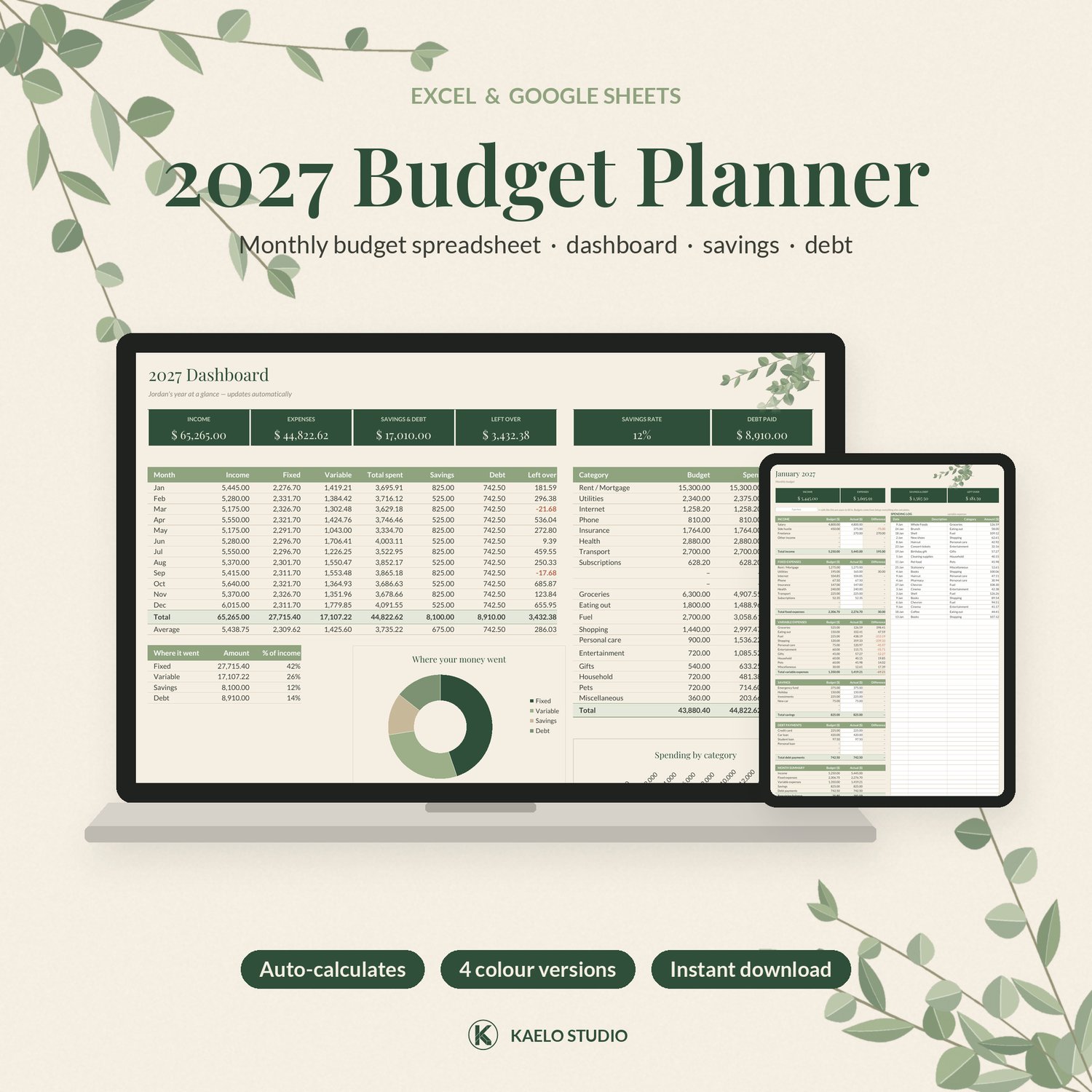

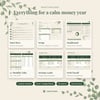
2027 Budget Planner Spreadsheet (Excel & Google Sheets): Sage, Dark, Light & Warm Neutral
Make 2027 your calmest money year yet. This 2027 Budget Spreadsheet works in Excel and Google Sheets. Type in your numbers and it adds everything up: your monthly budget, spending, savings, debt payments and what's left over.
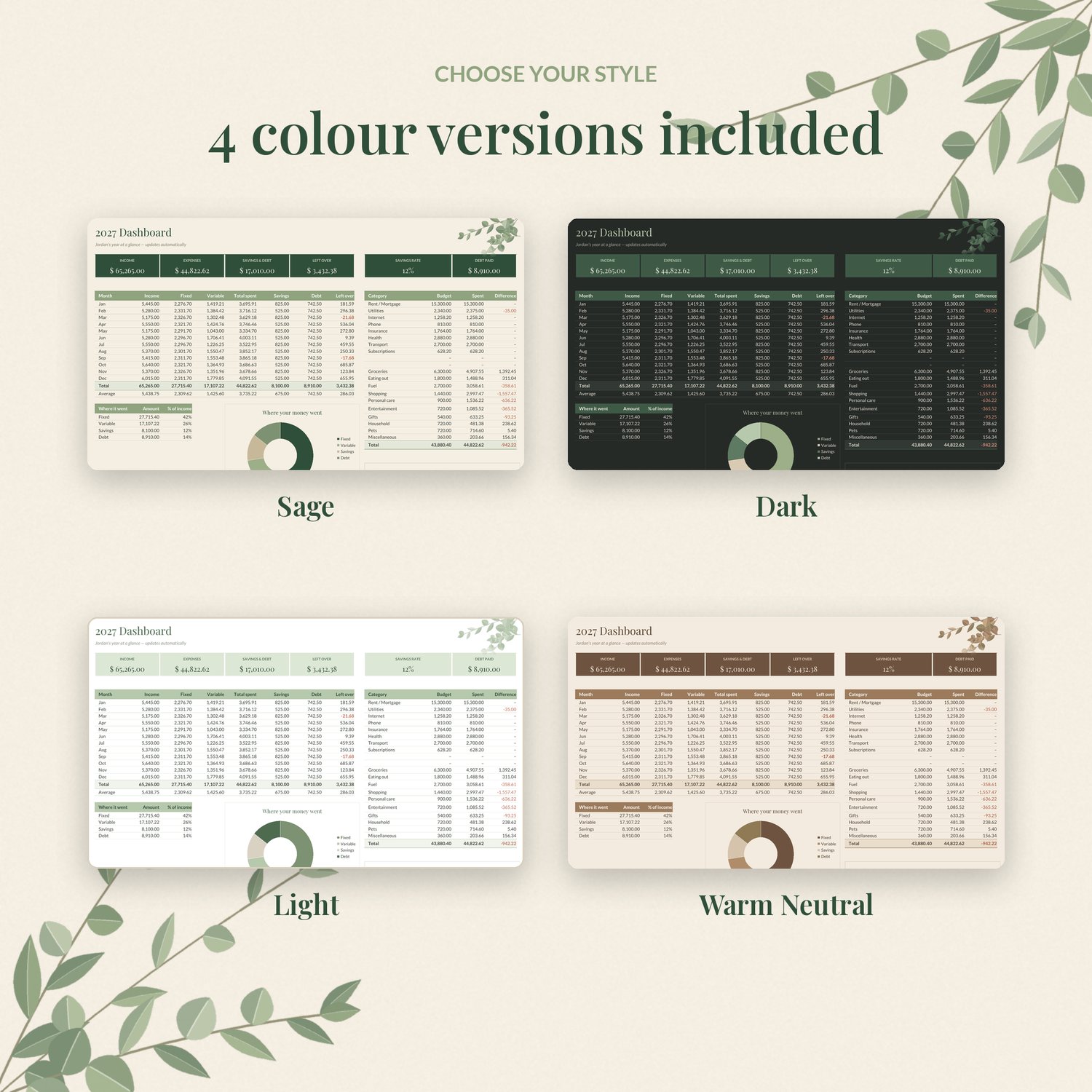
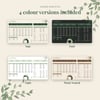
Designed by Kaelo Studio in soft cream and sage green with leaf accents, and included in 4 colour versions so it fits your style.
WHAT'S INCLUDED
- 4 .xlsx files: Sage (main), Dark, Light and Warm Neutral
- Works in Microsoft Excel (2010 or newer, Windows & Mac), Google Sheets (free) and LibreOffice
- No macros, no locked cells, no passwords
TABS
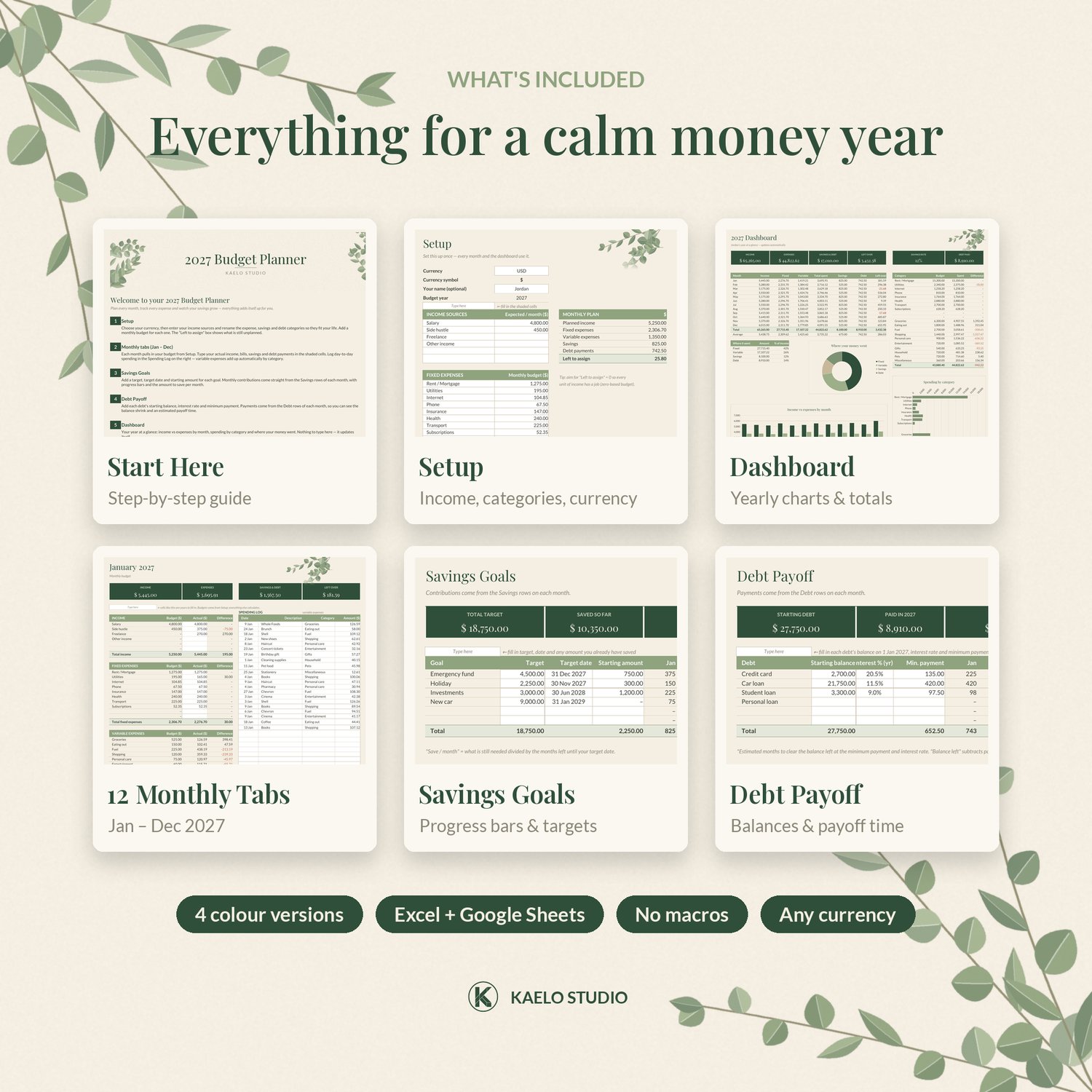
- Start Here: simple step-by-step instructions
- Setup: pick your currency (USD, GBP, EUR, ZAR, AUD, CAD, NZD), list up to 6 income sources and rename 10 fixed, 10 variable, 6 savings and 6 debt categories, each with a monthly budget. A "Left to assign" box helps you build a zero-based budget.
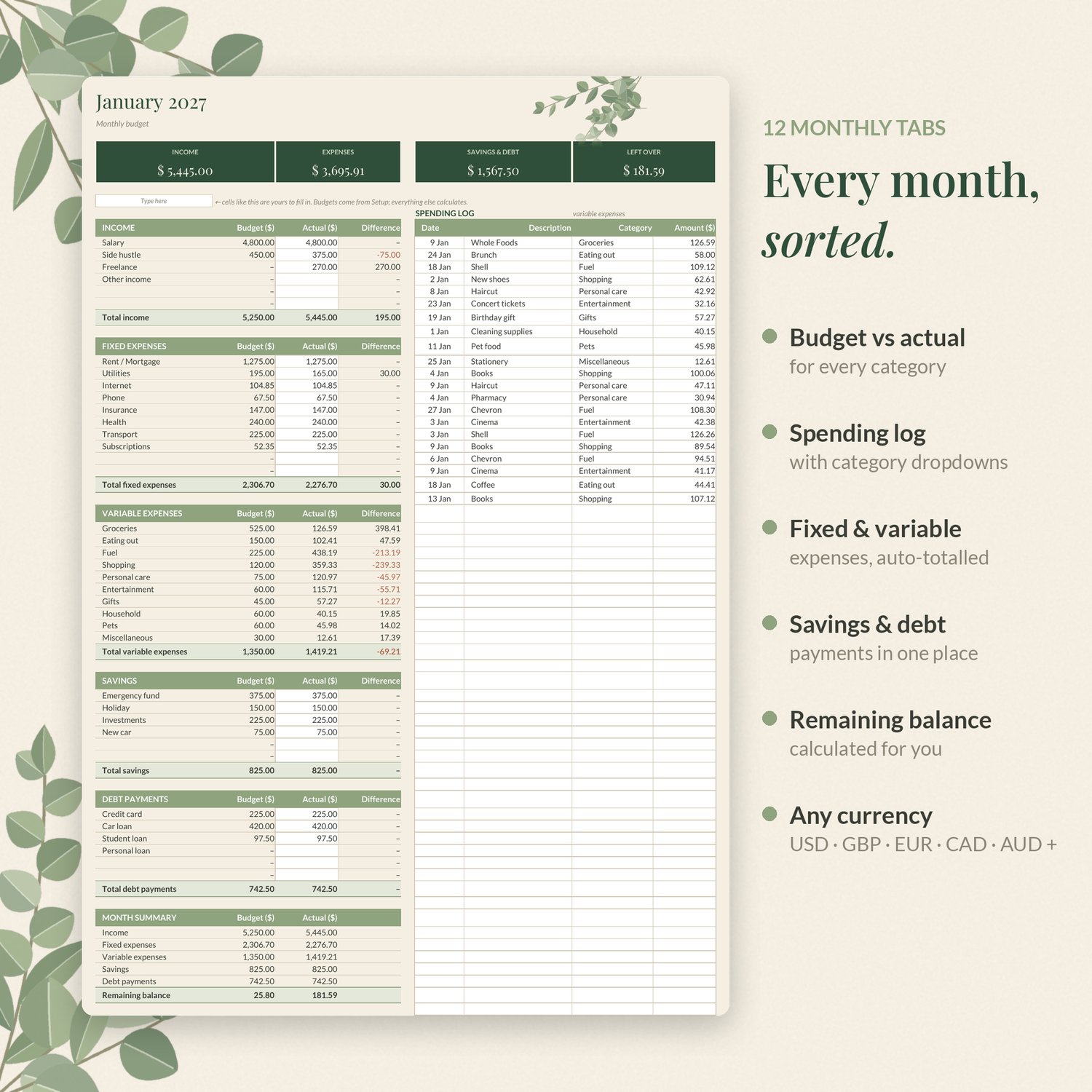
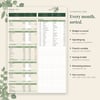
- 12 Monthly Tabs (Jan–Dec 2027): budget vs actual for income, fixed expenses, variable expenses, savings and debt, plus a spending log with category dropdowns.
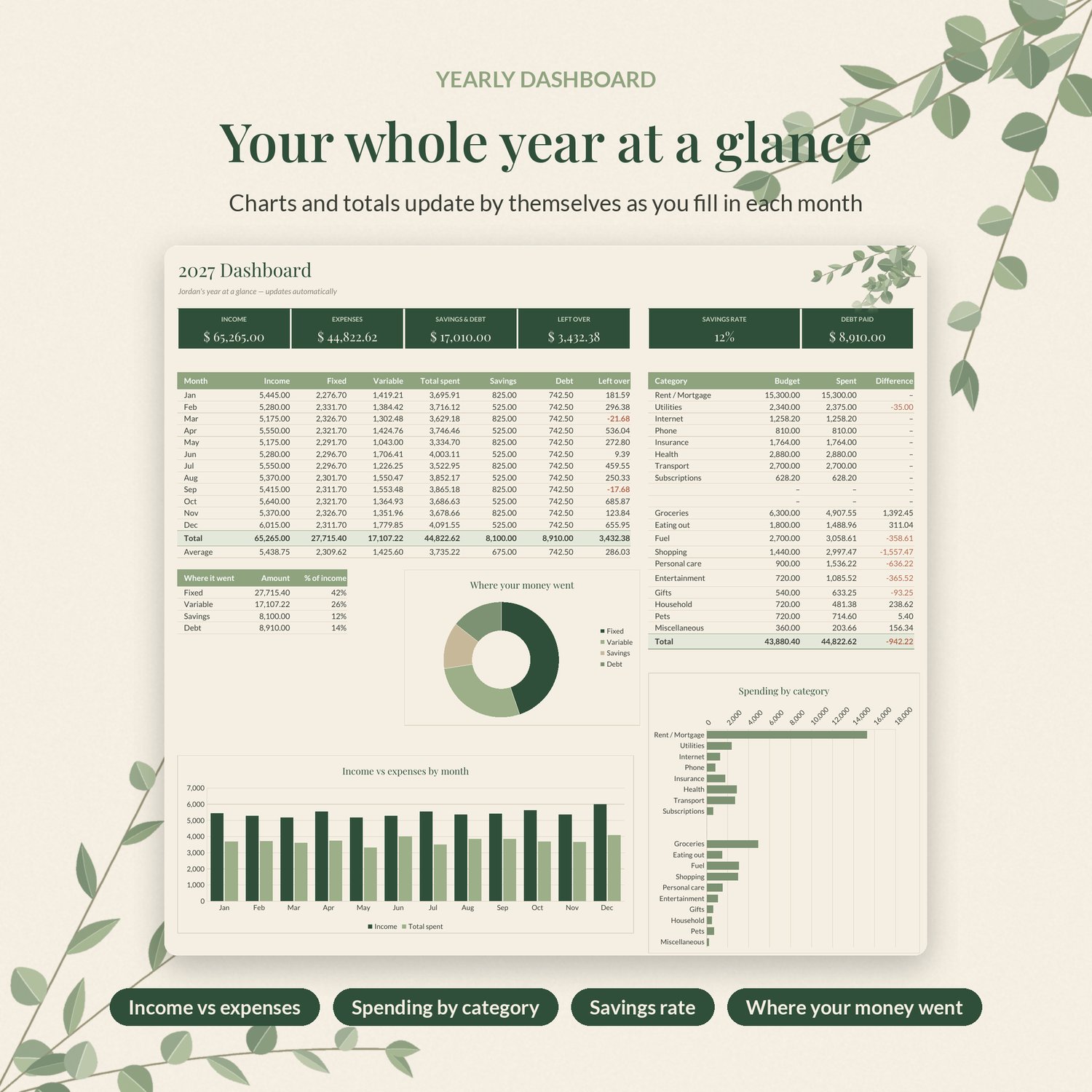
- Yearly Dashboard: income vs expenses by month, spending by category, savings rate and debt paid, with charts
- Savings Goals: targets, dates, progress bars and how much to save each month
- Debt Payoff: balances, interest rates, payments and an estimated payoff time
WHY YOU'LL LOVE IT
- Beginner-friendly: shaded cells are for typing and everything else calculates
- Calm, premium design that makes budgeting feel lighter
- Any currency, with the symbol updating everywhere
HOW IT WORKS
1. Purchase and download the ZIP.
2. Excel: open the .xlsx of your favourite colour version.
3. Google Sheets: sheets.google.com → File → Import → Upload → choose the .xlsx → Create new spreadsheet.
4. Start on the "Start Here" tab.
PLEASE NOTE
- Digital download. Nothing will be shipped.
- Fonts are Playfair Display and Lato (free Google Fonts).
- Charts can look slightly different between Excel and Google Sheets.
- A planning tool, not financial advice. Personal use only; please don't share or resell the files.
- Questions? Email kaelostudioco@gmail.com and we'll make it right.