


PADDIE Course Planning Toolkit: ADDIE Templates, Course Design Document & Storyboard (Word + Excel)
PADDIE Course Planning Toolkit
Editable ADDIE and PADDIE course planning templates for instructional designers: project charter, needs analysis, course design document, storyboard, build checklist, pilot plan, and evaluation plan, plus an Excel planning workbook.
Created by James Holbrook | Clear Path Curriculum
One-time price: US$29
Also part of the Complete Toolkit Bundle (all three kits): US$69 — https://payhip.com/b/P70h8
Version 1.1
Plan a course one phase at a time, from the first conversation about the problem to the evaluation after launch. Every phase has an editable template with an exit check, and one workbook keeps your IDs, decisions, risks, and flags in one place.
Who it is for
Instructional designers, independent course builders, and small training providers who plan courses with ADDIE or PADDIE.
What you get
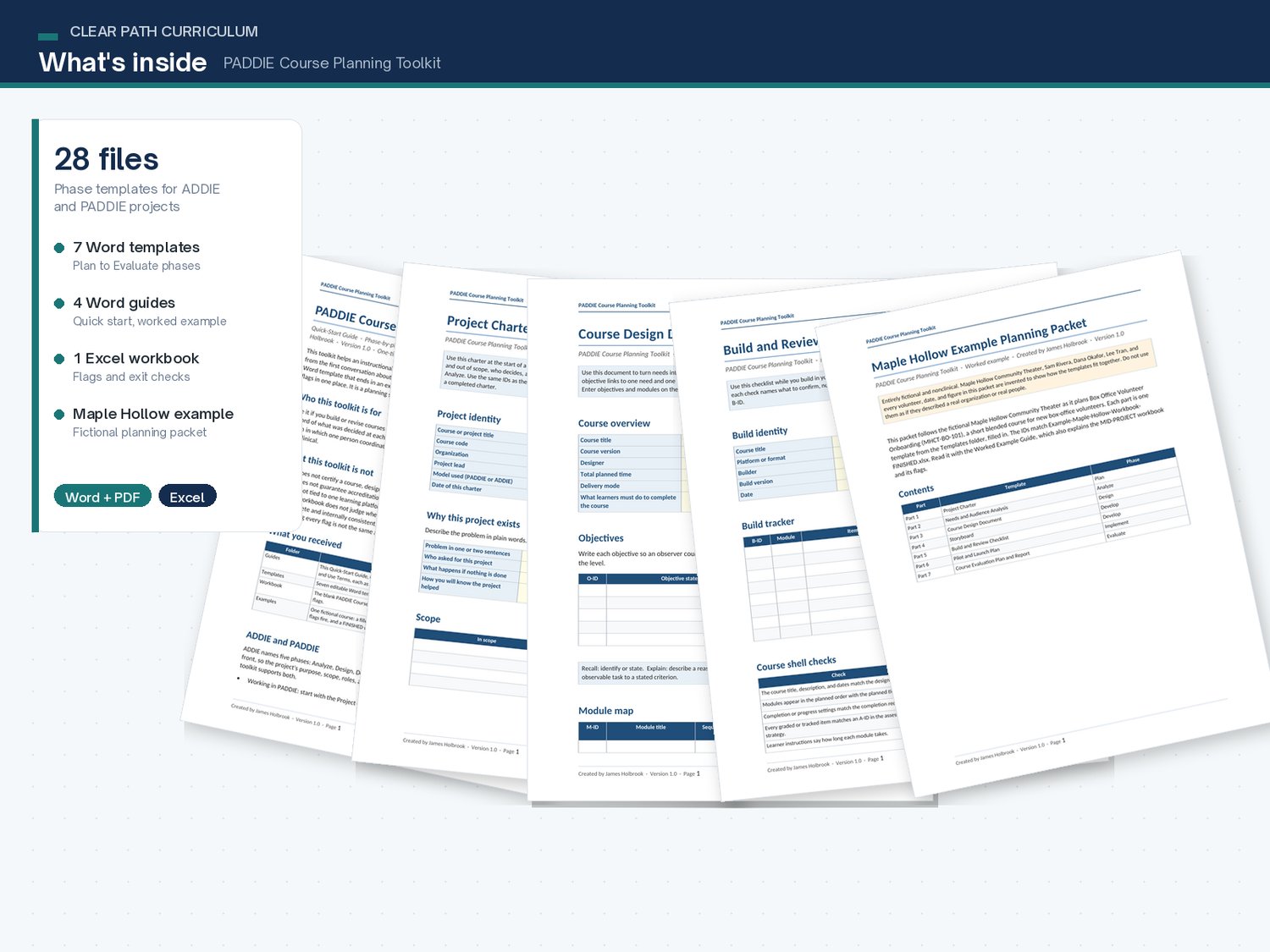
- START-HERE: a one-page guide to your first 10 minutes (PDF).
- Quick-Start Guide, Worked Example Guide, and a short guide to using the toolkit with the Course-to-Assessment Alignment Kit (Word and PDF).
- NEW in v1.1: Using AI With This Kit guide (Word and PDF) with ready-to-use prompts and a verification checklist — draft PADDIE phase artifacts with any chat assistant, then verify with the phase checklists.
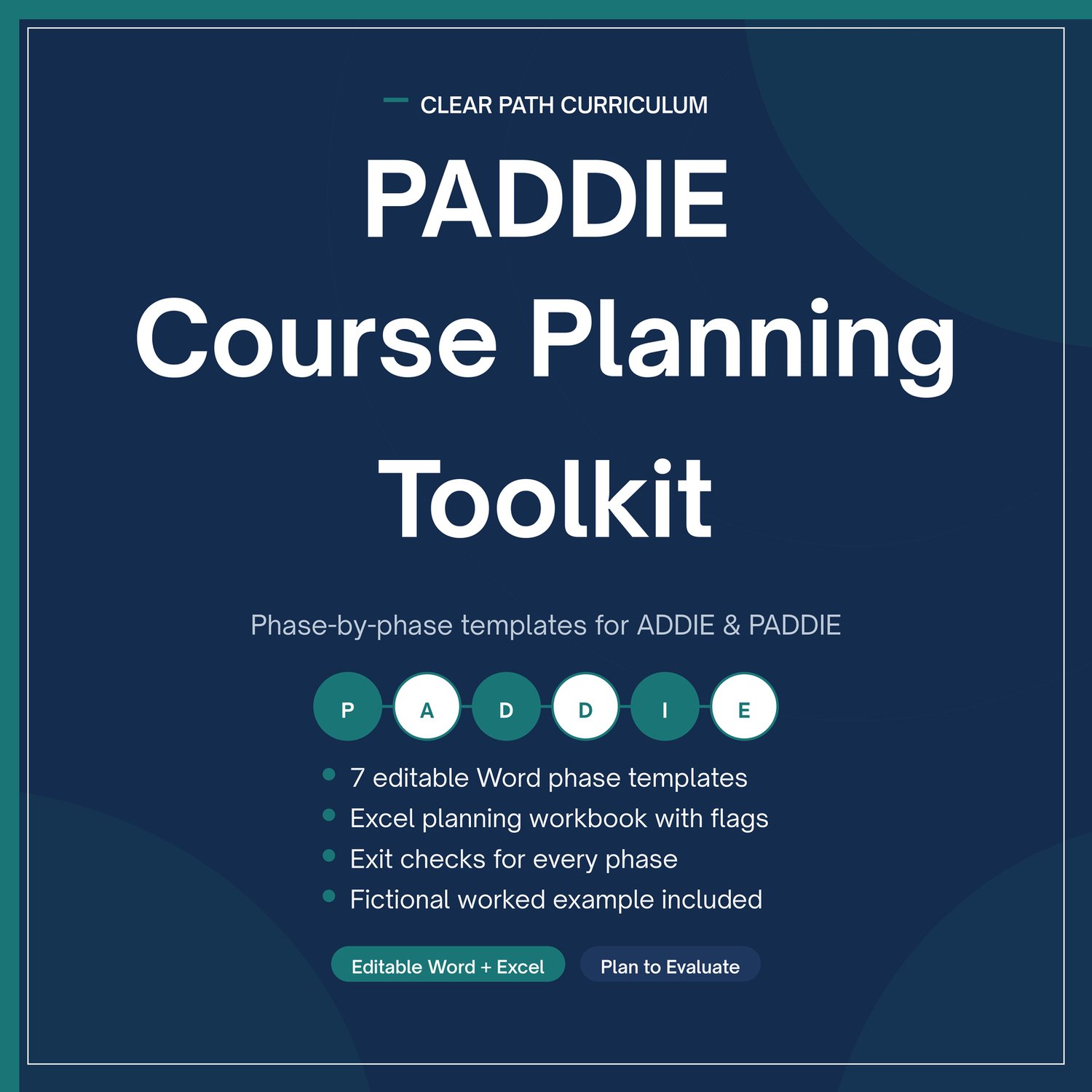
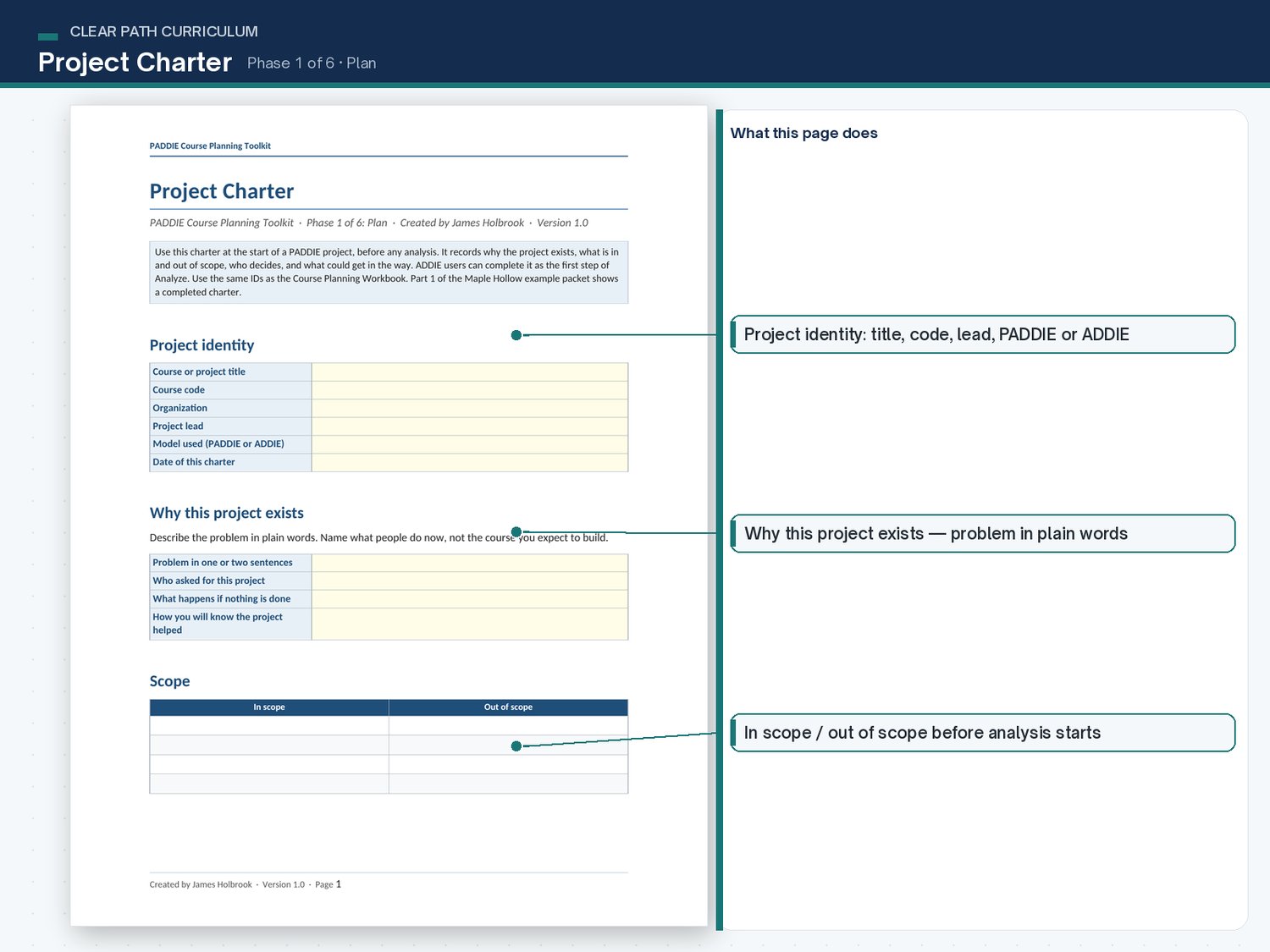
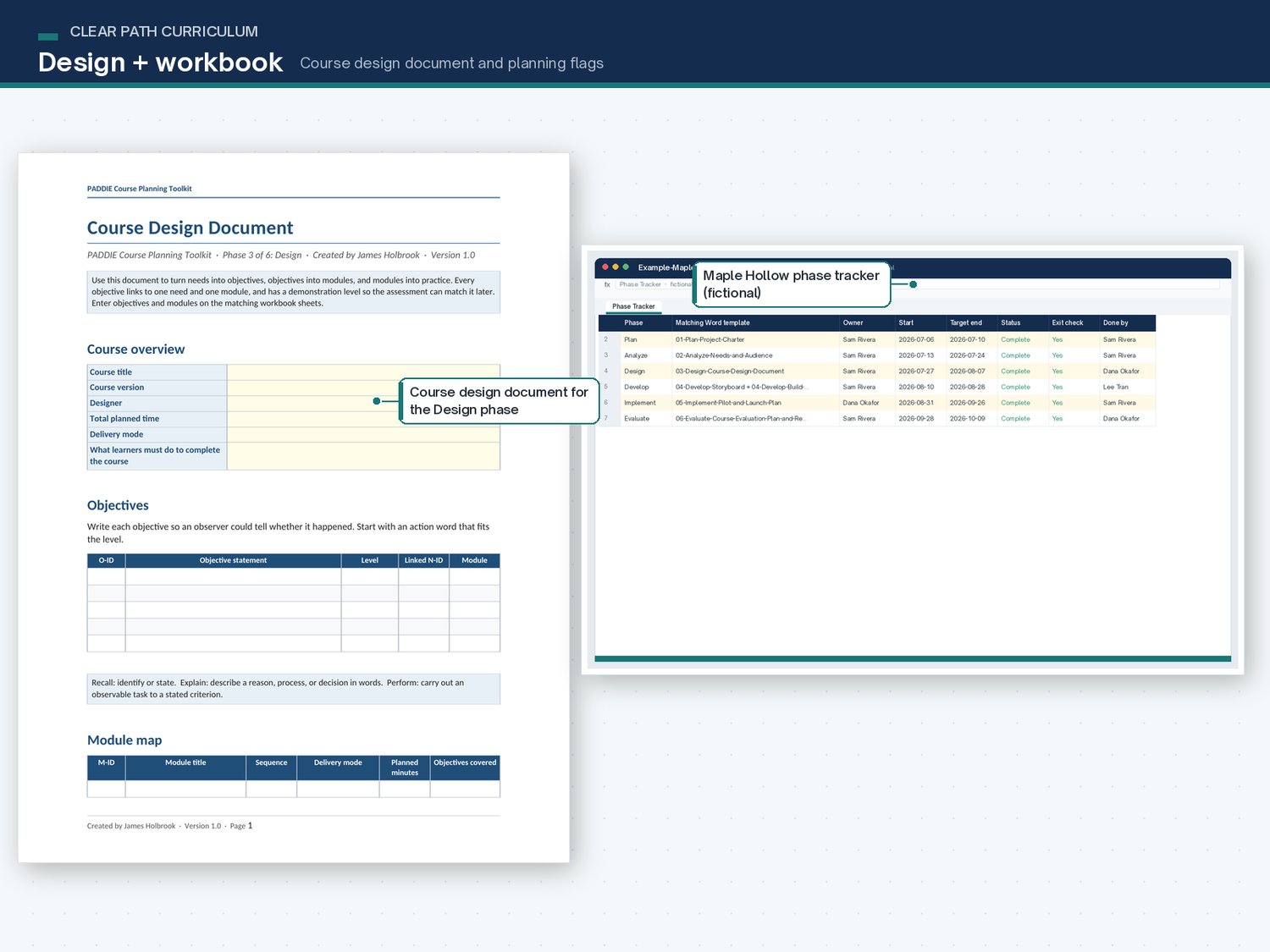
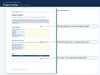
- Seven editable Word templates, one or two for each phase: project charter, needs and audience analysis, course design document, storyboard, build and review checklist, pilot and launch plan, and course evaluation plan and report. Each ends with a phase exit check. PDF reference copies included.
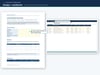
- An Excel course planning workbook that tracks phases, needs, objectives, modules, build items, decisions, risks, and evaluation questions, and flags missing links and unresolved decisions. Formulas only, no macros.
- One entirely fictional, nonclinical worked example: a filled planning packet, a mid-project workbook in which flags fire, and the finished workbook.
- Plain-language draft license and use terms.
How it works
Use the template for your current phase. Enter needs, objectives, modules, build items, decisions, risks, and evaluation questions in the workbook. Read the missing-link and unresolved-decision issues; the dashboard reports individual issues and flagged records separately. Finish the phase exit check, then mark the phase Complete yourself.
A blank workbook shows zero flags because nothing has been entered yet. That is not a passing result.
Works with the Course-to-Assessment Alignment Kit
Shared ID styles and demonstration levels, plus an export sheet that copies your objectives into the Alignment Kit workbook. Each product works on its own.
What this is not
- Not an accreditation, certification, or compliance package.
- Not tied to one learning platform. The checks say what to confirm, not where a setting lives.
- Not an automated design tool. Clearing the workbook flags means the plan is complete and consistent, not that the course is good.
- Not a subscription.
Price
US$29, one-time purchase. Also part of the Complete Toolkit Bundle (all three kits): US$69.
Refund policy
If you're not satisfied, email jholbrookfmf-bam22w@mail.grokbot.com within 14 days of purchase for a full refund. No questions asked.