
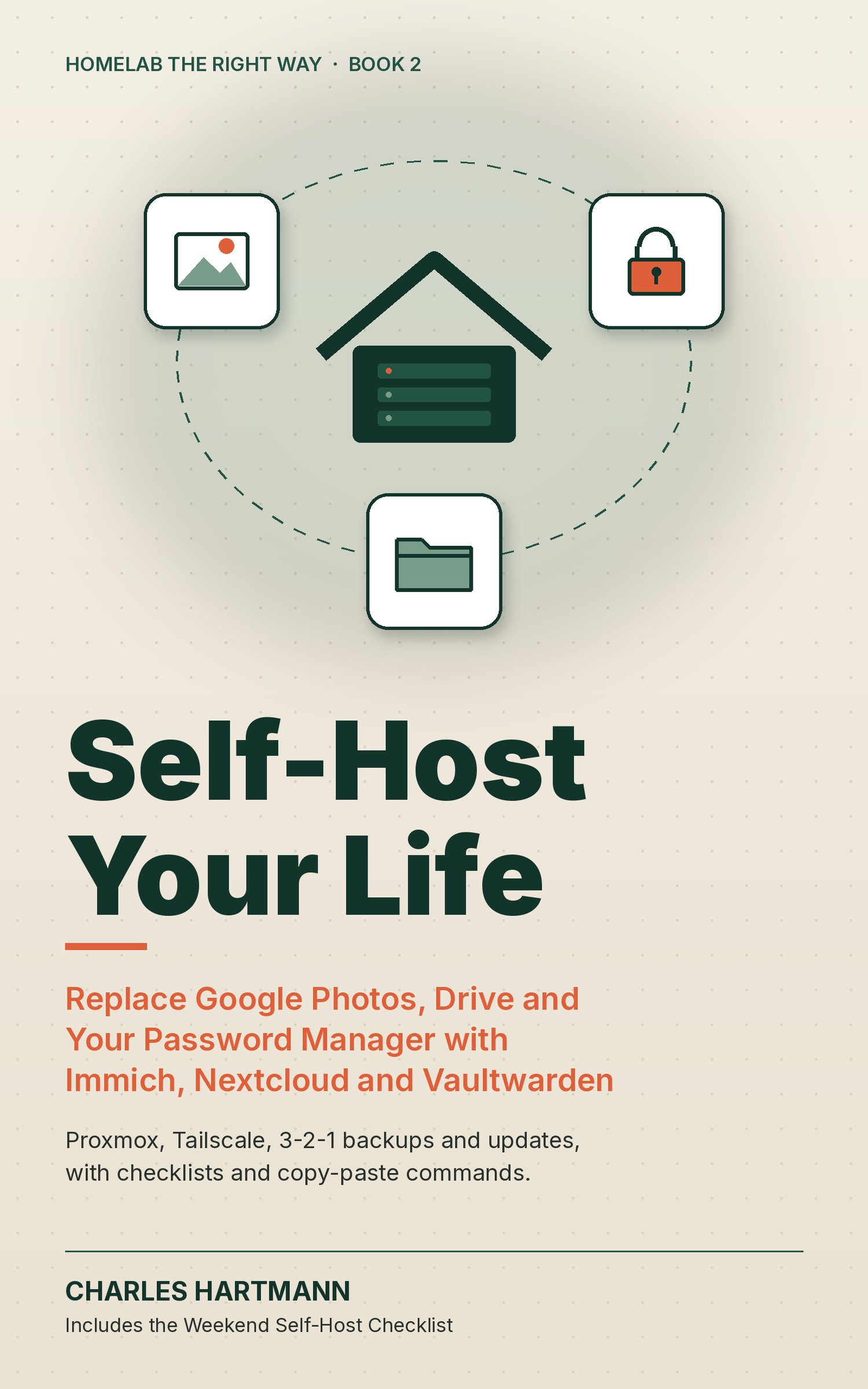
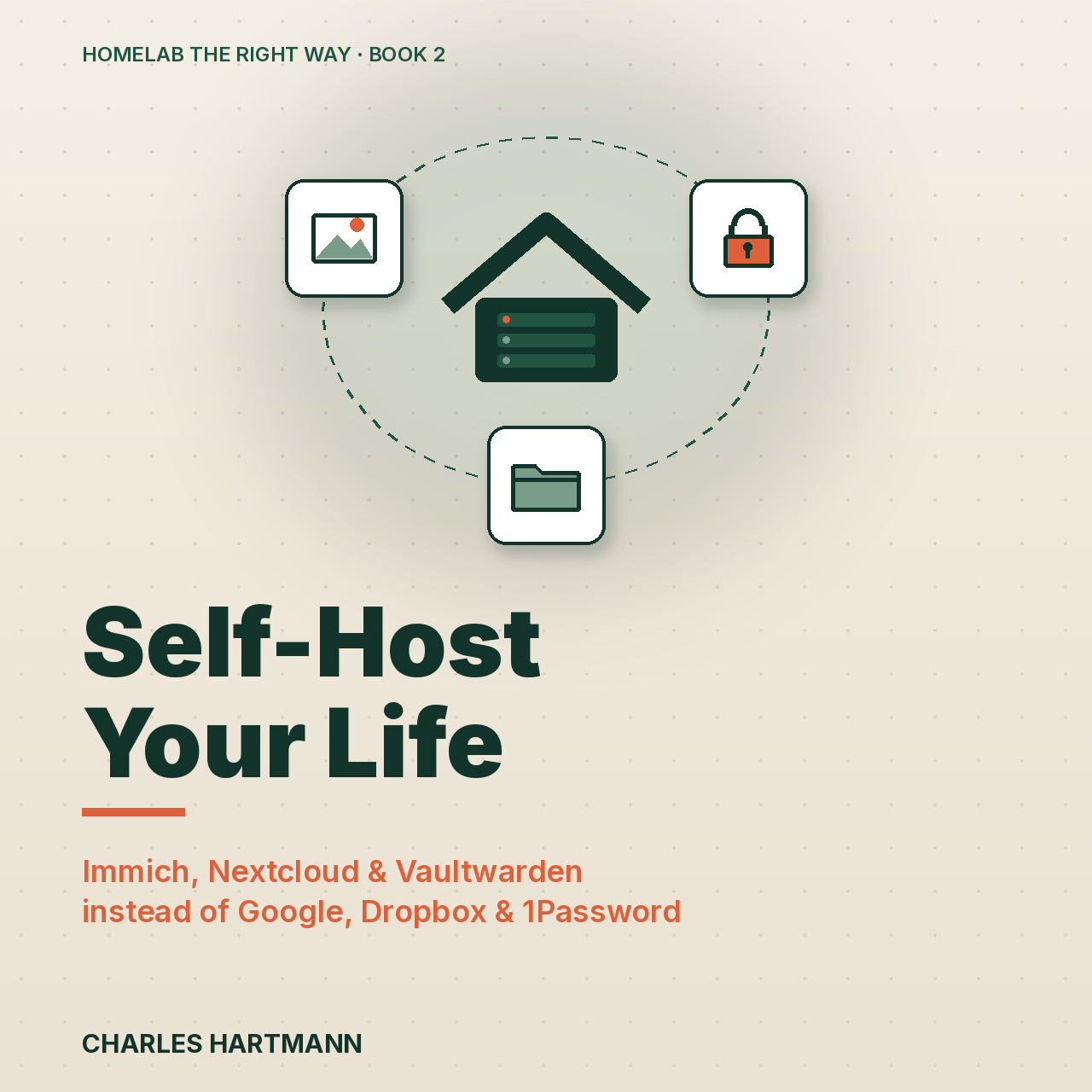
Self-Host Your Life: Replace Google Photos, Drive and Your Password Manager with Immich, Nextcloud and Vaultwarden
Stop renting access to your own photos, files and passwords.
Self-Host Your Life is a practical, opinionated guide for homelab beginners and intermediates who are tired of subscriptions. It walks you through running Immich (a Google Photos replacement with phone backup and face search), Nextcloud or a lighter alternative, and Vaultwarden (your own Bitwarden-compatible password server) on a small Proxmox box at home. Every chapter shows the trap people fall into, the fix, and a checklist. You get current, copy-paste commands checked against the official docs in October 2026: a solid Proxmox foundation, safe remote access with Tailscale or a reverse proxy, 3-2-1 backups with Proxmox Backup Server and restic, and a monthly update routine that doesn't break things. It ends with an honest cost table of the subscriptions you just cancelled, a one-page Weekend Self-Host Checklist and a command cheat sheet.
What you get
- Your photos, safe and searchable: Immich installed the documented way, with phone backup that keeps running and a clean exit from Google Photos that keeps your dates.
- A password vault you own: Vaultwarden locked down (no open signups, hashed admin token, HTTPS only) and shared safely with your family.
- Remote access without opening your vault to the internet: Tailscale and a reverse proxy, compared side by side, with the one port you might ever forward.
- Backups you have actually restored: 3-2-1 with Proxmox Backup Server, app-level dumps, an encrypted off-site copy and a quarterly restore drill.
- Real numbers: a sourced table of what Google, iCloud, Dropbox, 1Password and Bitwarden cost, set against what self-hosting really costs to run.
38 pages. Instant download: PDF (7x10 in) and EPUB 3.
Not sure yet? Read the free sample first (cover, contents, Chapter 2 on Immich and the Weekend Self-Host Checklist): https://payhip.com/b/bzuSs
Also in a bundle: Everything Bundle: all 11 ebooks, $89 · Homelab Bundle: 6 ebooks, $59.